The 10 Best Network Switches Under $100
Wired connections beat Wi-Fi for speed and reliability. These gigabit switches from TP-Link, NETGEAR, and D-Link cover every home and small-office need without breaking the budget.
 By Levi Carlson
Updated July 26, 2026
By Levi Carlson
Updated July 26, 2026
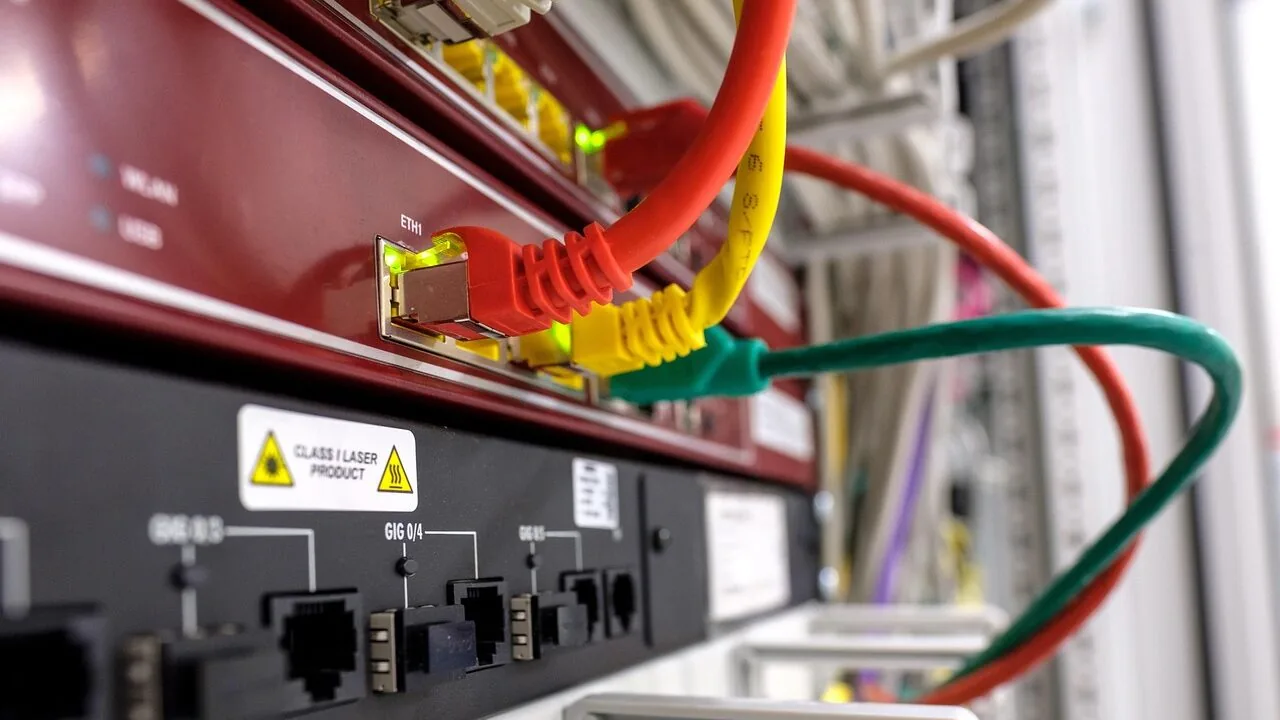
A good network switch is one of those purchases you make once and forget about, quietly expanding your home or office network without demanding any attention.
Whether you are adding wired connections for a NAS, a gaming rig, smart home devices, or a home office setup, a reliable switch keeps everything running at full gigabit speed without the interference and congestion that Wi-Fi can introduce.
The market is packed with options from D-Link, TP-Link, NETGEAR, and UGREEN, and the good news is that you do not need to spend much to get something genuinely solid.
For this guide, REMOVU researched and compared the most popular unmanaged and easy-smart managed switches available at an accessible price point, synthesizing manufacturer specifications, expert review consensus, and verified buyer feedback to surface the options that consistently deliver the best combination of performance, reliability, and value.
Whether you need a simple five-port unmanaged switch for a living room media shelf or a more capable eight-port managed option for a home office, the picks below cover every common use case. Read on for our top recommendations.
| Award | Product | REMOVU Score About REMOVU ScoreThe REMOVU Score is our own rating from 0 to 10, based on performance, design and build, ease of use, and value. It reflects independent research and is never influenced by manufacturers, retailers, or affiliate commissions. Learn more › | Price | |
|---|---|---|---|---|
 NETGEAR GS308E 8-Port Gigabit Smart Managed Switch
|
7.5/10 | Buy | ||
 TP-Link TL-SG108E 8-Port Gigabit Easy Smart Switch
|
7.6/10 | Buy | ||
 NETGEAR GS305 5-Port Gigabit Switch
|
6.4/10 | Buy | ||
| Best Overall |
 TP-Link TL-SG105S 5-Port Gigabit Switch
|
7.7/10 | Buy | |
| Best Premium |
 D-Link DGS-108 8-Port Gigabit Switch
|
7.6/10 | Buy | |
| Best Value |
 TP-Link TL-SG105E 5-Port Gigabit Smart Switch
|
7.4/10 | Buy | |
 Netgear GS305 5-Port Gigabit Switch
|
7.3/10 | Buy | ||
 TP-Link TL-SG108 8-Port Gigabit Switch
|
7.2/10 | Buy | ||
| Best Budget |
 TP-Link LS1005G 5-Port Gigabit Ethernet Switch
|
6.4/10 | Buy | |
 UGREEN 5-Port Gigabit Ethernet Switch
|
6.3/10 | Buy |
NETGEAR GS308E 8-Port Gigabit Smart Managed Switch
A straightforward managed switch that works immediately out of the box while offering VLAN, QoS, and traffic management when you need them. Fanless metal design runs silent, making it reliable for home offices, small businesses, and expanding home networks without complexity.
Pros
- Plug-and-play setup with full gigabit performance right away
- Silent fanless operation with metal housing that runs cool
- Web-based management interface accessible on Windows, Mac, and Linux without proprietary apps
- VLAN support, QoS, IGMP snooping, and DoS prevention for network control without overwhelming complexity
- Compact desktop or wall-mount form factor, rated #4 in networking switches
Cons
- Firmware updates are manual and require extracting a ZIP file to access the .bin file
- Web interface has a slight learning curve and some users note it feels clunky
- Warranty is actually 3 years according to specifications, despite marketing references to 5 years
TP-Link TL-SG108E 8-Port Gigabit Easy Smart Switch
A managed switch designed for small networks that need traffic control without complexity. Offers QoS, VLAN support, and network monitoring through a straightforward web interface or desktop utility, with energy-efficient operation and durable metal construction.
Pros
- Plug-and-play setup with no configuration required for basic use; professional features available for network admins
- Sturdy metal casing with shielded RJ45 ports, fanless design ensures quiet operation and durability
- Effective traffic management tools (QoS, VLAN, LAG, port mirroring) at a competitive price point
- Low power consumption automatically adjusts per port and cable length, reducing operating costs
- Compact desktop/wall-mount form factor fits tight spaces; verified durable through multiple user reports
Cons
- Login session management requires manual reset or discovering the lock switch feature, reported by early users as inconvenient for frequent admin access
- Configuration can create save states that don't survive reboot if PVID and VLAN settings mismatch; requires power-cycling before saving changes
- Management VLAN (#1) cannot be removed entirely; at least one port must include it untagged, limiting flexibility for some network designs
NETGEAR GS305 5-Port Gigabit Switch
A straightforward network switch designed for homes and small offices that need to expand Ethernet connections without fuss. Setup is truly plug-and-play with no configuration required, and its fanless design keeps things silent while consuming minimal power.
Pros
- True plug-and-play operation makes it accessible to non-technical users
- Silent, fanless design avoids noise in quiet environments like home offices
- Energy-efficient performance reduces power draw without sacrificing speed
- Compact and durable metal construction with flexible mounting options
- Backed by NETGEAR's established networking reputation
Cons
- Only 5 ports limits scalability compared to larger models like the GS308 (8 ports) or GS316 (16 ports)
- Unmanaged switch offers no advanced features or configuration for users needing network monitoring or control
- No fiber or modular port support for future expansion beyond basic Gigabit Ethernet
TP-Link TL-SG105S 5-Port Gigabit Switch
A compact metal ethernet switch with 5 gigabit ports, designed for home offices, entertainment systems, and small networks. Plug-and-play setup, silent operation, and QoS traffic prioritization make it practical for users needing reliable wired connectivity without complexity.
Pros
- Durable metal construction resists overheating and handles sustained data transfer without performance degradation
- QoS prioritization effectively reduces video streaming stutters and gaming lag compared to WiFi-only connections
- Extremely compact footprint (3.94" x 3.86") fits easily behind TVs, desks, or wall-mounted
- Genuine plug-and-play deployment with auto-negotiation on each port, no configuration needed
Cons
- Limited to 5 ports, inadequate for larger networks or environments requiring many wired devices
- One verified report of defective port on first unit received, though replacement resolved the issue
- No advanced management features typical of higher-tier switches
D-Link DGS-108 8-Port Gigabit Switch
A straightforward unmanaged switch that delivers Gigabit speeds across 8 ports with zero configuration needed. Built for durability with a fanless metal chassis, it handles streaming, gaming, and file transfers without noise or fuss.
Pros
- True Gigabit speeds on all 8 ports, ideal for fast file transfers and 4K streaming
- Completely silent fanless operation with passive cooling via metal chassis
- Auto MDI/MDIX crossover and QoS features mean zero setup complexity
- Energy savings mode cuts power to idle ports, reducing consumption up to 80 percent
- Desktop or wall-mount flexibility with included power adapter
Cons
- Unmanaged switch offers no advanced traffic control or network monitoring features
- No reviews available yet to validate real-world performance claims
- Limited to 8 ports; larger networks would need multiple units
TP-Link TL-SG105E 5-Port Gigabit Smart Switch
A straightforward managed switch that adds four gigabit ports to any network with zero configuration required. Best suited for home offices and small setups that need reliable wired connectivity without complex features.
Pros
- Plug and play setup, no configuration needed for basic use
- Solid build quality with metal casing and shielded RJ45 ports
- Handles multiple simultaneous connections smoothly with consistent gigabit speeds
- Fanless design ensures completely silent operation
- Includes basic management features like port mirroring, QoS, and VLAN support for those who need them
- Highly rated across 13,000+ reviews with consistent reliability reports
Cons
- VLAN and advanced management features are limited and the configuration software can be unstable, making it unreliable for complex network deployments
- Only four usable output ports despite being marketed as 5-port, with one port reserved for uplink to router
- Basic feature set means it functions primarily as a dumb switch for most users, offering little advantage over cheaper alternatives if you don't need the smart features
Netgear GS305 5-Port Gigabit Switch
A straightforward unmanaged switch that adds five Gigabit ports to your network without fuss. Fanless design keeps it silent, plug-and-play setup requires no configuration, and a sturdy metal build backs a solid 4.7-star rating from over 13,000 verified buyers.
Pros
- True plug-and-play with no software installation or network configuration needed
- Fanless operation eliminates noise, suitable for quiet environments
- Maintains full Gigabit speeds (1000 Mbps) across all five ports with no degradation
- Compact metal chassis fits easily on desktops or wall-mounted
- 3-year limited warranty and strong real-world reliability per verified reviews
Cons
- Wrong power cord shipped to multiple US customers (European 240V instead of 120V), with some reporting poor customer support response
- Unmanaged switch offers no network management features or configuration options
- Only 5 ports limits expansion capacity for growing networks
TP-Link TL-SG108 8-Port Gigabit Switch
An unmanaged gigabit switch that expands your wired network with zero configuration. Solidly built and affordable, it's designed for users who need more ethernet ports without complexity.
Pros
- True plug-and-play setup, no configuration required
- Sturdy metal casing with shielded ports, stays cool under load
- Full gigabit speeds across all 8 ports with reliable connections
- Fanless and silent operation
- Compact form factor suitable for desk or wall mounting
Cons
- Limited to 1 Gbps speeds, cannot handle future 2.5 Gbps or 10 Gbps networks
- Unmanaged switch means no traffic prioritization or advanced features for demanding environments
- One port must connect to router, effectively leaving 7 usable ports
TP-Link LS1005G 5-Port Gigabit Ethernet Switch
A compact, plug-and-play network switch that adds four wired connections to your router or modem without software setup. Built for dormitories, homes, and small offices seeking reliable Gigabit speeds with minimal power draw.
Pros
- All five ports support Gigabit speeds for faster file transfers without bandwidth bottlenecks
- Auto-negotiation and Auto MDI/MDIX eliminate cable compatibility headaches
- Fanless construction keeps it quiet and maintenance-free
- Compact design at 3.54 x 2.83 x 0.91 inches fits easily behind desks or in tight spaces
- Energy-saving technology reduces power consumption relative to cable length and link status
Cons
- Specifications list shows only 2 ports, creating discrepancy with product description claiming 5 ports
- No managed features or advanced configuration options for users needing VLAN or QoS control
- Limited to 5V DC power input, constraining placement options away from outlets
UGREEN 5-Port Gigabit Ethernet Switch
A straightforward unmanaged network switch that expands your wired connections with true plug-and-play simplicity. Delivers reliable gigabit speeds in a compact, fanless design suitable for home offices, labs, and small networks.
Pros
- Genuine plug-and-play operation, works immediately after power-on
- Compact and silent with no moving parts or fans
- Delivers full 1000Mbps gigabit speeds across all ports in real-world use
- Stable long-term reliability based on verified user feedback over months of operation
- Includes wall mount holes for space-efficient installation
Cons
- Port orientation when wall-mounted can make cable removal difficult without dismounting
- Unmanaged switch only, no VLAN support or advanced networking features
- Plastic enclosure lacks durability compared to metal chassis alternatives
Network Switches Under $100 Buying Guide
Choosing the right network switch comes down to a handful of practical questions: how many ports do you need, do you want any management features, and does the hardware suit your physical installation?
The switches in this roundup all fall in the budget-to-mid-range tier, which is where most home users and small offices will find exactly what they need.
The guidance below walks through the criteria that actually matter when you are comparing models side by side.
Port Count and Future-Proofing
The most common sizes in this price range are five-port and eight-port switches.
A five-port model gives you four usable downstream ports when one is occupied by your router uplink, which is enough for a TV, a streaming device, a gaming console, and a NAS.
If you anticipate adding devices or running a small home lab, an eight-port switch gives you meaningful headroom without a significant cost jump.
It is worth buying one size up from what you need today. Switches are passive devices with long lifespans, and running out of ports means buying a second switch or replacing the first one entirely.
Most of the eight-port picks in this guide cost only marginally more than their five-port counterparts, so the upgrade is usually worth it.
If you are pairing a switch with a Wi-Fi router that already has four LAN ports, factor those in before deciding on port count.
All of the switches in this guide operate at gigabit speeds (10/100/1000 Mbps) on every port, which is the current standard for wired home networking.
2.5 Gbps multi-gig switches exist but sit above this price tier, so gigabit remains the practical sweet spot for nearly all home and small-office workloads including 4K streaming, NAS transfers, and network backups.
Speaking of which, if you are setting up a NAS for network storage, our NAS devices guide is a useful companion read.
Unmanaged vs. Easy Smart Managed
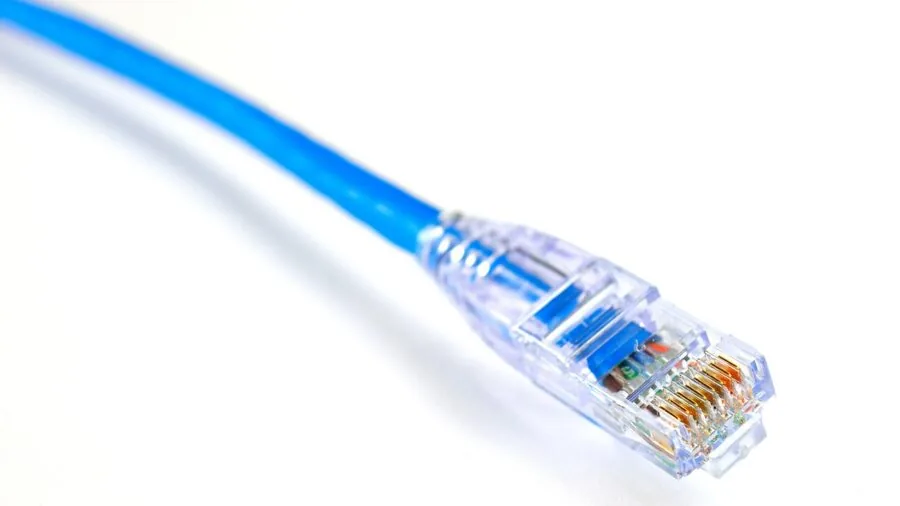
Unmanaged switches are true plug-and-play: connect power, plug in Ethernet cables, and the switch works immediately with zero configuration. There is no web interface, no VLAN support, and no quality-of-service controls.
For most home users this is exactly what they want. The D-Link DGS-108 and the TP-Link TL-SG108 are classic examples of unmanaged switches done well.
Easy smart managed switches, sometimes called web-smart or lightly managed switches, add a browser-based configuration interface that lets you set up VLANs, configure QoS priority, enable IGMP snooping for multicast traffic, and set up link aggregation (LAG).
The TP-Link TL-SG108E and the NETGEAR GS308E both fall into this category.
These features are genuinely useful if you run a home lab, want to isolate IoT devices on a separate VLAN, or need to prioritize traffic for a VoIP phone or NAS.
If none of that sounds relevant to your setup, an unmanaged switch will serve you just as well at a lower price.
One practical note: easy smart managed switches still work out of the box as unmanaged switches. You only need to log into the web interface if you want to configure advanced features.
So if you think you might eventually want VLAN or QoS control, a managed model is a low-risk investment even if you never end up using those features.
This is the same principle that applies when choosing between mesh Wi-Fi systems with basic versus advanced management apps.
Build Quality and Fanless Operation
Every switch in this guide is fanless, meaning completely silent in operation. This matters a lot if the switch will sit in a living room, bedroom, or home office where fan noise would be noticeable.
Fanless designs rely on passive heat dissipation through the chassis, and in the gigabit unmanaged/easy-smart tier, heat generation is low enough that this is a non-issue even under sustained load.
Metal chassis construction is a meaningful differentiator at this price point.
Switches with steel enclosures, such as the D-Link DGS-108, the TP-Link TL-SG108, and the NETGEAR GS305, dissipate heat better than plastic-bodied alternatives, feel more durable, and are generally better shielded against electromagnetic interference.
Shielded RJ45 ports add another layer of protection against signal degradation in environments with electrical noise.
The TP-Link LS1005G is a notable exception in this lineup: it uses an unshielded plastic body to hit its very low price point, which is a reasonable trade-off for a secondary or budget application.
Wall-mount capability is a useful feature for cleaner cable management. Most of the metal-chassis models in this guide include wall-mount screws or keyhole slots, making it easy to mount them behind a TV, under a desk, or inside a network closet.
Energy Efficiency and Green Ethernet

Modern gigabit switches from established brands like D-Link, TP-Link, and NETGEAR implement IEEE 802.3az Energy Efficient Ethernet (EEE), which reduces power draw on idle or low-traffic ports.
Some models go further with proprietary green Ethernet implementations that detect cable length and adjust power output accordingly. Over time, these features add up to meaningful electricity savings, particularly if the switch runs continuously.
Power consumption figures for the switches in this guide are very low, typically under five watts at full load.
Even leaving a switch on around the clock adds negligible cost to an electricity bill compared to always-on devices like routers, NAS enclosures, or desktop computers.
That said, choosing a model with energy-saving features is a good habit, especially as home networks grow with more always-on devices like network-attached storage units, smart home hubs, and home servers.
QoS, IGMP Snooping, and Advanced Features

Quality of Service (QoS) allows you to prioritize certain types of traffic so that time-sensitive applications like VoIP calls, video conferencing, or gaming do not get starved by bulk transfers.
The 802.1p and DSCP QoS standards supported by models like the TP-Link TL-SG105S let you tag traffic by priority class. This is most useful when the switch is feeding devices with very different latency requirements on the same segment.
IGMP snooping is relevant if you run multicast video streams (such as IPTV) or multicast-based home automation protocols. Without IGMP snooping, multicast traffic floods all ports, wasting bandwidth.
With it enabled on a managed switch, the switch only forwards multicast traffic to ports that have explicitly joined the multicast group.
For most home users this is an edge-case feature, but it is worth knowing about if you run smart home infrastructure or streaming video from a local media server.
Link aggregation (LAG/802.3ad) lets you bond two physical ports into a single logical link for higher throughput or redundancy.
This is genuinely useful when connecting a NAS with dual NICs to an easy smart managed switch like the TL-SG108E or GS308E, delivering up to 2 Gbps of aggregate bandwidth to the storage device.
If you are building a more capable home server setup, pairing a good switch with a capable home office desktop and a well-chosen NAS makes the whole system more reliable.
Warranty and Long-Term Reliability
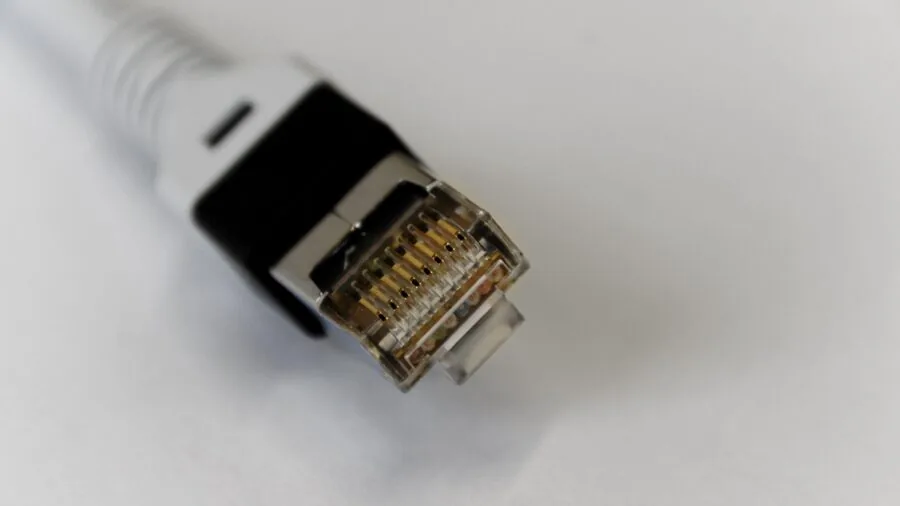
Warranty terms vary meaningfully across this product category. TP-Link offers a Limited Lifetime Replacement warranty on several of its switches including the TL-SG108 and TL-SG105E, which is an exceptional commitment for a budget networking device.
NETGEAR provides a limited lifetime warranty on its prosafe and home switch lines as well. D-Link typically covers its switches under a limited lifetime warranty in North America.
These long warranty terms reflect the inherent reliability of passive, fanless switching hardware, which has few failure points over time.
When reading verified buyer feedback, look for comments about long-term reliability rather than just out-of-the-box experience.
Switches that show high satisfaction rates after multiple years of continuous operation are more valuable than those with good first impressions but elevated failure rates.
The picks in this guide were selected with long-term reliability data in mind, not just specification sheets.
If you are building a wired backbone for a home network that also connects to a home theater mini PC or a 4K TV setup, a switch with a strong reliability track record is worth prioritizing.
Why You Should Trust Us
REMOVU is an independent review platform. We do not conduct our own product trials; our evaluations are grounded in research, published data, expert review consensus, and verified buyer feedback.
Every switch in this guide was assessed against a consistent set of criteria covering port count, switching capacity, build quality, management features, energy efficiency, warranty terms, and long-term owner satisfaction.
Each product is assigned a REMOVU Score on a scale of 0 to 10, reflecting how well it performs against those criteria relative to its peers in the category.
Our scoring draws on manufacturer-published specifications, independent networking hardware analysis from the broader expert community, and a large volume of verified purchase reviews filtered for recency and authenticity.
We weight long-term reliability data heavily in the networking category because switches are devices buyers expect to install and forget. Short-term impressions matter less than sustained performance over months and years of continuous operation.
REMOVU may receive an affiliate commission if you purchase through links in this article. That relationship has no influence on our rankings, scores, or editorial selections.
Products are ranked on merit as determined by our evaluation criteria, not on commission rates or commercial relationships. Our goal is to help you find the right switch for your specific setup, nothing more.
Final Thoughts
The market for affordable network switches is remarkably competitive, and the picks in this guide represent the strongest options available from D-Link, TP-Link, NETGEAR, and UGREEN at an accessible price point. Here is how we would summarize the standout choices:
- Best Overall: TP-Link TL-SG105S earns our top spot with the highest REMOVU Score in the group, combining sturdy metal construction, shielded ports, 802.1p/DSCP QoS, IGMP snooping, and a three-year manufacturer warranty in a compact desktop and wall-mount form factor at a genuinely accessible price.
- Best Easy Smart Managed Switch: NETGEAR GS308E is the pick for users who want VLAN, QoS, and a web management interface in an eight-port desktop or wall-mount chassis, with silent operation and a strong REMOVU Score to back it up.
- Best for Expanding an Existing Setup: D-Link DGS-108 and the TP-Link TL-SG108E both earn strong scores and offer eight gigabit ports in compact metal enclosures, giving you room to grow without spending more than necessary. The TL-SG108E adds easy-smart management for users who want optional VLAN and LAG features.
- Best Budget Pick: TP-Link LS1005G and the UGREEN 5-Port Gigabit Switch are the lowest-cost options in the group, suitable for adding a few wired connections in a secondary room or a small media shelf where cost is the primary constraint.
- Best Unmanaged Five-Port Pick: TP-Link TL-SG105E balances a metal chassis, shielded ports, easy-smart management features, and a Limited Lifetime Replacement warranty at a price that makes it hard to pass up for users who want a little more capability than a bare unmanaged switch.
Whatever your setup, expanding your wired network with a quality switch is one of the highest-value upgrades available in home networking.
Pair it with a reliable router from our Wi-Fi routers section or a capable mesh Wi-Fi system for a complete home network backbone.
If you are also thinking about adding a cable modem, our cable modems guide covers the top options worth considering.
Frequently Asked Questions
What is the difference between a network switch and a router?
A router connects your home network to the internet and manages traffic between different networks (such as your LAN and your ISP).
A switch simply expands the number of wired ports available on your existing network, forwarding traffic between connected devices at gigabit speeds. Switches do not route internet traffic or assign IP addresses on their own.
Most home setups use both: the router handles the connection to the internet, and the switch provides additional wired ports for devices that benefit from a stable Ethernet connection, like a home office desktop, a NAS, or a smart TV.
Do I need a managed or unmanaged switch for a home network?
For most home users, an unmanaged switch is all you need. It is truly plug-and-play, requires no configuration, and handles gigabit traffic between all connected devices automatically.
A managed or easy smart managed switch becomes useful when you want to create VLANs to isolate devices (for example, keeping smart home devices separate from computers), prioritize traffic with QoS, or use link aggregation for a NAS.
If you are unsure, an easy smart managed switch like the TL-SG108E or GS308E works identically to an unmanaged switch straight out of the box, so you only engage the management features if and when you need them.
How many ports do I need?
Count the wired devices you plan to connect today, then add two or three for future expansion.
Remember that one port will typically be used for the uplink to your router, so a five-port switch gives you four downstream connections and an eight-port switch gives you seven.
Common wired devices in a home setup include smart TVs, streaming boxes, game consoles, desktop computers, NAS enclosures, and IP cameras.
If you are connecting a switch to a home theater mini PC shelf or a gaming mini PC, an eight-port model provides comfortable headroom.
Can a network switch improve my internet speed?
A switch cannot increase the speed of your internet connection, which is limited by your ISP plan and your router.
What it can do is ensure that wired devices communicate with each other and with the router at full gigabit speeds, which is significantly more reliable and lower-latency than Wi-Fi for stationary devices.
For tasks like transferring large files to a NAS, streaming high-resolution video from a local media server, or reducing lag in online gaming, a wired gigabit connection through a quality switch makes a real practical difference.
If your internet plan or wireless coverage is the bottleneck, explore options in our mesh Wi-Fi systems guide or check the cable modems section for modem upgrade options.
Are cheaper switches from lesser-known brands worth buying?
Budget options from newer brands like UGREEN can be worth buying for low-stakes secondary installations where cost is the overriding concern, but established brands like TP-Link, NETGEAR, and D-Link have significantly larger bodies of verified long-term owner feedback and more robust warranty support.
For a primary switch that will run continuously at the heart of your home network, the small price premium for a TP-Link, NETGEAR, or D-Link model is well justified.
For a secondary bedroom shelf or a temporary setup, a budget model from a newer brand can be a reasonable pragmatic choice.
Check our broader networking and storage guides for context on building a reliable home network from the ground up.
About the author
Levi writes about handheld gaming consoles for REMOVU, weighing processing power, battery life, and library depth. He helps players pick a handheld that fits both their backlog and their commute.