The 12 Best Network Switches for Home
More wired ports, less Wi-Fi frustration. Whether you need a simple plug-and-play gigabit switch or a multi-gigabit upgrade, these picks cover every home setup and budget.
 By Isabella Reyes
Updated July 26, 2026
By Isabella Reyes
Updated July 26, 2026
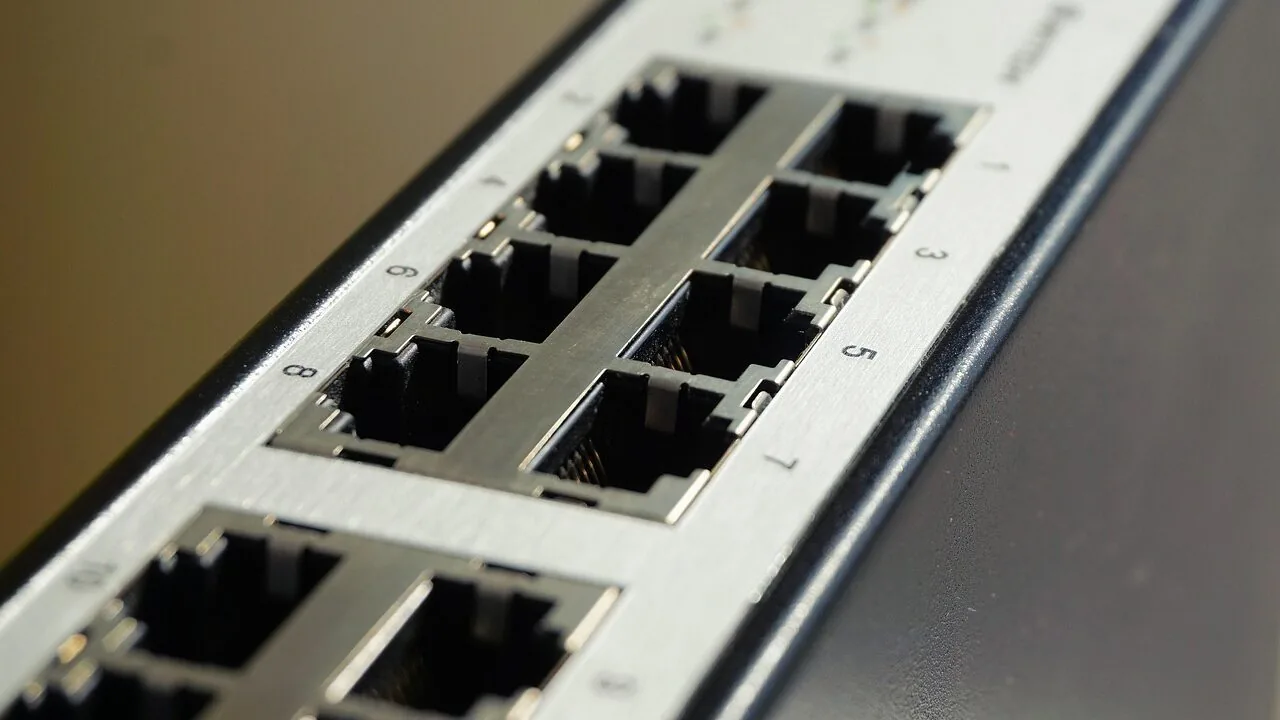
A home network switch is one of the most underrated upgrades you can make to your setup.
Whether you’re running a home office, streaming 4K video to multiple rooms, connecting a NAS drive, or simply tired of spotty Wi-Fi coverage, a wired switch gives you consistent, low-latency bandwidth that wireless simply cannot match.
Prices range from budget-friendly unmanaged models to multi-gigabit switches that future-proof your home for Wi-Fi 6E and beyond, with options from trusted brands like TP-Link, NETGEAR, D-Link, and Linksys covering every use case and port count.
Our team at REMOVU evaluated each model in this roundup through rigorous research: analyzing published specifications, synthesizing expert review consensus across the industry, and weighing verified buyer feedback from thousands of real-world users.
Every pick below has been scored on the REMOVU Scale to give you a clear, at-a-glance sense of where each switch stands.
If you need more wired ports than your router provides, the picks below are the best place to start.
| Award | Product | REMOVU Score About REMOVU ScoreThe REMOVU Score is our own rating from 0 to 10, based on performance, design and build, ease of use, and value. It reflects independent research and is never influenced by manufacturers, retailers, or affiliate commissions. Learn more › | Price | |
|---|---|---|---|---|
 NETGEAR GS305 5-Port Gigabit Switch
|
6.4/10 | Buy | ||
| Best Overall |
 NETGEAR MS308 8-Port 2.5G Switch
|
8.6/10 | Buy | |
 TP-Link TL-SG116 16-Port Gigabit Switch
|
8.1/10 | Buy | ||
 NETGEAR GS105Ev2 5-Port Gigabit Smart Managed Switch
|
6.5/10 | Buy | ||
 NETGEAR GS308E 8-Port Gigabit Smart Managed Switch
|
7.5/10 | Buy | ||
| Best Value |
 TP-Link TL-SG108E 8-Port Gigabit Easy Smart Switch
|
7.6/10 | Buy | |
| Best Premium |
 TP-Link TL-SG108-M2 8-Port 2.5G Ethernet Switch
|
8.5/10 | Buy | |
 D-Link DGS-1008P 8-Port Gigabit PoE Switch
|
7.4/10 | Buy | ||
 D-Link DGS-108GL-V2 8-Port Gigabit Switch
|
6.7/10 | Buy | ||
 Linksys LGS116 16-Port Gigabit Switch
|
7.1/10 | Buy | ||
| Best Budget |
 D-Link DGS-108 8-Port Gigabit Switch
|
7.6/10 | Buy | |
 Linksys SE3008 8-Port Gigabit Switch
|
6.2/10 | Buy |
NETGEAR GS305 5-Port Gigabit Switch
A straightforward network switch designed for homes and small offices that need to expand Ethernet connections without fuss. Setup is truly plug-and-play with no configuration required, and its fanless design keeps things silent while consuming minimal power.
Pros
- True plug-and-play operation makes it accessible to non-technical users
- Silent, fanless design avoids noise in quiet environments like home offices
- Energy-efficient performance reduces power draw without sacrificing speed
- Compact and durable metal construction with flexible mounting options
- Backed by NETGEAR's established networking reputation
Cons
- Only 5 ports limits scalability compared to larger models like the GS308 (8 ports) or GS316 (16 ports)
- Unmanaged switch offers no advanced features or configuration for users needing network monitoring or control
- No fiber or modular port support for future expansion beyond basic Gigabit Ethernet
NETGEAR MS308 8-Port 2.5G Switch
An unmanaged network switch with eight 2.5-gigabit ports designed for home offices and small networks needing straightforward connectivity without configuration. Auto-negotiating ports work with existing Cat5e/Cat6 cables, and the fanless metal design operates silently, useful for noise-sensitive spaces.
Pros
- True plug-and-play: no configuration, software, or IT knowledge needed to deploy
- Multi-gigabit speeds via eight 2.5G ports handle bandwidth-heavy devices (WiFi 6 APs, workstations, gaming setups)
- Silent fanless operation and compact metal case fit discretely into home offices or media centers
- Backward compatible with Cat5e cables and auto-MDI/MDIX eliminates crossover cable hassle
- Energy-efficient operation and 3-year warranty provide long-term value
Cons
- Unmanaged switch offers no VLAN, QoS, traffic prioritization, or advanced diagnostics, only basic 802.1p/DSCP recognition
- No user reviews available yet to confirm real-world reliability and performance claims
- Limited to U.S. and Canada market; not suitable for international deployment
TP-Link TL-SG116 16-Port Gigabit Switch
A plug-and-play 16-port Gigabit switch designed for expanding network capacity in homes or offices without configuration overhead. Fanless metal construction with shielded ports and energy-efficient operation make it a straightforward choice for users needing reliable wired connectivity across multiple devices.
Pros
- Auto-negotiation and Auto MDI/MDIX on all ports simplify device compatibility
- Durable metal casing with desktop and wall-mount options for flexible placement
- QoS support allows prioritizing video and voice traffic for clearer streaming and calls
- Low power consumption and fanless operation keep operational costs minimal
- Compact footprint (11.3" x 4.4") fits easily in office or home network setups
Cons
- Unmanaged switch with no advanced configuration interface for complex network requirements
- No built-in power management or remote monitoring features
- Limited to Layer 1 operation, unsuitable for VLAN segmentation or advanced routing needs
NETGEAR GS105Ev2 5-Port Gigabit Smart Managed Switch
A compact, fanless managed switch designed for small networks and VLAN setups, offering full gigabit speeds across all 5 ports with intuitive web-based configuration. Highly rated by users for reliability and straightforward deployment in both home and small office environments.
Pros
- Solid VLAN and 802.1Q support suitable for multi-network environments despite entry-level price point
- Consistently achieves full gigabit speeds with verified buyer reports of reliable long-term performance
- Compact footprint (3.7" x 3.9") fits easily behind monitors or in confined spaces
- Fanless design eliminates noise, making it suitable for offices and quiet environments
Cons
- Initial setup requires manual IP configuration or ProSAFE utility to access web interface, creating friction for non-technical users
- Limited to 5 ports, constraining scalability compared to 8 or 16-port alternatives in the same brand lineup
- US and Canada regional compatibility only, restricting availability in other markets
NETGEAR GS308E 8-Port Gigabit Smart Managed Switch
A straightforward managed switch that works immediately out of the box while offering VLAN, QoS, and traffic management when you need them. Fanless metal design runs silent, making it reliable for home offices, small businesses, and expanding home networks without complexity.
Pros
- Plug-and-play setup with full gigabit performance right away
- Silent fanless operation with metal housing that runs cool
- Web-based management interface accessible on Windows, Mac, and Linux without proprietary apps
- VLAN support, QoS, IGMP snooping, and DoS prevention for network control without overwhelming complexity
- Compact desktop or wall-mount form factor, rated #4 in networking switches
Cons
- Firmware updates are manual and require extracting a ZIP file to access the .bin file
- Web interface has a slight learning curve and some users note it feels clunky
- Warranty is actually 3 years according to specifications, despite marketing references to 5 years
TP-Link TL-SG108E 8-Port Gigabit Easy Smart Switch
A managed switch designed for small networks that need traffic control without complexity. Offers QoS, VLAN support, and network monitoring through a straightforward web interface or desktop utility, with energy-efficient operation and durable metal construction.
Pros
- Plug-and-play setup with no configuration required for basic use; professional features available for network admins
- Sturdy metal casing with shielded RJ45 ports, fanless design ensures quiet operation and durability
- Effective traffic management tools (QoS, VLAN, LAG, port mirroring) at a competitive price point
- Low power consumption automatically adjusts per port and cable length, reducing operating costs
- Compact desktop/wall-mount form factor fits tight spaces; verified durable through multiple user reports
Cons
- Login session management requires manual reset or discovering the lock switch feature, reported by early users as inconvenient for frequent admin access
- Configuration can create save states that don't survive reboot if PVID and VLAN settings mismatch; requires power-cycling before saving changes
- Management VLAN (#1) cannot be removed entirely; at least one port must include it untagged, limiting flexibility for some network designs
TP-Link TL-SG108-M2 8-Port 2.5G Ethernet Switch
An unmanaged 8-port switch delivering 2.5 Gbps per port with 40 Gbps total switching capacity, designed for plug-and-play deployment without configuration. Best suited for users upgrading to multi-gigabit networks with existing Cat5e/Cat6 cabling and devices like WiFi 6 APs, NAS, or gaming setups.
Pros
- Achieves near-advertised 2.3+ Gbps real-world throughput between compatible devices, reviewed via iperf3 and speedtest
- Fully backward compatible with 1G and 100M devices; intelligently adapts link speeds without manual intervention
- Fanless design produces zero audible noise and requires no dust maintenance
- Truly plug-and-play: no learning curve, works immediately out of the box
- Durable metal casing with thermal stability in non-climate controlled environments
Cons
- Multiple verified reports of unit failures within 1-2 years despite adequate power/no surge, though TP-Link warranty replacements were honored without pushback
- Potential auto-negotiation glitches on bootup with certain 2.5G USB adapters (Realtek-chip based), requiring driver adjustment to lock speed
- Limited to unmanaged switching; no VLAN, QoS, or monitoring features for advanced users
D-Link DGS-1008P 8-Port Gigabit PoE Switch
An unmanaged 8-port Gigabit switch with 4 PoE ports delivering up to 60W total power budget, designed for small offices and home networks that need simple plug-and-play connectivity for IP cameras, access points, and VoIP phones. Silent fanless operation and metal housing make it reliable for noise-sensitive environments.
Pros
- Unmanaged switch requires zero configuration, making it genuinely hassle-free for home and small office deployment
- Four PoE ports eliminate need for separate power adapters when running cameras, access points, or IP phones at remote locations
- Solid metal construction and fanless design deliver quiet, durable performance across years of continuous operation per verified owner feedback
- Delivers consistent gigabit speeds without network bottlenecks or hiccups, confirmed by multiple users across home and business applications
- Compact footprint fits under desks or in tight spaces while remaining fully functional and reliable
Cons
- Unmanaged switch lacks VLAN, port mirroring, and QoS configuration options, limiting use in complex network environments requiring traffic prioritization
- 60W PoE budget is modest compared to larger managed switches, supporting only moderate device counts or lower-power devices per port
- No managed features means no visibility into network traffic, device monitoring, or advanced troubleshooting capabilities
D-Link DGS-108GL-V2 8-Port Gigabit Switch
A straightforward unmanaged switch that adds 8 Gigabit ports to expand wired network capacity. Fanless, compact metal design with QoS prioritization makes it suitable for home offices, gaming setups, and media streaming without adding noise or complexity.
Pros
- Plug-and-play installation with no configuration needed
- Silent fanless operation ideal for noise-sensitive spaces
- Compact all-metal housing with mounting options for flexible placement
- QoS support prioritizes time-sensitive traffic like VoIP and gaming
- Energy-efficient with 802.3az standard reduces power consumption
Cons
- Unmanaged switch offers no advanced network management or monitoring features
- Limited to 8 ports total, requires planning if connecting to router with existing ports
- No integrated security features or VLAN support for more complex network setups
Linksys LGS116 16-Port Gigabit Switch
An unmanaged network switch with 16 Gigabit ports designed for straightforward home and office expansion. Setup is plug-and-play with no configuration required, making it accessible for users who need reliable port expansion without complexity.
Pros
- True plug-and-play operation with zero setup complexity
- Solid build quality with metal housing and proven long-term reliability based on user reports of multi-year durability
- Full Gigabit speeds across all 16 ports for file transfers and streaming
- Energy-efficient design with automatic port power management
- Affordable expansion option for small networks
Cons
- No managed features like VLAN or QoS configuration, limiting control for advanced users
- Compact design means no rack-mounting hardware included, restricting installation in server environments
- Single layer switch with no redundancy for critical network setups
D-Link DGS-108 8-Port Gigabit Switch
A straightforward unmanaged switch that delivers Gigabit speeds across 8 ports with zero configuration needed. Built for durability with a fanless metal chassis, it handles streaming, gaming, and file transfers without noise or fuss.
Pros
- True Gigabit speeds on all 8 ports, ideal for fast file transfers and 4K streaming
- Completely silent fanless operation with passive cooling via metal chassis
- Auto MDI/MDIX crossover and QoS features mean zero setup complexity
- Energy savings mode cuts power to idle ports, reducing consumption up to 80 percent
- Desktop or wall-mount flexibility with included power adapter
Cons
- Unmanaged switch offers no advanced traffic control or network monitoring features
- No reviews available yet to validate real-world performance claims
- Limited to 8 ports; larger networks would need multiple units
Linksys SE3008 8-Port Gigabit Switch
A straightforward unmanaged switch designed for small office and home networks needing basic connectivity across 8 gigabit ports. Built-in flow control and auto MDI/MDI-X detection handle standard networking tasks without requiring manual configuration.
Pros
- All ports auto-detect cable type, making setup plug-and-play
- Intelligent congestion detection and broadcast rate control minimize network slowdowns
- QoS features help prioritize streaming and multimedia without additional configuration
- Advanced power saving automatically disables unused ports to reduce energy consumption
- High user rating of 4.7 stars based on 1,683 verified reviews
Cons
- Unmanaged design means no VLAN, SNMP, or advanced security features available
- Limited to 1,000 Mbps per port, which won't saturate modern gigabit connections for large file transfers
- No managed interface or monitoring capabilities for network troubleshooting
Network Switches for Home Buying Guide
Choosing the right network switch for your home depends on several factors that go well beyond port count.
The good news is that modern home switches are almost universally plug-and-play, but spending a few minutes understanding the differences between management tiers, speed classes, and power delivery options will help you avoid overpaying or underpowering your network.
Below is a breakdown of the criteria our team weighed most heavily when evaluating each model in this roundup. For a broader look at home and office networking hardware, see our Networking & Storage category hub.
Port Count and Layout

The most immediate decision is how many ports you need. A 5-port switch works well in a single room where you want to share one wall jack among a desktop PC, smart TV, game console, and NAS.
An 8-port switch is the sweet spot for most households, giving you enough connections for a home office plus entertainment devices without taking up much desk real estate.
If you’re wiring multiple rooms or running a small creative studio, a 16-port model provides room to grow.
Keep in mind that one port will almost always be used for the uplink connection to your router, so a 5-port switch delivers four usable device ports and an 8-port delivers seven.
Physical layout matters too: wall-mountable switches with shielded RJ-45 jacks are noticeably more durable in real-world installs than bare plastic chassis, especially when mounted inside a media cabinet where cables pull at odd angles.
Managed vs. Unmanaged
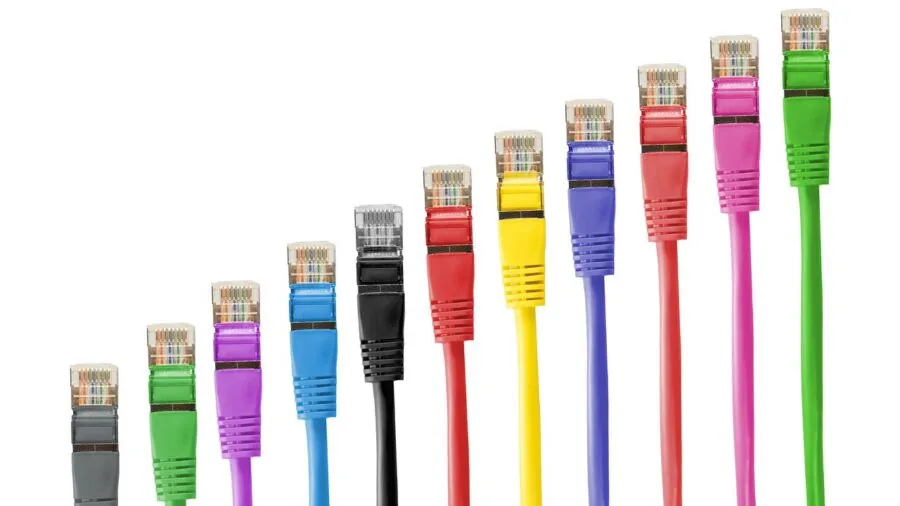
Unmanaged switches are the simplest option: plug in a cable and the switch works. There is no configuration interface, no VLAN support, and no quality-of-service rules to set up.
For the vast majority of home users who just need more Ethernet ports, an unmanaged gigabit switch is all you will ever need.
Easy smart managed (or “web smart”) switches sit in the middle ground.
Models like the TP-Link TL-SG108E and the NETGEAR GS308E offer a browser-based or app-based interface where you can create VLANs to separate IoT devices from your main network, enable IGMP snooping to optimize multicast traffic, and configure link aggregation (LAG) for bonded uplinks to a NAS.
These features are genuinely useful for home power users and are available at a reasonable step up in price. If you also want to explore fully managed hardware, our managed network switches guide covers that tier in detail.
True fully managed switches (CLI-configurable, enterprise-grade) are overkill for almost every home and are outside the scope of this roundup. If your budget is a key constraint, our network switches under $100 roundup narrows the field to the most value-focused picks across all tiers.
Speed: Gigabit vs. Multi-Gigabit
Gigabit Ethernet (1 Gbps per port) has been the home networking standard for over a decade and remains perfectly adequate for most households.
Streaming 4K HDR video, backing up files to a NAS, and video conferencing all comfortably fit within a gigabit pipe.
If all of your devices have gigabit NICs and your internet plan is under 1 Gbps, a standard gigabit switch is the rational, cost-efficient choice.
Multi-gigabit switches supporting 2.5 Gbps or higher per port are increasingly relevant as Wi-Fi 6 and Wi-Fi 6E access points commonly deliver aggregate throughput that saturates a single gigabit uplink, and as newer NAS devices, gaming PCs, and high-end laptops ship with 2.5G NICs.
The TP-Link TL-SG108-M2 and the NETGEAR MS308 both offer 2.5 Gbps on every port, making them meaningful upgrades for future-proofing a home with multiple high-throughput devices.
Bear in mind that all connected devices need compatible NICs to actually benefit from those faster port speeds. You can explore compatible storage hardware in our NAS Devices section.
PoE and Power Delivery
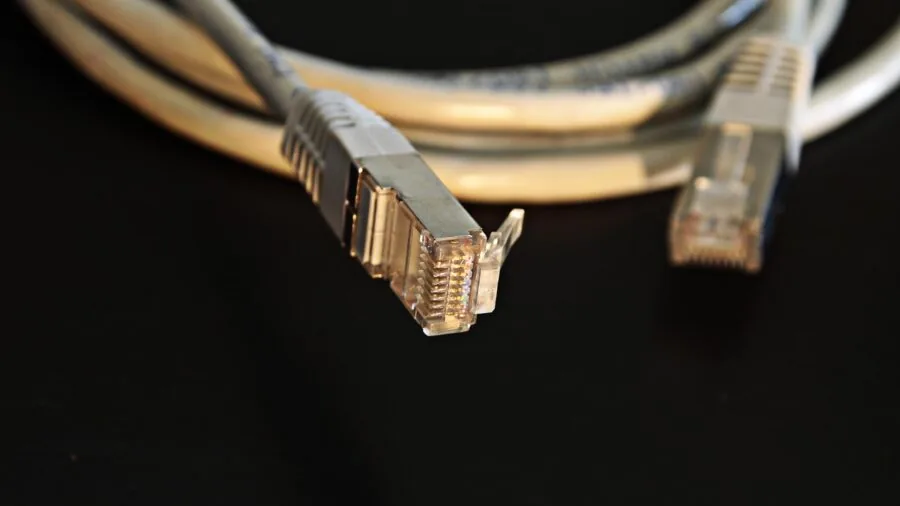
Power over Ethernet (PoE) lets the switch deliver electrical power through the same cable as data, eliminating the need for a separate power adapter on connected devices.
This is invaluable for IP cameras, wireless access points, VoIP phones, and smart doorbells. If you’re building out a home security setup, a PoE switch can dramatically simplify your cable runs.
Our home security cameras guide pairs well with this roundup if you’re planning a PoE camera deployment.
When evaluating PoE switches, total PoE budget (measured in watts) matters as much as the number of PoE ports.
A switch with four PoE+ ports rated at 30W each but a total budget of 60W can only power all four ports simultaneously at reduced wattage.
Always check the total power budget against the combined wattage draw of your powered devices before committing. The D-Link DGS-1008P in this roundup is a solid entry-level PoE option with four PoE ports and a 60W total budget.
Build Quality and Thermal Design

Home switches run continuously, often tucked in an entertainment cabinet or a closet with limited airflow.
A fanless, all-metal chassis is strongly preferred: it runs silently, dissipates heat through the chassis walls, and is far less likely to fail due to a degraded fan bearing over years of continuous operation.
Every switch in this roundup that scored 7.5 or higher on the REMOVU Scale features a metal housing with shielded RJ-45 ports, which also helps reduce electromagnetic interference in dense home environments.
Larger plastic-bodied switches or models with active cooling fans can work fine, but they introduce noise and a potential long-term reliability variable that all-metal fanless designs avoid.
If your switch will live in a media cabinet alongside AV equipment, silent operation is not just a comfort feature but a practical one.
Energy Efficiency and Green Standards

Modern switches from major brands support IEEE 802.3az Energy-Efficient Ethernet (EEE), which reduces power consumption on idle or low-traffic ports.
Given that a home switch may run at full power for years, this translates to measurable savings on your electricity bill over time.
Several models in this roundup also carry NDAA and TAA compliance certifications, which matter most for government and enterprise buyers but reflect an additional quality assurance layer that some home users find reassuring.
If you’re expanding a broader smart home or home office setup, pairing a good wired switch with a capable mesh Wi-Fi system gives you the best of both worlds: rock-solid wired connections for stationary devices and seamless wireless roaming for mobile ones.
Why You Should Trust Us
REMOVU is an independent review platform with no affiliation to any manufacturer or retailer.
Every product in this roundup was evaluated using our structured research methodology: we analyze published specifications, synthesize expert review consensus from credible industry sources, and incorporate verified buyer feedback from thousands of real-world purchasers.
We do not conduct our own product trials; our evaluations are grounded in research, published data, expert review consensus, and verified buyer feedback.
Each product receives a REMOVU Score on a 0 to 10 scale, applied consistently across every model we assess.
The score reflects a weighted composite of performance relative to price, build quality, feature set, reliability signals from owner feedback, and how well the product serves its stated use case.
Scores are assigned independently and are never influenced by manufacturer relationships or advertising commitments.
REMOVU may earn a commission when you purchase through links on this page. That affiliate relationship does not affect our rankings, scores, or recommendations in any way.
Products are selected and ordered entirely on merit as reflected in their REMOVU Score. We recommend only what our research supports, regardless of margin or availability.
For a wider view of our networking coverage, see our roundup of Ethernet switches for home and office.
Final Thoughts
The home networking switch market is healthier than it has ever been, with strong options at every price tier from budget plug-and-play models to multi-gigabit powerhouses that will not be a bottleneck for years to come.
After evaluating all twelve models in this roundup against consistent criteria, a few clear winners emerged across different buyer profiles.
- Best Overall: NETGEAR 8-Port 2.5G Multi-Gigabit Ethernet Unmanaged Network Switch (MS308) earns the top REMOVU Score in this roundup with its full 2.5 Gbps per-port throughput, all-metal construction, and zero-configuration setup, making it the most future-proof unmanaged switch here.
- Best for Multi-Gigabit on a Budget: TP-Link TL-SG108-M2 delivers 2.5 Gbps on all eight ports in a compact fanless metal chassis at a mid-range price, earning the second-highest REMOVU Score and standing out as the best value path to multi-gigabit connectivity.
- Best Unmanaged Gigabit Pick: TP-Link TL-SG116 is the top-scoring purely gigabit switch here, offering 16 ports, a fanless all-metal design, and traffic optimization in a form factor that suits growing home networks without added complexity.
- Best Easy Smart Managed Switch: NETGEAR GS308E gives home power users VLAN segmentation, QoS, and a clean management interface at a budget-friendly price, making it the strongest entry point into managed home networking.
- Best Budget Pick: D-Link DGS-108 is the most affordable way to add eight gigabit ports to a home network without sacrificing build quality, featuring a silent fanless metal chassis and shielded ports at an entry-level price. It shares its REMOVU Score with the TP-Link TL-SG108E, both of which represent exceptional value in the sub-budget tier.
Whichever tier fits your home, all of the picks above represent models our research consistently found to be reliable, well-supported, and worth the investment.
If you want to explore adjacent hardware that pairs well with a new switch, our coverage of Wi-Fi routers and NAS devices for Plex can help you round out a capable home network.
Frequently Asked Questions
Do I Need a Network Switch If I Already Have a Router?
Most home routers include only four LAN ports, which is not enough for a typical modern home with a desktop PC, NAS, smart TV, game console, streaming device, and IP camera all wanting wired connections.
A network switch expands those available ports without degrading performance. Think of your router as managing traffic between your home and the internet, and the switch as a traffic multiplier inside your home. The two devices work together seamlessly.
What Is the Difference Between a Network Switch and a Network Hub?
A hub broadcasts all incoming data to every connected device simultaneously, creating congestion and security issues. A switch is intelligent: it learns which device sits on which port and sends each data packet only to its intended destination.
This makes switches dramatically more efficient, especially as the number of connected devices grows. Hubs are effectively obsolete and are rarely sold as new products. Every product in this roundup is a true switch.
Is a 2.5G Switch Worth It for a Home Network in 2026?
For most households with standard gigabit internet service and devices with 1 Gbps NICs, a gigabit switch remains perfectly adequate.
However, 2.5G switches are becoming increasingly worthwhile as newer Wi-Fi 6 and Wi-Fi 6E access points, high-end gaming PCs, and prosumer NAS devices ship with 2.5G network interfaces.
If you are planning a network upgrade that will last several years, spending a bit more on a 2.5G switch now avoids a second upgrade cycle later.
Our network switches worth buying guide covers the broader landscape if you want to compare more options.
Do Home Network Switches Require Any Configuration?
Unmanaged switches require zero configuration. Plug in a power adapter and connect your Ethernet cables and the switch begins working immediately with no login, no app, and no setup wizard.
Easy smart managed switches ship with all ports active and operating in unmanaged mode by default, so they also work out of the box.
The management interface is only needed when you want to enable optional features like VLANs or QoS priority rules. Either way, no networking expertise is required to get started.
Can I Use a Network Switch to Extend Wi-Fi Coverage?
A network switch extends your wired Ethernet coverage but does not transmit Wi-Fi.
To extend wireless coverage, you need a wireless access point, a mesh node, or a router configured in access point mode connected to one of the switch’s ports.
In this hybrid setup, the switch handles all wired device connections while the access point provides wireless coverage, and both share the same uplink to your main router.
Pairing a good switch with a strong mesh Wi-Fi system is one of the most effective ways to achieve whole-home coverage for both wired and wireless devices.
How Many Ports Do I Actually Need at Home?
A useful rule of thumb: count every device you want to connect with a cable today, add two or three for devices you might add over the next few years, and then add one for the uplink port to your router.
Most households land in the 5 to 8 port range, making 8-port switches the most popular choice. Larger homes with dedicated media rooms, a home office, smart home hubs, and IP cameras often find a 16-port switch worth the modest extra cost.
Daisy-chaining two smaller switches is also a valid approach if your devices are spread across different rooms, though it introduces a small latency overhead at the inter-switch link.
About the author
Isabella writes about smart rings for REMOVU, weighing sensor accuracy, comfort, and subscription costs for sleep and recovery tracking. She helps readers decide whether a ring beats a wrist wearable.