The 10 Best Webcams for Youtube
Picture quality and audio can make or break a YouTube channel. We researched the top webcams across every budget, covering sensor size, autofocus, and low-light performance to help you find the right fit.
 By Lisa Nelson
Updated July 26, 2026
By Lisa Nelson
Updated July 26, 2026

Choosing the right webcam can genuinely transform a YouTube channel. Viewers decide within the first few seconds whether a video looks worth watching, and shaky, washed-out or pixelated footage drives them away before you have said a single word.
Whether you are launching a gaming channel, recording talking-head commentary, running tutorials or going live, the camera sitting on top of your monitor matters far more than most creators realise.
The good news is that today’s market spans a wide range of price points, from compact budget-friendly options to premium PTZ cameras with AI tracking, making it easier than ever to match a webcam to your exact workflow.
This guide cuts through the noise by drawing on published specifications, expert review consensus, and verified buyer feedback to surface the webcams that actually deliver for YouTube creators in 2026.
REMOVU’s research process covers image sensor size, autofocus technology, field of view, audio quality, low-light handling, and software flexibility so you can compare options on factors that matter on screen.
Our top picks below are ordered by REMOVU Score, giving you a clear starting point whether you want a no-fuss plug-and-play upgrade or a broadcast-quality setup.
| Award | Product | REMOVU Score About REMOVU ScoreThe REMOVU Score is our own rating from 0 to 10, based on performance, design and build, ease of use, and value. It reflects independent research and is never influenced by manufacturers, retailers, or affiliate commissions. Learn more › | Price | |
|---|---|---|---|---|
| Best Premium |
 Insta360 Link 2 Pro 4K PTZ Webcam
|
8.6/10 | Buy | |
| Best Overall |
 Acer 4K Webcam with Sony Sensor and PDAF
|
8.9/10 | Buy | |
| Best Budget |
 EMEET S600 4K Webcam with PDAF Autofocus
|
8.1/10 | Buy | |
 Insta360 Link 2 4K PTZ Webcam with AI Tracking
|
8.3/10 | Buy | ||
 Insta360 Link 2C 4K Webcam
|
8.2/10 | Buy | ||
 EMEET NOVA 4K Webcam, 73° FOV, Dual Mics
|
7.1/10 | Buy | ||
 EMEET C60E Dual-Camera 4K Webcam with 11X Zoom
|
7.6/10 | Buy | ||
| Best Value |
 Logitech C920x HD 1080p/30fps Webcam
|
8.5/10 | Buy | |
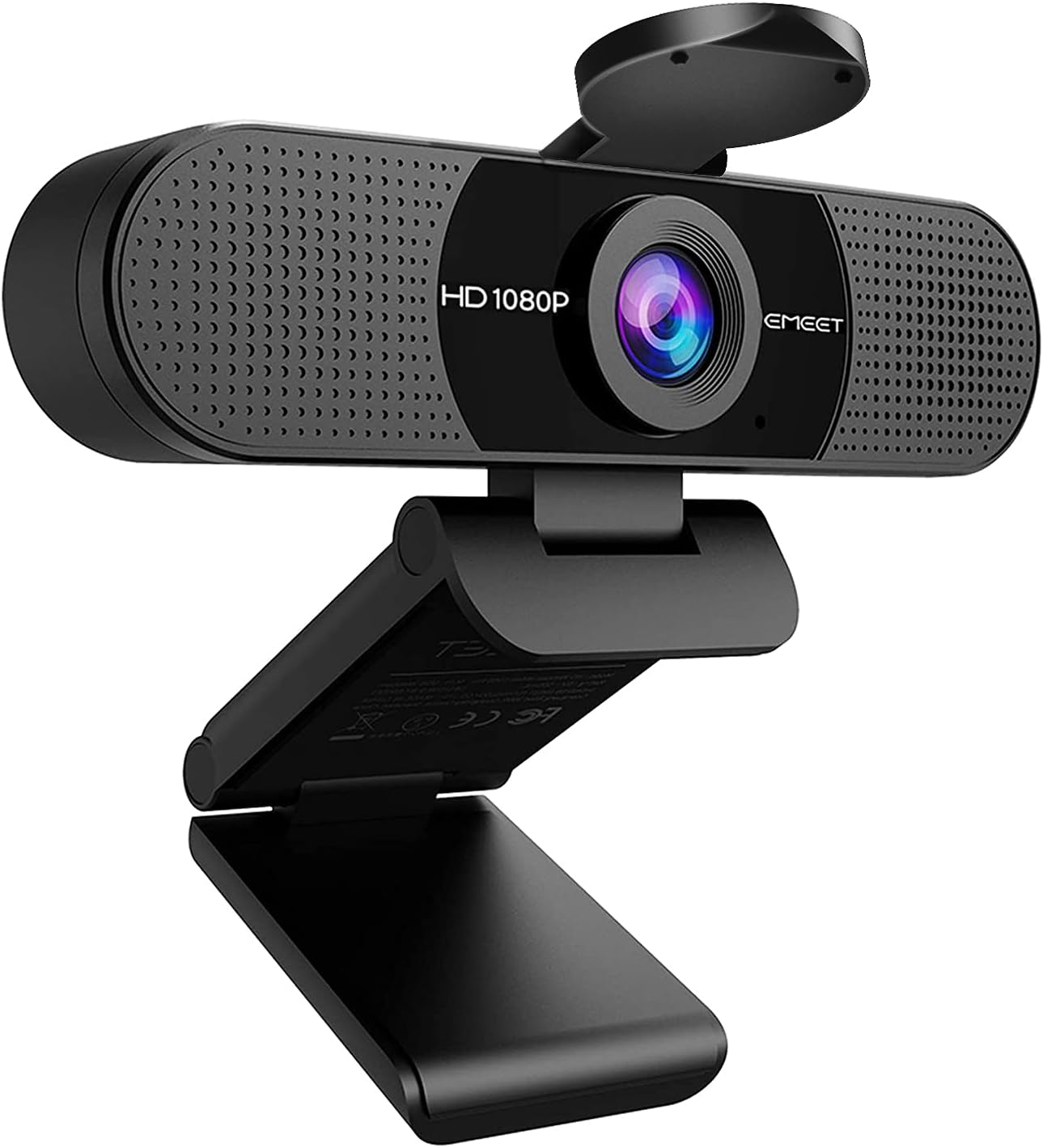 EMEET C960 1080P Webcam with Dual Mics
|
6.8/10 | Buy | ||
 EMEET C960 1080P Webcam with Dual Mics
|
6.2/10 | Buy |
Insta360 Link 2 Pro 4K PTZ Webcam
A premium PTZ webcam built for creators and professionals who need sharp 4K video with intelligent framing. The large 1/1.3" sensor and dual directional mics handle low-light scenes and noisy environments well, while AI tracking keeps you centered during streams or calls. Physical pan-tilt capability and Stream Deck integration make it a solid choice for content creators juggling multiple platforms.
Pros
- Large 1/1.3" sensor delivers clean 4K video and strong low-light performance
- Dual directional microphones with AI noise canceling isolate voice effectively in busy spaces
- AI tracking physically follows movement, keeping subjects framed without software tricks
- Directional pickup mode and natural bokeh add professional polish to streams and meetings
- Stream Deck integration and gesture control streamline multi-camera workflows
Cons
- Not compatible with ARM-based Windows systems or Windows Hello Face Recognition
- Premium pricing reflects flagship status, may exceed needs for casual users
- Requires USB-C connection and dedicated Link Controller software for full feature access
Acer 4K Webcam with Sony Sensor and PDAF
This premium 4K webcam pairs a large Sony 1/2" sensor with Phase Detection Autofocus for sharp, detail-rich video in any lighting condition. Built from aerospace-grade aluminum with dual noise-canceling mics and magnetic privacy cover, it's designed for streamers, creators, and professionals who demand reliable performance across Zoom, Teams, and streaming platforms. Compact at 57 grams, it connects via single USB-C with zero setup required.
Pros
- Genuine Sony 1/2" CMOS sensor delivers balanced, true-to-life 4K visuals with strong low-light performance and HDR
- PDAF autofocus is faster and more stable than standard autofocus, keeping video crisp without blurriness
- Dual high-sensitivity digital mics capture clear audio from up to 2.5 meters while filtering wind and keyboard noise
- All-metal unibody design with aerospace-grade aluminum ensures durability and efficient heat dissipation for 24/7 use
- Plug-and-play USB-C connection with no drivers or apps needed; works across Windows, Mac, ChromeOS, and Switch 2
Cons
- No specifications table provided in product data, limiting detailed technical comparison with competitors
- Magnetic privacy cover is convenient but adds another small component to manage or potentially lose
- Dual mics are effective in most scenes, but performance in extremely loud environments not explicitly detailed
EMEET S600 4K Webcam with PDAF Autofocus
A 4K streaming camera built on a Sony 1/2.55" sensor that delivers flexible resolution options: 4K at 30FPS or 1080P at 60FPS. The PDAF autofocus system ensures faster, more precise focus in varied lighting, while dual noise-canceling mics and customizable FOV (40-73° at 1080P) make it well-suited for live commerce, gaming, and content creators. Built-in privacy cover and plug-and-play setup add practical appeal.
Pros
- Sony 1/2.55" sensor with true 4K capability at 30FPS, exceeding typical webcam standards
- PDAF autofocus offers faster, more stable focus compared to standard autofocus systems
- Dual microphones with proprietary noise-reduction algorithm enabled by default
- Customizable FOV from 40-73° at 1080P resolution for flexible framing
- Built-in privacy cover and durable, flexible design with secure mounting
Cons
- 4K resolution is fixed at 73° FOV, limiting framing flexibility at highest resolution
- Advanced customization requires separate EMEETLINK software; some users may prefer simpler operation
- Video resolution output depends on third-party software (OBS, PotPlayer) or built-in camera software compatibility
Insta360 Link 2 4K PTZ Webcam with AI Tracking
A 4K PTZ webcam built around physical tracking and AI features rather than raw image processing. Delivers sharp, well-focused video with gesture controls and specialized modes that appeal to streamers and remote workers, though microphone quality trails dedicated USB mics and some software features remain limited.
Pros
- Excellent video quality with automatic framing and AI tracking that actually works reliably
- Quick setup and straightforward software, with 24/7 technical support available
- Natural bokeh effect and low-light performance deliver near-professional output for video calls and streaming
- Compact, motorized design with built-in privacy features beats a physical lens cap
Cons
- Microphone quality is functional but not exceptional, separate USB mic recommended for audio-critical work
- Not compatible with Windows Hello facial recognition or ARM-based Windows systems
- Link Controller software lacks photo-capture functionality, requiring workarounds for still images
Insta360 Link 2C 4K Webcam
A premium 4K webcam built for content creators and professionals who demand sharp visuals and clear audio. The 1/2-inch sensor delivers true-to-life colors with HDR performance in variable lighting, while AI noise-canceling and gesture control streamline streaming workflows. Best suited for streamers, video conferencing power users, and anyone seeking DSLR-quality depth of field on a desktop setup.
Pros
- 4K resolution with 1/2-inch sensor captures detailed, color-accurate video in HDR and low-light conditions
- AI noise-canceling mic filters background noise effectively for professional-grade audio in busy environments
- Auto Framing and gesture control eliminate manual adjustments during streams or calls
- Phase Detection Auto Focus ensures instant, crisp focus without blur
- DeskView and Whiteboard modes add versatility for education, presentations, and creative work
- Works seamlessly with Zoom, Teams, Twitch, and other major platforms
Cons
- Not compatible with ARM-based Windows systems or Windows Hello Face Recognition, limiting some user options
- Premium positioning means higher cost compared to standard 1080p webcams
- Requires free Link Controller software to access advanced features like natural bokeh and specialized modes
EMEET NOVA 4K Webcam, 73° FOV, Dual Mics
A 4K webcam built for video conferencing and streaming, the NOVA delivers sharp visuals at 30FPS with PDAF autofocus and dual omnidirectional microphones that pick up voices up to 8 feet away. Its plug-and-play USB 2.0 connection, privacy cover, and broad software compatibility make it practical for remote workers and content creators who prioritize video clarity without setup hassle.
Pros
- 4K resolution with PDAF autofocus ensures sharp, detailed video across a wide focus range (7.9-118 inches)
- Dual built-in microphones capture clear audio in typical office environments, rated for up to 8 feet
- Universal compatibility: works with Zoom, Teams, Google Meet, and Windows 10/11, macOS 10.14+, Android TV 7.0+
- Physical privacy cover and no WiFi/Bluetooth dependency eliminate wireless interception risks
- Flexible mounting with 360° horizontal rotation, 15° vertical tilt, and standard tripod thread for custom positioning
Cons
- Defaults to 1080P, users must manually switch to 4K via software (PotPlayer, OBS, or built-in settings), adding a setup step
- Fixed 73° field of view and no facial tracking or autofocus toggle limit customization for specific use cases
- Requires USB 2.0 Type-A port; USB-C or newer USB standards may not work, restricting compatibility with modern devices
EMEET C60E Dual-Camera 4K Webcam with 11X Zoom
The C60E pairs dual wide-angle and telephoto cameras with 11X hybrid zoom and PDAF autofocus for flexible streaming and meeting setups. Remote control and EMEET STUDIO software provide extensive real-time adjustments, backed by dual omnidirectional mics and RGB lighting for a polished broadcast look.
Pros
- Unique dual-camera design eliminates need to reposition hardware between wide and close-up shots
- Flexible control via both remote and software for real-time adjustments without interrupting stream
- Clear audio capture from dual mics suitable for meetings, teaching, and live streaming
- Supports multiple platforms (OBS, Twitch, YouTube, Facebook) with plug-and-play USB connectivity
- Includes privacy cover and 2-year warranty for added security and peace of mind
Cons
- Zoom functionality disabled at 4K 60FPS, limiting high-framerate close-up flexibility
- No reviews available yet, making real-world performance assessment difficult
- Remote control ships without batteries, requiring separate purchase for immediate use
Logitech C920x HD 1080p/30fps Webcam
A straightforward Full HD webcam built for video calls and content creation. The C920x delivers crisp 1080p video with dual microphones for clear stereo audio, plus automatic light correction to handle dim environments. Best suited for professionals who need reliable video conferencing without paying for premium features.
Pros
- Full HD 1080p recording at 30fps with sharp five-element glass lens and autofocus
- Dual omni-directional microphones capture natural stereo audio from both sides
- RightLight 2 automatic light correction adjusts to low-light and harsh lighting conditions
- Includes 3-month XSplit VCam license for background removal, replacement, and blur effects
- Wide 78-degree field of view, compatible with Windows, Mac, Chrome OS, and Android
Cons
- Limited to 1080p/30fps output, no 4K or higher frame rate options for advanced streaming
- No privacy shutter included, requiring manual lens cover or software solutions
- RightLight 2 is older technology compared to newer models with RightLight 3+ or 5 with HDR
EMEET C960 1080P Webcam with Dual Mics
A straightforward 1080p webcam built for video calls and remote work, featuring dual noise-reduction microphones and a 90-degree wide field of view. Setup is genuinely plug-and-play, though image quality depends heavily on lighting conditions and may require software tweaks for best results.
Pros
- Genuinely plug-and-play installation, recognized instantly by Windows 11 and macOS systems
- Dual mics with noise reduction deliver clear voice in calls without extra hardware
- Wide 90-degree field of view eliminates need to reposition for multiple participants
- Built-in privacy cover and USB-only connection prevent wireless privacy vulnerabilities
- Works across multiple platforms and major conferencing apps (Zoom, Teams, Google Meet, FaceTime)
Cons
- Low-light correction works well in dim conditions but causes overexposure in normal or bright lighting, requiring manual adjustments
- Image quality described as grainy by some users even at 1080p, especially without using EMEET's companion software
- Fixed focus design and older sensor technology mean it's not suitable for content creation, streaming, or professional video production
EMEET C960 1080P Webcam with Dual Mics
A budget-friendly 1080p webcam built for video calls and streaming, featuring dual omnidirectional microphones, 90-degree wide field of view, and a privacy cover. Its plug-and-play setup and clear video performance make it a practical upgrade from laptop cameras for remote work and online meetings.
Pros
- Clear 1080p video with fixed focus optimized for typical desk distances
- Dual built-in microphones deliver intelligible audio without requiring a separate mic
- 90-degree wide field of view captures more participants without repositioning
- Includes both USB Type-A and USB-C adapter for broader device compatibility
- Built-in privacy cover and automatic light adjustment for consistent image quality
Cons
- Fixed focus lens occasionally blurs during longer calls before refocusing automatically
- Requires direct USB connection to computer for stable performance; hub usage may cause intermittent issues
- Performance varies in low-light environments; best results in normal or well-lit spaces
Best Webcams for YouTube Buying Guide
Not every webcam suits every YouTube format. A gaming streamer needs different traits than a beauty creator or a remote educator.
The criteria below reflect what actually shows up on screen and in your audio track, so you can prioritise the specs that match your channel style before spending a cent.
Sensor Size and Image Quality
The image sensor is the single biggest determinant of picture quality. A larger sensor gathers more light, which translates directly into richer colours, better dynamic range, and cleaner footage when ambient lighting is imperfect.
Entry-level webcams typically use sensors smaller than 1/3″, which can look flat under anything less than ideal lighting conditions. Mid-range and premium options increasingly use 1/2″ or larger sensors, a jump that makes a visible difference in real-world YouTube footage.
Resolution matters too, but it is not the whole story. A 4K camera with a tiny sensor will often produce noisier footage than a well-engineered 1080p camera with a bigger sensor in low light.
For YouTube specifically, 1080p at a smooth frame rate remains the baseline standard, while 4K is valuable if you plan to crop or reframe in post-production.
Cameras like the Insta360 Link 2 Pro use a large 1/1.3″ sensor precisely because sensor area, not raw megapixel count, drives low-light and colour performance.
HDR support is increasingly common at this price tier and helps tame harsh window light or bright backgrounds, a common challenge for creators shooting in home offices. Look for native HDR rather than software-simulated versions for the most reliable results.
Autofocus Technology
For YouTube creators who move around, gesture while talking, or switch between looking at a screen and a camera, autofocus quality is critical.
Phase-detection autofocus (PDAF) locks onto subjects faster and more accurately than older contrast-detection systems, and it handles re-focusing mid-shot without the hunting and pulsing that ruins otherwise clean footage.
Most of the webcams in this guide, including models from Acer, EMEET, and Insta360, use PDAF for this reason.
Fixed-focus webcams are simpler and cheaper, but they only work well when you stay at exactly the right distance from the lens. If your setup is stable and you never lean in or move away, fixed focus is acceptable.
For talking-head channels, tutorials, or anything involving movement, PDAF is worth the step up in price.
Frame Rate and Motion Handling
Frame rate affects how smooth motion looks, and it is particularly relevant for live streaming and gaming content. The industry standard for webcam streaming is 30 fps at 1080p, which looks fine for static commentary or talking-head videos.
However, if you create gaming content, tutorials with fast on-screen action, or beauty and cooking videos where hand movements matter, 60 fps at 1080p delivers noticeably smoother results and reduces motion blur.
Some cameras, such as the EMEET S600, offer 1080p at 60 fps alongside a 4K mode, giving creators flexibility depending on whether they are recording for YouTube upload or streaming live.
Check whether the 60 fps mode requires any resolution trade-off on a specific model before buying, as some cameras only achieve higher frame rates at lower resolutions.
Pairing a capable webcam with a solid laptop that can handle encoding tasks smoothly is also worth planning for.
Field of View and Framing
Field of view (FOV) determines how much of the scene your webcam captures. A wider FOV, typically 90 degrees or more, suits setups where the creator sits close to the monitor, shows a workspace, or shares a frame with a co-host.
A narrower FOV is preferable when you want a tighter headshot look that keeps backgrounds out of frame, or when you are sitting further from the camera.
Pan-tilt-zoom (PTZ) webcams from Insta360 take framing further by physically repositioning the camera using AI tracking.
This lets you move around your space without manually adjusting the camera angle, which is a genuine advantage for fitness, cooking, or demonstration-style YouTube content. The trade-off is a higher price point.
For most seated creators, a fixed-angle webcam with a wide FOV and digital zoom covers all the framing flexibility they need.
Built-in Microphone Quality
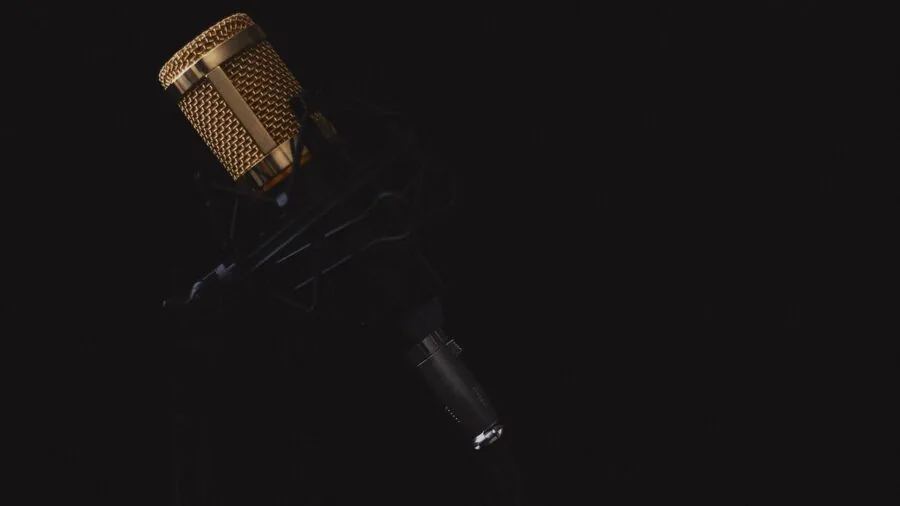
YouTube viewers will forgive mediocre video before they forgive bad audio. A webcam with poor built-in microphone quality forces you to invest in a separate USB microphone, adding cost and desk clutter. Noise reduction is the key metric here.
Webcams that use dual or omnidirectional microphone arrays with digital noise reduction can suppress keyboard clicks, HVAC noise, and room echo to a degree that makes them usable as a sole audio source for many creators.
AI noise-cancelling microphones, as found in the Insta360 Link 2 and Link 2 Pro, go further by using machine learning to isolate voice from ambient noise in real time.
This is especially valuable for streamers in noisy environments or home studios without acoustic treatment. If your recording space is already quiet and acoustically treated, standard dual-mic arrays with noise reduction will serve you well without the premium price tag.
Low-Light Performance and Auto Exposure
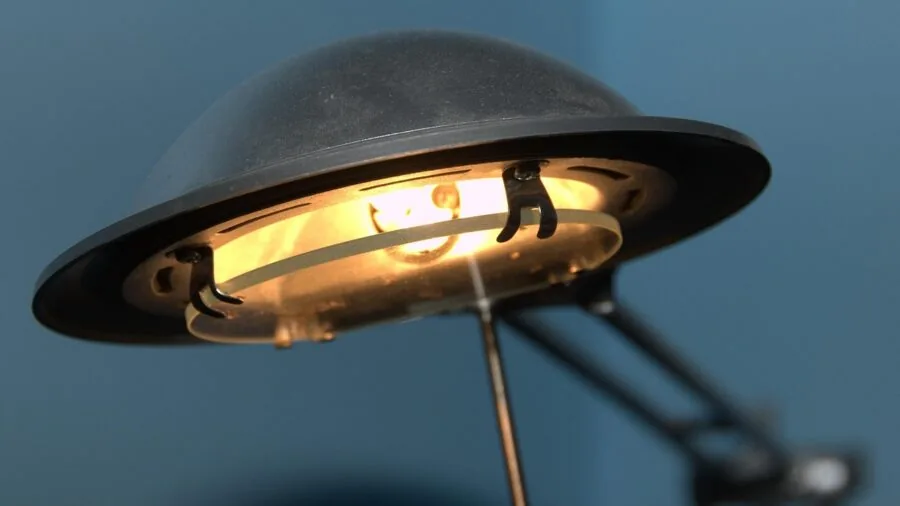
Most YouTube creators shoot without professional studio lighting, relying on window light, a ring light, or a desk lamp. A webcam with weak low-light performance will produce grainy, dark, or oddly colour-shifted footage in these conditions.
Auto light correction is now common even on mid-range webcams and helps balance exposure when the light source is behind the subject or uneven.
Cameras with larger sensors handle low light inherently better because they collect more photons per pixel.
If you record early mornings, evenings, or in rooms with limited natural light, prioritise sensor size and look for explicit low-light claims backed by verified buyer reviews.
Some creators pair a capable webcam with a smartphone gimbal for mobile shooting, but for desk-based YouTube content, a quality webcam with strong auto exposure removes most of the lighting headache without extra gear.
Why You Should Trust Us
REMOVU is an independent review platform with no brand partnerships, no sponsored rankings, and no manufacturer relationships that influence outcomes.
Every webcam in this guide was evaluated against a consistent set of criteria covering image quality, audio performance, autofocus reliability, build quality, software ecosystem, and value.
Each product receives a REMOVU Score on a 0 to 10 scale, which reflects how well it performs across all criteria relative to the competitive field in its category.
We do not conduct our own product trials; our evaluations are grounded in research, published data, expert review consensus, and verified buyer feedback.
This methodology allows us to assess a broad range of products systematically and transparently, drawing on the collective experience of thousands of real-world users and the detailed analysis published by camera and streaming hardware specialists.
REMOVU may earn a commission if you purchase through links in this article. That affiliate relationship has no bearing on which products are included, how they are ranked, or what scores they receive.
Our recommendations are driven entirely by research quality and REMOVU Score outcomes, not by commercial considerations. If a product scores poorly, it does not appear as a top pick regardless of any other factor.
Final Thoughts
The webcam market for YouTube creators in 2026 is genuinely strong across every budget tier.
Whether you need a reliable everyday camera or a full PTZ setup with AI tracking and a large sensor, there is a clear option in this guide. Here are the standout picks based on REMOVU Score and intended use case.
- Best Overall: Insta360 Link 2 Pro earns the top REMOVU Score in this group by combining the largest sensor of any webcam here, AI-powered PTZ tracking, directional noise-cancelling microphones, and HDR video into a premium package that covers virtually every YouTube use case at a high level.
- Best Mid-Range Value: Acer 4K Webcam delivers a Sony 1/2″ sensor, PDAF autofocus, and solid noise-reduction microphones in an all-metal body at a mid-range price point, making it one of the most compelling value propositions in the guide.
- Best for Streamers and Live Commerce: EMEET S600 is purpose-built for streaming, offering 1080p at 60 fps alongside 4K recording, a large Sony sensor, PDAF, and a built-in privacy cover in a package targeted squarely at live content creators.
- Best for Creators Who Move Around: Insta360 Link 2 brings the same PTZ AI tracking and large sensor as its sibling at a lower price, making it the go-to for fitness, cooking, and demonstration channels where framing needs to follow the creator automatically.
- Best Budget Pick: EMEET C960 offers 1080p resolution, dual microphones, and a 90-degree FOV at a budget-friendly price, making it a sensible first upgrade for new YouTube creators who want reliable plug-and-play performance without a large outlay.
For creators who are also building out a broader production setup, a capable laptop for photo and video editing will pair well with any of these cameras for post-production work.
If your channel leans heavily into visuals and you want an upgrade path beyond webcams, our roundup of DSLR cameras covers dedicated camera options for creators ready to make that jump.
And if audio is still a weak point in your setup, a quality speaker system in your monitoring chain or wired over-ear headphones for editing can round out your workspace considerably.
Frequently Asked Questions
Do I really need a 4K webcam for YouTube?
For most YouTube creators, 1080p at a smooth frame rate is entirely sufficient and will look great to the vast majority of viewers.
That said, 4K is genuinely useful if you plan to crop or reframe footage in post-production, since the extra resolution gives you flexibility to punch in without losing sharpness.
If you typically upload directly without heavy editing, a high-quality 1080p camera with a large sensor will often outperform a budget 4K camera in real-world footage quality.
Can a webcam replace a dedicated camera for YouTube?
For talking-head videos, live streaming, tutorials, gaming commentary, and remote interviews, a high-quality webcam is a perfectly capable production tool. Premium options with large sensors and AI features close the gap with entry-level mirrorless cameras significantly.
Where dedicated cameras still have a clear edge is in shallow depth of field, interchangeable lenses, and optical zoom. If your channel relies on cinematic visuals or outdoor footage, a dedicated DSLR or mirrorless camera will serve you better.
For desk-based YouTube formats, a top-tier webcam is often the more practical choice.
How important is the built-in microphone on a webcam for YouTube?
Audio quality is frequently cited by YouTube viewers as more important than video quality when it comes to watchability.
A webcam with a strong built-in microphone and effective noise reduction can serve as a sole audio source for many creators, especially in quiet recording environments.
For noisier spaces or more professional productions, a dedicated USB microphone or headset will always outperform any built-in mic.
Many of the webcams in this guide include dual microphones with noise reduction specifically to address this, making them viable for creators who want a clean single-device setup.
What is PDAF and why does it matter for YouTube?
PDAF stands for phase-detection autofocus. It works by splitting incoming light to measure focus error directly, which allows the camera to calculate the correct focus distance in a single step rather than hunting back and forth.
For YouTube, this means the camera snaps focus quickly when you lean in, turn to a second monitor, or move mid-sentence. The result is footage that stays sharp during natural movement rather than periodically going soft and refocusing visibly.
It is one of the most practical upgrades you can make over older contrast-detection autofocus systems, and it is now available across a wide price range.
Is a PTZ webcam worth the extra cost for YouTube creators?
A PTZ (pan-tilt-zoom) webcam with AI tracking is worth the investment for creators who move around their space while recording, such as fitness instructors, cooking channels, product demonstrators, or anyone who does not want to stay locked in a fixed position.
For seated commentary, gaming, or static tutorial formats, a standard fixed-angle webcam with a wide FOV and strong autofocus will achieve equally good or better results at a lower price. Assess your recording style honestly before paying the PTZ premium.
Creators covering drone footage or action-oriented content may also find our camera drone guides relevant for capturing footage that goes beyond what any desk-mounted webcam can deliver.
Does the webcam I choose affect streaming performance on my PC?
Yes, to a degree. Higher resolution and higher frame rate outputs from a webcam require more processing power from your system when encoding a live stream.
Most modern PCs handle 1080p at 30 fps without issue, but 4K streaming at 60 fps can add measurable load if your machine is also running game capture or resource-heavy software simultaneously.
If you are building or upgrading a streaming setup, reviewing your storage alongside your camera is sensible. Our roundup of internal hard drives covers fast storage options that help keep your recording pipeline smooth.
A well-specced mini PC can also serve as a dedicated streaming machine if your main rig is under pressure.
About the author
Lisa is REMOVU's smart thermostat writer, weighing energy savings, features, and system compatibility. She helps readers add comfort and remote control while trimming their bills.