The 11 Best Laptops for Photo Editing
Sharp display, fast CPU, and enough RAM to handle RAW files without slowdowns: here are the photo editing laptops worth your money across every budget tier.
 By Sharlene Rose
Updated July 25, 2026
By Sharlene Rose
Updated July 25, 2026
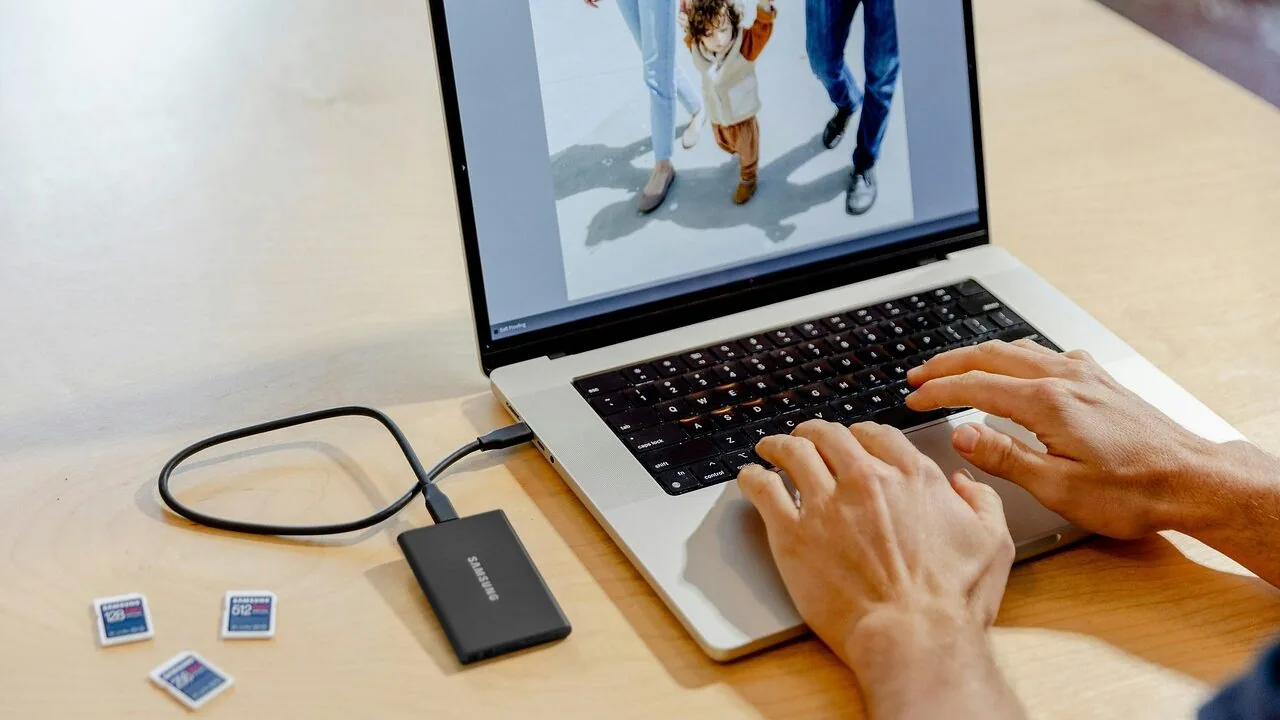
Photo editing demands more from a laptop than almost any other creative task.
Whether you’re culling thousands of RAW files in Lightroom, retouching portraits in Photoshop, or color grading in Capture One, your machine needs a sharp, color-accurate display, enough RAM to handle large catalogs without stuttering, and a processor that can crunch through exports without turning your desk into a radiator.
With so many options crowding the market, from budget-friendly all-rounders to professional mobile workstations, knowing which specs actually matter for photographers is what separates a great purchase from an expensive regret.
At REMOVU, we researched and evaluated every laptop on this list by analyzing published specifications, synthesizing consensus from expert reviewers across the photography and computing space, and weighing verified buyer feedback from photographers who use these machines day in and day out.
Our goal is to cut through marketing noise and give you a clear-eyed view of which laptops genuinely deliver for photo editing workflows, regardless of your budget. Read on for our top picks, ranked and ready.
| Award | Product | REMOVU Score About REMOVU ScoreThe REMOVU Score is our own rating from 0 to 10, based on performance, design and build, ease of use, and value. It reflects independent research and is never influenced by manufacturers, retailers, or affiliate commissions. Learn more › | Price | |
|---|---|---|---|---|
| Best Overall |
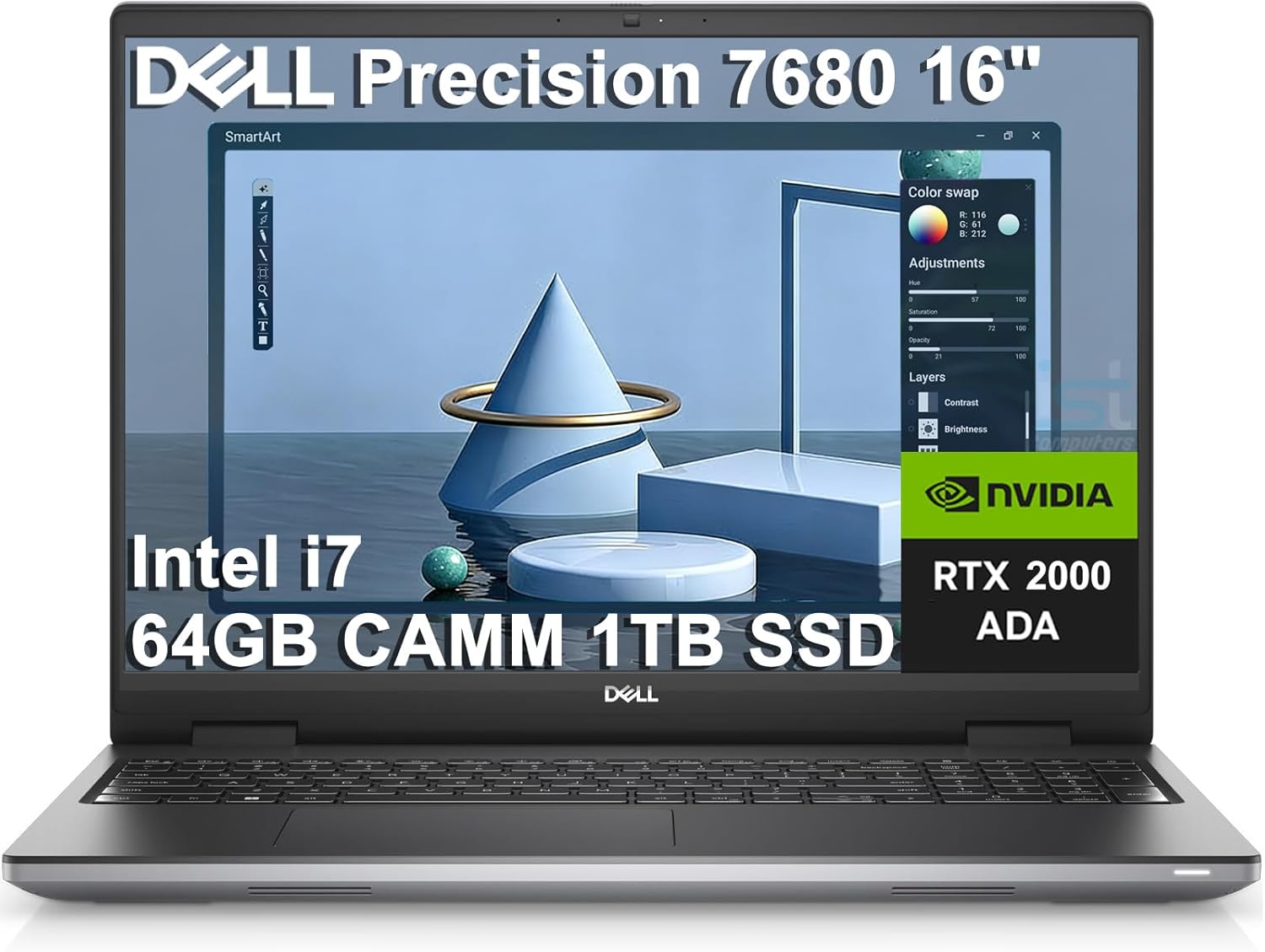 Dell Precision 7680 Mobile Workstation
|
8.9/10 | Buy | |
| Best Budget |
 Apple MacBook Neo 13-inch with A18 Pro
|
8.6/10 | Buy | |
| Best Premium |
 Dell Precision 7680 Mobile Workstation
|
8.4/10 | Buy | |
 HP OmniBook 16 with Ryzen AI 7
|
8.2/10 | Buy | ||
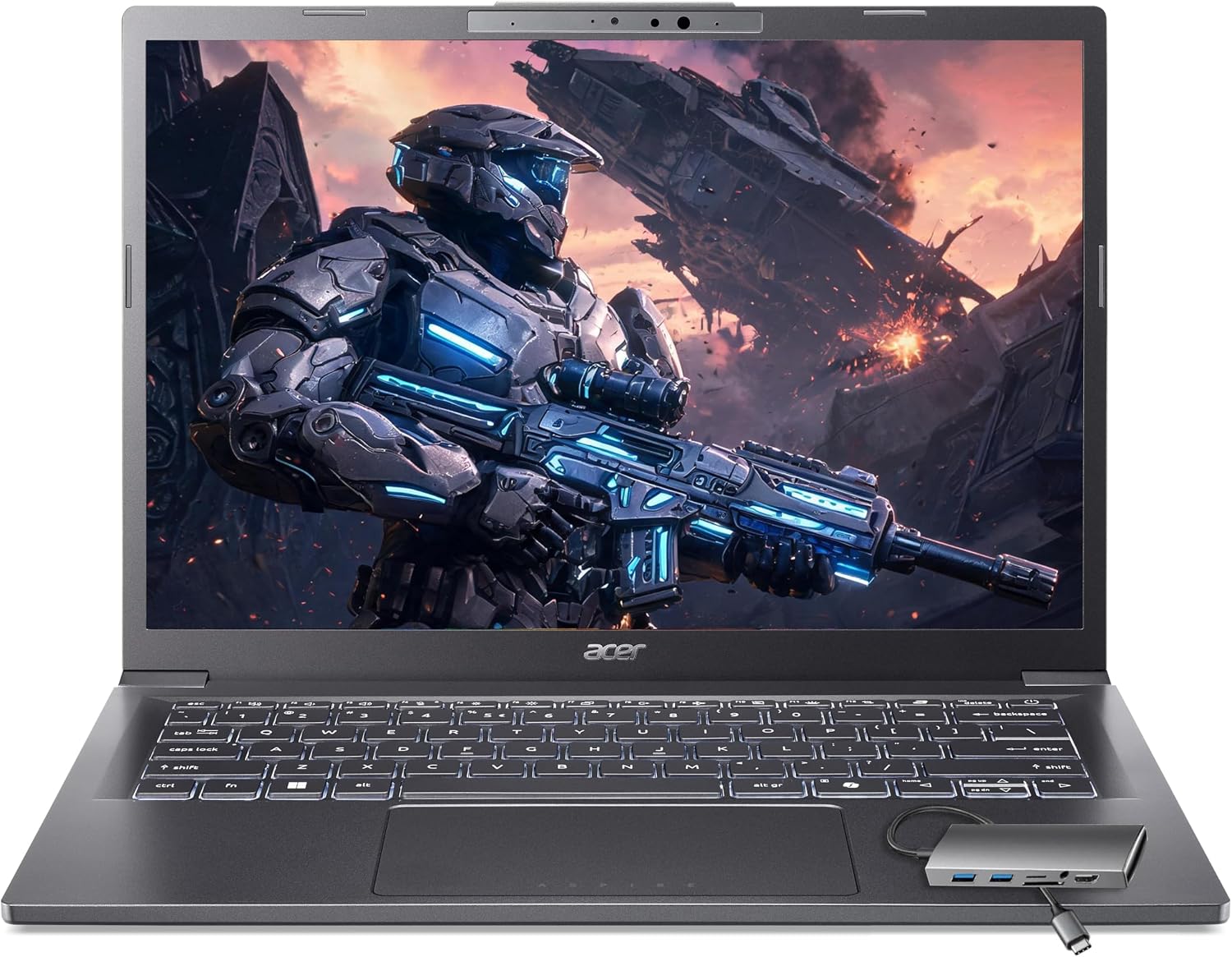 Acer Aspire 14 AI Laptop with Core Ultra 7
|
7.8/10 | Buy | ||
| Best Value |
 Acer Aspire 14 AI Laptop, Intel Core Ultra 7
|
7.6/10 | Buy | |
 HP OmniBook 5 AI 16-inch Laptop
|
7.4/10 | Buy | ||
 NIMO 15.6 AMD Ryzen 7 Gaming Laptop
|
7.1/10 | Buy | ||
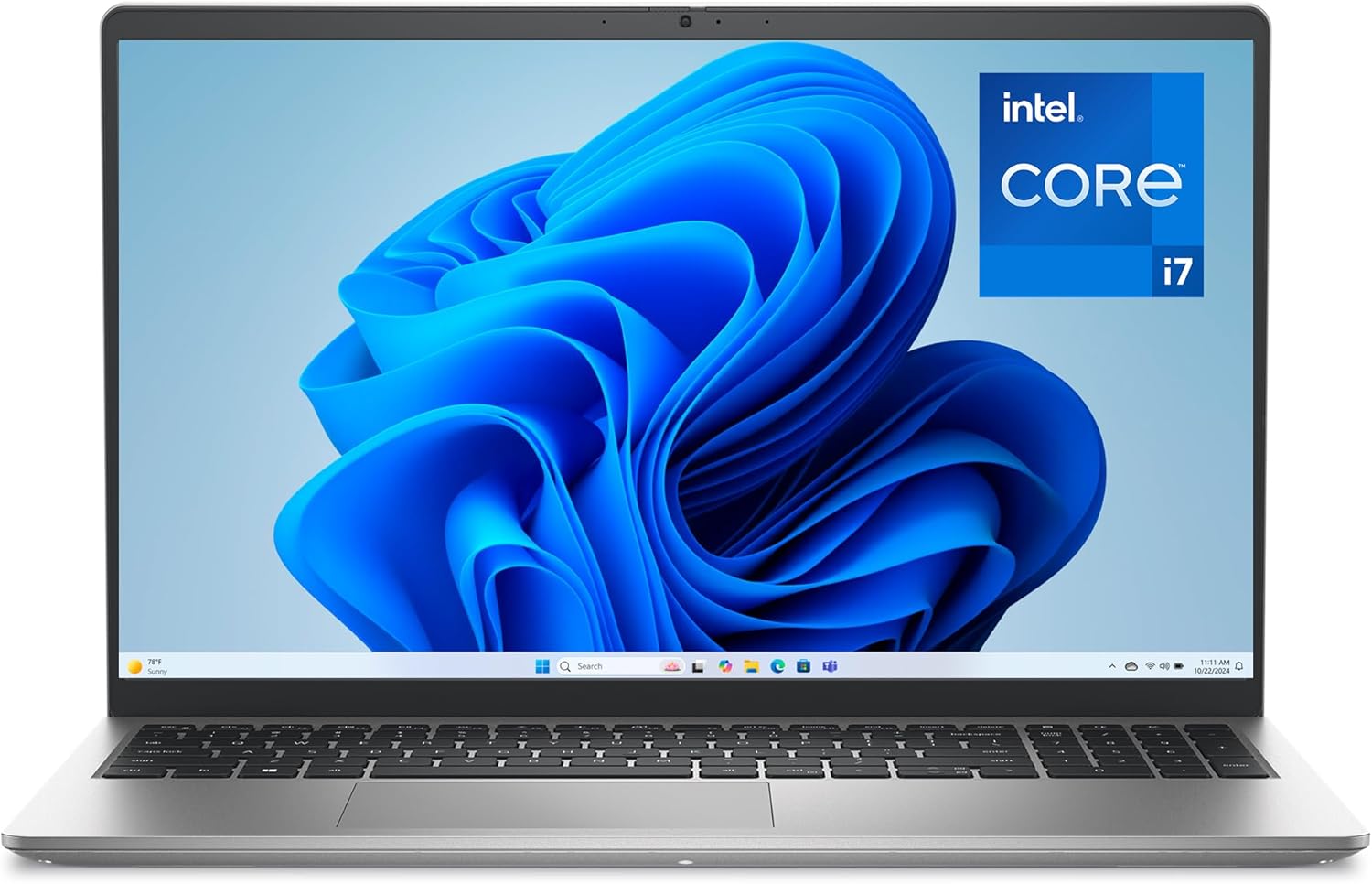 Dell 15 Laptop, Intel Core i7-1355U
|
6.5/10 | Buy | ||
 HP 17 Laptop, Ryzen 5, 512GB SSD
|
6.2/10 | Buy | ||
 HP 14 Laptop with Intel N150
|
6.2/10 | Buy |
Dell Precision 7680 Mobile Workstation
The Dell Precision 7680 is a professional-grade mobile workstation built for engineers, designers, and data scientists who need sustained performance on demanding tasks. Its Intel i7-13850HX processor, RTX 2000 Ada GPU, and 64GB DDR5 RAM make it capable of handling CAD, 3D rendering, video editing, and AI workflows without compromise.
Pros
- Exceptional multi-core performance from i7-13850HX makes short work of CPU-intensive tasks like rendering and compilation
- RTX 2000 Ada GPU accelerates professional workloads in CAD, 3D modeling, and machine learning inference
- Generous 64GB DDR5 RAM and 1TB SSD eliminate bottlenecks in data-heavy workflows
- Comprehensive connectivity with Thunderbolt 4, USB-C, HDMI 2.1, and Ethernet supports complex studio and office setups
- Proven durability through MIL-STD-810H evaluation and enterprise-class ProSupport with on-site service through 2029
Cons
- Premium pricing limits accessibility for freelancers and small teams with tighter budgets
- 16-inch form factor and 5.9 lbs weight make it less portable than ultrabook alternatives, though still reasonable for a workstation
- FHD+ display resolution (1920x1200) is adequate but trails higher-end competitors offering 2.5K or 4K native panels
Apple MacBook Neo 13-inch with A18 Pro
The MacBook Neo 13-inch delivers solid everyday performance with the A18 Pro chip, 16-hour battery life, and vibrant Liquid Retina display at an accessible price point. Best suited for students and casual users who need a portable, reliable Mac without premium pricing.
Pros
- Exceptional battery life eliminates daily charging anxiety during school or work days
- Competitive pricing for a MacBook makes Apple laptops accessible to students and budget-conscious buyers
- A18 Pro chip provides snappy performance for productivity apps, creative software, and light gaming
- Vibrant color lineup with coordinated keyboards offers personalization rare in the laptop market
- Privacy and security features including FileVault encryption and Touch ID protect your data
Cons
- Base configuration includes only 256GB storage, which may require external drives for media-heavy users
- 8GB unified memory is adequate but not upgradeable, limiting future-proofing for power users
Dell Precision 7680 Mobile Workstation
A professional-grade mobile workstation designed for architects, engineers, and creative professionals who need desktop-class performance in a portable form factor. The combination of Intel Core i7-13850HX, RTX 2000 Ada GPU, and 32GB DDR5 RAM delivers reliable performance for demanding tasks like CAD design, 3D rendering, and video editing, with ISV certification ensuring compatibility with industry-standard software.
Pros
- Exceptional processing power with 20-core Intel processor and RTX 2000 Ada GPU for professional applications
- ISV certification guarantees smooth performance with industry-standard software like AutoCAD, Revit, and Adobe Creative Suite
- Excellent connectivity with dual Thunderbolt 4 ports, Wi-Fi 6E, and support for up to 4 external 4K monitors
- MIL-STD-810H reviewed for durability and reliability across demanding work environments
- CAMM DDR5 RAM technology balances performance with portability at 5.9 lbs
Cons
- Premium pricing reflects professional-grade components, making it a significant investment for individual creators
- Display color accuracy at 45% NTSC is lower than high-end creator displays, requiring external calibrated monitor for color-critical work
- Battery life typical for workstations may limit extended mobile use without power access
HP OmniBook 16 with Ryzen AI 7
The HP OmniBook 16 is a powerful AI-ready laptop built on AMD's latest Zen 5 architecture with a 50 TOPS NPU, 32GB DDR5 RAM, and a sharp 16-inch 2K touchscreen. Ideal for creative professionals and developers who need seamless multitasking and future-proof AI capabilities.
Pros
- Exceptional processing power with Zen 5 architecture and 50 TOPS NPU for AI-driven applications
- Stunning 16-inch 2K touchscreen with excellent color accuracy and brightness for creative work
- Robust 32GB RAM and 1TB SSD ensure smooth performance for multitasking and large file handling
- Lightweight at 3.97 lbs with impressive all-day battery life for mobile professionals
- Full-size backlit keyboard and comprehensive port selection enhance productivity and connectivity
Cons
- Premium pricing at this performance level may be steep for casual users or students
- Only one review available limits confidence in long-term reliability and user satisfaction
- Limited availability of Copilot+ optimized software at launch may underutilize the NPU initially
Acer Aspire 14 AI Laptop with Core Ultra 7
A lightweight 14-inch business laptop powered by Intel's latest Core Ultra 7 processor with dedicated AI acceleration, 32GB RAM, and 2TB SSD storage. Best for remote workers, content creators, and professionals who need reliable performance and portability without compromise.
Pros
- Dedicated AI NPU enables Copilot+ PC features that run locally for privacy and offline functionality
- Exceptional portability at under 3.1 lbs makes it ideal for digital nomads and remote workers
- 32GB RAM and 2TB storage provide ample capacity for creative professionals without upgrade constraints
- Included USB hub with multiple ports eliminates the need for separate adapters and dongles
- Intel Arc graphics handle GPU-accelerated creative tasks like video editing and photo retouching
Cons
- 60Hz display refresh rate may feel limiting for fast-paced gaming or video editing scrubbing
- 720p webcam is adequate for video calls but lacks the clarity of higher-resolution alternatives
- Intel Core Ultra 7 258V is newer architecture with limited real-world performance benchmarks available
Acer Aspire 14 AI Laptop, Intel Core Ultra 7
A lightweight 14-inch business laptop powered by Intel's latest Core Ultra 7 processor with dedicated AI acceleration, 32GB RAM, and touchscreen display. Best for remote workers, freelancers, and content creators who need reliable all-day performance without sacrificing portability.
Pros
- Exceptional portability combined with powerful processing for professionals who travel frequently
- Dedicated AI NPU enables advanced features like real-time video enhancement and intelligent photo editing locally on device
- Comprehensive port selection and included USB hub eliminate the need for multiple external adapters
- 32GB RAM ensures smooth multitasking even with dozens of browser tabs and background applications
- Touchscreen display with stylus support enhances photo retouching and creative work precision
Cons
- No discrete GPU limits performance for intensive 3D rendering or demanding video production workflows
- 60Hz display refresh rate may feel limiting for users accustomed to higher-refresh gaming or design displays
- Limited information on battery life duration despite claims of all-day capability
HP OmniBook 5 AI 16-inch Laptop
The HP OmniBook 5 AI is a well-equipped 16-inch laptop powered by AMD's Ryzen AI 7 processor with dedicated AI acceleration (50 TOPS NPU), making it ideal for professionals and students who need reliable performance for creative work, coding, and multitasking. Its bundle includes a docking station, portable SSD, and lifetime Office 2021, offering strong value for business and academic use.
Pros
- Powerful AI acceleration built-in with 50 TOPS NPU for offline AI processing and responsive performance
- Excellent value bundle with docking station, portable SSD, and lifetime Office 2021 included
- Large 16-inch 2K display with wide viewing angles ideal for content creators and remote workers
- Solid battery life up to 14.75 hours reduces charging anxiety during work or travel
- Professional-grade specifications (16GB RAM, 1TB SSD, Wi-Fi 6) support demanding multitasking and creative workflows
Cons
- Limited to 60Hz refresh rate on display, which may feel less smooth for gaming or fast-paced creative work
- 5-star rating based on only 5 reviews provides limited real-world feedback on long-term reliability
- AMD Radeon 860M graphics, while capable, may struggle with intensive 3D gaming or professional rendering tasks
NIMO 15.6 AMD Ryzen 7 Gaming Laptop
A compact 15.6-inch gaming and creator laptop powered by AMD's Ryzen 7 8745HS processor with 32GB RAM and 1TB SSD, offering strong performance for video editing and AI tasks at an aggressive price point. Best suited for students, remote workers, and content creators who need portability without sacrificing processing power.
Pros
- Strong CPU performance for the price, beating Intel i7-1360P in benchmarks
- Exceptional value at $849.98 with 32GB RAM and 1TB storage standard
- Expandable to 64GB RAM and dual SSDs for future-proofing
- Fast 100W USB-C charging and all-day 54Wh battery for mobile professionals
- Premium build with metal chassis, backlit keyboard, and fingerprint security
Cons
- Radeon 780M integrated graphics limit gaming to 1080p at medium settings; demanding AAA titles may require lower settings
- 15.6-inch FHD display is adequate but not exceptional for detailed creative work compared to higher-resolution alternatives
- Limited real-world user review data (24 reviews) means long-term reliability is not yet proven
Dell 15 Laptop, Intel Core i7-1355U
A well-rounded 15.6-inch business laptop with a 13th Gen Intel Core i7 processor, 16GB DDR5 RAM, and fast SSD storage. Best for professionals and students needing reliable everyday computing with strong battery life and video conferencing features.
Pros
- Powerful 10-core processor handles demanding applications without lag
- Fast 80% charge in 1 hour keeps you productive on the go
- Comfortable ergonomic keyboard with lifted hinges reduces wrist strain
- Excellent video call features with FHD camera, dual mics, and AI noise reduction
- Lightweight metal chassis with adaptive thermals works equally well at desk or on lap
Cons
- HDMI 1.4 output limits display resolution to 1080p when connecting external monitors
- Intel UHD Graphics suitable for everyday tasks but not optimized for gaming or 3D rendering
- Limited to single 16GB RAM configuration, not user-upgradeable for future expansion
HP 17 Laptop, Ryzen 5, 512GB SSD
The HP 17 combines a spacious 17.3-inch FHD display with solid AMD Ryzen 5 performance, 8GB RAM, and 512GB SSD storage, making it a capable choice for everyday productivity, light video editing, and content creation. Best suited for users who prioritize screen real estate and need reliable performance without breaking the bank.
Pros
- Expansive 17.3-inch display provides excellent workspace for spreadsheets, video timelines, and multitasking
- Solid all-around performance with Ryzen 5 processor handles everyday tasks and light creative work efficiently
- Lifetime Microsoft Office license provides exceptional long-term value compared to subscription models
- Fast NVMe SSD ensures quick system responsiveness and minimal load times for media files
- Windows 11 Pro includes enterprise-grade security features like BitLocker encryption
Cons
- 8GB base RAM may require upgrades for heavy multitasking or professional video editing workflows
- Integrated AMD Radeon 610M graphics limits performance for demanding games or 3D rendering tasks
- Large 17.3-inch form factor reduces portability compared to standard 13-15 inch laptops
HP 14 Laptop with Intel N150
This HP 14-inch laptop combines portability with everyday performance, featuring 16GB RAM, 628GB total storage, and a 12-hour battery for students and remote workers. The bundle includes a docking station, wireless mouse, and one year of Microsoft Office 365, making it a practical all-in-one package at an accessible price point.
Pros
- Exceptional value with included accessories and one-year Office 365 subscription
- Extended battery life and lightweight design ideal for students and mobile professionals
- Sufficient RAM and storage for everyday computing, video editing, and multitasking
- Modern connectivity with Wi-Fi 6, USB-C, and multiple ports for versatile setup options
- Integrated AI Copilot key for enhanced productivity and modern computing features
Cons
- HD resolution (1366 x 768) is basic by current standards and may feel cramped for detailed work
- Intel N150 processor is entry-level and may struggle with demanding applications or gaming
- Windows 11 S Mode requires additional steps to unlock full Windows 11 functionality
Laptops for Photo Editing Buying Guide
Choosing the right laptop for photo editing means understanding which specifications genuinely affect your workflow and which are marketing fluff. The guide below breaks down the criteria that matter most, so you can match a machine to how you actually shoot and edit.
Display Quality and Color Accuracy
For photo editing, the display is arguably more important than the processor.
A panel that covers a wide color gamut, specifically sRGB at 100% or DCI-P3 at 90% or higher, ensures that the colors you see while editing actually match what viewers see on calibrated monitors and in print.
Brightness also matters: a display that reaches at least 300 nits is comfortable for working indoors, while 400 nits or more gives you flexibility in brighter environments.
Resolution is a secondary but meaningful consideration. A Full HD (1920×1080) panel is workable, but a 2K or higher resolution screen gives you noticeably more detail when examining textures, skin tones, and fine edges during retouching.
Anti-glare coatings are worth prioritizing if you edit near windows or in varied lighting conditions. Touchscreen panels can add convenience for certain editing gestures, though they are not essential for most photographers.
If you are considering a machine with a touchscreen, our roundup of 2-in-1 laptops covers convertible options that work well with stylus-based retouching, in case a hybrid form factor appeals to you.
Processor Performance

Modern photo editing software is heavily multi-threaded, meaning it distributes work across multiple CPU cores.
A processor with at least eight cores and strong single-core boost speeds will handle RAW processing, batch exports, and AI-powered tools like Lightroom’s Denoise or Photoshop’s Generative Fill without long wait times.
Both Intel Core Ultra and AMD Ryzen AI platforms have matured to offer excellent performance in this category, and either is a solid foundation.
Dedicated NPU (neural processing unit) silicon, increasingly common in 2026 platforms, accelerates AI features in editing software. While not strictly necessary, it future-proofs your purchase as software developers continue to offload AI tasks to specialized hardware.
If you are also doing video work alongside photo editing, check out our guide to laptops for video editing for platforms that excel at both.
RAM and Storage
Sixteen gigabytes of RAM is the practical minimum for editing high-resolution RAW files, especially if you multitask between Lightroom, Photoshop, and a browser with reference images open.
Thirty-two gigabytes is the sweet spot for professionals who work with large catalogs, panoramic stitches, or HDR merges. More RAM also allows the operating system to cache more image previews, making navigation through large folders significantly smoother.
For storage, a fast NVMe SSD is non-negotiable. Slower drives create a bottleneck when Lightroom writes preview files or when Photoshop uses scratch disk space during heavy compositing.
A 512GB SSD is a starting point for the operating system and applications, but photographers typically need at least 1TB on-device, with an external drive for archiving full image libraries.
DDR5 RAM, where available, provides additional bandwidth that benefits RAM-intensive operations.
GPU and Graphics Performance
Integrated graphics have improved dramatically and can handle most photo editing tasks adequately, especially on platforms like AMD Radeon 780M or Intel Arc integrated solutions.
However, a dedicated GPU with its own VRAM provides a meaningful advantage when using GPU-accelerated features in Lightroom, Photoshop, and Capture One, particularly for applying global adjustments to high-resolution images in real time.
For photographers who also handle any 3D work, motion graphics, or heavy compositing, a professional-grade mobile GPU like the NVIDIA RTX 2000 Ada becomes genuinely transformative rather than merely a bonus.
If your workflow blurs into creative computing beyond stills, a gaming laptop with a capable discrete GPU can sometimes offer better GPU performance per dollar, though typically at the cost of battery life and portability.
Portability and Battery Life

Photographers who shoot on location or travel frequently need a machine that balances power with portability.
A laptop weighing under two kilograms with 10 or more hours of realistic battery life gives you the freedom to edit on the road without constantly hunting for power outlets.
Thinner chassis designs that prioritize efficiency chips, such as Intel’s low-power Core Ultra V series or AMD’s Ryzen AI mobile lineup, tend to offer the best balance here.
If portability is your top priority, keep in mind that 16-inch and 17-inch screens deliver a more comfortable editing canvas but add weight and reduce battery endurance. Thirteen and fourteen inch machines are the sweet spot for travel photographers.
For a broader look at portable productivity machines across use cases, our work laptops guide covers lightweight options with strong all-day endurance.
Connectivity and Ports

Photographers depend on reliable, fast connectivity more than most users. An SD card reader saves time when ingesting images from cameras, eliminating the need for a dongle in the field.
Thunderbolt 4 or USB4 ports allow connection to high-resolution external monitors, fast external SSDs for library backups, and docking stations in a studio setup. Wi-Fi 6 or Wi-Fi 6E ensures quick wireless transfers when working tethered to a network-attached storage device.
If the laptop you are eyeing lacks a full complement of ports, a quality USB-C hub can fill the gap, but native ports are always preferable for stability and throughput.
Keyboards with backlit keys are worth factoring in if you edit in low-light environments, and a comfortable trackpad or support for an external graphics tablet can meaningfully improve precision retouching sessions.
Why You Should Trust Us
REMOVU is an independent review publication with no affiliation to any laptop manufacturer or retailer.
Every product on this list was assessed using a consistent, multi-factor methodology: we analyze published hardware specifications, synthesize consensus from expert reviewers across photography, computing, and creative professional publications, and incorporate verified buyer feedback from photographers and creative professionals who use these machines in real workflows.
Each laptop receives a REMOVU Score on a scale of 0 to 10, reflecting its overall suitability for photo editing relative to its price tier and competitive set.
We do not conduct our own product trials; our evaluations are grounded in research, published data, expert review consensus, and verified buyer feedback.
This approach lets us cast a wide net across the market and update our assessments as new data emerges, rather than being limited to the handful of units any single reviewer could physically handle.
Our rankings reflect quality of research and relevance to photographer needs, not commercial relationships.
REMOVU may earn an affiliate commission when you purchase through links on this page. That relationship has no influence on our scores, rankings, or editorial selections.
We do not accept payment for placement, and no brand can buy its way onto our list. If you have questions about our methodology, the computers section of the site explains how we approach each product category.
Final Thoughts
After a thorough review of the field, a few machines stand out for distinct reasons. Here are our editorial picks by category, each tied to its REMOVU Score performance within the group:
- Best Overall: Dell Precision 7680 (64GB DDR5). With the highest REMOVU Score in this roundup, this mobile workstation earns top honors for its combination of professional-grade NVIDIA RTX 2000 Ada graphics, massive RAM headroom, and the kind of sustained performance that serious photographers and retouchers need for large-format work.
- Best for Everyday Photographers: Apple MacBook Neo 13-inch. The A18 Pro chip’s unified memory architecture and the Liquid Retina display make this an outstanding choice for photographers who want a compact, efficient machine that handles RAW editing gracefully and travels light.
- Best Professional Workstation Alternative: Dell Precision 7680 (32GB DDR5). For users who need workstation-class GPU performance without the maximum-spec price, this variant delivers nearly the same professional muscle at a more accessible configuration, earning one of the highest REMOVU Scores in the group.
- Best Mid-Range Pick: HP Omnibook 16 Touchscreen. Pairing a 2K touchscreen with AMD Ryzen AI performance and 32GB of RAM, this machine punches above its price tier for photographers who want a large, touch-enabled canvas without entering workstation territory.
- Best Budget-Conscious Option: Acer Aspire AI (1TB SSD). With Intel Core Ultra 7 processing, 32GB of RAM, and a 14-inch FHD touchscreen, this laptop offers a compelling mix of modern AI platform features and editing capability for photographers working within a tighter budget.
Whichever tier you are shopping in, the laptops on this list represent the strongest options we found after comprehensive research.
If your workflow also involves coding or scripting for automation tools, our roundup of programming laptops covers machines that double well as development workstations.
And if you are open to a desktop-based editing setup, all-in-one PCs can offer larger displays and better thermal headroom for sustained export performance.
Frequently Asked Questions
How Much RAM Do I Really Need for Photo Editing?
For most photographers working with RAW files from modern cameras, 16GB of RAM is a workable minimum but can feel constrained when switching between Lightroom, Photoshop, and a browser simultaneously.
Thirty-two gigabytes is the recommended sweet spot in 2026, giving you comfortable headroom for large catalogs, HDR merges, and panoramic stitches without constant disk swapping. If your work involves high-megapixel medium-format files or heavy compositing, 64GB future-proofs your setup meaningfully.
Is a Dedicated GPU Necessary for Photo Editing?
Not strictly, but it helps. Modern integrated graphics on AMD Ryzen AI and Intel Core Ultra platforms handle most Lightroom and Photoshop tasks adequately.
A dedicated GPU becomes genuinely valuable when using GPU-accelerated AI tools, working with very high-resolution files, or exporting large batches where the GPU shares the processing load.
For photographers who also edit video, a discrete GPU is much more important and can make a significant difference in render times.
Does macOS or Windows Work Better for Photo Editing?
Both platforms run the major editing applications, including Lightroom, Photoshop, and Capture One, with no meaningful feature disparity. Apple’s unified memory architecture delivers exceptional performance per watt and outstanding battery life in a slim chassis, which many travel photographers appreciate.
Windows gives you more hardware variety, broader pricing options from budget to workstation, and greater flexibility for peripheral compatibility. The best choice comes down to your existing ecosystem, software preferences, and how you weight portability against raw processing power.
What Screen Size Is Best for Photo Editing on a Laptop?
Fourteen to sixteen inches covers the practical sweet spot for most photographers. A 14-inch display is light enough to carry comfortably in a camera bag and still offers enough real estate for Lightroom’s develop module.
Sixteen-inch panels give you more workspace for detailed retouching and multi-panel layouts, at the cost of extra weight and reduced battery life. Seventeen-inch machines are best reserved for studio or desk-based use where portability is rarely a concern.
Many photographers pair a laptop with an external monitor for studio sessions, making screen size a secondary concern if you edit at a fixed workstation most of the time.
Can a Budget Laptop Handle Professional Photo Editing?
Yes, with realistic expectations. A laptop in the budget tier with 16GB of RAM and a modern processor can handle Lightroom and Photoshop for everyday workflows including culling, basic retouching, and standard exports.
Where budget machines struggle is with very large files, batch exports of hundreds of high-megapixel RAWs, and AI-intensive features that demand sustained CPU performance.
If your editing volume is moderate and you are not working with the latest high-resolution camera bodies, an affordable option can serve you well.
For options across every price range, our cheap laptops guide and budget laptops roundup are good companion reads.
How Important Is Storage Speed for Photo Editing?
Very important, and often underestimated. Lightroom in particular is storage-intensive: it writes preview files, maintains catalog databases, and uses scratch storage for rendering.
A fast NVMe SSD reduces catalog open times, speeds up preview generation, and prevents Photoshop from stuttering when it needs scratch disk space during heavy compositing. Avoid laptops with eMMC or UFS storage as a primary drive for editing work.
NVMe PCIe Gen 4 is the current performance benchmark worth prioritizing.
About the author
Sharlene covers instant cameras for REMOVU, comparing print quality, film cost, and creative controls from Instax to Polaroid. She helps readers turn moments into keepsakes without surprises at the checkout.