The 8 Best Mechanical Keyboards for Gaming
Switch feel, build quality, and layout matter more than RGB spec sheets. These mechanical gaming keyboards stood out for durability, responsiveness, and value across every play style.
 By Carmen Kuhn
Updated July 26, 2026
By Carmen Kuhn
Updated July 26, 2026
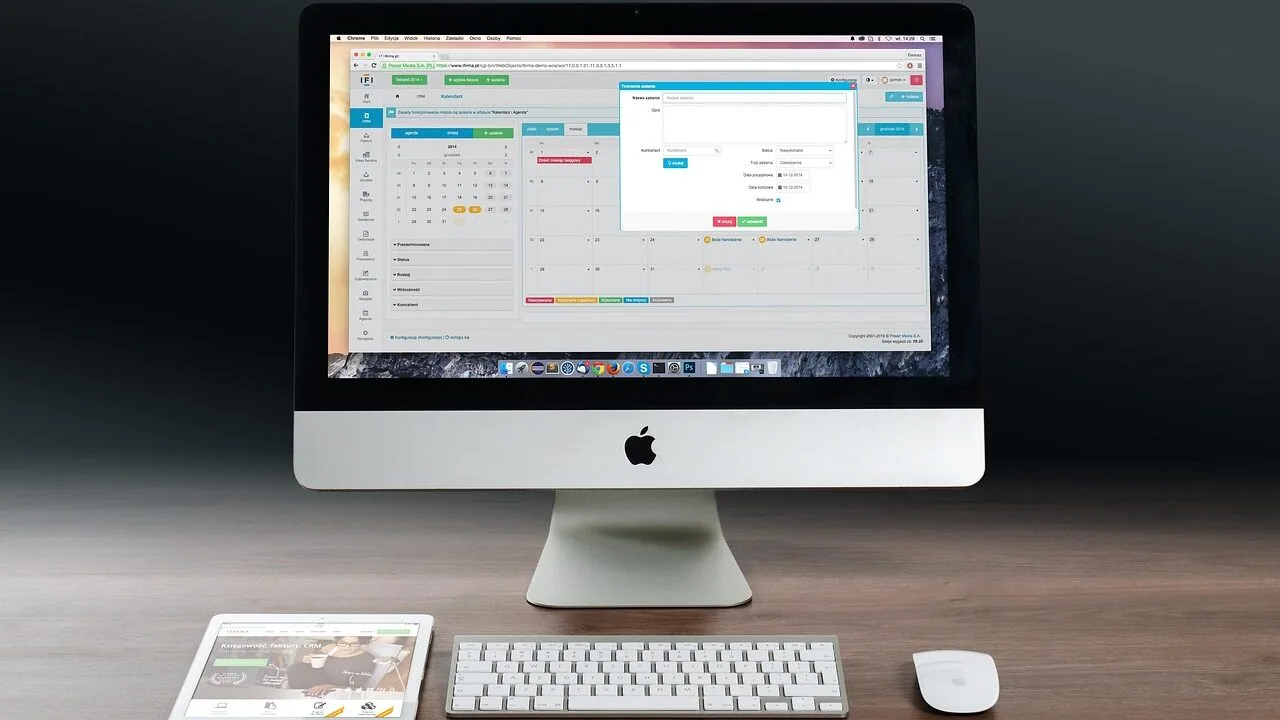
A mechanical keyboard can be the single most impactful peripheral upgrade for a gaming setup.
The difference between a mushy membrane board and a well-built mechanical one is immediately noticeable: crisper actuation, faster response, and tactile feedback that makes every keypress feel deliberate.
Whether you are grinding ranked matches or immersed in an MMO, the right mechanical gaming keyboard reduces fatigue, increases accuracy, and holds up to years of heavy use.
The market has expanded dramatically, with options ranging from budget-friendly full-size boards to premium compact wireless designs with gasket mounts and hot-swap sockets.
This guide cuts through the noise by combining published specifications, expert review consensus across the enthusiast community, and verified buyer feedback to surface the mechanical gaming keyboards worth your money in 2026.
Our picks span a range of budgets and play styles, from value-focused wired boards to feature-rich wireless options, so there is a strong match no matter where you land.
If you are building or upgrading a full gaming rig, pairing a great keyboard with capable graphics cards and gaming monitors makes an immediate difference. Read on for our top picks below.
| Award | Product | REMOVU Score About REMOVU ScoreThe REMOVU Score is our own rating from 0 to 10, based on performance, design and build, ease of use, and value. It reflects independent research and is never influenced by manufacturers, retailers, or affiliate commissions. Learn more › | Price | |
|---|---|---|---|---|
| Best Premium |
 ASUS ROG Strix Scope II X Full-Size Mechanical Keyboard
|
8.1/10 | Buy | |
| Best Value |
 AULA F75 Pro 75% Wireless Mechanical Keyboard
|
7.3/10 | Buy | |
 Logitech G413 SE Full-Size Mechanical Gaming Keyboard
|
6.8/10 | Buy | ||
| Best Overall |
 SteelSeries Apex 5 Hybrid Mechanical Keyboard
|
8.2/10 | Buy | |
 YUNZII C98 96% Wireless Mechanical Keyboard with Numpad
|
6.8/10 | Buy | ||
 Redragon K580 104-Key Mechanical Gaming Keyboard
|
7.2/10 | Buy | ||
| Best Budget |
 Redragon K556 104-Key Mechanical Keyboard
|
7.2/10 | Buy | |
 SOLAKAKA A75 PRO 75% Wireless Mechanical Keyboard
|
7.1/10 | Buy |
ASUS ROG Strix Scope II X Full-Size Mechanical Keyboard
A premium wired gaming keyboard built for customization, featuring hot-swappable pre-lubed ROG NX Snow V2 switches and durable PBT doubleshot keycaps. The aluminum construction, sound-dampening foam, and included wrist rest make it comfortable for extended gaming and work sessions. Best suited for enthusiasts who want to fine-tune their setup without breaking the bank on connectivity options.
Pros
- Hot-swappable switches let you swap between ROG NX Snow linear or Storm clicky types to match your preference
- Pre-lubed V2 switches with dust-proof design deliver smooth, consistent keystrokes out of the box
- PBT doubleshot keycaps resist shine and wear better than standard ABS alternatives
- Integrated sound-dampening foam and stabilizer tuning reduce pinging and echo for cleaner acoustics
- Detachable wrist rest and three-angle adjustment accommodate different hand positions for comfort
- Pre-programmed hotkeys for Xbox Game Bar and recording, plus fully programmable macros via Armoury Crate
Cons
- Wired USB-C only, no wireless or Bluetooth option for desk flexibility
- Full-size layout takes up significant desk real estate compared to compact alternatives
- Premium pricing reflects the customization features, which may not justify the cost for casual users
AULA F75 Pro 75% Wireless Mechanical Keyboard
A compact 75% mechanical keyboard built for gamers and professionals who want flexibility without sacrificing desk space. The tri-mode connectivity (Bluetooth, 2.4GHz, USB-C) lets you jump between five devices seamlessly, while the hot-swappable design and pre-lubed Reaper switches deliver smooth, creamy typing right out of the box. The multi-function knob and programmable keys add practical control for gaming and office work alike.
Pros
- Tri-mode connectivity with five-device pairing simplifies switching between PC, laptop, tablet, and phone
- Hot-swappable socket supports both 3-pin and 5-pin switches for easy customization without soldering
- Pre-lubricated stabilizers and Reaper switches provide smooth keystroke feel with minimal rattle
- 4000mAh battery delivers extended wireless runtime on a single charge
- Side-printed PBT keycaps resist fading and sweat, with gradient finish that complements RGB lighting
- Multi-function knob controls brightness and media in one tactile control
Cons
- 75% layout removes numpad and some function keys, which may inconvenience heavy spreadsheet users
- RGB customization requires driver software installation for full macro and lighting effect access
- Limited information on actual battery life duration under typical use conditions
Logitech G413 SE Full-Size Mechanical Gaming Keyboard
A full-size mechanical gaming keyboard built around durability and competitive performance. The G413 SE combines tactile mechanical switches with PBT keycaps and a brushed aluminum frame, making it a solid choice for players seeking a no-frills, reliable input device that won't flex under intense sessions.
Pros
- PBT keycaps deliver superior heat and wear resistance compared to standard ABS plastic
- 6-key rollover anti-ghosting ensures reliable simultaneous key registration during gameplay
- Aluminum-magnesium alloy top case provides structural rigidity with minimal flex
- Twelve programmable FN media controls for volume, playback, and lighting adjustment
- Full-size layout plus compact tenkeyless option available for different desk setups
Cons
- Wired USB connection only, no wireless option for cable-free setup
- White LED lighting is fixed and non-customizable compared to RGB alternatives
- No information provided on switch type specifications or actuation force details
SteelSeries Apex 5 Hybrid Mechanical Keyboard
A gaming keyboard that pairs hybrid blue switches with premium build quality, featuring an OLED display and per-key RGB lighting. The aircraft-grade aluminum frame and magnetic wrist rest deliver durability and comfort for extended play sessions. Best suited for gamers who want mechanical responsiveness without sacrificing water resistance or desk aesthetics.
Pros
- Hybrid blue switches deliver tactile feedback of mechanical keyboards while maintaining durability rated for 20 million keypresses
- OLED smart display allows customization with GIFs, game info, and Discord notifications for at-a-glance updates
- Aircraft-grade aluminum alloy frame provides exceptional build quality and longevity
- Per-key RGB illumination with reactive typing effects syncs across SteelSeries gear for cohesive setup
- Premium magnetic wrist rest offers full palm support and is easily removable for portability
- IP32 water resistance protects against accidental spills and dust
Cons
- OLED display adds significant cost compared to standard gaming keyboards without this feature
- Hybrid switch design may feel less distinctly mechanical than traditional pure mechanical switches to some users
- Larger footprint and premium materials make it less portable than compact alternatives
YUNZII C98 96% Wireless Mechanical Keyboard with Numpad
A cute cake-themed 99-key mechanical keyboard that combines aesthetic charm with practical features like tri-mode connectivity (Bluetooth 5.0, 2.4GHz, USB-C), hot-swappable switches, and a hefty 10000mAh battery. The gasket mount structure with factory-lubed linear switches delivers a creamy, quiet typing experience. Best for users who want a compact layout with numpad access plus customizable RGB lighting without breaking their workflow.
Pros
- Tri-mode connectivity with 5-device pairing and wide OS compatibility (Win, Mac, iOS, Android)
- Large 10000mAh battery provides extended wireless use between charges
- Hot-swappable design supports 3-pin and 5-pin switches for easy customization
- Gasket mount with silicone padding and factory-lubed switches creates smooth, quiet typing
- Complete accessory bundle includes keycap puller, dust cover, stickers, and extra keycaps
Cons
- No physical reviews available yet to validate real-world durability and user satisfaction
- Web-based customization software may lack the advanced programmability of QMK/VIA found in higher-end models
- 96% layout with numpad is less compact than 75% alternatives, reducing portability
Redragon K580 104-Key Mechanical Gaming Keyboard
A full-size wired gaming keyboard built for MMO and MOBA players, featuring five programmable macro keys that work without software and Blue switches for tactile feedback. The 18 RGB modes plus dedicated media controls make it a practical mid-range option for gamers who want macro support and customization without complexity.
Pros
- Five on-board macro keys record combos directly on the keyboard with no software installation required
- Blue switches deliver distinct tactile feedback with audible click, rated for 50 million keystrokes
- Full 104-key anti-ghosting ensures accurate multi-key input during fast-paced gameplay
- RGB lighting customizable per-key without software, plus five side-edge lighting modes
- Dedicated media wheel and play/pause/skip controls for quick access during gaming
Cons
- Wired-only connection limits desk setup flexibility compared to wireless alternatives
- Blue switches are clicky and loud, which may disturb others in shared spaces
- No hot-swap socket mentioned, meaning switch replacement requires soldering if needed
Redragon K556 104-Key Mechanical Keyboard
A full-size wired gaming keyboard built around a brushed aluminum frame that resists flex during intense play sessions. The hot-swap Brown switches deliver tactile feedback suitable for both gaming and extended typing, while 20 RGB presets and full anti-ghosting across all 104 keys keep the competitive edge sharp. Best for desktop gamers who value durability and don't need wireless connectivity.
Pros
- Solid aluminum construction eliminates the flex common in plastic-frame boards
- Hot-swap socket supports 3-pin and 5-pin switches for easy customization without soldering
- Brown switches provide tactile bump with softer actuation, comfortable for mixed gaming and typing workloads
- Full 104-key anti-ghosting ensures reliable multi-key registration during rapid inputs
- 20 RGB lighting modes with software control for deep customization beyond onboard presets
Cons
- Wired-only connection limits desk setup flexibility compared to wireless or hybrid models
- No programmable macro keys on this model, unlike some competing full-size boards
- Heavier at 1.18 kg makes portability less practical for LAN events or frequent relocation
SOLAKAKA A75 PRO 75% Wireless Mechanical Keyboard
A compact 75% gaming keyboard that combines wireless versatility with a built-in LCD screen and rotary knob for media control. The gasket-mounted design with factory pre-lubed switches delivers a smooth, thocky typing experience, while hot-swap sockets and programmable RGB make it customizable for both gaming and productivity workflows.
Pros
- Tri-mode connectivity (2.4GHz, Bluetooth 5.0, USB-C) with 4,000mAh battery for extended wireless use
- Integrated LCD screen displays custom GIFs, system status, and RGB controls without software dependency
- Gasket-mounted structure with pre-lubed switches delivers cushioned, deep acoustics out of the box
- Hot-swappable 3/5-pin sockets enable full switch customization and experimentation
- Durable PBT double-shot keycaps resist shine and wear while maintaining texture
Cons
- No verified buyer reviews yet, so real-world durability and reliability remain unconfirmed
- LCD screen and rotary knob add complexity that may not appeal to users seeking simplicity
- Limited information on software stability and driver updates for long-term support
Mechanical Gaming Keyboards Buying Guide
Choosing the right mechanical gaming keyboard involves more than picking the one that looks coolest. Switch feel, form factor, build quality, and connectivity all interact in ways that affect your daily experience.
This buying guide breaks down the criteria that matter most, so you can match a keyboard to your actual gaming habits rather than a marketing spec sheet.
Switch Type and Feel
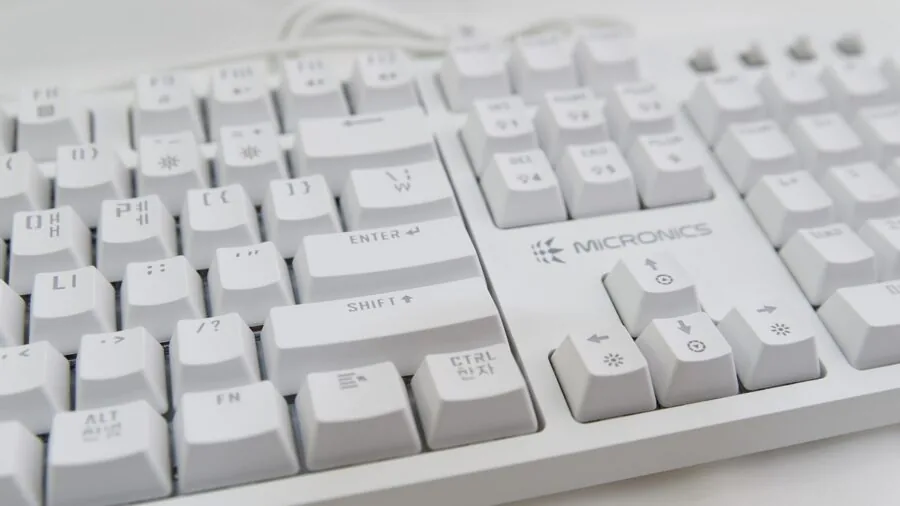
The switch is the heart of any mechanical keyboard, and it determines how each keypress feels and sounds. Broadly, switches fall into three categories: linear, tactile, and clicky.
Linear switches like red and speed variants travel smoothly from top to bottom with no bump, making them a popular choice for gaming because of their low resistance and fast actuation.
Clicky switches, traditionally blue variants, produce an audible click and a tactile bump, which many typists love but can be disruptive in shared spaces or during voice chat.
Tactile switches, like brown variants, offer a middle path: a noticeable bump without the loud click, making them versatile for gaming and extended typing sessions alike.
Beyond the basic categories, actuation force and travel distance matter. Lighter switches (around 45g actuation) respond faster but can cause accidental keypresses during tense moments. Heavier switches reduce misfire risk but add finger fatigue over long sessions.
Pre-lubed switches, which come factory-lubed at the factory level in several picks in this guide, smooth out the travel and reduce scratchiness without any DIY work.
If you anticipate wanting to experiment over time, prioritize a board with a hot-swap socket so you can swap switches without soldering.
Expert consensus consistently points to switch feel as the most subjective yet consequential factor in long-term keyboard satisfaction. Reading switch-specific reviews and, when possible, trying a switch tester before committing to a full board is always worthwhile.
Form Factor and Layout

Mechanical gaming keyboards are available in several standard layouts: full-size (100%), tenkeyless or TKL (80%), 75%, 65%, and 60%.
Full-size boards include a dedicated numpad, which is essential for MMO players who bind macros to number keys or for anyone who does financial or productivity work alongside gaming.
Tenkeyless boards drop the numpad, saving significant desk space while retaining the function row and navigation cluster. The 75% layout compresses further, keeping most keys but removing some spacing between clusters, delivering an extremely compact footprint with minimal compromise.
Layouts below 75% trade convenience for portability and a cleaner desk aesthetic.
For most gamers, the TKL or 75% form factor hits the sweet spot: enough keys for full functionality, a smaller footprint for better mouse clearance, and a lighter carry weight for LAN events or travel.
A tidy desk setup also benefits from other well-chosen peripherals; a comfortable wireless mouse alongside a compact keyboard keeps your workspace uncluttered.
Wired vs. Wireless Connectivity
For competitive gaming, wired USB-A or USB-C connections remain the gold standard for latency-free input.
Modern 2.4 GHz wireless technology has closed the gap considerably, and in most gaming scenarios the latency difference is imperceptible, but serious esports players often prefer wired for peace of mind.
Wireless boards, however, bring real benefits: a cleaner desk, freedom of movement, and compatibility with living-room setups or multi-device workflows.
Tri-mode connectivity, which combines 2.4 GHz wireless, Bluetooth 5.0, and USB-C wired in a single keyboard, is increasingly available at mid-range price points. This flexibility lets you switch between a gaming PC, a work laptop, and a tablet without re-pairing.
Battery life on modern wireless gaming keyboards generally ranges from tens to hundreds of hours depending on RGB brightness; lower brightness settings dramatically extend runtime.
If your setup already includes a gaming desktop with a dedicated wireless receiver port, 2.4 GHz boards offer the most seamless wireless gaming experience.
Build Quality and Materials

The case and plate materials determine a keyboard’s durability, typing acoustics, and overall feel.
Aluminum top plates and cases are significantly more rigid than plastic, resist flex during aggressive typing, and give the board a premium heft that holds it in place on the desk.
Aircraft-grade aluminum frames, found in higher-end picks in this lineup, are especially resistant to denting and warping over years of use.
Plastic cases are not inherently bad, but thinner plastics can flex and transmit vibration in ways that some gamers find distracting.
Gasket-mount construction is worth understanding if you care about typing acoustics. In a gasket mount, the plate is suspended between layers of silicone or foam gaskets rather than being screwed directly to the case.
This produces a softer, bouncier keystroke that absorbs vibration, resulting in a quieter and more cushioned sound profile.
Gasket-mount designs, once exclusive to expensive custom builds, have filtered down to accessible price points in recent years and represent a genuine improvement in feel over tray-mounted alternatives at similar prices.
Keycap material also matters for longevity. PBT (polybutylene terephthalate) keycaps resist shine and wear far better than ABS (acrylonitrile butadiene styrene).
PBT legends stay crisp after years of heavy use, while ABS legends can fade and develop a greasy sheen within months. Look for double-shot or dye-sublimated legends for the best durability.
RGB Lighting and Software

RGB backlighting has become a near-universal feature on gaming keyboards, but implementation quality varies widely. Per-key RGB offers full individual key control and enables reactive effects, per-game profiles, and custom animations.
Zone-based or single-color backlighting is simpler and often cheaper but limits customization. For most gamers, per-key RGB is a nice-to-have rather than a necessity; what matters more is that the lighting does not bleed unevenly or wash out legends.
Software ecosystems range from robust desktop apps with macro recording and on-board profile storage to minimal companion utilities that simply update firmware.
If you want to sync lighting across a full peripheral ecosystem, make sure the keyboard is compatible with your existing brand’s software.
On-board memory for profiles is a meaningful feature if you frequently play at different machines, since it lets you carry your key bindings without installing software on every PC.
Dedicated media controls or a volume knob, found on several picks in this guide, add convenience for streamers and content creators who switch frequently between gaming and audio management.
Hot-Swap Support and Customization Potential
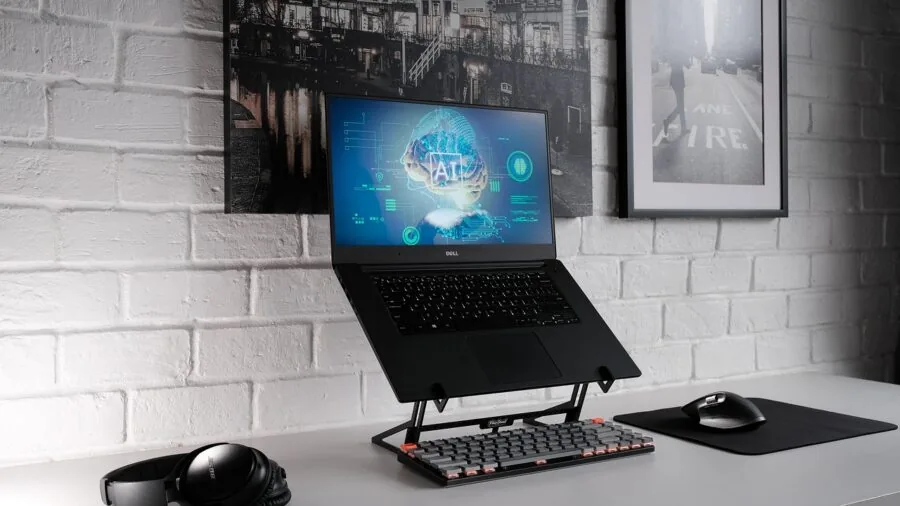
Hot-swap sockets allow you to pull and replace switches without a soldering iron, opening up a world of customization without voiding warranties or buying a new board.
This is particularly valuable for gamers who are still exploring which switch feel suits them best, or who want to run linear switches for gaming and swap to tactile switches for work sessions. A hot-swap board effectively future-proofs your investment.
Beyond switch swapping, look for boards that accept standard keycap sets (MX-compatible stem layouts are the most common). This lets you replace the stock keycaps with aftermarket sets for a completely personalized look or improved texture.
The combination of hot-swap sockets, PBT keycaps, and a gasket mount makes a board highly modifiable, which is reflected in the higher REMOVU Scores assigned to boards in this guide that offer all three.
If your broader build is similarly upgradeable, pairing a hot-swap keyboard with a modular PC built around a quality modular power supply and a fast internal hard drive gives you a setup that grows with your needs.
Why You Should Trust Us
REMOVU is an independent review publication with no brand affiliations and no products to sell.
Every keyboard in this guide was evaluated using our structured research methodology: we analyze published specifications, aggregate expert review consensus from the enthusiast and professional peripheral community, and weigh verified buyer feedback from confirmed purchasers.
We do not conduct our own product trials; our evaluations are grounded in research, published data, expert review consensus, and verified buyer feedback.
Each product receives a REMOVU Score on a 0 to 10 scale, assessed against a consistent set of criteria that includes build quality, switch performance, connectivity options, software ecosystem, customization potential, and overall value at the asking price.
Scores are assigned before any affiliate relationship is considered, and rankings are determined entirely by score, not by commission rate.
REMOVU may earn a commission if you purchase through a link in this guide, but that relationship has no influence on which keyboards appear here, how they are ranked, or what score they receive.
Our editorial independence is the foundation of the trust readers place in our picks.
Final Thoughts
The mechanical gaming keyboards in this guide cover a wide range of use cases, budgets, and play styles. After scoring each model against our consistent criteria, here are the standout picks by category:
- Best Overall: AULA F75 Pro Wireless Mechanical Keyboard. The highest REMOVU Score in this lineup reflects a rare combination of tri-mode wireless, a hot-swap socket, pre-lubed switches, PBT keycaps, and a competitive price point that undercuts many premium rivals. It is the most complete package for the broadest range of gamers.
- Best Full-Size Wired Pick: ASUS ROG Strix Scope II X. A premium wired option with hot-swappable pre-lubed ROG NX Snow V2 linear switches, full PBT keycaps, and solid RGB implementation. It earns its place for gamers who want a no-compromise wired 100% layout from a trusted peripheral brand.
- Best Hybrid Mechanical Experience: SteelSeries Apex 5. The hybrid mechanical switch design and aircraft-grade aluminum frame, paired with an OLED smart display and per-key RGB, make this the pick for gamers who value a premium feel and a feature-rich ecosystem. It earns one of the top REMOVU Scores in the group.
- Best Budget Pick: Redragon K556. A rock-solid aluminum full-size board at a budget-friendly price, with hot-swappable tactile brown switches and RGB backlighting. Verified buyers consistently praise its build quality relative to its asking price, making it the smart choice for first-time mechanical keyboard buyers.
Whichever pick you choose, pairing your new keyboard with a well-matched display elevates the entire experience. Our roundup of gaming monitors and our guide to wireless gaming headsets are natural next steps for completing a high-performance setup.
For gamers looking at the full PC ecosystem, gaming PCs built for VR pair especially well with a responsive mechanical keyboard for immersive play.
Frequently Asked Questions
What Is the Difference Between Linear, Tactile, and Clicky Switches?
Linear switches travel smoothly with no bump or click, making them fast and quiet for gaming. Tactile switches have a noticeable bump at the actuation point without an audible click, offering physical feedback that many typists and hybrid gamer-typists prefer.
Clicky switches produce both a tactile bump and an audible click, which some users find satisfying but others find disruptive, especially in households or offices. For pure gaming, linear or light tactile switches are generally recommended by the enthusiast community.
Is a Wireless Mechanical Keyboard Good Enough for Competitive Gaming?
Modern 2.4 GHz wireless keyboards have polling rates and latency figures that are indistinguishable from wired in virtually all gaming scenarios outside of elite esports competition.
Verified buyer feedback across wireless picks in this guide consistently reports no perceptible input lag during fast-paced play. For the vast majority of gamers, a quality wireless board is a perfectly capable choice.
If you compete at a professional level where every millisecond is scrutinized, a wired board remains the safer option.
What Does Hot-Swap Mean and Do I Need It?
Hot-swap sockets let you remove and replace switches without soldering by simply pulling them out with a switch puller.
This means you can change from linear to tactile switches, or try a completely different brand of switch, without buying a new keyboard. It is especially valuable if you are new to mechanical keyboards and still discovering your preferred feel.
Expert reviewers broadly recommend prioritizing hot-swap if your budget allows, as it significantly extends the useful life of the board.
Are PBT Keycaps Really That Much Better Than ABS?
Yes, for long-term durability. PBT keycaps are denser and more resistant to the shine and grease that develop on ABS keycaps after months of heavy use.
ABS keycaps can start to look worn and feel slippery within a year of regular gaming. PBT keycaps maintain their texture and legend clarity far longer.
Double-shot PBT, where the legend is molded from a second layer of plastic rather than printed on, is particularly durable.
If a keyboard ships with ABS keycaps, replacing them with a quality PBT aftermarket set is a straightforward and worthwhile upgrade.
How Do I Choose Between a Full-Size, TKL, and 75% Layout?
Choose a full-size layout if you regularly use a numpad for macros, data entry, or MMO keybinds. Go with a TKL if you want more mouse space and a lighter carry without sacrificing function keys or navigation keys.
A 75% layout is ideal if desk space is at a premium and you are comfortable remapping the handful of keys that get compressed or removed.
For most FPS and MOBA players who do not rely on the numpad, TKL or 75% boards are widely considered the most ergonomic choice.
Pair a compact keyboard with a large mousepad and a capable gaming laptop or desktop for a clean, efficient station.
Do I Need RGB Lighting on a Gaming Keyboard?
RGB lighting is entirely optional for gaming performance but contributes to the atmosphere of a gaming setup and can serve a functional purpose, such as highlighting frequently used keys or setting game-specific color zones.
Per-key RGB offers the most flexibility, while zone-based lighting is simpler and often more power-efficient on wireless boards.
If you plan to use the keyboard in a shared or work environment, a board with adjustable brightness or the ability to turn off lighting entirely is a sensible choice.
Many picks in this guide support full RGB customization without requiring software to be running in the background during play.
About the author
Carmen writes about cable modems for REMOVU, matching DOCSIS support and speed tiers to real internet plans so readers can drop monthly rental fees. She flags which models are worth buying and which quietly bottleneck a connection.