The 9 Best CPU Coolers for Overclocking
Overclocking demands more from your cooling setup than stock operation ever will. These air coolers offer the thermal headroom, fan performance, and build quality to keep your CPU stable under sustained load.
 By Alexis Hawkins
Updated July 26, 2026
By Alexis Hawkins
Updated July 26, 2026
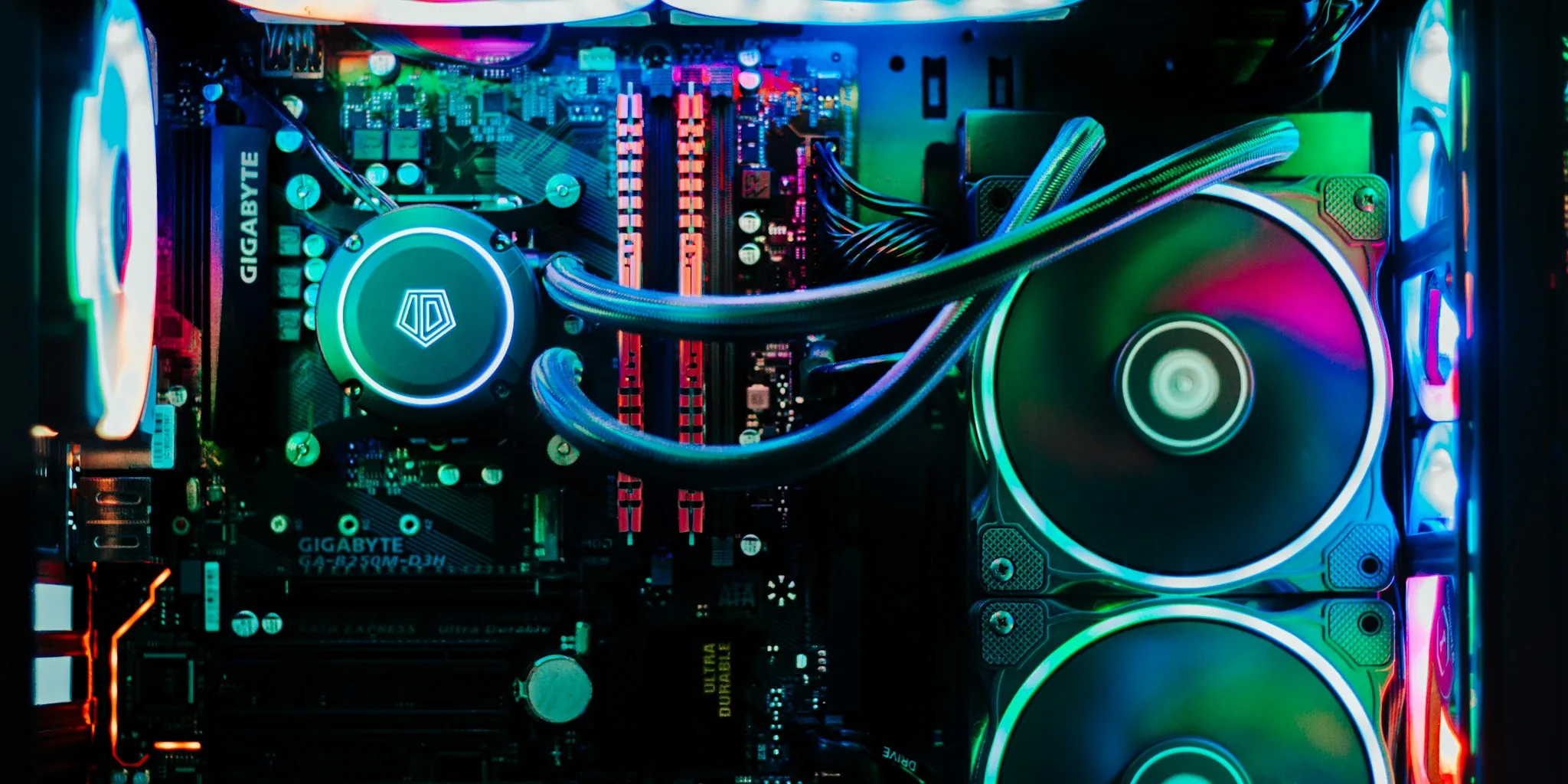
Pushing your CPU beyond its stock speeds is one of the most effective ways to squeeze extra performance out of a PC build, but it also generates significantly more heat than a chip running at factory settings.
A cooler that works perfectly for a stock processor can quickly become the weakest link the moment you start raising voltages and clock speeds.
Choosing the right thermal solution is therefore not optional for serious overclockers, it is the foundation that determines how far your chip can actually go.
Whether you are chasing higher frame rates in games, faster render times, or simply want more headroom before thermal throttling kicks in, the cooler you pick will define your ceiling.
Popular options from Thermalright, Cooler Master, be quiet!, and ID-COOLING dominate this space, offering a range from budget-friendly single-tower solutions to premium dual-tower designs with advanced fan arrays.
This guide cuts through the noise to help you find the right CPU air cooler for overclocking, whatever your budget or chassis constraints.
REMOVU researched each pick through a synthesis of published technical specifications, expert review consensus from across the enthusiast PC community, and verified buyer feedback from confirmed purchasers.
We do not conduct our own product trials; every recommendation here is grounded in structured, independent research.
Scroll down for our top picks, ranked by REMOVU Score, followed by a detailed buying guide that explains exactly what to look for when cooling an overclocked processor.
We have also put together a broader CPU coolers roundup if you want to compare options across workloads beyond overclocking.
| Award | Product | REMOVU Score About REMOVU ScoreThe REMOVU Score is our own rating from 0 to 10, based on performance, design and build, ease of use, and value. It reflects independent research and is never influenced by manufacturers, retailers, or affiliate commissions. Learn more › | Price | |
|---|---|---|---|---|
| Best Overall |
 Thermalright Peerless Assassin 120 Vision with 2.8-inch LCD
|
8.6/10 | Buy | |
| Best Premium |
 Thermalright Peerless Assassin 120 Digital White CPU Cooler
|
8.4/10 | Buy | |
| Best Value |
 Thermalright Peerless Assassin 120 SE CPU Cooler
|
8.3/10 | Buy | |
 be quiet! Pure Rock Pro 3 Black 6-Pipe CPU Cooler
|
7.6/10 | Buy | ||
 Cooler Master Hyper 212 PRO ARGB 4-Heat Pipe CPU Cooler
|
7.2/10 | Buy | ||
| Best Budget |
 Thermalright Assassin X120 Refined SE CPU Cooler
|
6.9/10 | Buy | |
 Cooler Master Hyper 212 Black 4-Pipe CPU Cooler
|
6.8/10 | Buy | ||
 Thermalright Assassin X 120R SE V2 CPU Cooler
|
6.7/10 | Buy | ||
 ID-COOLING SE-214-XT V2 ARGB Tower Cooler
|
6.5/10 | Buy |
Thermalright Peerless Assassin 120 Vision with 2.8-inch LCD
A dual-tower CPU cooler that doubles as a system monitor thanks to its integrated 2.8-inch IPS display. The magnetic attachment panel lets you track real-time metrics without software, while dual 120mm fans with S-FDB bearings keep noise below 30dB. Best suited for builders who value both cooling performance and on-case visibility.
Pros
- Integrated 2.8-inch IPS LCD screen with 320x240 resolution for real-time system monitoring without requiring software
- Dual-tower, dual-fan design maintains clearance for high-profile RAM and GPU installations in ATX cases
- S-FDB bearing fans rated for extended lifespan with operating noise at or below 29.5dB
- Wide socket compatibility across AMD AM4/AM5 and Intel LGA1851/1700/115x platforms
- Magnetic display panel attachment simplifies installation and customization
Cons
- LCD display requires motherboard 9-pin USB header for power and data; not all boards may have this connector available
- AMD installation requires motherboard's original backplate, which is not included
- At 162mm height, may require case clearance verification despite mainstream ATX compatibility claims
Thermalright Peerless Assassin 120 Digital White CPU Cooler
Dual-tower air cooler with dual 120mm fans and a magnetic digital display board that shows CPU temperature and GPU load in real time. The 6 copper heat pipes and PWM intelligent control make it effective for mainstream platforms (AM4, AM5, Intel LGA1700/1200), fitting standard ATX cases while leaving room for tall RAM and graphics cards.
Pros
- Dual-fan setup with 1850RPM delivers 88.89CFM airflow for solid heat dissipation across multiple socket types
- Magnetic digital display board provides live CPU and GPU metrics with color-coded temperature readout via TRCC software
- Compact 162mm height clears most ATX chassis and allows compatibility with high-capacity memory modules
- S-FDB bearing fans rated for long service life with soft corner pads that dampen vibration noise
- Includes dual-platform mounting clips for both AMD and Intel installations
Cons
- AMD platform installation requires the motherboard's original backplate, which is not included in the package
- Digital display functionality depends on TRCC software support, limiting feature access without proper drivers
- Operating noise reaches 25.6dB at full speed, noticeable during sustained high-load workloads
Thermalright Peerless Assassin 120 SE CPU Cooler
A dual-tower air cooler featuring six AGHP heat pipes that perform consistently regardless of case orientation, paired with two balanced TL-C12C PWM fans. The included premium thermal paste and redesigned mounting system simplify installation, making it a practical choice for builders seeking reliable mid-range CPU cooling across Intel and AMD platforms.
Pros
- AGHP heat pipe technology eliminates orientation-dependent performance loss, useful for varied case layouts
- Dual 120mm TL-C12C fans balance cooling output with quiet operation at 1550 RPM, staying at or below 25.6 dB(A)
- Includes premium TF-7 thermal paste and improved SS2 mounting system for straightforward installation
- Broad socket compatibility covering Intel LGA 1150/1151/1200/1700 and AMD AM4/AM5
- Strong customer rating of 4.7 stars across 3,227 reviews indicates consistent real-world reliability
Cons
- Tall heatsink dimensions (155mm height) may conflict with RAM slots or case clearance on compact builds
- AMD installation requires the motherboard's original backplate, which is not included in the package
- Incremental performance gains over single-tower alternatives may not justify the added bulk for light workloads
be quiet! Pure Rock Pro 3 Black 6-Pipe CPU Cooler
A dual-tower air cooler built for sustained performance on overclocked and workstation CPUs, the Pure Rock Pro 3 Black combines six copper heat pipes with a 120mm PWM fan optimized for high air pressure. Its compact offset design maintains compatibility with RAM and VRM coolers despite its size, while straightforward mounting works across AMD AM4/AM5 and Intel LGA platforms.
Pros
- Six high-performance copper heat pipes with nickel-plated base deliver excellent thermal capacity for demanding workloads
- Optimized Pure Wings 3 120mm fan and funnel-shaped air outlet maximize airflow efficiency and air pressure
- Compact offset design and adjustable front fan height improve RAM and VRM cooler clearance on most motherboards
- Tool-free, self-explanatory mounting kit makes installation straightforward across multiple socket types
- Solid 4.7-star rating from 426 verified reviews indicates consistent real-world reliability
Cons
- Dual-tower design still occupies significant case space, requiring adequate CPU cooler clearance verification before purchase
- Premium air cooler positioning means it competes with liquid coolers in price range for some users
- Performance gains over single-tower alternatives depend on case airflow and ambient conditions, not guaranteed in all setups
Cooler Master Hyper 212 PRO ARGB 4-Heat Pipe CPU Cooler
A refined mid-range air cooler that revives the legendary Hyper 212 with an asymmetrical heat pipe layout for better RAM compatibility. The SickleFlow Edge 120mm fan delivers efficient cooling across AMD AM5/AM4 and Intel LGA1851/1700 platforms, paired with dynamic PWM control and frosted ARGB lighting. Best for builders seeking dependable performance without breaking the budget.
Pros
- Four superconducting heat pipes with copper base handle AMD R9 and Intel i7/Ultra 7 cooling effectively
- Asymmetrical heat pipe design improves RAM clearance, reducing compatibility conflicts
- PWM fan speed adjustable from 690-2,500 RPM balances cooling performance with noise levels
- Compact 152mm height fits most chassis configurations
- Frosted ARGB blade design with customizable lighting
Cons
- Single 120mm fan limits cooling capacity compared to dual-fan or AIO competitors
- Requires manual ARGB header connection for lighting control; not integrated into most motherboards by default
- No information on noise output at peak RPM to assess quiet operation claims
Thermalright Assassin X120 Refined SE CPU Cooler
A mid-range tower cooler built around Thermalright's gravity-independent AGHP heat pipes, designed to perform consistently regardless of case orientation. The TL-C12C PWM fan keeps noise under 25.6dB while delivering 66.17 CFM of airflow, making it a balanced choice for users seeking quiet cooling without premium pricing. Broad socket compatibility across Intel and AMD platforms adds practical value.
Pros
- AGHP heat pipes eliminate orientation-dependent performance loss, ensuring reliable cooling in any case layout
- Quiet operation at 25.6dB or lower pairs well with decent 66.17 CFM airflow for balanced performance-to-noise ratio
- Includes premium TF-4 thermal paste and redesigned SS2 mounting system for straightforward installation
- Supports wide range of sockets: Intel LGA 1150/1151/1155/1200/1700/1851 and AMD AM4/AM5
- S-FDB bearing design rated for up to 20,000 hours of industrial service life
Cons
- Limited cooling capacity at 148mm height may underperform on high-end CPUs compared to larger tower or liquid solutions
- No reviews yet on this specific model variant, making real-world performance validation difficult
- Four 6mm heat pipes is modest compared to competitors offering six or more pipes at similar price points
Cooler Master Hyper 212 Black 4-Pipe CPU Cooler
A budget-friendly air cooler that delivers solid thermal performance for mid-range processors. The revamped design pairs a four-pipe copper base with Cooler Master's SickleFlow 120 Edge fan, offering quiet operation across a wide RPM range. Best suited for users building mainstream systems on Intel or AMD platforms who want reliable cooling without premium pricing.
Pros
- Four copper heat pipes and solid base plate handle R7/i7 workloads effectively
- SickleFlow 120 Edge fan runs quiet with dynamic PWM control (690-2,500 RPM)
- Simplified mounting brackets ease installation on newer AM5 and LGA 1851/1700 sockets
- Includes CryoFuze thermal paste for immediate use out of box
- Compact 152mm height fits most standard chassis configurations
- Broad socket compatibility across Intel and AMD platforms
Cons
- Single 120mm fan limits cooling headroom compared to dual-fan competitors
- No RGB lighting, which some users may view as missed aesthetic appeal
- Performance gains over stock coolers are modest for light workloads or lower-power CPUs
Thermalright Assassin X 120R SE V2 CPU Cooler
A compact 120mm tower cooler featuring a pure copper base and four heat pipes, designed for budget-conscious builders who need solid thermal performance without excessive bulk. The S-FDB bearing fan keeps noise under 25.6dB while maintaining adequate airflow, making it suitable for quiet builds in mid-sized cases up to 148mm tall.
Pros
- Compact 148mm height compatible with most mid-tower cases without RAM clearance issues
- Quiet operation with S-FDB bearings limiting noise to 25.6dB or less at 1550RPM
- Broad socket compatibility covering Intel LGA1150/1151/1155/1156/1200/1700/1851 and AMD AM4/AM5
- Pure copper base with four heat pipes delivers solid thermal performance for the form factor
- RGB fan with shared power/lighting interface for straightforward setup
Cons
- Single 120mm fan limits cooling capacity compared to larger dual-tower designs, best suited for non-overclocked CPUs
- Maximum airflow of 66.17 CFM is modest, so thermal performance depends heavily on case airflow
- Limited to budget-to-mid-range thermal performance; not competitive with premium tower coolers or AIO units
ID-COOLING SE-214-XT V2 ARGB Tower Cooler
A mid-range tower cooler that balances solid thermal performance with broad platform compatibility. The V2 upgrade brings reinforced fin construction and a higher-pressure fan, making it a reliable choice for standard CPU cooling without demanding premium pricing. Best suited for builders prioritizing stability and ease of installation across Intel or AMD builds.
Pros
- Direct contact heatpipes deliver efficient heat dissipation across a range of CPU loads
- Upgraded fan design with higher static pressure improves airflow through dense fins
- Full RAM clearance and single-tower design fit most mid-tower and compact cases
- Universal mounting bracket works with both Intel LGA1851/1700/1200/115X and AMD AM5/AM4 without platform-specific adapters
- Reinforced fin-lock structure and secure fan clips reduce vibration and improve durability during transport
Cons
- No specifications provided for thermal performance benchmarks, making direct performance comparison difficult
- Single fan design may struggle with high-end CPUs under sustained heavy loads compared to dual-fan coolers
- ARGB lighting requires motherboard header compatibility, adding setup complexity for some users
CPU Coolers for Overclocking Buying Guide
Selecting a cooler for an overclocked build is meaningfully different from buying one for a stock system. When voltages rise and sustained loads push thermal output higher, the margin for error shrinks.
The subsections below cover the criteria that matter most when your goal is sustained, stable overclocking rather than simple stock operation.
Thermal Headroom and Heat Pipe Count
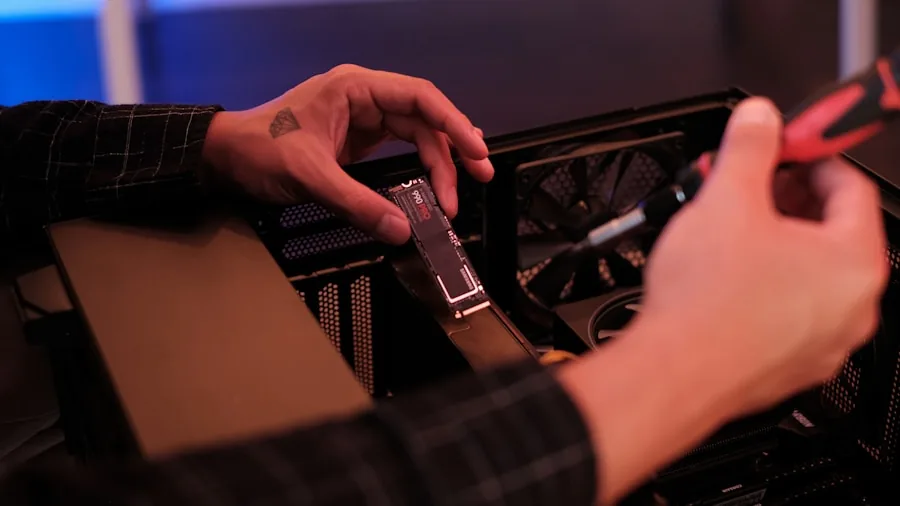
The most fundamental specification to check is the cooler’s rated thermal design power (TDP) headroom.
For overclocking, you generally want a cooler rated well above your CPU’s stock TDP, because an overclocked chip can draw considerably more power under sustained load.
A cooler that is only rated for stock operation will struggle to maintain temperatures within safe limits once you push the chip harder.
Heat pipe count and diameter are practical proxies for thermal capacity. Coolers with six heat pipes typically outperform four-pipe designs in sustained workloads, and pipes with larger diameters move heat away from the base more efficiently.
AGHP (Anti-Gravity Heat Pipe) technology, used in several Thermalright models in this roundup, further improves heat transfer efficiency regardless of cooler orientation.
For mid-range to high-end overclocks, dual-tower configurations with six or more heat pipes represent the strongest air-cooling tier short of a liquid loop.
If you are considering a water-based solution instead, our guide to AIO liquid coolers covers that category in detail.
Budget single-tower coolers with four heat pipes remain viable for moderate overclocks on mid-range CPUs, particularly when airflow in the case is good.
However, if you plan to push a high-TDP processor aggressively, stepping up to a dual-tower design is almost always the smarter long-term investment.
Fan Configuration and Airflow
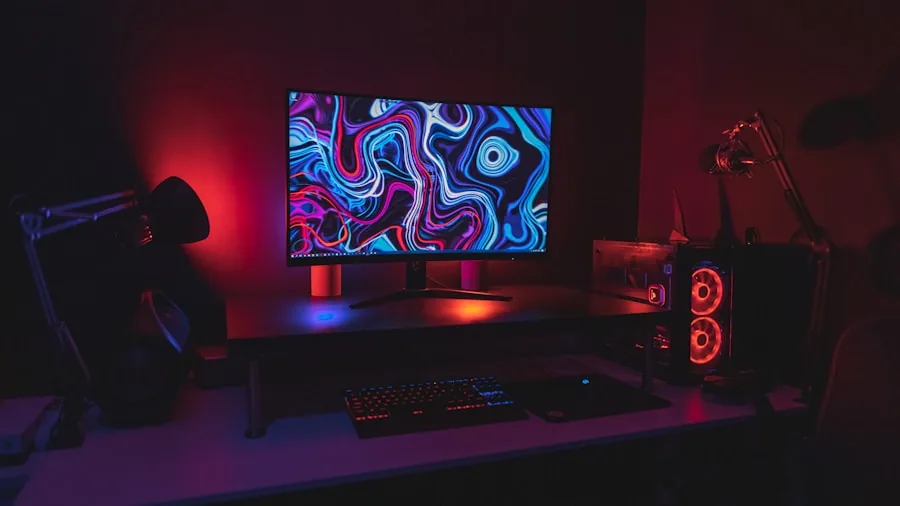
Fan configuration has a direct impact on how much heat a cooler can dissipate and at what noise level. Dual-fan setups in a push-pull arrangement consistently outperform single-fan designs, especially under sustained high-load conditions typical of overclocked workloads.
The extra static pressure created by two fans working together forces air through the fin stack more effectively than a single fan can achieve alone.
PWM fan control is essentially non-negotiable for overclocking builds.
PWM (Pulse Width Modulation) allows the motherboard to dynamically adjust fan speed based on real-time thermal data, spinning fans up only when temperatures demand it and keeping noise low during lighter workloads.
This matters especially for overclockers who spend time both under heavy load and at idle. Look for fans with maximum RPM ratings high enough to shift serious airflow when needed, but also check minimum RPM figures for quieter periods.
Fan bearing type also affects long-term reliability.
S-FDB (Sealed Fluid Dynamic Bearing) and similar advanced bearing designs used in premium coolers offer lower noise floors and longer operational lifespans compared to conventional sleeve bearings, which is worth considering if you plan to run demanding workloads for extended periods.
Socket Compatibility and Mounting Pressure
Compatibility with your specific CPU socket is a hard requirement before anything else.
Modern builds cluster around AMD AM4/AM5 and Intel LGA 1700/LGA 1851, and nearly every current-generation cooler in this roundup supports all four.
That said, it is always worth cross-referencing the product’s official compatibility list against your specific motherboard and CPU combination before purchasing.
Mounting pressure matters more for overclocking than for stock use because consistent, even contact between the cold plate and the CPU’s integrated heat spreader (IHS) directly affects thermal resistance. Poorly mounted coolers leave microscopic gaps that dramatically worsen performance.
Look for coolers with well-engineered backplate mounting systems that maintain consistent clamping force over time.
Toolless or tool-assisted backplate designs that allow installation from the top of the motherboard (without removing the board from the case) also simplify maintenance during iterative overclocking sessions.
A capable motherboard with a quality VRM is equally important, even the best cooler cannot compensate for a board that cannot sustain elevated power delivery cleanly.
Cooler Height and Case Clearance
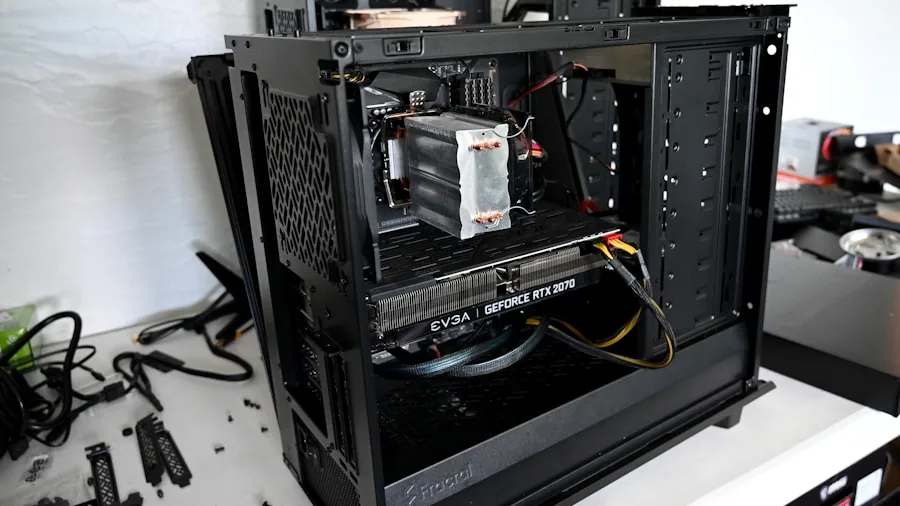
Tall dual-tower coolers with high fin stacks deliver the best sustained thermal performance, but they require sufficient case clearance.
Most ATX cases accommodate coolers up to around 165 mm without issue, but mid-tower and especially compact or ITX cases can be more restrictive. Always check the maximum CPU cooler height specification for your PC case before selecting a model.
Cooler width and RAM clearance are secondary concerns worth checking. Wide heatsink designs or downward-angled fin stacks can physically obstruct the nearest DIMM slots, preventing installation of tall RAM modules with large heatspreaders.
Some coolers in this roundup explicitly advertise full memory clearance, which is a useful feature if you are running a high-profile RAM kit.
For competitive overclocking builds where memory speed matters alongside CPU frequency, this compatibility detail deserves attention early in the planning stage.
Noise-to-Performance Ratio

Raw thermal performance is the primary goal for overclocking coolers, but noise output remains a relevant quality-of-life consideration.
The best coolers in this category maintain low noise floors at moderate loads while having enough headroom to ramp up when thermals demand it.
Measured noise output is typically expressed in dB(A); anything below 30 dB(A) at normal operating speeds is considered quiet for an actively cooled heatsink.
A common pattern among expert reviewers is that dual-tower coolers with two 120 mm fans achieve lower noise levels than equivalent single-tower designs at the same thermal dissipation target, because the workload is shared across more fin surface area.
If noise is a priority alongside performance, dual-fan dual-tower configurations consistently come out ahead in the expert consensus that informed our REMOVU Score assessments.
Our separate roundup of air coolers explores a wider noise-to-performance comparison if your use case extends beyond overclocking specifically.
Build Quality, Aesthetics, and Extra Features
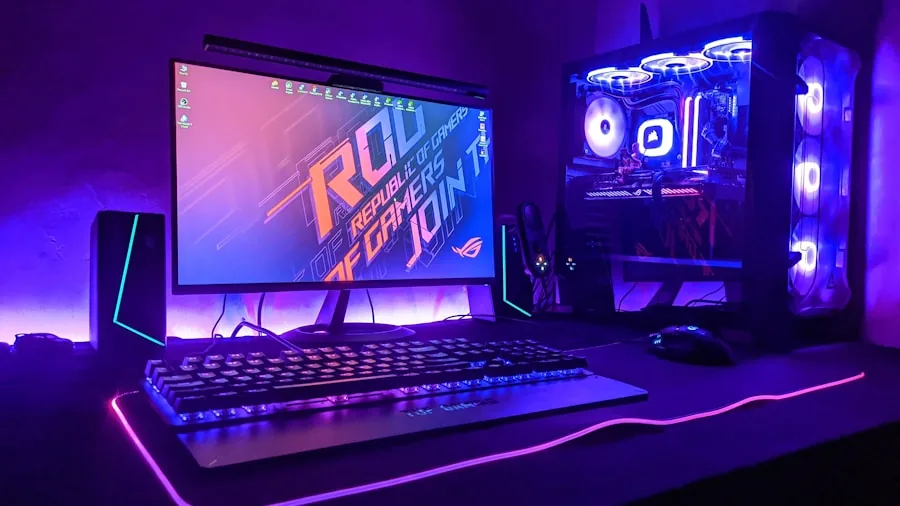
For an overclocking build where the system may run for years under elevated stress, build quality is a genuine durability consideration.
Well-finished contact plates with flat, polished surfaces, dense aluminium fin stacks with no loose fins, and robust fan clips all point to a product that will hold up.
Integrated display panels and premium top covers are cosmetic additions that some builders value, particularly in windowed cases, but they should not take precedence over thermal and acoustic performance.
ARGB lighting is now nearly ubiquitous even in budget coolers, but implementation quality varies. Some fans produce smooth, even illumination while others show visible hotspots or limited colour accuracy.
If aesthetics matter to your build, verified buyer feedback on lighting quality is worth reviewing specifically, as product photography can be flattering.
Pairing a visually striking cooler with capable storage and a clean power supply rounds out a build that looks as good as it performs.
Why You Should Trust Us
REMOVU is an independent review platform with no manufacturer relationships that influence our recommendations.
Every product in this roundup was evaluated using our structured research methodology: we assess each model against a consistent set of criteria drawn from published specifications, expert review consensus gathered from the broader enthusiast and professional PC hardware community, and verified buyer feedback from confirmed purchasers across major retail platforms.
Each product receives a REMOVU Score on a 0 to 10 scale, reflecting its overall standing across all evaluated criteria weighted for the specific demands of overclocking workloads.
Higher scores indicate stronger all-round performance, better build quality, broader socket compatibility, and more favourable noise-to-performance ratios as confirmed by the research sources above.
We do not conduct our own product trials; our evaluations are grounded in research, published data, expert review consensus, and verified buyer feedback.
REMOVU may earn a commission if you purchase through a link on this page. That affiliate relationship has no bearing on rankings, scores, or which products are included.
Our editorial decisions are made independently based on research quality, not commercial considerations. We do not sell products, process orders, or handle warranty or return inquiries.
Final Thoughts
The coolers in this roundup cover a broad range of budgets and use cases, from entry-level single-tower solutions for modest overclocks to premium dual-tower designs built for sustained high-frequency operation. Here are our top picks by category, each linked to our full product assessment:
- Best Overall: Thermalright Peerless Assassin 120 Vision MAX ARGB White, the highest-scoring cooler in this roundup, combining a twin-tower radiator, high-speed dual fans, and a premium IPS display panel into a package that delivers exceptional thermal headroom for aggressive overclocking.
- Best Runner-Up: Thermalright Peerless Assassin 120 Digital White, dual-tower, dual-fan construction with a digital display top cover and an impressive maximum fan speed, making it a compelling alternative for builders who want near-flagship performance without the premium price of the Vision MAX.
- Best Value Dual-Tower: Thermalright Peerless Assassin 120 SE, a consistently praised budget dual-tower option with six heat pipes and AGHP technology that punches well above its price tier in expert consensus, earning it the highest REMOVU Score among budget-range picks.
- Best for Quiet Builds: be quiet! Pure Rock Pro 3 Black, six heat pipes with HDT technology and a tuned PWM fan make this the go-to option for overclockers who prioritise acoustic comfort alongside sustained thermal performance.
- Best Entry-Level Pick: Cooler Master Hyper 212 PRO ARGB, the most accessible price point in this lineup, with four heat pipes, ARGB lighting, and broad socket support across AMD AM5/AM4 and Intel LGA 1851/1700, making it a practical first step for builders new to CPU overclocking.
For builders focused on AMD platforms specifically, our CPU coolers for Ryzen roundup narrows the field further.
And if you are still undecided between air and liquid cooling, pairing any of these picks with a capable processor from our components section will help you think through thermal budgets more concretely.
Frequently Asked Questions
Do I Need a Special Cooler Just for Overclocking?
Not necessarily a special one, but definitely a more capable one than your CPU’s stock cooler. Overclocking increases heat output substantially under sustained loads, and stock coolers are designed only for the chip’s rated TDP at default settings.
A third-party air cooler with sufficient heat pipe count and fin surface area is the minimum recommended upgrade before attempting meaningful overclocks. For high-end CPUs pushed aggressively, a dual-tower air cooler or a liquid AIO is advisable.
Is Air Cooling Good Enough for Overclocking, or Should I Get a Liquid AIO?
High-quality air coolers, particularly dual-tower designs with six heat pipes, are competitive with 240 mm AIO liquid coolers in both peak and sustained thermal performance.
The thermal advantage of a 360 mm AIO over the best air coolers becomes meaningful only at very high TDP overclocking targets or in cases with poor airflow.
For the majority of enthusiast overclockers, a well-chosen air cooler offers excellent value and reliability. Our AIO coolers guide covers scenarios where liquid cooling genuinely pulls ahead.
What Socket Compatibility Should I Check Before Buying?
The four most common current sockets are AMD AM4, AMD AM5, Intel LGA 1700, and Intel LGA 1851.
All coolers in this roundup support this core group, but legacy Intel sockets (LGA 1150, 1151, 1155, 1200) are also listed as compatible on most models, which is useful for older platform upgrades.
Always verify compatibility against your exact motherboard model, as some board layouts can affect clearance even with supported sockets.
How Much Should I Spend on a CPU Cooler for Overclocking?
Budget single-tower coolers cover entry-level and moderate overclocking on mid-range CPUs reasonably well. Stepping into the mid-range unlocks dual-tower configurations with significantly more thermal headroom, and this is where most serious overclockers find the best balance of cost and capability.
Premium options add features like digital displays and higher fan speeds for builders chasing maximum headroom. As a general rule, spending more on the cooler makes sense in proportion to how much you spent on the CPU itself.
Does RAM Height Affect Which CPU Cooler I Can Use?
Yes, and it is one of the most commonly overlooked compatibility issues. Wide or downward-angled heatsink designs can physically block the closest DIMM slots, preventing you from seating tall RAM modules.
If you are running a high-profile memory kit, prioritise coolers that explicitly advertise full memory clearance. Several models in this roundup include this feature, and it is noted in their product specifications.
Check your RAM module height against the cooler’s clearance specification before purchasing.
Does the CPU Cooler Affect GPU Performance in an Overclocked Build?
Indirectly, yes. If the CPU is thermal throttling because its cooler cannot keep up, overall system throughput drops, which can reduce the effective headroom available to the rest of the system.
Keeping the CPU within optimal temperature ranges preserves clean power delivery and stable communication between the processor and the graphics card, which matters in CPU-bound gaming scenarios.
A well-cooled, stably overclocked CPU lets the GPU operate at its full potential without bottlenecks introduced by thermal instability.
About the author
Alexis covers Blu-ray and 4K disc players for REMOVU, comparing picture quality, format support, and streaming extras. She helps collectors and cinephiles get the best possible image from a physical library.