New AI Mini PC Launches with Workstation Capabilities: What Shoppers Need to Know
Local AI workstations eliminate cloud fees and protect your data. See what tasks they handle and whether one fits your budget.
 By Nevaeh Sims
Updated November 19, 2026
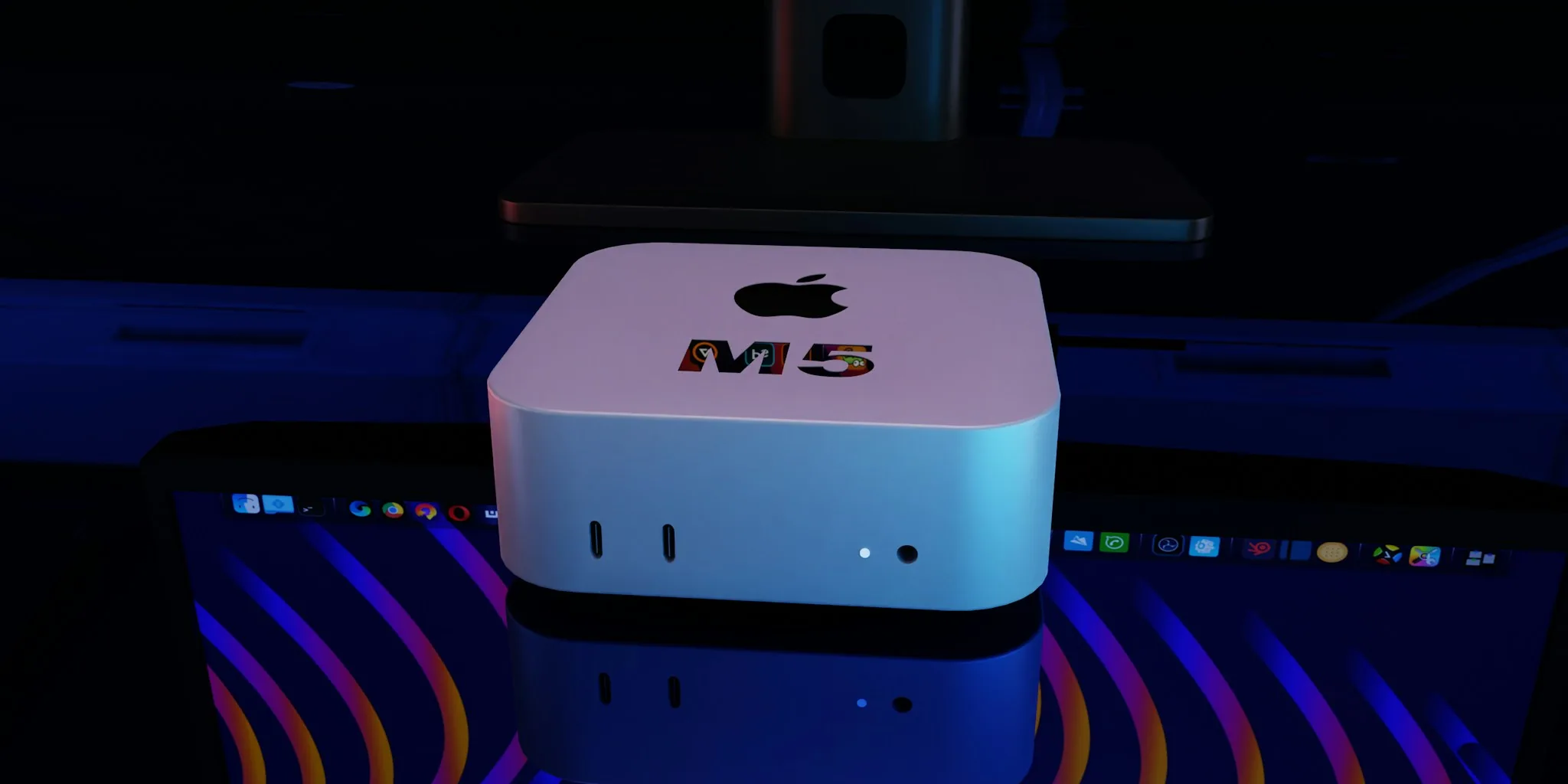
AI Mini PCs Are Becoming Serious Workstations
A new generation of compact computers is challenging the idea that AI work requires expensive cloud subscriptions or massive desktop towers. Modern mini PCs equipped with advanced processors and graphics can now handle AI tasks directly on your desk, eliminating the need to send sensitive data to remote servers and reducing ongoing subscription fees.
The appeal is straightforward: these systems run AI models locally, giving you full control over your data while reducing dependency on internet connectivity. For professionals who regularly work with artificial intelligence tools, this shift represents a meaningful change in how desktop computing can serve real business and creative needs.
What Can You Actually Do With a Local AI Mini PC

The capabilities span across multiple professional and creative domains. Developers can use integrated coding assistants to generate functions, spot errors, and test applications without sending proprietary code to cloud services. Mini PCs with sufficient memory and processing power can run these tools consistently throughout the workday.
Content creators benefit from local image generation, 3D rendering acceleration, and AI-assisted video editing. Rather than waiting for cloud services to process multiple design iterations, creators can experiment in real time on the same workstation. Researchers and AI developers can fine-tune machine learning models using specialized datasets, working with larger model sizes than traditional consumer PCs typically support.
Business professionals can set up personal AI assistants that summarize documents, organize research, and answer questions about private files, all without cloud processing. The same machine handles different tasks as needs change, reducing the number of tools and subscriptions required.
The Hardware Requirements for Sustained Performance
Running AI models continuously requires careful attention to processing power, memory capacity, thermal management, and connectivity. The latest compact systems combine high-core processors with dedicated graphics and unified memory architecture that lets both the CPU and GPU share the same memory pool, accommodating larger models than traditional desktop configurations allow.
Thermal design becomes critical when systems run intensive workloads for hours. Modern mini PCs incorporate predictive thermal management and vapor-chamber cooling to prevent throttling. Connectivity features matter equally: multi-display support lets developers monitor code, AI output, and system performance simultaneously, while high-speed networking enables quick file transfers for large project files.
Cost Considerations for Buyers
Cloud AI services charge per API call, token usage, or monthly subscription. These costs accumulate quickly for professionals who regularly generate images, test code prompts, or process company documents. By contrast, mini PCs require a one-time hardware investment plus electricity, with minimal per-use fees once the system is running.
The financial advantage depends on frequency of use. Someone running inference tasks dozens of times daily sees clearer savings compared to cloud alternatives. For occasional AI work, cloud services may remain more economical. Professionals should calculate their expected annual cloud spending and compare it against hardware costs, electricity, and software licenses.
Can These Systems Handle Gaming Too
Beyond professional work, some AI mini PCs include graphics capabilities suitable for gaming. Modern GPU technologies support ray tracing, upscaling, and low-latency features in compatible games. For developers and creators who want occasional entertainment without maintaining separate gaming hardware, this dual purpose offers convenience.
Compatibility varies based on processor architecture and game requirements. Some titles require specific support for the system’s underlying components, so prospective buyers should verify compatibility with games they plan to play before purchasing.
Offline Capability and Internet Independence
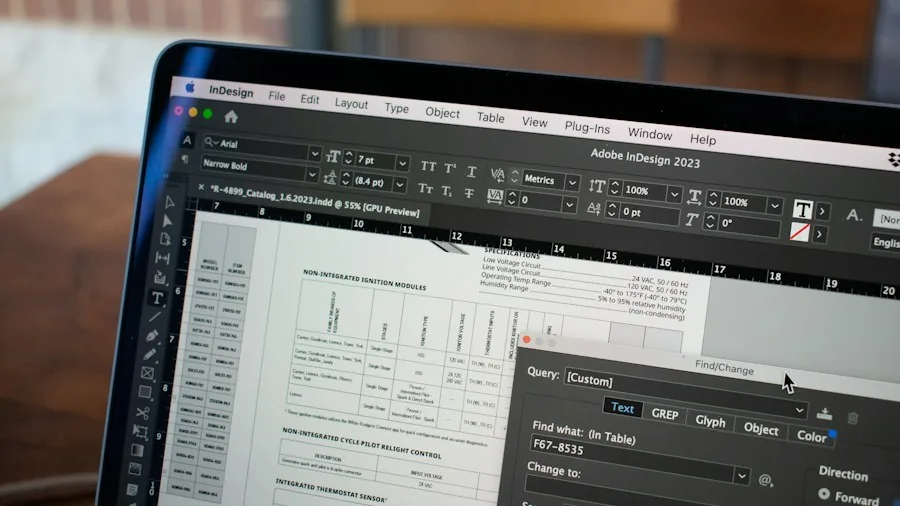
Once you download and install AI models locally, your system can run them without an internet connection. This independence appeals to professionals handling confidential information or working in locations with unreliable connectivity. Tasks requiring external APIs or cloud services still need internet access, but the core AI inference work operates completely offline.
This offline functionality also strengthens privacy. Your documents, code, and creative assets remain on your physical hardware, subject only to your system’s security measures rather than third-party cloud provider policies.
When to Buy and What to Expect
New models are reaching retailers in the final months of 2026, with announcements confirming US availability. Mini PC options range across different price points and capability levels, allowing buyers to match their budget to actual workload requirements.
Specifications to compare include unified memory capacity (larger is better for demanding models), processor core count, graphics architecture, and cooling system design. Professional reviews assessing performance across AI development frameworks will provide reliable performance data once retail units arrive.
For shoppers evaluating whether a local AI system makes sense, the decision hinges on how frequently you currently use cloud AI services and what you’re spending annually. If your work involves regular coding assistance, image generation, or document analysis, the investment in dedicated hardware often pays for itself within months.
About the author
Nevaeh is REMOVU's mini PC writer, judging performance, ports, and value in palm-sized machines. She helps readers pick a tidy computer for a desk, a media center, or a quiet office.