5 Ways to Combine Your 3D Printer and Smart Home for Maximum Automation
Discover creative projects that use 3D printing to enhance smart home functionality and aesthetics.
 By Gordon Matthews
Updated August 16, 2026
By Gordon Matthews
Updated August 16, 2026
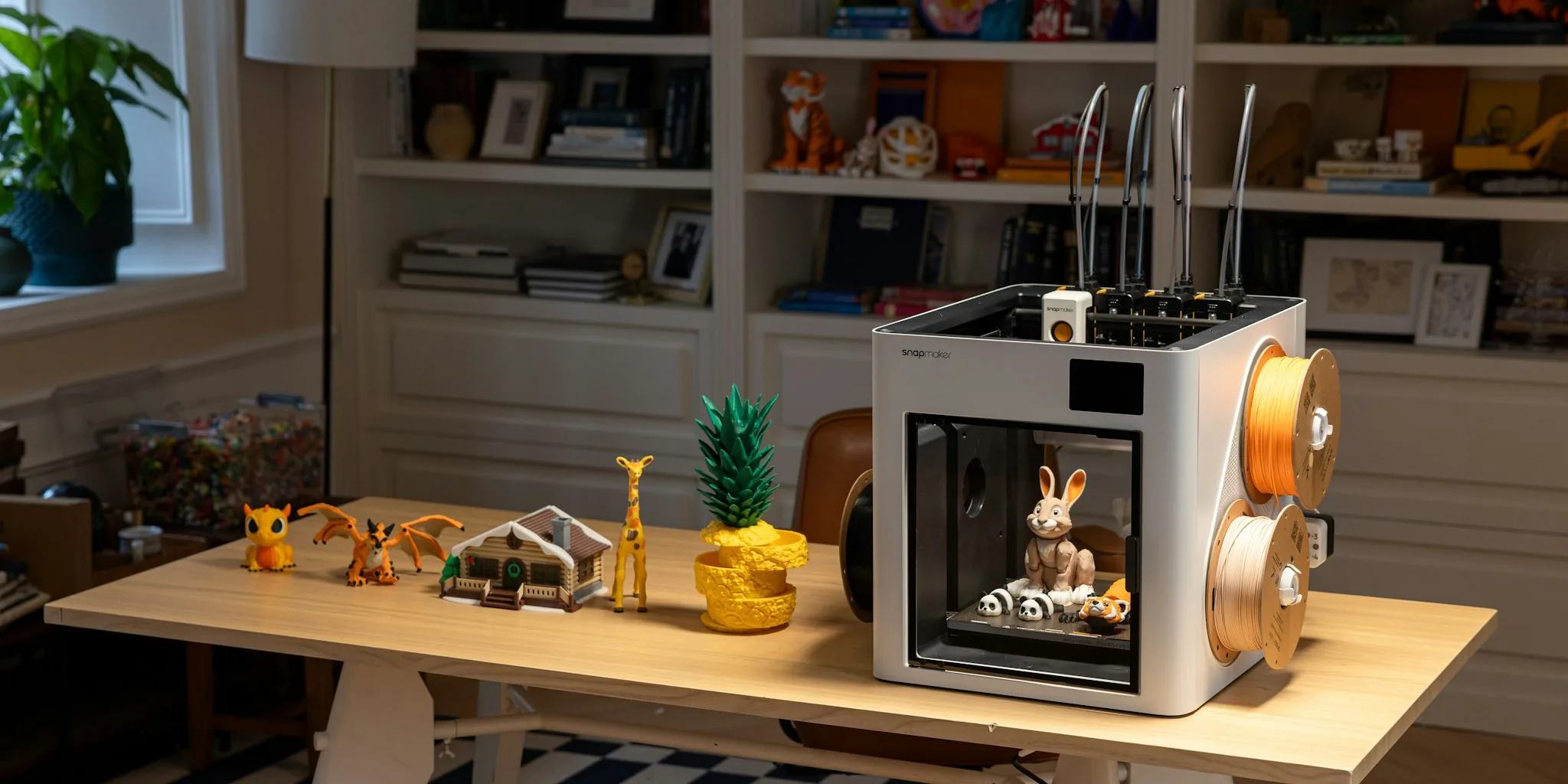
If you own both a 3D printer and a smart home ecosystem, you’re sitting on an opportunity that most people overlook. A 3D printer isn’t just for making decorative knickknacks and toys, it’s a powerful tool that can transform your smart home into something genuinely advanced and personalized. By merging these two technologies, you can create custom solutions that off-the-shelf products simply cannot offer. Here are five practical ways to leverage your 3D printer to enhance your smart home experience.
Create Stylish NFC Tag Housings
NFC tags are incredible for triggering smart home automations, but standard white circular stickers stuck to your walls look cheap and detract from your home’s aesthetic. This is where 3D printing comes in as a game changer. You can design or download 3D-printed NFC housings that allow the tags to function perfectly while looking like intentional decor.
Imagine a retro cassette tape that serves as your whole-home audio control, or a Wi-Fi sign that guests tap to connect to your network. You could even 3D print miniature house structures to control different areas of your home. The plastic housing doesn’t interfere with NFC functionality, so the tags work just as well as they would bare. Platforms like Home Assistant work exceptionally well with NFC-based automations, making this a powerful combination for hands-free control throughout your living space.
Build Professional Enclosures for ESPHome Projects

ESPHome projects using Espressif microcontrollers are among the most versatile smart home tools available, but a bare circuit board with exposed sensors sitting on a shelf doesn’t look finished or professional. 3D-printed enclosures transform these functional but unsightly projects into polished products you’ll actually want to display.
Pre-designed cases like those found in the ESP Smart Home Case library offer multiple options for different microcontroller models. These housings come in various shapes and sizes, providing everything from basic sensor protection to complete desktop dashboards. A popular example is Deskbuddy, an ESP32 project paired with a display that serves as a personal dashboard on your desk. If you can’t find an exact match for your project online, you can design a custom enclosure that perfectly matches your aesthetic and functional needs.
Design Custom Physical Control Panels
While most smart home interaction happens through phone apps or voice commands, sometimes a physical button is exactly what you need. 3D printing lets you create custom control panels housing arcade-style buttons or mechanical keys that trigger your favorite automations. Imagine a dashboard of colorfully labeled buttons for turning lights on and off, starting movie modes, adjusting climate control, or launching any other routine you’ve configured.
The beauty of this approach is complete customization. You control the layout, spacing, size, and labeling of each button. You can create panels that match your interior design, position them exactly where you want them, and adjust the setup as your needs evolve. An ESP32 running ESPHome can power these buttons and communicate directly with your smart home platform, making setup straightforward and reliable.
Mount Old Tablets as Smart Home Command Centers
That old Kindle Fire or Android tablet collecting dust in a drawer has a second life waiting for it. Rather than letting it sit unused, transform it into a dedicated smart home control center with a 3D-printed wall mount. Many tablets make excellent interfaces for controlling your entire smart home ecosystem, especially when mounted at eye level in a central location like your kitchen or hallway.
The key is mounting it in a way that looks intentional and professional rather than haphazard. 3D-printed wall mounts can route power cables behind the wall, keep the tablet charged at all times, and position it at the perfect angle for viewing and interaction. Unlike a tablet sitting on a desk or counter, a mounted device becomes accessible to everyone in your household and contributes to your home’s functionality in a visible way.
Create Presence Sensors for Workspace Automation

If you’ve automated your office environment to control lighting, fans, air conditioning, and music based on occupancy, you know how valuable presence sensors are. However, like other electronics projects, an exposed circuit board doesn’t fit the aesthetic of a professional workspace. 3D printing solves this by offering multiple housing options for presence sensor projects.
You can flush-mount a sensor under your desk where it’s invisible, position it to face where you sit, or create a decorative accent piece that sits openly on your desktop. Different 3D models accommodate each mounting preference, allowing you to choose based on your specific office layout and aesthetic preferences. This way, your automation stays invisible but effective.
Take Your Smart Home to the Next Level
A 3D printer becomes far more valuable when you think beyond decorative items and recognize its potential as a smart home manufacturing tool. Each of these projects demonstrates how 3D printing can solve real problems that don’t have commercial solutions, letting you build exactly what your unique home needs. Start by identifying which area of your smart home could benefit most from a custom solution, then explore available 3D models or design your own. The result will be a home that feels genuinely personalized rather than assembled from off-the-shelf components.
About the author
Gordon is REMOVU's printer and scanner writer, comparing print quality, running costs, and value for home and office. He helps readers weigh ink against laser over the long haul.