7 Tips to Choose a Laptop with the Right Refresh Rate for Gaming and Work
Discover how to match refresh rate to your needs, GPU power, and daily activities for the best gaming and work experience.
 By Jamie Kuhn
Updated August 14, 2026
By Jamie Kuhn
Updated August 14, 2026

Why Refresh Rate Matters More Than You Might Think
When you’re shopping for a new laptop that needs to handle both serious work and gaming sessions, refresh rate becomes one of the most overlooked yet impactful specifications. Your display’s refresh rate directly affects how smooth everything looks on screen, from scrolling through documents to playing the latest games. A higher refresh rate means your screen updates more frequently per second, creating noticeably fluid motion that reduces eye strain and improves responsiveness. Understanding how to evaluate refresh rate alongside your other needs is essential for making a smart purchase decision.
Tip 1: Know What Refresh Rate Your Activities Actually Require

Not every task demands the same refresh rate. For everyday work like email, spreadsheets, and web browsing, a standard 60 Hz display is perfectly adequate. However, if you plan to play competitive games or work with video editing software, you’ll benefit from at least 120 Hz or higher. Gaming laptops typically feature 144 Hz, 165 Hz, or even faster displays to ensure that fast-paced gameplay remains smooth and responsive. Consider your primary activities first, then choose a refresh rate that matches those needs without overpaying for unnecessary specs.
Tip 2: Match Refresh Rate to Your Graphics Card’s Capabilities
A high refresh rate display is only valuable if your GPU can actually deliver high frame rates to match it. If your graphics processor can only produce 60 frames per second, a 144 Hz screen won’t show any benefit. Conversely, pairing a powerful GPU like an RTX 5060 with a 165 Hz display ensures you’ll actually see smooth performance in demanding games. Always research the gaming performance data for your intended GPU and display combination to confirm they work well together. This prevents investing in display specs that your hardware cannot properly utilize.
Tip 3: Don’t Confuse Refresh Rate with Resolution
Refresh rate and resolution are two separate specifications that both matter, but they serve different purposes. Resolution determines how sharp and detailed your image appears, while refresh rate controls how smoothly motion flows. You can have a 1920 x 1200 display with 165 Hz, or a 2560 x 1600 display at 165 Hz. Higher resolution and higher refresh rate both demand more from your GPU, so you’ll need to balance these specs based on what your hardware can handle. Many modern gaming laptops achieve excellent results by combining a mid-to-high resolution with a 165 Hz refresh rate.
Tip 4: Consider the Impact on Battery Life
Laptops designed for portability need to balance performance with power efficiency. A display with a very high refresh rate consumes more battery power than one running at a lower frequency. If you frequently work unplugged at school or in coffee shops, prioritize battery longevity over the absolute highest refresh rate available. Many practical gaming laptops offer 165 Hz displays while maintaining solid all-day battery performance through efficient processors and optimized power management. Read the manufacturer’s battery specifications for mixed-use scenarios to understand real-world runtime before purchasing.
Tip 5: Test Refresh Rate Perception Before Buying
If possible, visit a retailer that displays multiple laptops running at different refresh rates. Seeing 60 Hz, 120 Hz, and 165 Hz side-by-side helps you understand the visual difference and decide if the higher refresh rate justifies the cost for your eyes and gaming style. Some people notice dramatic differences between refresh rates, while others find the improvements less noticeable. Your personal perception matters more than any spec sheet, so take the time to observe the actual smoothness on a variety of content before making your final decision. This side by side comparison often reveals whether the upgrade is worth your budget.
Tip 6: Factor in Upscaling Technology Compatibility
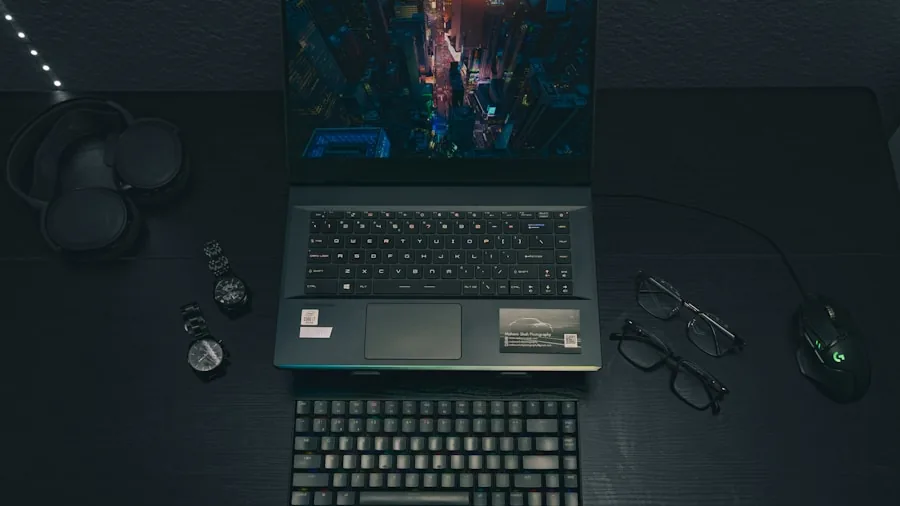
Modern gaming relies heavily on upscaling technology like DLSS 4.5 and similar features that allow your GPU to render games at lower resolution then upscale them to your display’s native resolution. This approach lets you achieve higher frame rates on lower-power graphics cards. When evaluating a laptop’s gaming capability, confirm that the GPU supports the latest upscaling standards compatible with your intended games. A gaming laptop with a 165 Hz display and modern upscaling support can deliver smooth gameplay even with mid-range graphics performance.
Tip 7: Balance Refresh Rate with Practical Features for Dual-Use Laptops
If you need your laptop for both work and gaming, consider how a high refresh rate display affects other practical features. An IPS display with a 165 Hz refresh rate offers wide viewing angles that work well for collaboration and presentations, while still delivering smooth gaming experiences. Additionally, screen aspect ratio matters for productivity, with a 3:2 ratio providing extra vertical space for documents and web pages. Ensure your refresh rate choice doesn’t come at the expense of connectivity, processor efficiency, or other essential work-focused features. The best purchase combines gaming responsiveness with reliable all-day portability and work capability.
By evaluating refresh rate in context with your activities, budget, hardware capabilities, and real-world usage patterns, you’ll select a laptop that genuinely serves both work and entertainment without unnecessary compromise. Focus on matching the display refresh rate to what your graphics processor can deliver, then verify that the overall package meets your battery life and productivity requirements.
About the author
Jamie is REMOVU's gaming monitor writer, comparing refresh rate, response time, and motion clarity across panel types. He helps players find smooth, responsive displays at every budget.