KDE Connect Review: Turn Your MacBook and PC Into a Chromebook Alternative Without Buying New Hardware
Discover how KDE Connect delivers seamless device integration without expensive hardware upgrades.
 By Dustin Ford
Updated November 27, 2026
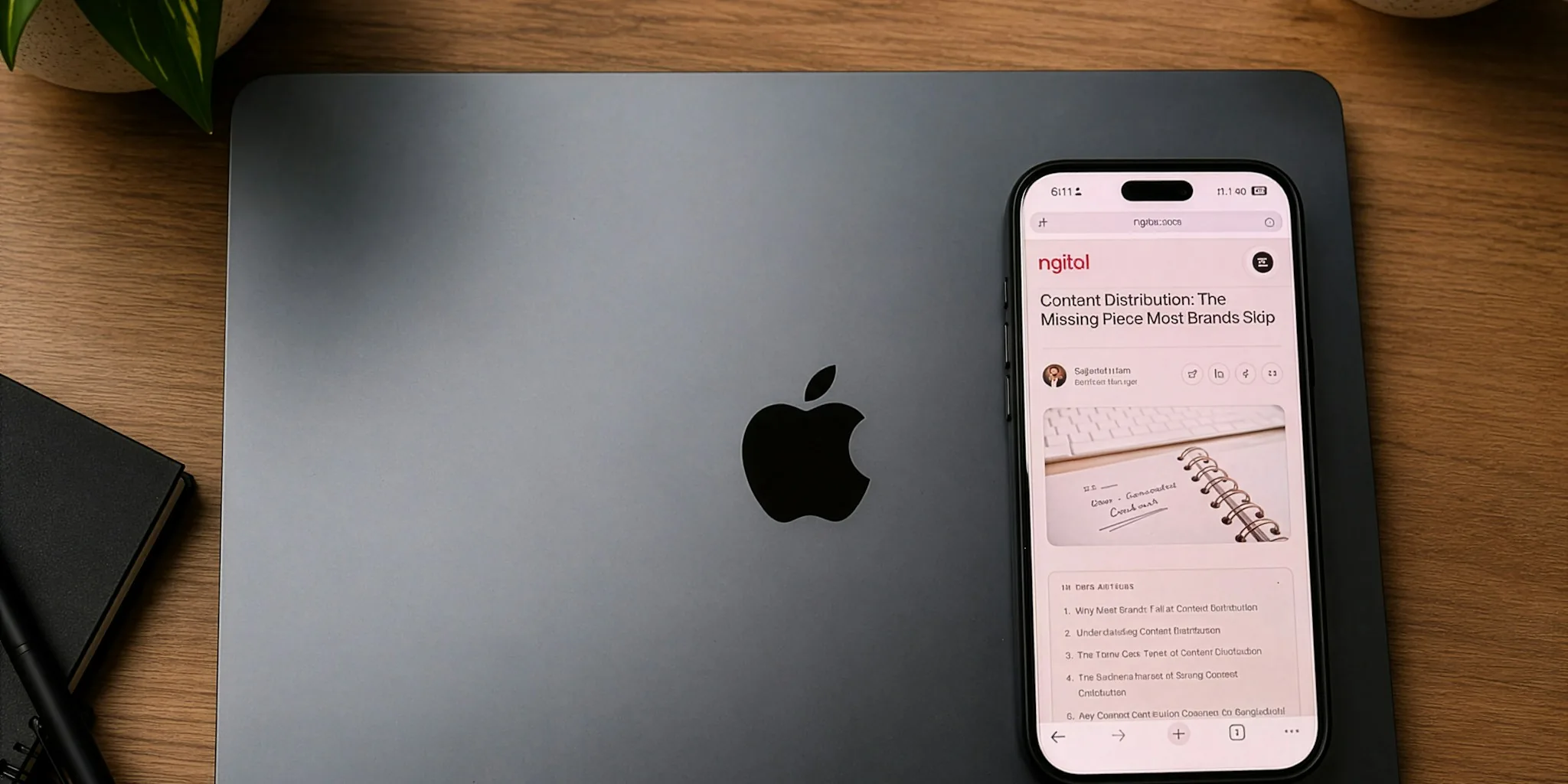
When Google’s latest laptop innovation debuted, many users noticed powerful features built for seamless device integration. Cross-device file sharing, clipboard synchronization, and notification mirroring all appeal to anyone juggling multiple devices. However, buying a new laptop just to access these capabilities doesn’t make financial sense for most people. Fortunately, an elegant open-source solution can deliver similar functionality on your existing MacBook or Windows PC paired with an Android phone.
KDE Connect is a free application that bridges the gap between smartphones and desktop computers, eliminating the need for ecosystem lock-in. This lightweight tool replicates many convenience features found in premium laptops, allowing users to streamline their workflow without expensive hardware upgrades. For anyone frustrated by clunky file transfer methods or separated digital ecosystems, KDE Connect offers a compelling alternative worth exploring.
What Makes KDE Connect Stand Out
The core appeal of KDE Connect lies in its simplicity and cross-platform compatibility. The application works across Android, Windows, macOS, iOS, and Linux, making it truly universal. Setup requires only three straightforward steps: install the app on both devices, connect them to the same home network, and approve the pairing request. No account creation, no login credentials, and no subscription fees. Within minutes, your devices become synchronized.
The most frequently used feature is clipboard sharing between your phone and computer. This seemingly small capability transforms daily workflows. Meeting notes, URLs, and quick text snippets transfer instantly without opening email or messaging applications. Users working between a work phone and personal computer appreciate how KDE Connect bypasses the friction of traditional transfer methods.
File and document sharing through drag-and-drop functionality eliminates reliance on USB cables, cloud uploads, or messaging apps. Photographs, spreadsheets, presentations, and other files move between devices in seconds over your local network. This speed and simplicity appeal to professionals managing multiple projects simultaneously.
Notification Management and Remote Control Capabilities
Seeing your phone’s notifications displayed directly on your computer monitor keeps you informed without constant phone checking. Reading and replying to messages from your keyboard reduces interruptions and helps maintain focus during concentrated work sessions. While some find this feature subtle, the cumulative effect on daily productivity proves significant for many users.
The remote control functionality deserves mention, though it sees less frequent use than other features. Using your phone as a touchpad and keyboard allows you to operate your computer from across the room or while away from your desk. Presenters benefit from the presentation remote with pointer capability, while media playback control works bidirectionally between phone and computer. Additional quality-of-life features include screen locking via phone command, custom script execution, and two-way volume adjustment.
Practical Applications for Different User Types
Professionals managing multiple devices find KDE Connect particularly valuable. Project managers can share meeting notes instantly, developers can transfer code snippets, and content creators can move photos directly from phone to editing software. The lack of subscription costs makes it especially attractive for freelancers and small business owners counting every dollar.
Remote workers benefit from simplified multitasking. Your phone’s notifications remain visible while you stay focused on your computer screen. Quick access to messages doesn’t require reaching for your device, reducing the tendency to get distracted by social media or other app notifications. Docking stations and peripheral connections complement KDE Connect by creating a complete stationary workspace that feels integrated and responsive.
Understanding the Limitations
No application is perfect, and KDE Connect’s main gap is the absence of full-screen phone mirroring. Applications like Microsoft Phone Link offer this feature, allowing users to view their entire phone display on their computer monitor. For users requiring complete phone mirroring capabilities, this represents a meaningful limitation, though it doesn’t affect the core file-sharing and notification features.
Performance depends on local network stability. KDE Connect operates over your home or office Wi-Fi, so connection quality directly impacts responsiveness. Weak signals or congested networks may introduce occasional delays, though typical home networks perform reliably for these purposes.
Making the Decision
KDE Connect excels at delivering Chromebook-style device integration on existing hardware. The investment consists of download time and a few minutes of setup, making it an exceptionally low-risk experiment. Users who find themselves constantly emailing files to themselves, struggling with clipboard limitations across devices, or irritated by notification fragmentation should seriously consider this approach.
The application transforms how traditional computers interact with Android phones. Instead of maintaining separate, disconnected devices, your MacBook or PC becomes part of a unified workflow. Keeping your devices charged across a connected workspace becomes easier when everything functions as an integrated system.
After experiencing the seamless integration KDE Connect provides, returning to previous workflows feels noticeably more cumbersome. The cumulative time savings from eliminated friction add up over weeks and months. For the price of zero dollars, users gain a productivity tool that rivals paid solutions costing significantly more. Anyone seeking better device cooperation should definitely explore what KDE Connect can accomplish.
About the author
Dustin covers Chromebooks for REMOVU, weighing speed, battery life, and build quality for students and cloud-first users. He points readers to affordable machines that stay snappy for everyday browsing and schoolwork.