How to Spot Fake USB Drives Before You Buy Them: 7 Essential Tips
Counterfeit USB drives claim 4TB but contain only 64GB. Learn how to identify fakes before purchase and verify your drive's real capacity.
 By Ava Herrera
Updated November 21, 2026
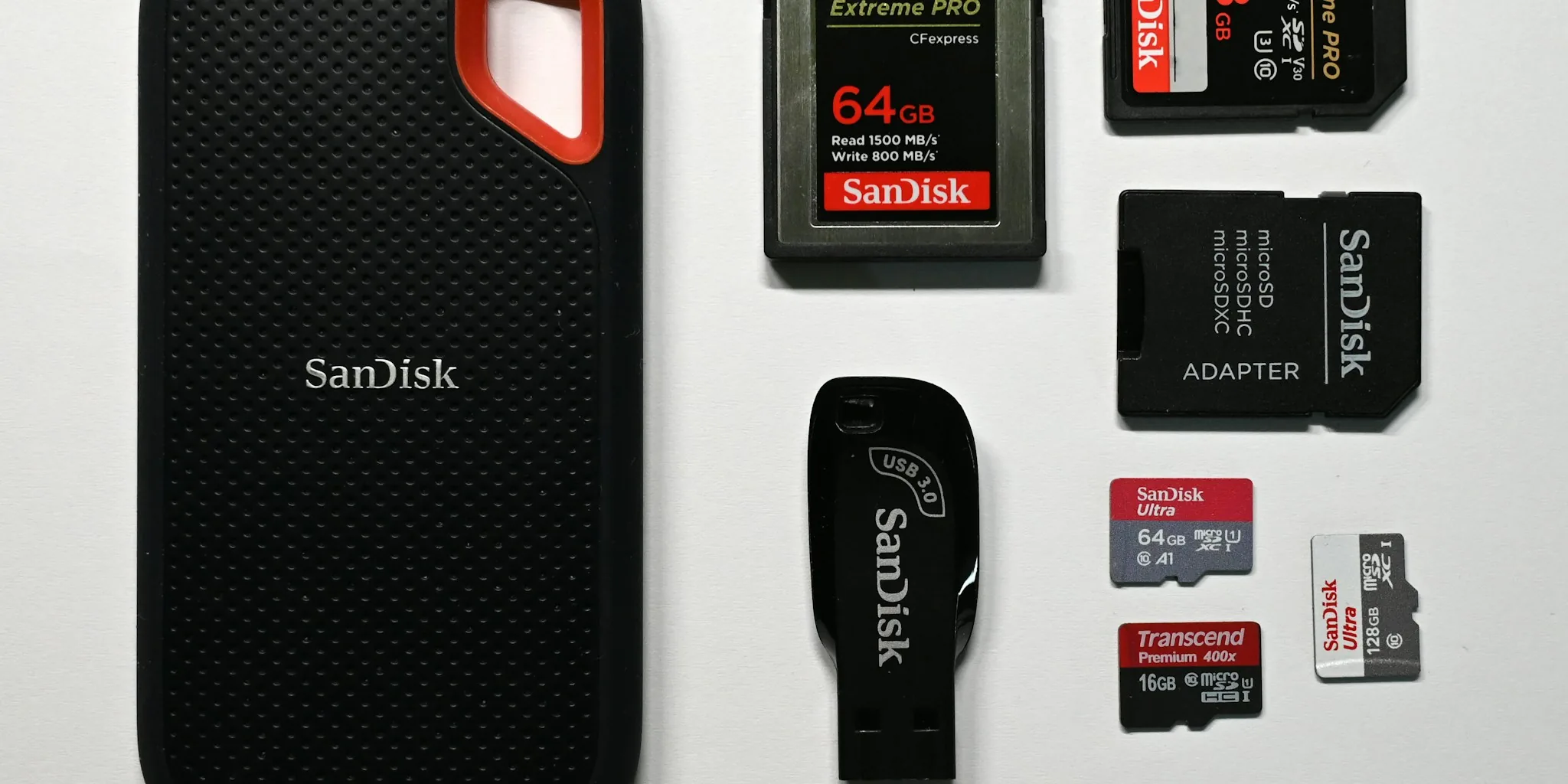
Stumbling upon a 4TB USB drive for $20 or $30 online can feel like hitting the jackpot. The appeal is obvious: massive storage capacity at a fraction of what you’d normally pay. But if that deal seems too good to be true, it almost certainly is. Counterfeit flash drives have become a widespread problem in the consumer storage market, and knowing how to identify them before purchase can save you money, frustration, and the heartbreak of losing important files.
Understanding the Scam: What You’re Actually Buying
When you purchase a legitimate USB flash drive, you’re getting actual NAND flash memory packed into a small enclosure, along with a controller that manages how data gets stored and retrieved. Building genuine storage in large capacities is expensive, which is why criminals have turned to a deceptive workaround. They take an inexpensive microSD card, slip it into a standard USB case with a simple adapter circuit, and label it as a massive storage device. What started as a $5 or $10 microSD card suddenly becomes a $20 “4TB flash drive” in an unsuspecting buyer’s cart.
These schemes extend beyond USB drives. Portable SSDs and memory cards are also common targets. The particularly troubling aspect is that the modified controller inside the fake drive can report false capacity information to your operating system. When you plug the drive into Windows, the system will display whatever storage amount the scammer’s firmware claims. You might see 4TB listed in File Explorer and Disk Management without any warning bells.
Why Windows Won’t Catch the Problem Immediately
Operating systems like Windows rely on the drive’s controller to honestly report available storage capacity. This creates a vulnerability that scammers exploit through firmware manipulation. A device containing only 64GB of real storage can confidently broadcast that it holds 4TB, and Windows accepts this information at face value. You can even format the drive and copy files onto it initially without problems.
This false sense of security is dangerous. Everything appears normal at first. Your files seem to copy successfully. The drive behaves like any legitimate storage device. The nightmare begins only after you cross the actual storage threshold, which is typically the true capacity hidden inside the fake enclosure.
The Real Danger: Data Loss and Corruption
Once you exceed the genuine storage limit, the drive’s behavior becomes unpredictable and destructive. Depending on how the firmware has been configured, the controller might discard newly copied files entirely or start overwriting previously saved data without warning. Files that appear to exist in File Explorer may actually contain corrupted data or nothing at all. This turns the initial financial loss into a much bigger problem: the destruction of data you thought was safely stored.
This is why the scam is so particularly damaging. You’re not just losing money on a fraudulent purchase. You’re entrusting a device with important documents, photos, or other files that could be worth far more than the $20 or $30 you paid. Even if you follow solid backup practices like the 3-2-1 rule, your backups won’t be reliable if they’re stored on a compromised drive.
Verify Capacity Before Trusting Your Drive
If you’ve already purchased a suspicious drive or received one as a gift, verification tools exist to check whether the advertised capacity is real. ValiDrive is a free Windows utility that performs read and write operations across 576 different locations spread throughout the drive’s claimed storage space. If the actual capacity is far smaller than advertised, these checks will reveal the discrepancy with a visual map showing which areas passed or failed. An alternative is H2testw, which offers even more thorough verification capabilities. Running either tool takes only minutes and can confirm whether you’ve been scammed before you rely on the drive with important files.
Identify Red Flags During the Shopping Process

The most effective approach is catching these scams before purchase. Research is your best defense here. If you’re considering a USB drive or portable SSD, look up the typical market price for that capacity and speed from reputable retailers. When an offer is dramatically cheaper than the standard price, especially from an unfamiliar seller, that’s your warning signal. A genuine 4TB drive shouldn’t cost the same as a couple of coffee drinks.
Check the seller’s reputation carefully. Established retailers with consumer protection policies are much safer than unknown marketplaces or third-party sellers with minimal feedback. Brand recognition matters too. While premium pricing doesn’t guarantee authenticity, suspiciously low prices from unknown sources almost always indicate problems.
Protect Yourself Going Forward
Counterfeit storage devices continue proliferating because they’re profitable for scammers and difficult for consumers to spot without proper knowledge. By understanding how these devices work and knowing what tools can expose them, you significantly reduce your risk. When shopping for reliable tech products, apply the same scrutiny to all storage purchases. Compare prices across multiple retailers, verify seller credentials, and never ignore pricing that seems unusually favorable.
Your files deserve storage you can genuinely trust. Taking a few minutes to research before buying or running a verification scan after purchasing is a small investment compared to the potential damage of losing critical data to a fraudulent device. Stay vigilant, ask questions when prices seem unrealistic, and you’ll avoid this particular scam entirely.
About the author
Ava is REMOVU's laptop writer, balancing speed, battery life, and build quality against price across the whole range. She helps readers find the sweet spot as each new chip shifts what a dollar buys.