5 Ways to Stop Your Smart TV from Collecting Your Personal Data
Manufacturers collect your viewing data constantly. Here's how to block surveillance.
 By Maxine Hansen
Updated November 19, 2026
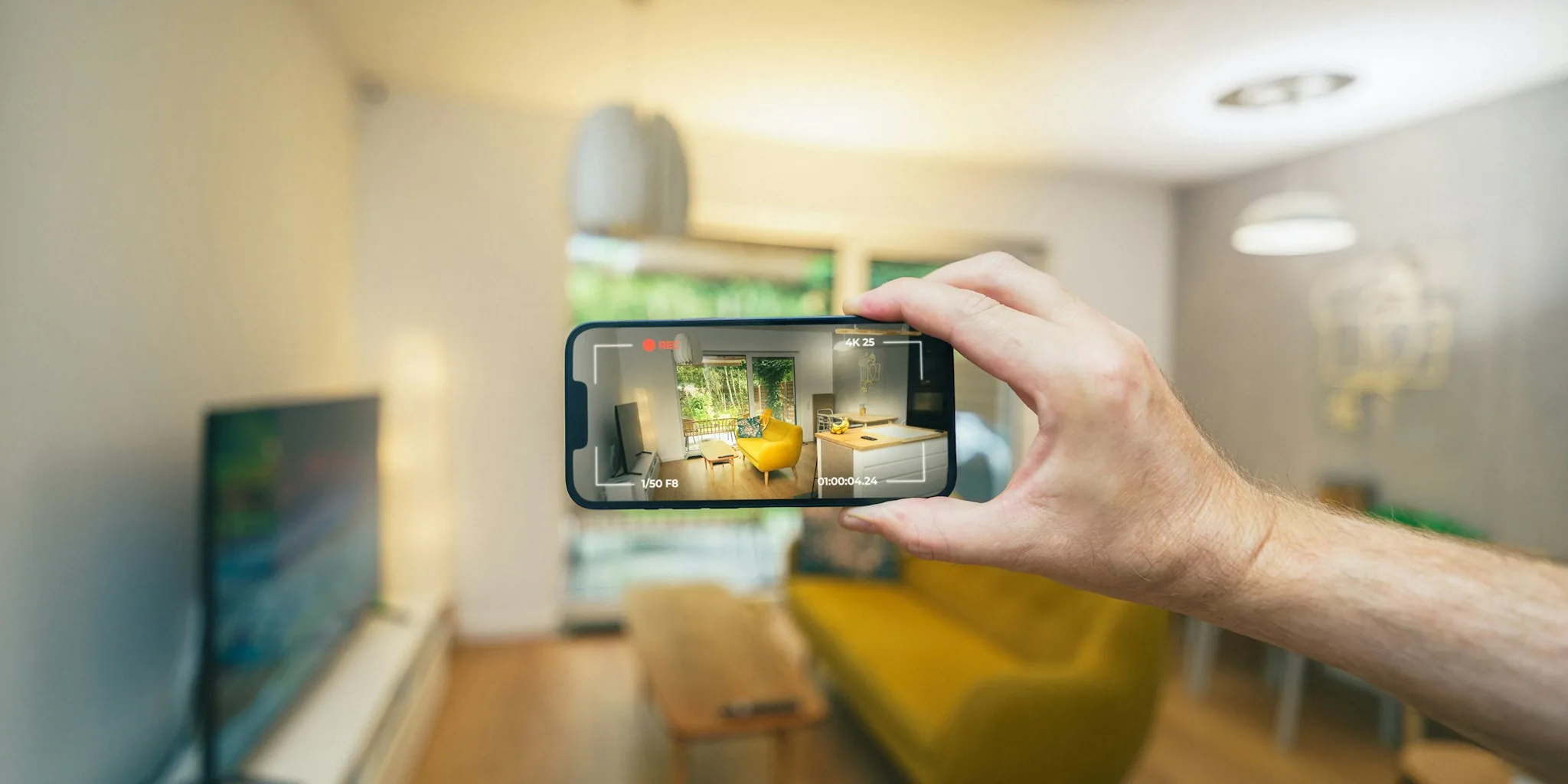
Smart TVs have become a standard fixture in modern homes, offering convenience and access to countless entertainment options. However, the trade-off for this convenience is significant: manufacturers collect detailed information about your viewing habits, personal preferences, and device usage patterns. This data flows continuously back to companies, who use it to build behavioral profiles and serve targeted advertisements. If you value your privacy, there are practical steps you can take to regain control of your personal information and limit what your TV tracks.
Disable Active Content Recognition on Your TV
One of the most invasive tracking mechanisms built into smart TVs is called Active Content Recognition, or ACR. This technology continuously captures audio samples and screenshots of your screen every few seconds, monitoring everything you watch through the TV’s built-in apps, live television broadcasts, and any external devices connected via HDMI. The collected data is transmitted to your manufacturer and analyzed to create detailed viewing profiles, primarily for the purpose of delivering highly targeted advertising.
The challenge is that ACR operates under different names depending on the TV brand, and disabling it requires following manufacturer-specific instructions. Fortunately, the process is typically straightforward once you identify what your particular brand calls this feature. Check your TV’s settings menu or search for your manufacturer’s privacy controls online. Most major brands provide clear guidance for turning ACR off, allowing you to prevent this constant surveillance of your viewing activity.
Turn Off Personalized Advertising and Ad Targeting
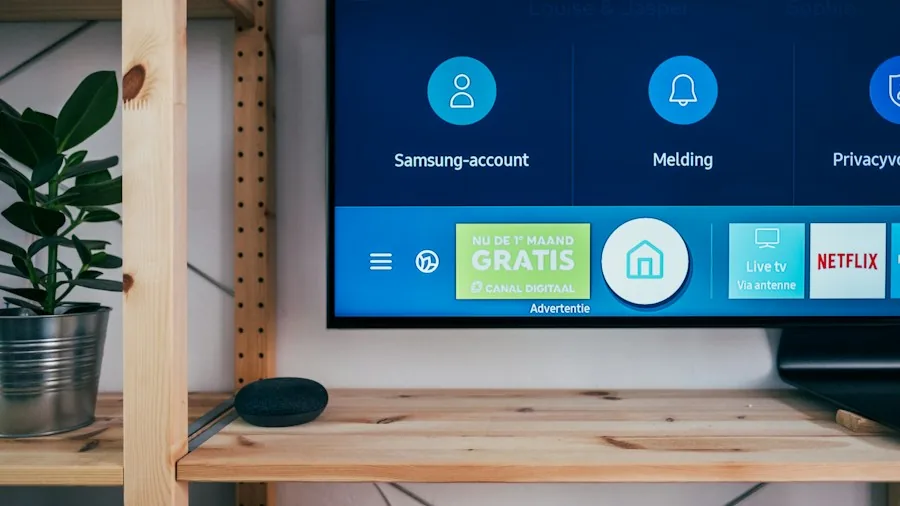
Even when you disable ACR, manufacturers often continue collecting data to fuel personalized advertising systems. While some consumers appreciate tailored ads, many find that this practice feels invasive and unnecessary. Personalized advertisements often seem irrelevant because they latch onto random aspects of your activity rather than your genuine interests, creating a hollow user experience while making you feel like a commodity being sold to marketers.
Most smart TV platforms allow you to disable personalized advertising through the settings menu. The specific steps vary by manufacturer, but the option is usually available in privacy or advertising sections. For comprehensive control over your advertising ID across multiple smart TV platforms, the Network Advertising Initiative offers an extensive resource guide. This nonprofit organization focuses on making data collection practices more transparent and responsible, providing tools to access and manage your advertising preferences across various services.
Manage and Disable Voice Assistant Microphones
Many smart TVs include built-in microphones to support voice assistant features. These microphones are designed to continuously listen for wake words that activate the assistant. However, this always-on listening capability raises legitimate privacy concerns, particularly when devices may continue monitoring even while in standby mode. Some manufacturers have faced scrutiny regarding their collection of ambient audio and what happens to recordings in the background.
If you rarely use voice assistants or prefer to keep your conversations private, you have several options. The most straightforward approach is to completely disable voice assistant functionality through your TV’s settings. You should also look for voice recognition services and turn these off as well. Some TV models include physical microphone toggles or mute buttons, which provide an additional layer of protection by allowing you to permanently silence the hardware. This hardware-level control ensures the microphone truly cannot operate, eliminating any possibility of unintended recording.
Disconnect Your TV from the Internet Completely

While the previous steps significantly reduce data collection, they cannot completely eliminate it as long as your TV maintains an internet connection. For maximum privacy protection, consider disconnecting your smart TV from the internet entirely, effectively converting it into a standard display device. Many modern TVs offer a Basic TV mode that can be activated during the initial setup, providing a clean, offline experience without any tracking capabilities.
The obvious limitation is that this approach prevents you from using built-in streaming apps directly on your TV. To solve this problem, use an external streaming device like a streaming stick or box. While these accessories do collect some data, they gather significantly less information than a smart TV would. Quality streaming solutions are widely available across various price points, making it easy to find an option that fits your needs. For those prioritizing privacy, Apple TV devices are considered superior choices because they implement more stringent privacy protections compared to many competitor products, limiting the amount of data shared with third parties.
Review Your Network and Account Privacy Settings
Beyond the TV itself, take time to review the privacy settings associated with any manufacturer accounts linked to your television. Most brands require account creation for certain features, and these accounts store additional personal data. Check what information has been collected, review connected devices, and disable any permissions you no longer need or want.
Data collection by consumer devices has become normalized across the industry, with manufacturers routinely gathering behavioral information to monetize through advertising. As more consumers recognize how invasive these practices have become, taking control of your privacy is more important than ever. By implementing these strategies, you can significantly reduce your smart TV’s ability to monitor and profit from your personal activity.
About the author
Maxine is REMOVU's TV writer, comparing OLED, QLED, and LED sets on picture quality, gaming features, and value. She helps readers cut through a crowded field to the right screen.