Extreme Cooling Experiment Reveals Surprising Truth About Gaming Laptop Performance
An experiment shows aggressive cooling improves temperatures but delivers minimal gaming gains beyond a certain point.
 By Liam Banks
Updated November 21, 2026
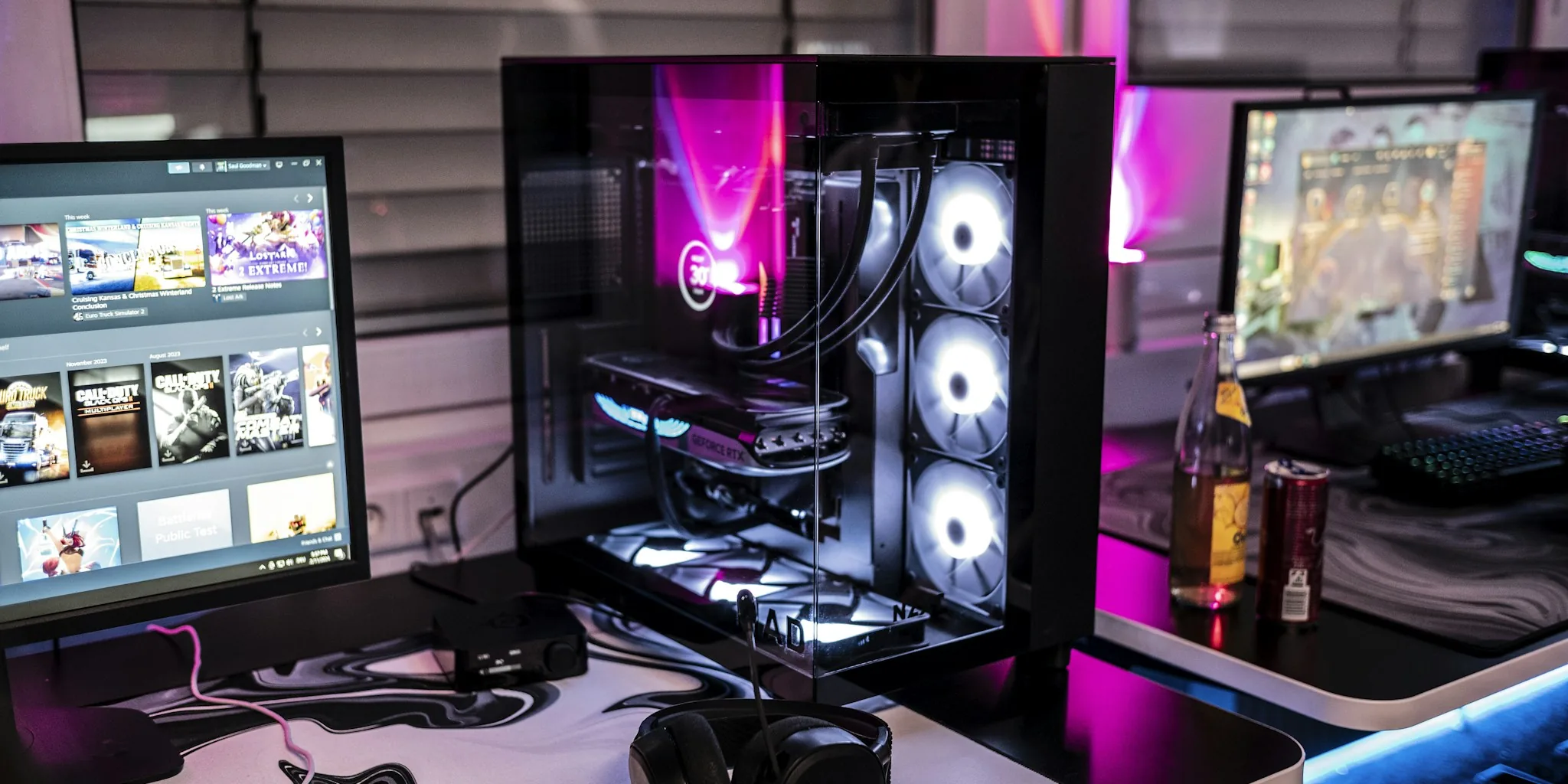
A recent cooling experiment conducted by hardware enthusiast Trash Bench has sparked an interesting conversation about thermal management in gaming laptops and what it means for buyers seeking better performance. Using increasingly powerful airflow solutions, the experimenter discovered that aggressive cooling does improve gaming laptop temperatures dramatically, but the gains plateau far sooner than many shoppers might expect.
How Far Can Cooling Push Gaming Laptop Performance
The experiment began with a commercial laptop cooling stand called the Llano V12, which achieved an average GPU temperature of 58.3 degrees Celsius during gaming at medium settings. This represented a 27-degree improvement over the stock baseline of 84 degrees Celsius, and the lower temperatures translated into a 19.4% boost in gaming performance on average. For shoppers evaluating gaming laptops, this initial result demonstrated that external cooling solutions can deliver meaningful improvements without requiring any disassembly or complex modifications.
The experimenter then escalated the challenge, attempting to beat the Llano V12 with custom-built cooling setups. The first attempt used a single large Noctua 200mm fan paired with a 3D-printed duct and foam gaskets. While this simpler setup achieved a respectable 66.3 degrees Celsius average, it fell short of the commercial cooler. The next iteration used six Arctic P12 fans running at maximum speed, which came within 0.9 degrees of the Llano V12’s performance at 57.4 degrees Celsius. A third setup featuring two high-RPM server fans finally surpassed the commercial cooler, achieving temperatures nearly 2.6 degrees lower.
When Cooling Reaches Extreme Levels
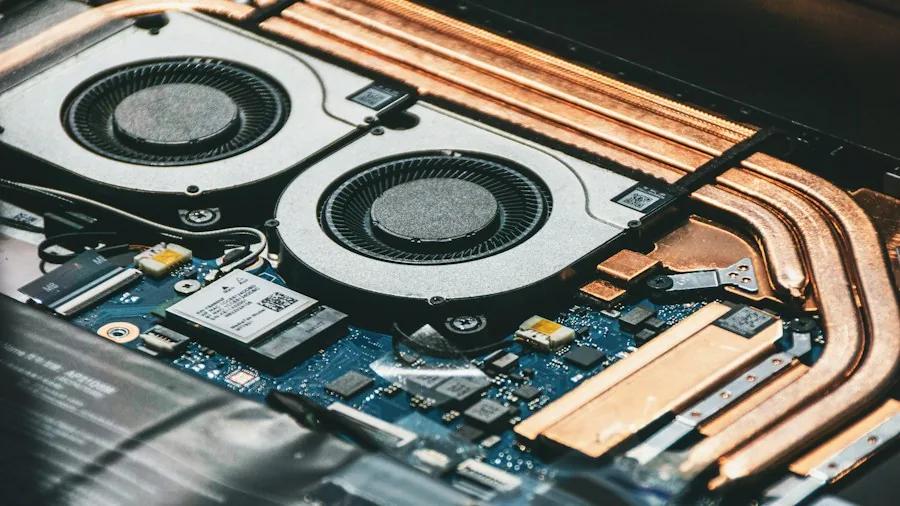
To demonstrate the outer limits of airflow-based cooling, the experimenter attached a bounce house inflator blower to the laptop cooling stand using a 3D-printed adapter. The sheer force of this industrial-grade airflow was so powerful that the laptop itself needed to be secured with tape to prevent it from shifting during operation. This extreme setup succeeded in dropping GPU temperatures to an impressive 48.8 degrees Celsius.
However, here is where the data becomes particularly relevant for gamers considering whether aggressive cooling is worth the investment. Despite the bounce house blower producing the lowest temperatures overall, the gaming performance gains compared to the commercial Llano V12 at full capacity were negligible. When running benchmark comparisons, all the high-performing cooling solutions produced results within 1% of each other, meaning the temperature reduction from 58 degrees to 48 degrees delivered virtually no measurable gaming performance benefit.
What This Means for Gaming Laptop Shoppers
The key takeaway from this experiment relates to diminishing returns in thermal management. Once you eliminate the thermal bottleneck in a gaming laptop, further temperature reductions do not translate to frame rate improvements because the graphics processor has stopped throttling. At that point, other factors such as GPU compute capability, VRAM bandwidth, and monitor refresh rate become the limiting factors for gaming performance.
For buyers shopping for gaming laptops under $2000, this finding suggests that you should prioritize choosing a device with adequate stock cooling rather than banking on aftermarket solutions to unlock hidden performance. Most modern gaming laptops come with engineering-grade thermal management designed to prevent throttling during typical gaming sessions. If you find yourself in a situation where a laptop runs hot, an external cooler like the Llano V12 can be a worthwhile investment, but purchasing multiple high-performance fans or extreme airflow solutions offers no practical advantage.
Another practical insight involves noise levels. The single Noctua fan remained substantially quieter than the multiple Arctic fans or server fans, yet delivered competitive thermal performance. For gaming laptops under $1500, where premium cooling solutions may come at a price premium, this demonstrates that some mid-range external coolers can strike a better balance between temperature reduction and acoustic comfort than extreme setups.
The Bottom Line for Shoppers
When evaluating gaming laptop cooling options, understand that the difference between good and adequate cooling matters far more than chasing incremental temperature drops. The initial thermal improvement from 84 degrees to 58 degrees represented a game-changing 19% performance gain. The subsequent improvements to 48 degrees delivered essentially zero additional benefit.
Shoppers should focus their purchasing decisions on finding a gaming laptop model with solid thermal engineering from the manufacturer rather than planning to supplement it with aftermarket cooling solutions. If additional cooling becomes necessary for your specific use case, choose a reasonably priced option that meets your noise tolerance rather than investing in multiple premium solutions.
About the author
Liam covers gaming laptops for REMOVU, judging GPU power, display quality, cooling, and value. He helps players find a portable machine that delivers real frame rates without cooking itself.