5 Ways to Download Android Apps Safely Without the Google Play Store
Discover secure alternatives to Google Play Store for installing Android apps on your device.
 By Ava Herrera
Updated November 1, 2026
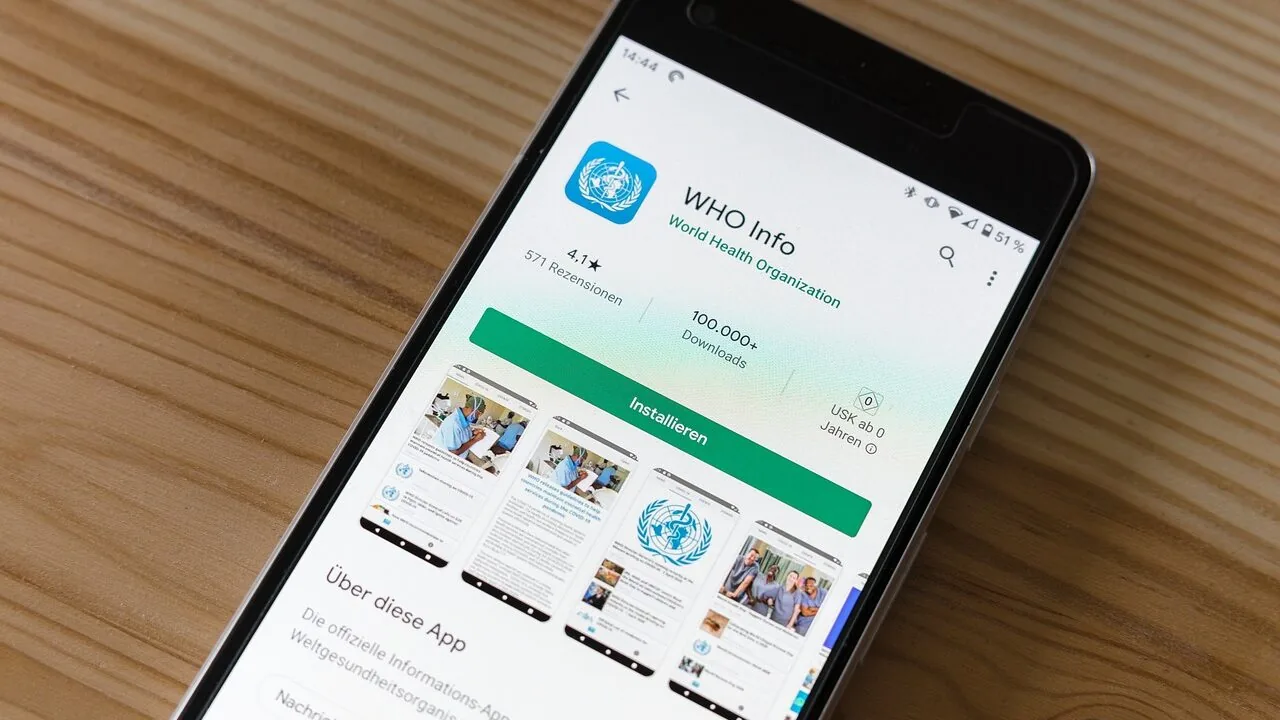
Google Play Store dominates as the default method for installing apps on Android devices, but it’s far from your only option. Whether you’re prioritizing privacy, avoiding Google accounts, or using a de-Googled phone, there are several legitimate alternatives available. The process of installing apps from sources outside the Play Store is called sideloading, and Android makes it relatively straightforward compared to iOS. The key is knowing how to do it securely.
Prepare Your Device Before Sideloading
Before attempting any method of alternative app installation, you’ll need to adjust your Android device settings. By default, Android restricts the installation of apps from unknown sources as a security measure, even though Google Play Protect still scans apps on your device for malware. To enable sideloading, open your Settings menu and search for the option to install unknown apps. You’ll need to grant your file manager permission to install applications. Once this permission is enabled, your device is ready to proceed with any of the methods below.
Download Directly from Official Developer Websites
The safest approach to sideloading is downloading app installer files, known as APKs, directly from the app developer’s official website. Open-source applications like VLC media player typically make their installation files easily accessible on their sites. This method eliminates the middleman and reduces security risks. However, many mainstream apps redirect users to the Play Store instead of offering direct downloads. Once you’ve successfully downloaded an APK file, navigate to your file manager, locate the file, and tap it to begin installation. The app will install just as it would from any official store.
Use Reputable APK Repository Websites
When developers don’t offer direct downloads, trusted APK repositories provide an alternative solution. Websites like F-Droid, APKPure, APKMirror, and GitHub host collections of app installer files that you can download to your Android device. These repositories are more reliable than random sources, but they require careful navigation. These sites frequently display advertisements, and clicking the wrong button could inadvertently download malicious files instead of your intended app. Always research a repository’s reputation before downloading, read user reviews, and stick with well-established platforms. Take your time selecting the correct download link to avoid compromise.
Explore Third-Party App Stores
Several manufacturers and companies operate their own Android app stores as legitimate alternatives to Google Play. The Samsung Galaxy Store, Amazon Appstore, Mi Store, and Epic Games Store all offer curated collections of applications. Depending on your phone’s brand, one or more of these stores may come pre-installed. If not, visit their official websites through your Android browser and download them directly. For users specifically seeking privacy-focused options, Aurora Store provides an interesting alternative, allowing you to download and install Google Play Store apps anonymously without requiring a Google account sign-in.
Try Progressive Web Apps for Zero Installation
Progressive Web Apps, or PWAs, offer a completely different approach that skips downloading entirely. These are websites designed to function like native applications on your Android device. You don’t need to download APK files or manage installation files. Simply open a PWA in a compatible browser like Google Chrome or Samsung Internet, and a prompt will appear asking whether you’d like to add it to your home screen. If the prompt doesn’t appear automatically, check your browser settings for the option. After installation, you’ll have an app-like shortcut on your device that launches the web application. While some browsers like Mozilla Firefox don’t fully support all PWA features, most modern browsers handle them well.
Prioritize Security Throughout the Process
Sideloading Android apps is accessible to everyone, but it requires constant vigilance. Never download APKs from suspicious-looking websites, and avoid accidentally clicking on deceptive download buttons even on normally trustworthy sites. Users with de-Googled phones should exercise extra caution, particularly if Google Play Protect is disabled. Watch for warning signs such as unprofessional website design, unusual permission requests, or unclear developer information. Before proceeding with any installation, consider using third-party security screening services like VirusTotal to analyze files for malware. This simple step adds significant protection to your sideloading process. Stay informed about current security threats, download only from sources you’ve verified, and remain skeptical of anything that seems unusual. Taking time to research your options ensures you can explore alternative app installation methods without compromising your device’s safety or personal data.
About the author
Ava is REMOVU's laptop writer, balancing speed, battery life, and build quality against price across the whole range. She helps readers find the sweet spot as each new chip shifts what a dollar buys.