7 Tips for Understanding Your CPU and Choosing the Right Processor
Discover how CPUs work and what specs to prioritize when shopping for a faster processor.
 By Kylie Fields
Updated October 15, 2026
By Kylie Fields
Updated October 15, 2026

Your computer’s central processing unit, or CPU, is its brain. It handles every calculation, decision, and task your operating system and applications throw at it. Whether you’re shopping for a new laptop, building a gaming PC from scratch, or simply curious about how your device works, understanding what a CPU does and how to evaluate one will help you make smarter purchasing decisions.
What a CPU Actually Does
At its heart, a CPU is a translator. It reads instructions written in machine code, which is nothing more than sequences of 1’s and 0’s, and performs the corresponding operations. Modern processors contain billions of microscopic transistors that interpret these binary signals, allowing them to execute incredibly complex tasks at speeds measured in nanoseconds. Without a capable CPU, you couldn’t stream video, run video conferencing software, play games, or even open a web browser.
The CPU doesn’t simply “run” a program all at once. Instead, it breaks everything down into a repeating cycle: it fetches an instruction from memory, decodes what that instruction means, executes the operation (whether that’s math, comparing values, or moving data), and stores the result back. This fetch-decode-execute-store cycle happens billions of times per second, enabling all the computing you do daily.
Key Components That Make Your CPU Fast
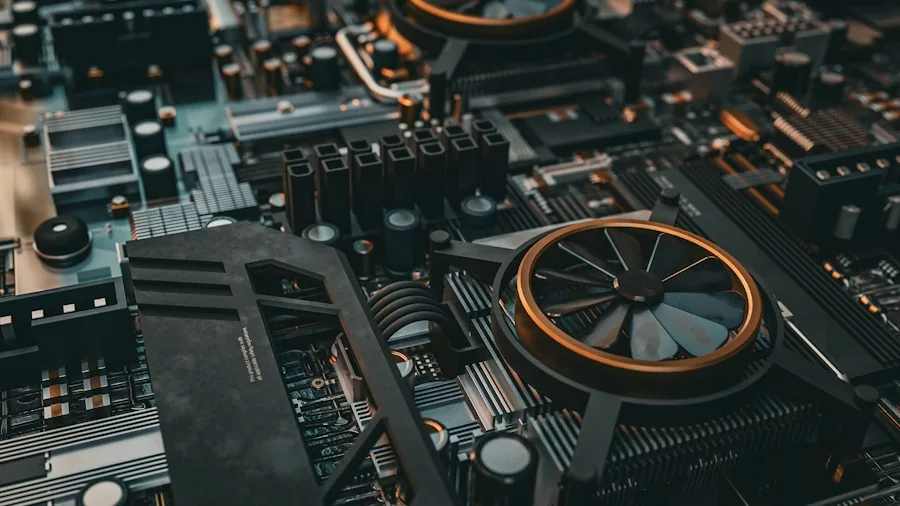
Inside the CPU are two functional workhorses: the control unit and the arithmetic logic unit (ALU). The control unit decides what operation needs to happen next, while the ALU performs the actual calculations. Everything else in a CPU’s design, including the cores, caches, and memory controllers, exists primarily to feed data to these two components as quickly as possible.
Cores are individual processing units within a CPU. A decade ago, most processors had a single core. Today, even budget-friendly CPUs typically have four or more. Each additional core lets your processor handle multiple instructions simultaneously, dramatically increasing speed and efficiency. Many modern cores also feature hyperthreading or simultaneous multithreading, which makes one physical core appear as two to your operating system, further boosting performance. For streaming or video editing with tools that benefit from high-performance streaming setups, a multi-core processor is nearly essential.
Understanding Cache and Clock Speed
Cache is high-speed memory built directly into the CPU. When your processor needs data, it first checks the L1 cache (smallest but fastest), then L2, then L3. Only if the data isn’t cached does it go all the way to your RAM, which is much slower. Think of cache as a desk where you keep your most-used files, while RAM is a filing cabinet across the room. Larger caches help CPUs avoid constant trips to slower memory.
Clock speed, measured in gigahertz (GHz), tells you how many cycles per second your CPU can complete. A 5.0 GHz processor completes five billion cycles per second. However, that’s the base clock. Most modern CPUs can temporarily boost higher under load. A CPU might have a base of 4.2 GHz but boost to 5.6 GHz when you’re demanding heavy processing. Real-world performance depends on how long your processor can sustain that boost before thermal limits kick in.
CPU vs. GPU: Know the Difference
Your computer likely has two types of processors: a CPU and possibly a GPU (graphics processing unit). They’re built for different jobs. Your CPU excels at handling complex, sequential tasks one after another as fast as possible. Your GPU, by contrast, is designed to handle thousands of simple tasks simultaneously. A CPU cannot render 4K video in real time, and a GPU cannot run your operating system. They work together, complementing each other. Processors used for video conferencing and communication must balance both types of processing power.
How Your CPU Connects to Everything Else
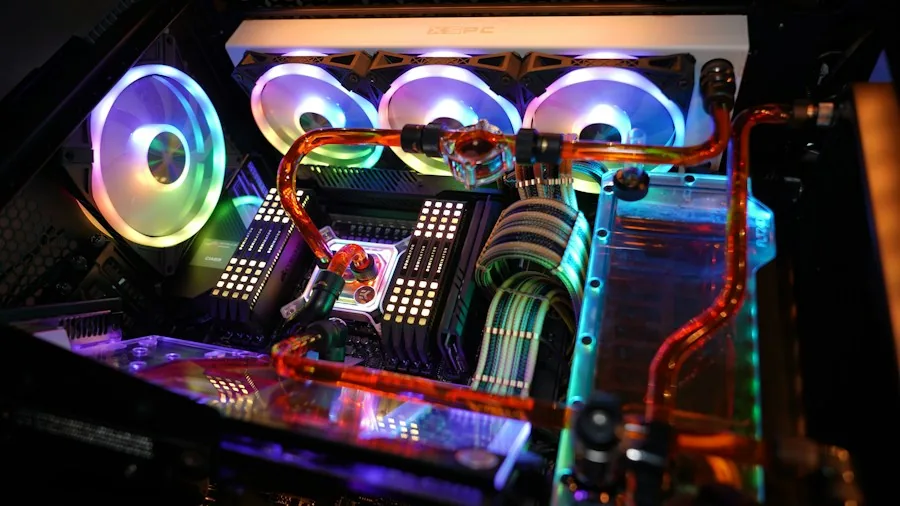
Your CPU sits in a socket on your motherboard. From there, it communicates with every other component through connections called buses. Your RAM links to the CPU through its own dedicated bus. Graphics cards, storage drives, and other expansion cards connect via PCIe lanes. A modern CPU might have 28 or more PCIe lanes available. Your motherboard’s manufacturer allocates these lanes: typically 16 for a graphics card, eight for fast storage like an M.2 SSD, and the remainder for the chipset, which acts as a traffic controller for additional components.
Choosing a CPU for Your Needs
When selecting a processor, consider what you’ll actually do with it. A budget office computer needs far less processing power than a gaming rig or a machine for video production. Look at the number of cores, clock speed, and how well that processor performs in real-world benchmarks for your specific workload. Also consider the instruction set: most Windows PCs use x86-64, while newer Macs use ARM-based Apple Silicon, which means different applications are optimized for each.
Finally, remember that your CPU works best when paired with adequate RAM and storage. A powerful processor can’t show its full potential when starved for memory or connected to a slow hard drive. By understanding how CPUs work and what specs actually matter for your usage, you’ll avoid overpaying for power you don’t need or settling for a processor that can’t handle your demands.
About the author
Kylie covers processors for REMOVU, balancing core count, clock speed, and platform cost against what readers actually run. She helps builders pick a CPU that fits their workload and budget.