7 Tips to Choose USB-C Cables Based on Charging Speed Not Price
Stop paying for cables you don't need. Match specs to your device's actual power requirements.
 By Ava Herrera
Updated September 6, 2026
By Ava Herrera
Updated September 6, 2026
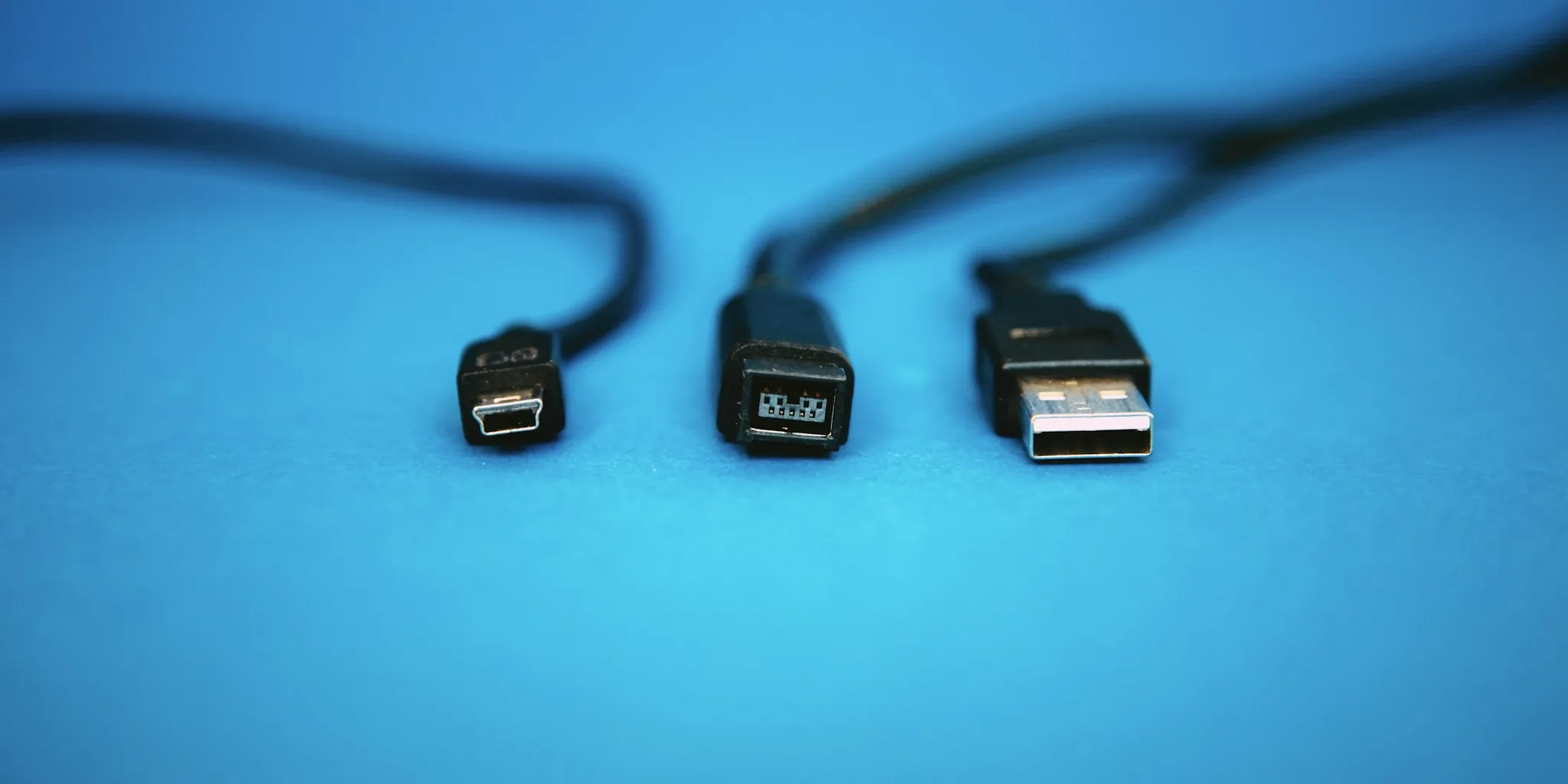
The shift to USB-C connectors across smartphones and laptops promised a simpler charging future, but the reality is far messier. Manufacturers have introduced competing fast-charging protocols, and confusing marketing language makes it difficult to know which cable is actually right for your device. The result: many people overspend on expensive cables they don’t need.
Here’s the good news: you don’t have to fall for premium pricing. Understanding what truly drives charging speed and matching cable specs to your device’s actual requirements will save you money while delivering the same performance. Let’s break down the practical steps to make smarter cable purchases.
Tip 1: Know Your Device’s Maximum Wattage Requirement
The most important number to identify before buying any USB-C cable is your phone or laptop’s maximum charging wattage. Most modern smartphones draw between 20 and 30 watts, while the latest flagship phones max out around 25 to 60 watts. Laptops, on the other hand, often demand significantly more power, sometimes exceeding 100 watts.
Check your device’s manual or specifications online. Once you know the exact wattage, you have your target. A cable rated for that wattage, or higher, is all you need. Anything beyond your device’s maximum requirement doesn’t improve charging speed; it simply sits unused.
Tip 2: Look for the E-Marker Chip
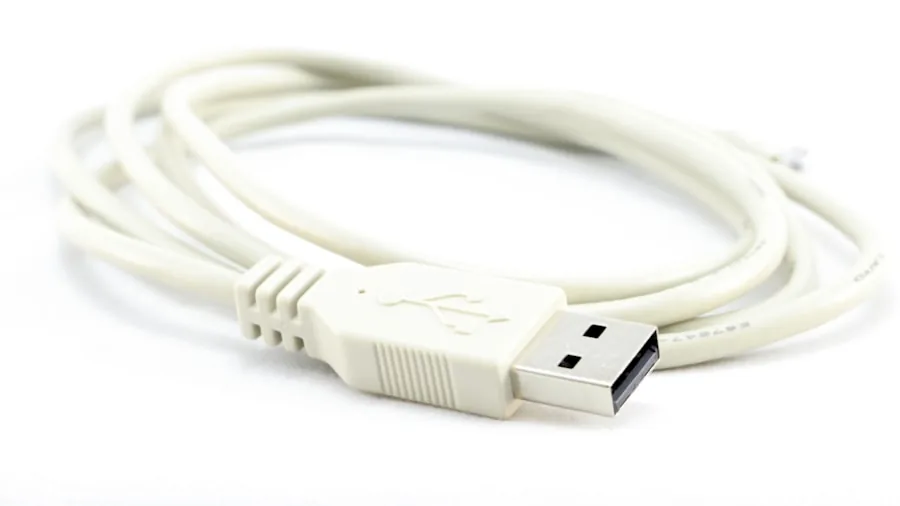
Not all USB-C cables are created equal. Many off-brand cables from marketplaces lack an e-marker chip, a small component that communicates between your device and the cable to negotiate safe power levels. Without an e-marker chip, cables typically max out at 60 watts of power delivery. Cables with an e-marker chip can handle higher wattages and include critical safety features.
If your device needs more than 60 watts, an e-marker chip becomes mandatory. For most phone users, however, this is unnecessary. Check the product listing or specifications to confirm whether the cable includes an e-marker chip, but don’t pay extra for one if your phone doesn’t require it.
Tip 3: Confirm Support for USB-C Power Delivery
USB-C Power Delivery, or USB-C PD, is the standard protocol that allows cables and chargers to negotiate the appropriate power level for your device. Most modern cables and chargers support this protocol, so it’s generally safe to assume any decent-quality cable will include it.
However, different phones use different fast-charging protocols. Google Pixel 6 and newer models, along with Samsung Galaxy S20 and newer devices, rely on PPS (Programmable Power Supply), a dynamic protocol that adjusts voltage in real time to keep your device cool and preserve battery health. Other manufacturers use proprietary protocols. Verify your phone’s charging protocol and ensure any cable you purchase explicitly supports it.
Tip 4: Compare Actual Cable Quality, Not Just Brand Names
A five-dollar cable and a thirty-dollar cable designed for the same wattage will typically deliver identical charging performance, assuming both are manufactured to reasonable standards. The price difference usually reflects brand reputation, build materials like braiding, connector durability, and aesthetic design choices, not faster charging.
The only scenario where a cheap cable underperforms is if it has poor internal construction and excessive electrical resistance, preventing it from safely delivering its rated power. Avoid suspiciously cheap cables with no verifiable reviews or ratings. Instead, look for cables with solid customer feedback confirming they deliver their advertised wattage without overheating.
Tip 5: Reserve Premium Cables for High-Wattage Devices
Premium, expensive USB-C cables make sense in specific situations: charging laptops, power supplies for professional equipment, or scenarios requiring video and audio output alongside power delivery. These applications demand cables rated for 100 watts or higher, proper shielding, and robust construction.
For smartphone charging, premium pricing rarely justifies the cost. Even the most advanced flagship phones require far less power than what a standard-quality cable can deliver. Power banks and portable charging solutions are a more practical investment if you need faster charging flexibility on the go.
Tip 6: Avoid Overspecifying Your Cable
It’s tempting to buy a cable rated for 100 watts to future-proof your purchase or accommodate multiple devices. Resist this urge. An oversized cable doesn’t charge your phone faster and adds unnecessary cost to your purchase.
Your device controls how much power it draws, regardless of the cable’s maximum capacity. A 25-watt phone pulling from a 100-watt cable receives only 25 watts. The extra capacity sits unused. Instead, look for portable chargers and multi-device solutions if you want flexibility across different gadgets.
Tip 7: Prioritize Specifications Over Brand Prestige
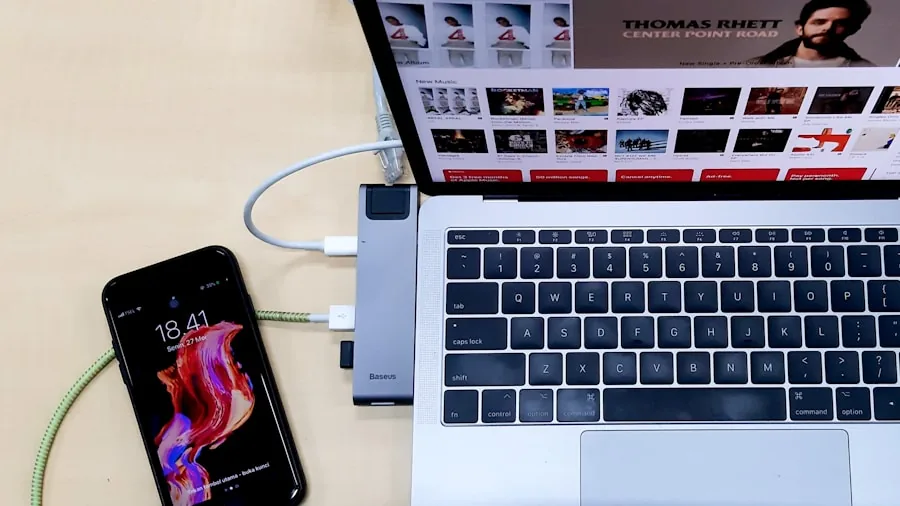
The fastest way to make a smart cable purchase is to stop treating price as a proxy for quality. Instead, compare three specific details: your device’s wattage requirement, the cable’s rated wattage, and whether it has an e-marker chip if necessary.
Once those specs align, you’re done shopping. A mid-tier cable from a reputable seller with solid reviews that meets these criteria will deliver the same charging speed as a luxury option costing three times more. Solar chargers and alternative power solutions may also suit your lifestyle and usage patterns better than premium wired cables alone.
The Bottom Line
Smart cable shopping means matching specifications to actual device needs, not allowing marketing hype or price tags to drive your decision. Most phone users benefit from affordable, mid-range USB-C cables rated for their device’s maximum wattage with positive customer feedback. Premium cables serve a purpose, but that purpose rarely applies to smartphone charging. By following these guidelines, you’ll build a collection of reliable cables at a fraction of what premium brands charge, without sacrificing any performance.
About the author
Ava is REMOVU's laptop writer, balancing speed, battery life, and build quality against price across the whole range. She helps readers find the sweet spot as each new chip shifts what a dollar buys.