Stop Using Basic Navigation: 5 Powerful Google Maps Features You Should Be Using
Discover AI planning, shared lists, virtual scouting, and parking memory features in Google Maps.
 By Ava Herrera
Updated October 3, 2026
By Ava Herrera
Updated October 3, 2026
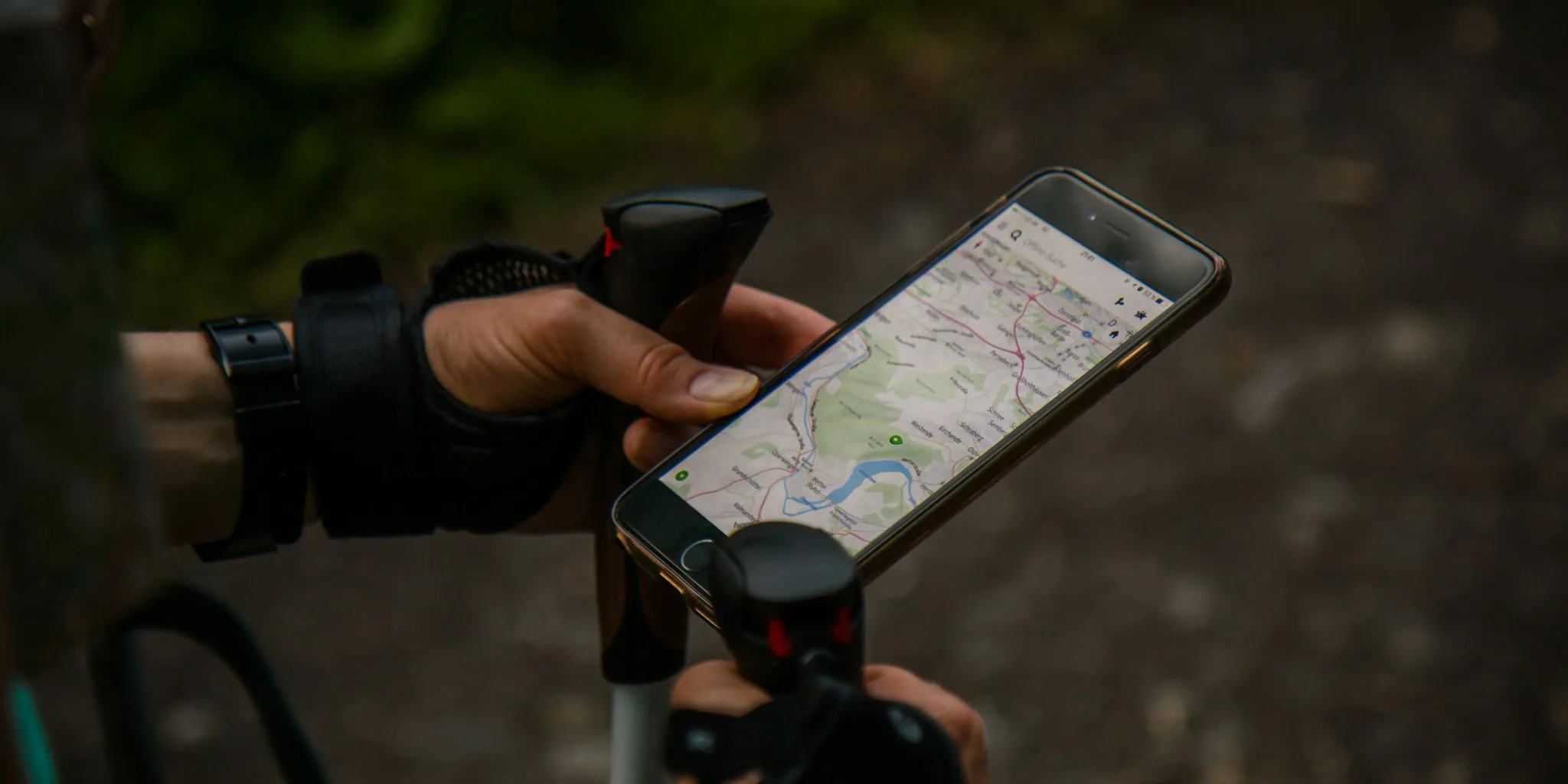
Google Maps has evolved far beyond its core function as a navigation tool. Since its launch in 2005, the app has continuously added features that can genuinely simplify your daily life, from planning social outings to organizing group trips and even locating your car in a crowded parking lot. Many users remain unaware of these powerful capabilities, relying only on turn-by-turn directions when they could be leveraging much more.
Use Ask Maps to Plan Your Weekend Instantly
One of the most practical additions to Google Maps is Ask Maps, a generative AI feature that takes the cognitive load out of weekend planning. Instead of spending hours scrolling through reviews, cross-referencing restaurant menus, and debating options with friends in group chats, you can simply ask the app for recommendations tailored to your specific needs.
Open the Google Maps app and tap the Ask Maps option in the top left corner. You’ll see a chat-style interface where you can ask detailed questions like, “Where can I sit and read for an hour nearby without feeling pressured to keep ordering food?” or “What are cozy, budget-friendly spots with a relaxing atmosphere for a group dinner?” The AI analyzes hundreds of reviews and Maps data to deliver hyper-specific recommendations that match your preferences. It even pulls personal insights from your Maps history, suggesting options you didn’t explicitly request but might genuinely enjoy. Ask Maps is currently available on Android and iOS, with desktop support coming soon.
Replace Messy Group Chats With Collaborative Lists

After you identify places you want to visit, keeping everyone on the same page becomes the next challenge. Google Maps’s You tab solves this by letting you create shared lists that collaborators can edit together. Head to the You tab, select Your Saves, and tap the +New List option. Name your list, add the locations you discovered, and invite friends to contribute their own suggestions and votes.
This approach eliminates the chaos of group chat planning, where messages pile up and key details get buried. Instead, everyone can see all options in one organized place, react to suggestions, and vote on their preferences. It’s especially useful for planning across multiple locations and spaces, as the visual map layout keeps spatial relationships clear.
Scout Unfamiliar Places With Street View
Street View is one of Google Maps’s most underrated features. Beyond its obvious purpose for navigation, it lets you virtually walk through neighborhoods and get familiar with an area before you actually visit. This is invaluable when traveling to a new city or exploring an unfamiliar district.
To use Street View, open Google Maps, find the area you want to explore, and enable the Street View layer. You can click and drag to virtually walk down streets, look at storefronts, check the neighborhood vibe, and spot landmarks that might help orient you once you arrive. Beyond travel planning, Street View also works as a time capsule. You can revisit how familiar streets looked years ago, watching how neighborhoods have evolved over time. It’s a surprisingly engaging way to reconnect with places you know well.
Save and Annotate Your Parking Spot

Finding your car in a massive parking lot is frustrating and wastes time. Google Maps includes a built-in parking memory feature that solves this problem. When you arrive at a location, tap the blue location button on the map to display your current position. Look for the Save Parking option and tap it. Maps will save your exact parking spot, and you can add notes such as the parking row number, pillar location, or any other identifying detail that helps you remember where you left your vehicle.
If you’re parked in a metered area, you can also set a countdown timer for the parking duration. When the timer expires, your phone will send you an alert, preventing expensive parking violation tickets. This single feature alone can save you significant stress and money.
Organize Trip Planning With Detailed Maps
Google Maps lets you save multiple lists for different types of trips and activities. You might create one list for a weekend getaway, another for restaurants you want to try, and a third for shopping destinations you’ve discovered. Unlike keeping scattered notes across various apps and devices, having everything centralized in Google Maps keeps your plans organized and accessible whenever you need them.
These features represent a fundamental shift in how you can use mapping technology. Rather than thinking of Google Maps as purely a navigation app, recognize it as a comprehensive planning and organization tool. Start with Ask Maps to discover places, move to collaborative lists to align with friends, use Street View to prepare for visits, and rely on the parking feature to eliminate daily frustrations. Each feature addresses real pain points in how people plan, explore, and navigate their lives.
About the author
Ava is REMOVU's laptop writer, balancing speed, battery life, and build quality against price across the whole range. She helps readers find the sweet spot as each new chip shifts what a dollar buys.