Mac Mini Docks and Storage Solutions: What Shoppers Need to Know Right Now
Discover the best docking solutions that add storage and ports to your Mac Mini without the high cost.
 By Nevaeh Sims
Updated October 6, 2026
By Nevaeh Sims
Updated October 6, 2026
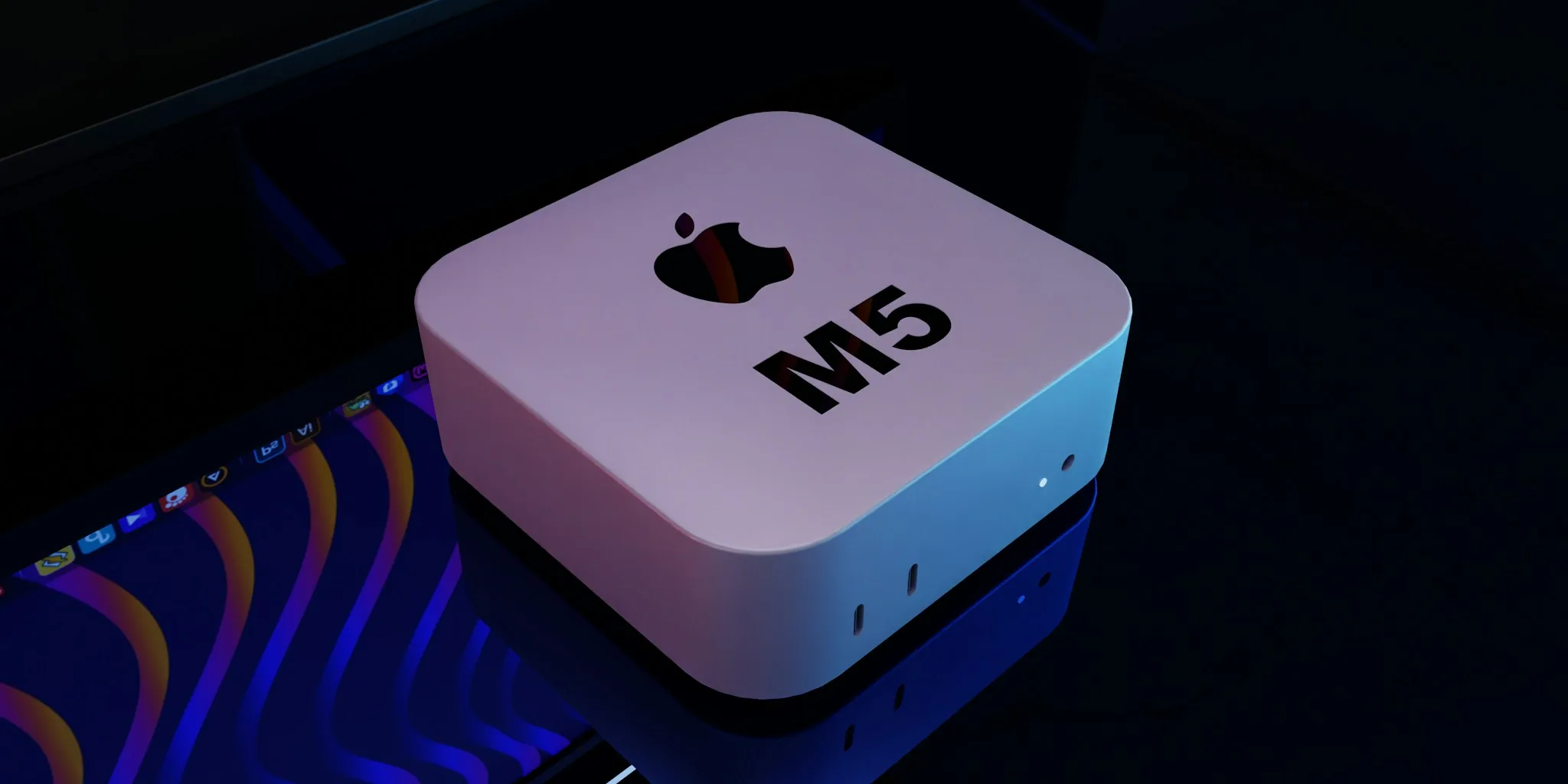
Apple’s latest Mac Mini models, including the M4 and the recently released M6 and M5 Pro versions, have become increasingly popular among users seeking compact computing power. However, buyers quickly discover a common limitation: storage is not user-upgradeable, and port selection is more limited than some users prefer. The good news is that a growing number of docking solutions have emerged to address these constraints, giving shoppers practical ways to expand their systems without breaking the bank.
Why Mac Mini Buyers Turn to Docks
The modern Mac Mini comes with five USB-C ports, which seems generous at first glance. However, many professionals and enthusiasts find themselves needing more connectivity options. The lack of legacy USB-A ports, SD card slots, and built-in storage expansion creates a workflow bottleneck for users juggling multiple devices or managing large files. Since storage is soldered directly onto newer models, external expansion becomes essential rather than optional.
This is where specialized docking solutions come into play. Rather than accepting the Mini’s port limitations, savvy shoppers can invest in a dock that not only multiplies available connections but also bundles in dedicated SSD enclosures for seamless storage expansion. The best mini PCs often ship with dock compatibility in mind, and Mac Mini owners are discovering they can unlock significantly greater functionality with the right peripheral.
Popular Dock Options for Mac Mini Users
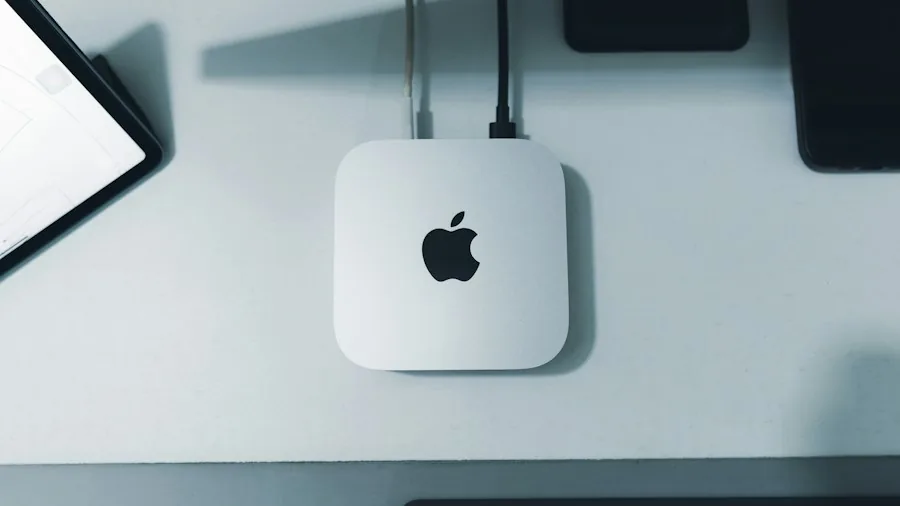
Three categories of docks dominate the market for Mac Mini users. First, there are purpose-built stands that sit beneath or beside the Mac Mini, offering integrated storage bays and a variety of ports. Second, traditional USB-C and Thunderbolt docks provide more versatility across different systems. Third, hybrid solutions combine the best of both worlds.
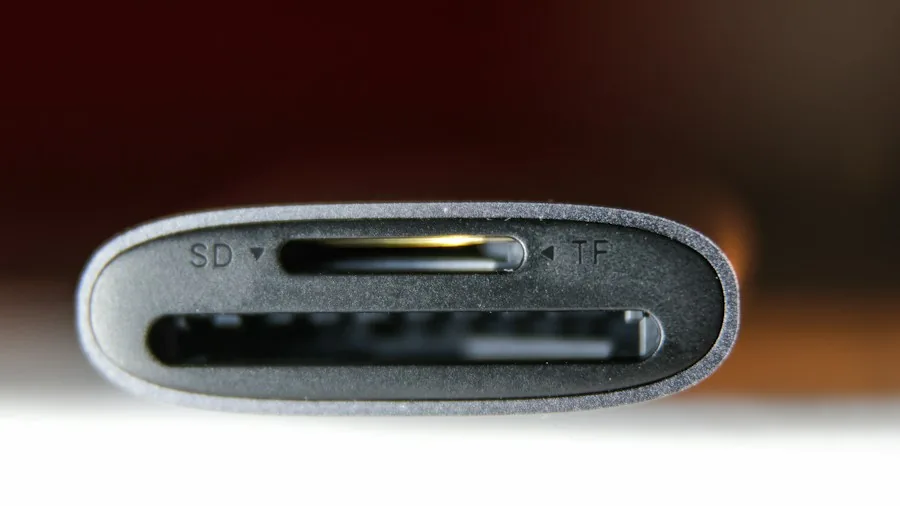
Among dedicated Mac Mini docks, the Satechi option has gained traction thanks to its front-facing USB-A ports, SD card slot, and built-in SSD enclosure. The UGreen alternative offers even more budget-friendly pricing and includes dual card slot support, though its data speeds top out at 10 Gbps. The Acasis dock stands out for supporting dual NVMe SSDs simultaneously, offering up to 16TB of additional storage alongside its integrated 65W power brick.
For buyers who prefer a more universal approach, standard USB-C and Thunderbolt docks remain equally viable. These units don’t nest the Mac Mini directly on top, but they deliver the same port multiplication and storage expansion benefits while remaining compatible with any compatible mini PC or laptop you might own in the future. This flexibility appeals to users who plan to expand or upgrade their hardware ecosystem over time.
Key Considerations Before Buying
Not all docks are created equal, and Mac Mini shoppers should be aware of a few important factors. First, these specialized docking solutions are designed specifically for the newer Mac Mini chassis. Older models have a different physical footprint and require different docks, so verify compatibility before purchasing.
Second, placement matters more than expected. Some users report that positioning a dock directly underneath a Mac Mini can interfere with Wi-Fi signal strength. For those relying on wireless connectivity rather than Ethernet, this could be a dealbreaker. However, users with wired network connections won’t notice any difference.
Third, consider your actual speed requirements. While some docks market faster 40 Gbps connections for SSDs, the difference in real-world performance may be negligible for backup tasks or infrequent data transfers. Budget-friendly options with 10 Gbps ports often deliver adequate performance for everyday use.
What This Means for Your Purchasing Decision
If you’ve recently bought a Mac Mini or are considering one, a docking solution should rank high on your shopping list. The upfront cost of thirty to one hundred dollars pays dividends in expanded functionality and working convenience. Whether you prioritize maximum storage capacity, port variety, or budget-conscious expansion, options exist across multiple price points.
The dock ecosystem for Mac Mini also signals a broader trend: compact mini PCs under specific budgets increasingly rely on external expansion rather than internal upgradeability. This shift pushes responsibility onto users and aftermarket accessory makers, but it also creates thriving markets for practical add-ons that truly enhance the user experience. Smart shoppers view a quality dock not as an afterthought but as an essential companion purchase that transforms how their Mac Mini performs.
About the author
Nevaeh is REMOVU's mini PC writer, judging performance, ports, and value in palm-sized machines. She helps readers pick a tidy computer for a desk, a media center, or a quiet office.