iPadOS 27.3 Update Brings Siri Camera Smarts and New Productivity Tools to Your iPad
Camera smarts and easier multitasking come to iPad this December. Here is what shoppers should know.
 By Yolanda Carroll
Updated November 19, 2026
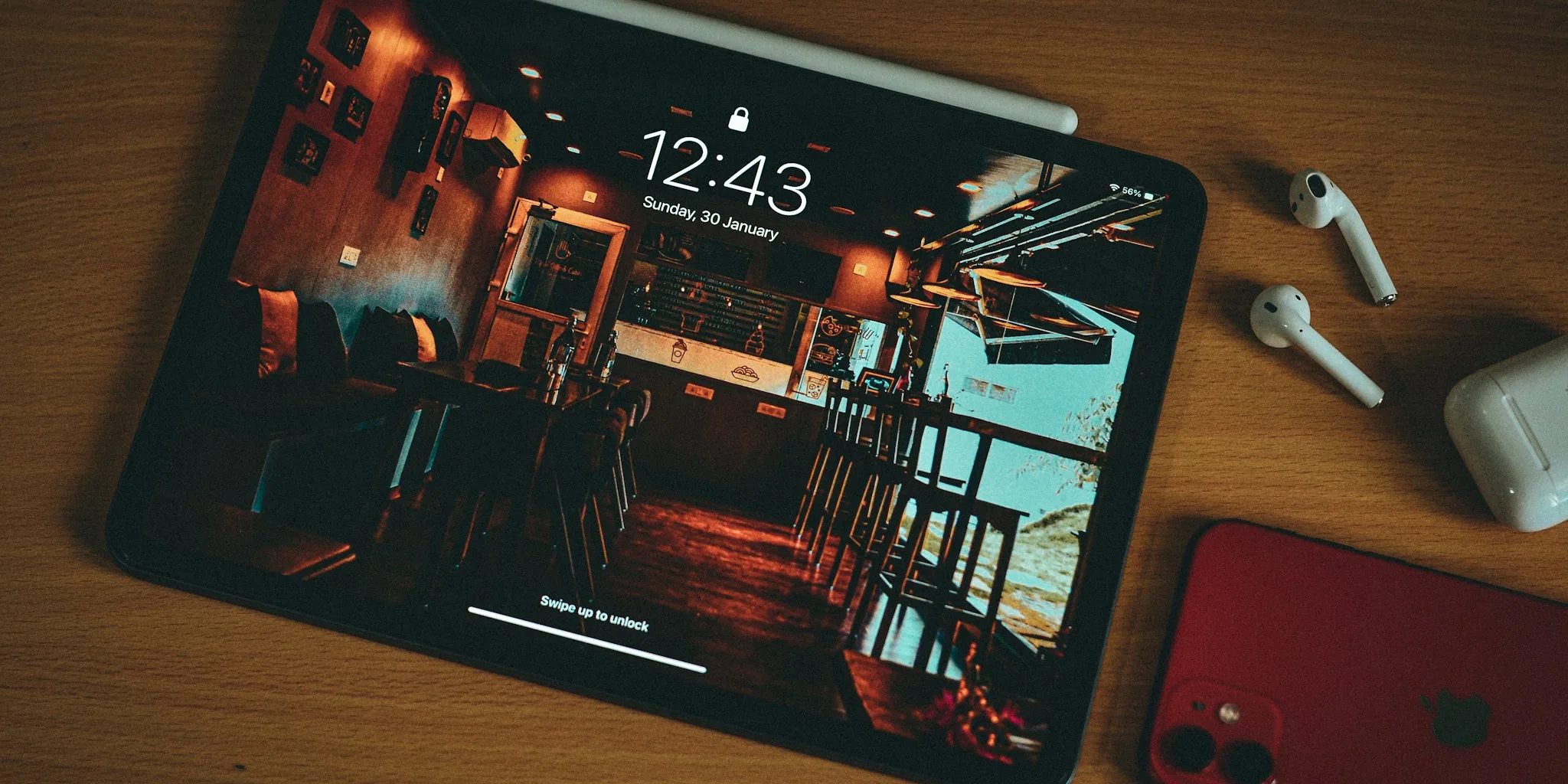
Apple is rolling out a significant software update for iPad owners. The new iPadOS 27.3 release, arriving in December, introduces several features designed to make iPads more intelligent and easier to use. The update will be available to all iPad models that support iPadOS 27, expanding the tablet’s capabilities for everyday users and professionals alike.
Siri Gets Camera Vision Powers on iPad
One of the standout additions in iPadOS 27.3 is a camera-focused feature for Siri. iPad owners will soon be able to point their device’s camera at objects and ask Siri to identify them. Want to know the name of that unusual houseplant sitting on your desk? Curious about an architectural detail on a historic building during a tour? Wondering how to recreate a dish you just enjoyed at a restaurant? Siri can help answer those questions by analyzing what appears on your screen.
This capability uses Apple’s Visual Intelligence system, which combines general knowledge, web searches, and AI technology to understand and identify objects in real time. The system can also trigger related actions. For example, you could point your camera at a restaurant bill and ask Siri to split it among your group. iPhone users have had access to this feature for a while, but iPad users will finally catch up when the update arrives.
Apple emphasizes privacy with this feature. According to the company’s privacy standards, Siri processes your requests either directly on your device or through Apple’s Private Cloud Compute infrastructure. This design is intended to prevent the system from storing information about the images you show it or your surroundings. Additionally, Siri does not retain audio files, photos, or attachments from your interactions.
Easier Window Management for Multitasking
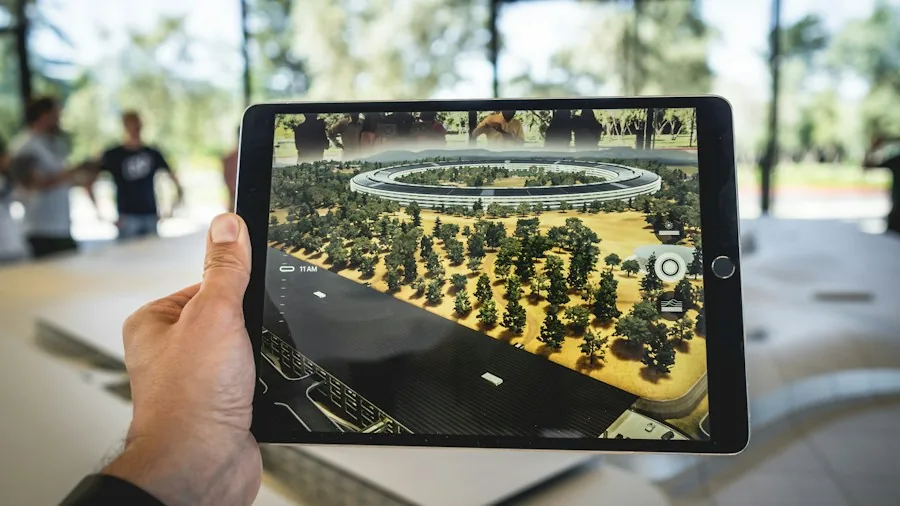
Multitasking on iPad is about to get simpler. The new iPadOS 27.3 adds a quick window resizing feature that removes friction from your workflow. Instead of dragging a corner of a window to adjust its size, you can now double-tap the top bar of any window to enlarge it. Double-tap it again, and it shrinks back to its original dimensions. This small change can save time when you’re juggling multiple tablets and windows for work or creative projects.
Freeform Whiteboard Gets Smarter
The Freeform app, Apple’s digital whiteboard tool for iPad, is gaining new capabilities in iPadOS 27.3. This app lets users sketch, write, and collaborate by adding photos, videos, text, PDFs, and other content. You can use your finger, a stylus, or an external input device to interact with your ideas.
The latest update introduces shape generation powered by text descriptions, allowing you to describe what you want and have the app create it. You’ll also be able to edit images directly within Pixelmator Pro without leaving Freeform. These advanced features require an Apple Creator Studio subscription, and they’re set to roll out next month alongside the main iPadOS 27.3 release.
What This Means for iPad Shoppers

If you already own an iPad, this update is a reason to stay engaged with your device. The Siri camera feature brings practical intelligence that makes problem-solving faster. The window resizing improvement addresses a real friction point for people who use multiple apps simultaneously. For creative professionals and students who rely on iPad keyboards and accessories, Freeform’s enhancements provide new ways to brainstorm and edit content without switching between tools.
For shoppers considering whether to invest in an iPad now or later, this update signals that Apple continues to evolve the platform with meaningful features. The improvements appeal to both casual users and power users. Casual users benefit from smarter search and identification tools, while professionals gain efficiency through better window management and content creation features.
The update’s focus on camera intelligence also emphasizes why iPad’s display quality matters. A larger, sharper screen makes it easier to frame objects for Siri to identify and helps you see finer details when editing images in creative apps. If you’ve been thinking about upgrading to a newer model, the iPadOS 27.3 release gives those devices more purpose.
When to Expect It
The features are currently available to users who enroll in Apple’s Beta Software Program if they want an early look. The general public will gain access in December. Setting up a beta can help you decide if these features solve real problems in your workflow, though standard users won’t need to do anything but wait for the automatic update.
Device owners should ensure their iPad is compatible with iPadOS 27 before the update arrives. All qualifying models will receive the upgrade at no cost. Consider keeping your device charged and connected to WiFi when you’re ready to install the update to avoid interruptions.
Battery life and storage can be affected by major OS updates, so if you use portable chargers for your iPad, have one ready on update day. The new features are worth the minor setup effort, especially if you rely on your iPad for work or creative pursuits.
About the author
Yolanda covers tablets for REMOVU, weighing performance, display, and value across iPad and Android options. She helps readers pick a tablet that fits couch time or real work.