How to Choose the Right Refresh Rate for Your Gaming Monitor and Budget
Learn how refresh rate, resolution, and GPU power interact to determine your best gaming setup value.
 By Jamie Kuhn
Updated October 14, 2026
By Jamie Kuhn
Updated October 14, 2026
Understanding Refresh Rate and Its Impact on Gaming
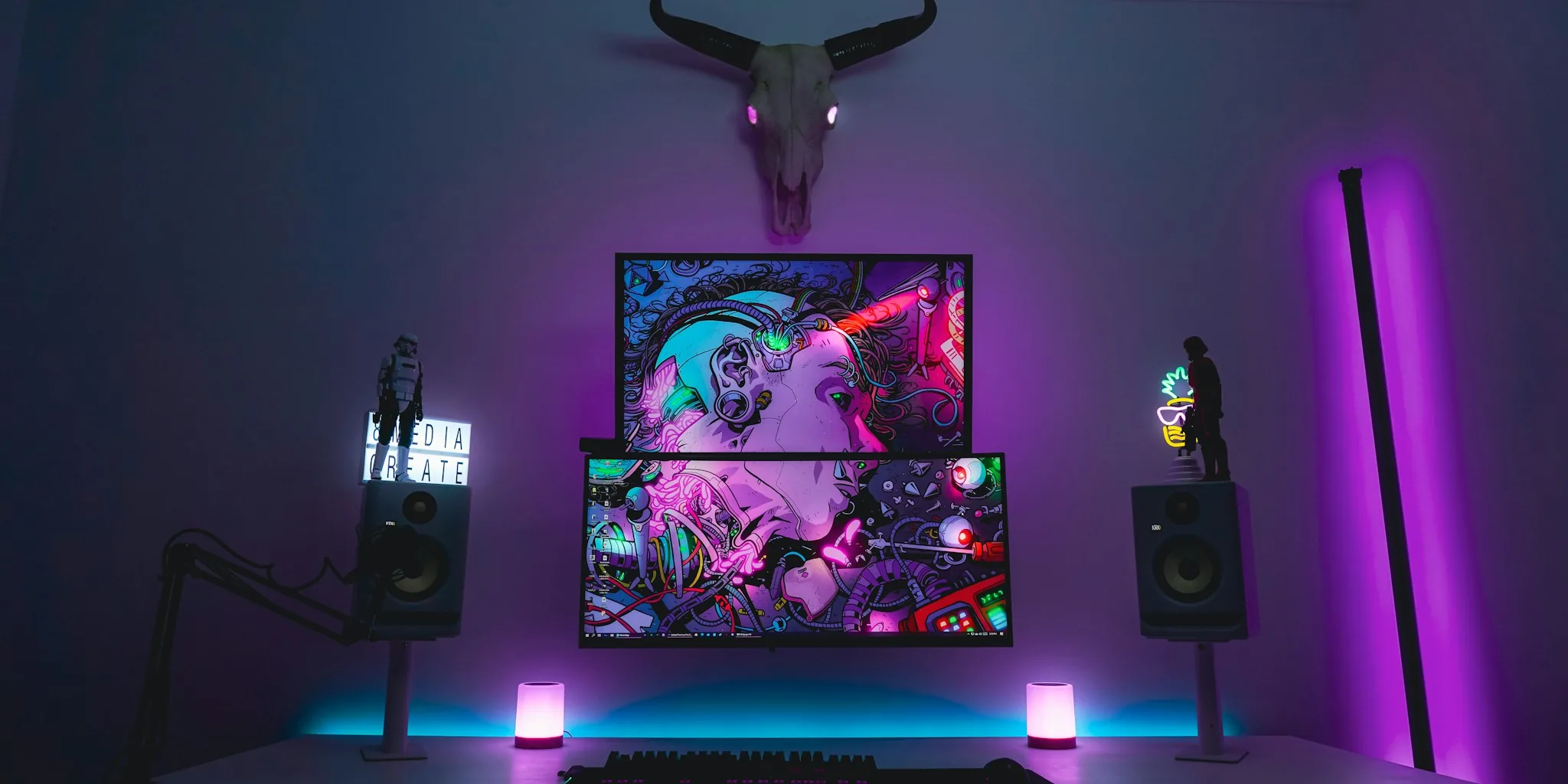
Refresh rate measures how many times per second your monitor updates its image, expressed in Hertz (Hz). A 60Hz monitor refreshes 60 times per second, while a 144Hz or 180Hz monitor does so 144 or 180 times respectively. For gaming, higher refresh rates mean smoother motion, faster response times, and a more responsive feel during competitive play. However, refresh rate doesn’t exist in isolation from other critical factors like resolution and your graphics card’s capabilities.
Resolution Drives Your GPU Requirements
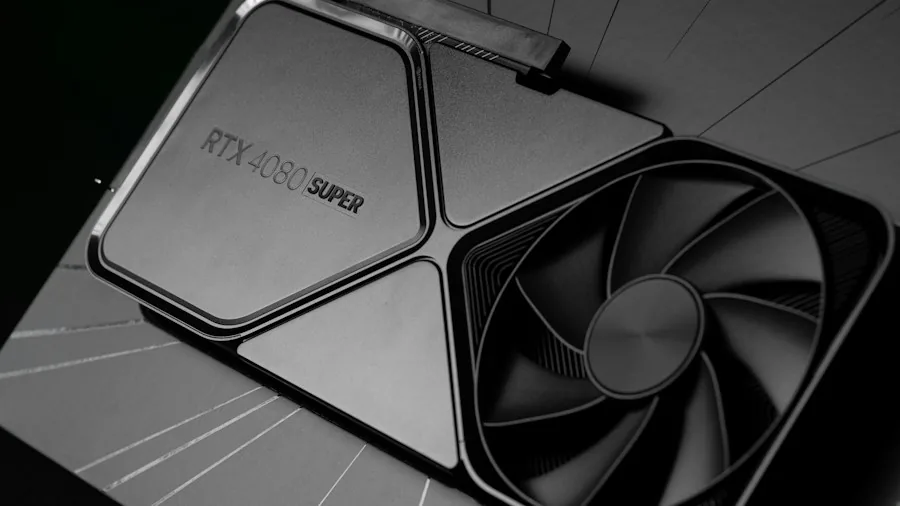
Before selecting a refresh rate, understand that resolution is the primary driver of how much graphics processing power you need. A 1440p display contains approximately 78% more pixels than a 1080p panel, which means your graphics card must work significantly harder to maintain high frame rates. This relationship is crucial when budgeting for your entire system.
If you pair a high-resolution monitor with an underpowered graphics card, you’ll face frame rate drops that no refresh rate advantage can overcome. The opposite is also problematic: a powerful GPU attached to a lower refresh rate monitor won’t deliver the smooth visual experience it’s capable of producing. Your monitor’s resolution essentially determines which graphics card tier you must buy.
The 1080p High Refresh Rate Sweet Spot
Currently, the most practical choice for budget-conscious gamers is a 1080p display paired with a high refresh rate between 144Hz and 180Hz. This combination offers several advantages. Graphics cards with 8GB of memory can easily maintain high frame rates at maximum settings in most games when driving 1080p resolution. You’ll find quality 1080p 144Hz and 180Hz monitors widely available at reasonable prices, and a side by side comparison shows that 1080p still delivers sharp, clean visuals on a 27-inch screen.
A mid-range graphics card like an RTX 5060 or RX 9060 XT with 8GB of VRAM performs optimally at this resolution and refresh rate combination, providing excellent value without forcing you to purchase an expensive top-tier GPU. The performance you gain from the high refresh rate is immediately noticeable in competitive titles and fast-paced games.
When 1440p Makes Sense
If your budget allows for a graphics card with 12GB or 16GB of VRAM, stepping up to 1440p becomes worthwhile. At this tier, you’ll experience noticeably sharper image quality and can maintain competitive frame rates in demanding titles. A quality 1440p monitor will serve you well for years, and monitor technology has become increasingly affordable while resolution options have expanded.
However, don’t underestimate the true cost of 1440p gaming. The GPU upgrade required to comfortably handle this resolution can easily cost $350 to $500 more than a capable 1080p graphics card. That expense compounds if you aim for visual quality settings beyond medium, which generally requires cards with more VRAM.
Leverage Upscaling Technology
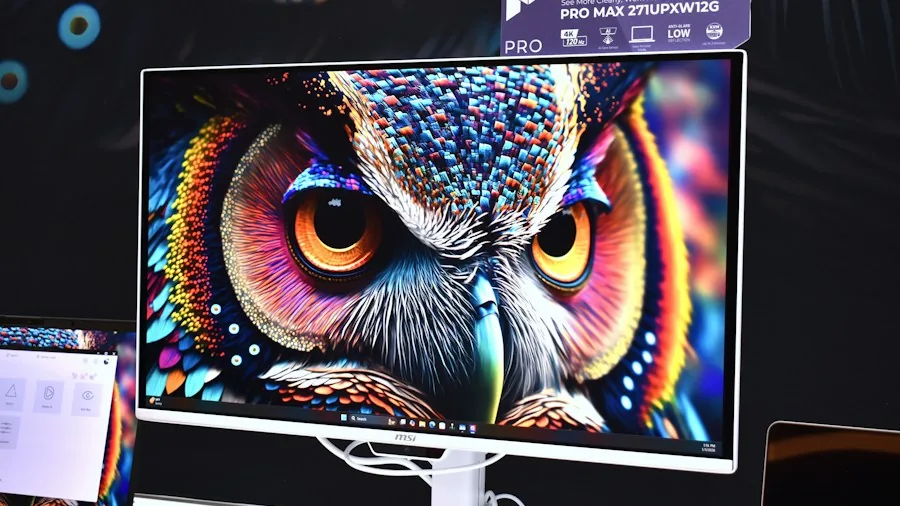
Modern upscaling technologies like DLSS and FSR can bridge the gap between resolution ambitions and GPU budget. These tools render games at a lower native resolution internally, then intelligently reconstruct the image to match your monitor’s output resolution. When running in quality mode at 1440p, the GPU workload resembles native 1080p rendering, allowing lower-tier graphics cards to achieve playable frame rates.
The reconstructed image quality in motion is visually comparable to native rendering on many games and displays. On a 27-inch 1440p monitor, distinguishing between a high-quality upscaled image and native resolution requires careful scrutiny. This approach lets you enjoy the resolution benefits of 1440p without necessarily purchasing the most expensive graphics card available.
Key Considerations for Your Purchase Decision
Consider whether you’ll upgrade your graphics card within the next two to three years. Buying a 1440p monitor today assumes your future graphics card will also handle 1440p comfortably. Given current market conditions and pricing trends, this isn’t guaranteed, making a 1080p high refresh rate setup a safer long-term investment.
If you primarily use your monitor for work tasks, productivity software, and web browsing with occasional gaming, 1440p remains an excellent choice regardless of your graphics card tier. The sharpness benefits extend to all applications, not just games.
For budget-conscious builders and upgraders right now, the mathematics favor a 1080p high refresh rate display paired with an 8GB graphics card running at sensible visual settings. This approach delivers smooth, responsive gameplay without forcing you into expensive GPU tiers. You’ll enjoy immediate benefits from the high refresh rate in fast-paced games while maintaining crisp visuals. A dedicated gaming monitor in the 1080p high refresh space offers outstanding value and performance potential for years to come.
About the author
Jamie is REMOVU's gaming monitor writer, comparing refresh rate, response time, and motion clarity across panel types. He helps players find smooth, responsive displays at every budget.