Gemini 3.7 Flash Now Available for Chats: What You Need to Know
Google rolls out faster Gemini model with better reasoning and new watermark controls across all platforms.
 By Ava Herrera
Updated August 15, 2026
By Ava Herrera
Updated August 15, 2026
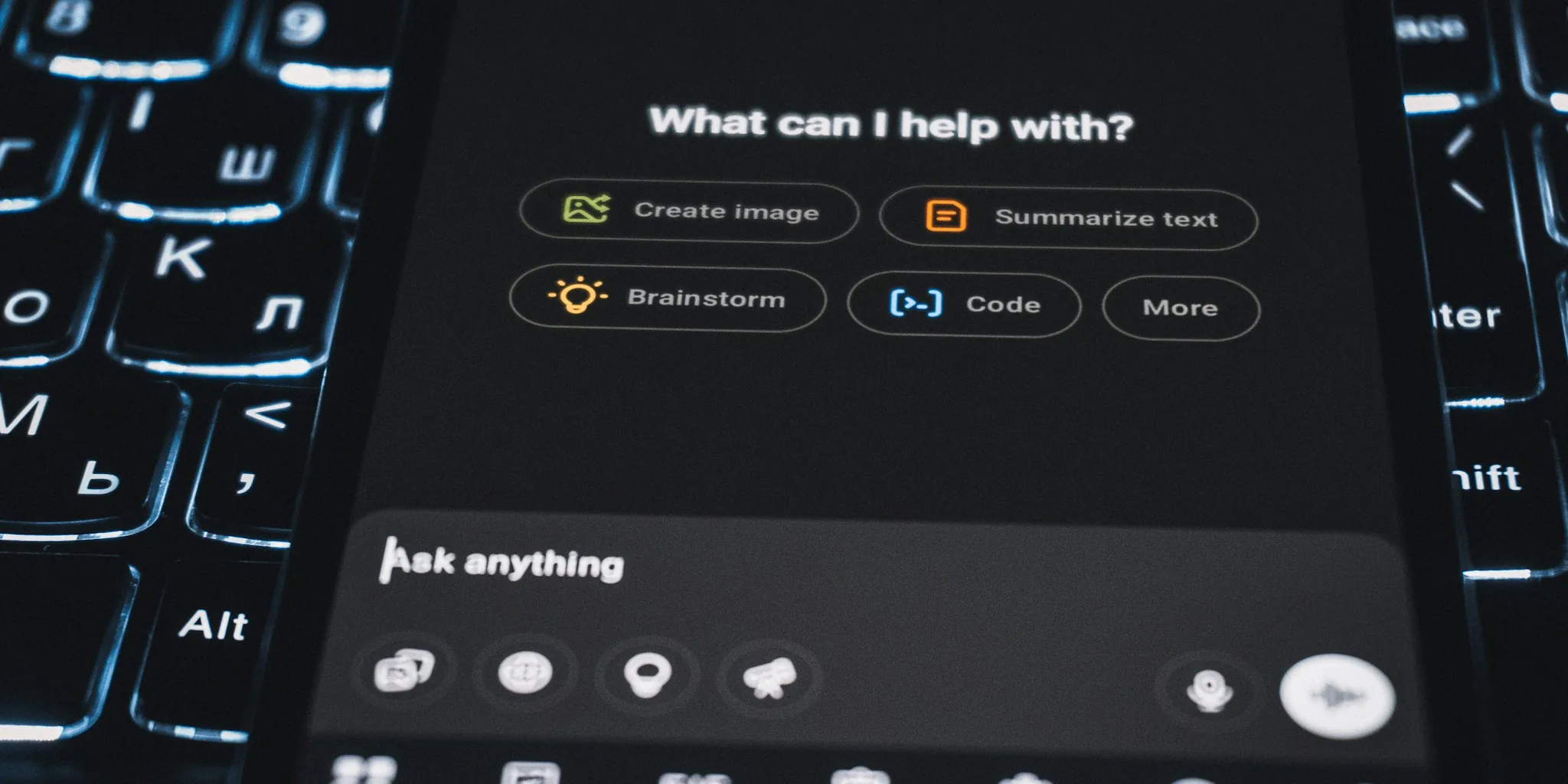
Google has rolled out Gemini 3.7 Flash to its chatbot application, bringing a faster, more capable model to everyday conversations on Android, iOS, web, and macOS. The update went live on Thursday evening, replacing the earlier 3.6 Flash version across all platforms. This move signals Google’s commitment to making advanced AI reasoning accessible to regular users without requiring a premium subscription tier.
Stronger Performance Across Knowledge Fields
The new model offers measurable improvements in reasoning and accuracy, particularly for demanding domains that require deep expertise. Finance professionals, legal practitioners, and bioscience researchers should see noticeably better results when using Gemini for research, analysis, and complex problem-solving. Beyond these specialized fields, the 3.7 Flash update strengthens performance in coding, web development, and user interface generation, making it more useful for developers and designers who rely on AI assistance during their workflows.
For those using Gemini Spark, Google’s personal agent feature, the efficiency gains are meaningful. The tool now handles Google Workspace integrations more effectively, which means faster responses when you’re working with Gmail, Google Docs, Sheets, and other company tools. This enhancement makes the agent more practical for professionals juggling multiple applications throughout their day.
New Control Over Watermark Display

Beyond model improvements, Google is giving users the ability to remove visible watermarks from AI-generated content. When you create images, videos, or songs using Gemini, a branded watermark appears in the corner of the output. Starting now, you can turn off this visual indicator if you prefer a cleaner appearance. The setting applies to the Spark icon that appears in images, the Omni watermark in videos, and the Lyria watermark in songs.
Access this feature through the settings menu in the Gemini app. On the web version, click the settings gear icon in the bottom-left corner to find the new Media Watermark section. You’ll see simple toggle options for On and Off, with On remaining the default setting. The rollout is happening gradually across all platforms over the coming days, so you may not see it immediately if you update your app today.
Important to know: this watermark removal is not available in countries where local law requires the visual indicator to remain. Even when you disable the visible watermark, invisible technical markers remain embedded in your generated files. These include SynthID watermarks and C2PA metadata, which help content creators and platforms verify the source and authenticity of AI-generated material. This dual-layer approach balances user preference with industry standards for content provenance.
Broader Rollout Strategy
The watermark control feature is rolling out to Gemini Flow as well, with Google Search expected to receive the same functionality in the near future. This suggests Google is making watermark management a standard feature across its AI-powered applications, reflecting user demand for more customization options.
The 3.7 Flash model joins an existing lineup that includes 3.5 Flash-Lite and 3.1 Pro. Notably, 3.5 Pro did not receive an availability update during this launch cycle, meaning it remains in its previous state. For most users choosing between options in the model picker, 3.7 Flash now represents the latest standard option for balancing speed and capability.
Storage and security considerations remain relevant for anyone working with generated content. While you may appreciate the wider availability of portable SSDs for backing up your generated media files, and professionals managing complex network environments may benefit from network switches that support high-bandwidth applications, the core feature improvements in Gemini 3.7 Flash are about enhancing the AI conversation experience itself.
What This Means for Your Workflow
If you’ve been using Gemini for research, coding, or creative projects, you should see immediate improvements in response quality without any action required on your part. The model picker will automatically show 3.7 Flash as available, and you can start using it right away. For those who prefer content without visible watermarks, the new setting gives you control over how your generated outputs appear, though the underlying authentication mechanisms continue protecting against misuse.
This release demonstrates how rapidly AI capabilities are advancing. Faster, more accurate models are becoming standard rather than premium features, making sophisticated AI assistance more democratic across user skill levels and use cases. Whether you’re a casual user asking questions or a professional relying on AI for daily work, the 3.7 Flash update provides tangible benefits without requiring you to learn new interfaces or change your habits.
About the author
Ava is REMOVU's laptop writer, balancing speed, battery life, and build quality against price across the whole range. She helps readers find the sweet spot as each new chip shifts what a dollar buys.