Android Motion Assist Is Rolling Out to Reduce Car Sickness: What You Need to Know
Google introduces Motion Assist dots to reduce motion sickness on Android phones during vehicle travel.
 By Ava Herrera
Updated August 25, 2026
By Ava Herrera
Updated August 25, 2026
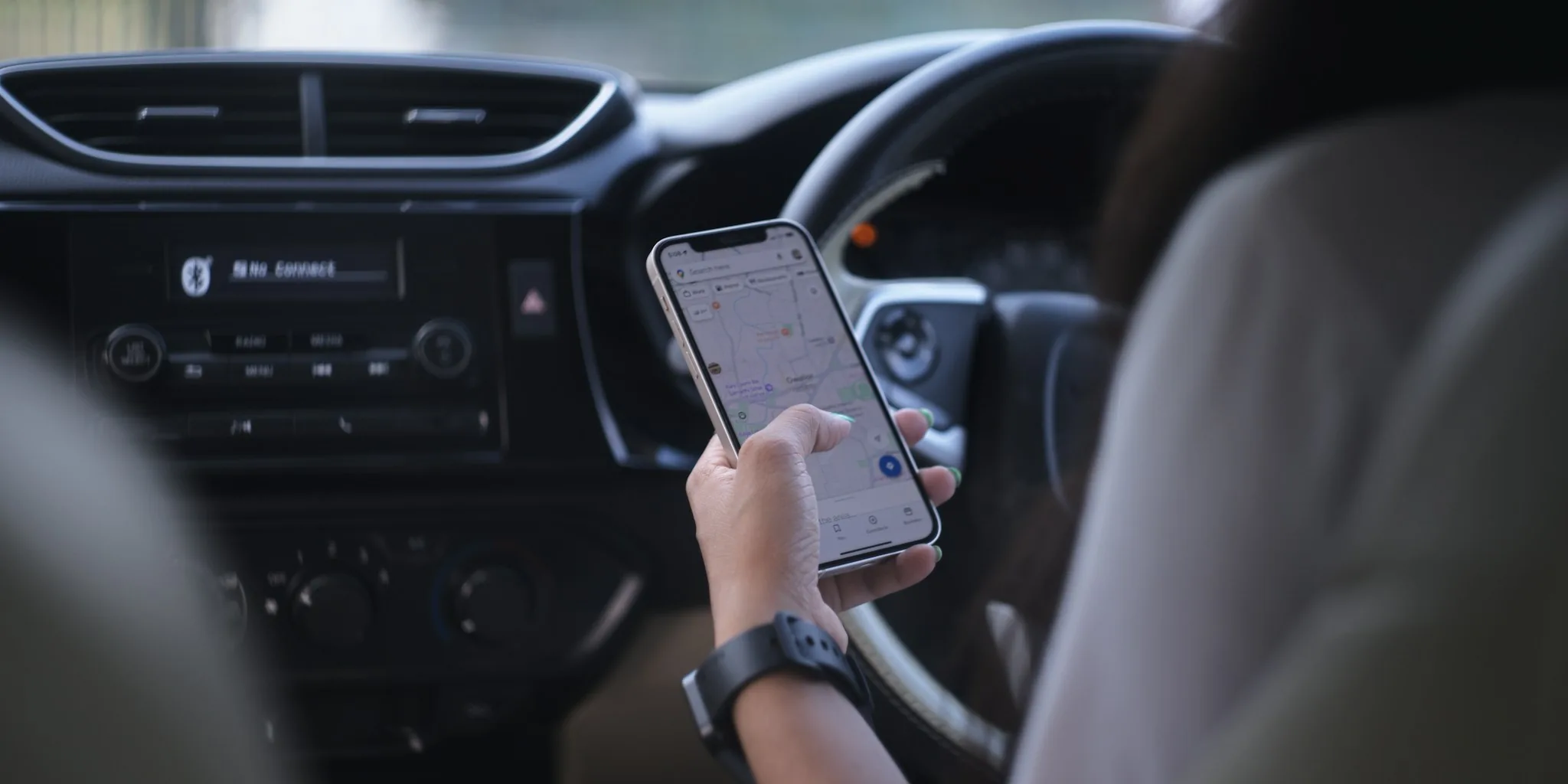
Google Brings Anti Nausea Technology to Android Devices
If you frequently use your smartphone while traveling in a car, you may have experienced the uncomfortable sensation of motion sickness. The disconnect between what your eyes see on a static screen and what your inner ear perceives as the vehicle moves can trigger nausea and dizziness. Google is addressing this issue by rolling out a new feature called Motion Assist, designed to significantly reduce or even eliminate motion sickness during vehicle travel.
Motion Assist works by displaying animated dots around the edges of your phone’s display. These dots move in sync with the vehicle’s motion, creating a visual anchor that helps align what your eyes perceive with what your body actually feels. When the car turns right, the dots sweep left across the screen. When the vehicle brakes, the dots move forward. This counterintuitive visual response helps your brain reconcile the sensory conflict that causes the nausea.
How the Technology Functions

The innovation behind Motion Assist relies on sensor technology already present in modern smartphones. The feature uses your device’s accelerometer and gyroscope to detect the vehicle’s movements in real time. Google’s engineers then translate those sensor readings into corresponding dot movements on your display. You can customize the appearance by adjusting opacity levels and selecting from various shape and color options to suit your preferences.
The feature is designed for seamless integration into your daily routine. You can enable Motion Assist to activate automatically when your phone detects that you’re in a moving vehicle, or you can manually toggle it on and off through a Quick Settings tile for greater control. This flexibility allows users to activate the feature only when needed, preserving battery life while maintaining the option to use your device comfortably during travel.
Rollout Details and Availability
Google is releasing Motion Assist in phases, starting with newer Pixel phone models. The feature is exclusive to Android 17 and later versions. If you own a compatible Pixel device, you can check for Motion Assist by navigating to your Google Settings, selecting Your Profile, and then reviewing All Services. Not all devices have received the feature yet, so patience may be required if you don’t see it immediately available on your phone.
This phased rollout approach allows Google to monitor performance and gather feedback from early adopters before expanding availability to a broader range of Android devices. Users who frequently travel in cars or spend extended periods as passengers will benefit significantly from this update once it reaches their devices.
Real World Impact for Shoppers
For consumers who travel regularly, this feature addresses a genuine pain point. Passengers often feel compelled to avoid looking at their phones during car rides due to motion sickness, limiting productivity and entertainment options. With Motion Assist, you can now safely respond to messages, browse content, or work on documents while traveling without discomfort.
The technology is not entirely new to the smartphone market. Apple introduced a similar feature called Motion Cues in 2024, proving the concept’s effectiveness. Independent evaluation from users and experts confirms that these motion-based visual indicators genuinely reduce nausea for most people. The approach has scientific backing, addressing a well understood physiological response to conflicting sensory input.
Customization Options Available

Google understands that individual preferences vary widely. Motion Assist includes multiple customization settings to accommodate different user needs. Beyond adjusting dot opacity and selecting preferred shapes and colors, users can determine how aggressively the feature responds to vehicle motion. Some users may prefer subtle dot movements, while others might benefit from more pronounced visual feedback.
The ability to enable automatic detection means you don’t need to manually activate the feature every time you enter a vehicle. Your phone will recognize when motion is occurring and engage the feature accordingly. Alternatively, users who prefer manual control can simply tap the Quick Settings tile to turn Motion Assist on or off as situations require.
What This Means for Your Next Road Trip
As Motion Assist becomes more widely available across Android devices, passengers will gain a practical solution to a common travel complaint. This feature democratizes access to motion sickness prevention technology, bringing Apple’s proven approach to the Android ecosystem. Whether you’re a daily commuter, a frequent road tripper, or someone who simply needs to use their phone occasionally during car rides, Motion Assist provides relief.
While the rollout is currently limited to Pixel devices and Android 17, broader availability across more Android phones is expected in coming months. If you experience motion sickness when using your phone in vehicles, staying updated on your device’s software and checking your settings regularly will help you access this helpful feature as soon as it arrives on your specific model.
About the author
Ava is REMOVU's laptop writer, balancing speed, battery life, and build quality against price across the whole range. She helps readers find the sweet spot as each new chip shifts what a dollar buys.