How to Choose the Right Bluetooth Codec for Your Phone and Earbuds
Learn which Bluetooth codecs matter, why some phones exclude them, and how to maximize your wireless audio.
 By Valerie Gomez
Updated August 28, 2026
By Valerie Gomez
Updated August 28, 2026
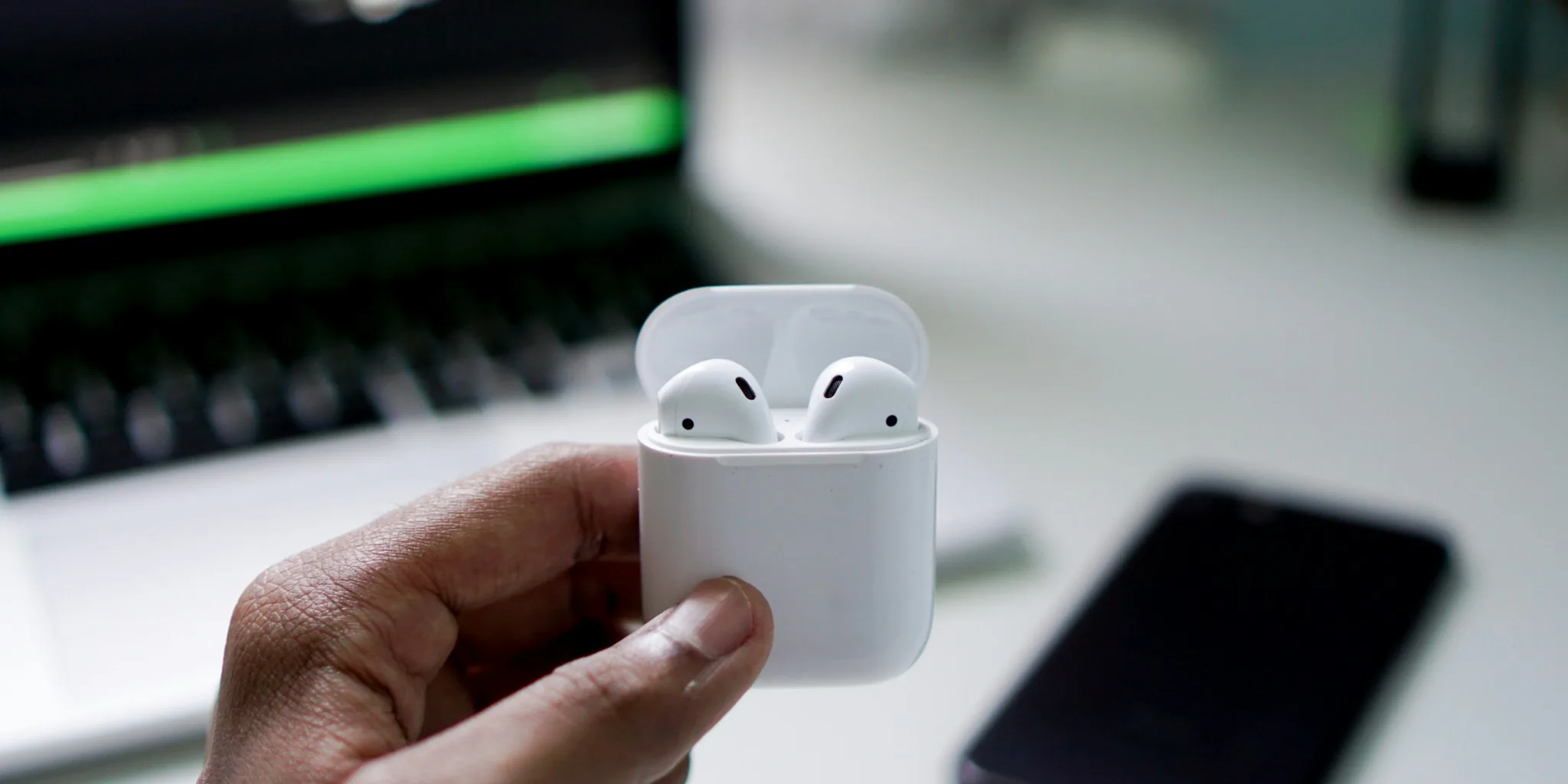
Understanding Bluetooth Codecs and Sound Quality
When you stream music from your phone to wireless earbuds or headphones, the audio travels over Bluetooth. What many users don’t realize is that even lossless streaming services like Apple Music, Spotify, or Tidal compress the audio before it reaches your wireless devices. The bottleneck isn’t your music source, it’s the Bluetooth connection itself. Different Bluetooth codecs handle this compression differently, and choosing the right one can significantly improve your listening experience.
A Bluetooth codec is the technology that encodes and decodes audio data for wireless transmission. Think of it as a translator between your phone and your earbuds. The codec determines how much audio information gets transmitted per second, measured in kilobits per second (kbps). Higher bitrates generally mean more audio detail reaches your ears, though the type of codec also matters. Some codecs preserve all the original audio data (lossless), while others discard some information for a smaller file size (lossy).
The Leading Bluetooth Audio Codecs Available Today

Several high-quality Bluetooth codecs compete for dominance in the wireless audio space. Qualcomm’s aptX family includes aptX Adaptive, aptX HD, and aptX Lossless, the latter of which delivers true CD-quality audio at 16-bit, 44.1kHz resolution. aptX Lossless operates at roughly 1,000 kbps and provides a bit-for-bit match to studio recordings, making it ideal for audiophiles.
Samsung offers its own Samsung Seamless Codec (SSC), with an Ultra High Quality variant called SSC UHQ. This codec supports 24-bit, 96kHz audio at bitrates up to 2,304 kbps when used with compatible Galaxy phones and Galaxy Buds models. While the bitrate numbers appear impressive on paper, SSC UHQ is not lossless, meaning some audio data is lost during transmission. Sony’s LDAC and other alternatives like LHDC also occupy space in the high-resolution audio market.
Checking Your Phone and Earbuds for Codec Compatibility
Before you can take advantage of advanced Bluetooth codecs, both your phone and audio devices must support the same codec. Your phone contains the hardware and software required to send audio in a specific format, while your earbuds must be capable of receiving and decoding that format. Not all phones support all codecs, and not all earbuds work with every standard.
If you own a Samsung Galaxy phone with a Snapdragon processor, your device has the hardware for Qualcomm’s Snapdragon Sound codecs, including aptX Lossless. However, Samsung currently limits software support to its proprietary SSC codec. To use SSC UHQ, you need one of Samsung’s own Galaxy Buds models, specifically the Galaxy Buds 3, Galaxy Buds 3 Pro, Galaxy Buds 4, or Galaxy Buds 4 Pro. Any other wireless earbuds paired with your Galaxy phone will default to lower-quality codecs like AAC or SBC.
Why Some Phones Exclude Advanced Codecs
Manufacturers face several constraints when deciding which codecs to include. Qualcomm charges licensing fees for advanced aptX codecs beyond the free base aptX standard. While aptX HD is now free to implement and has been for years, many manufacturers still don’t include it, suggesting cost isn’t the only barrier. Samsung’s focus on its own SSC technology protects its ecosystem and encourages users to purchase Galaxy Buds alongside their phones.
Another consideration is Samsung’s dual-chip strategy. Many flagship Galaxy models use Snapdragon processors in certain regions but Exynos chips in others. Rolling out advanced aptX codecs only to Snapdragon variants would create an uneven experience for customers, potentially causing frustration among those who received the Exynos model in their region.
Practical Tips for Maximizing Your Wireless Audio Quality

If you want the best possible Bluetooth audio from your phone, research which codec your preferred earbuds support and match it with a phone that offers that technology. Popular Bluetooth speakers often document their codec support in their specifications, making comparison easier.
For Galaxy phone users locked out of aptX Lossless, a workaround exists: external USB-C Bluetooth transmitters like FiiO’s Air Link can add support for advanced codecs when connected to your phone. While this solution isn’t as elegant as native phone support, it provides a path to higher-quality audio for those willing to carry an adapter.
Enable any available high-quality modes in your settings. For Galaxy devices, actively turn on SSC UHQ mode if you’re using compatible Galaxy Buds. Enable high-resolution audio settings in your streaming app if available. In streaming services, choose the highest quality tier offered.
Pay attention to bitrate specifications when comparing earbuds or headphones. A codec supporting higher bitrates generally delivers more detail, but the difference between 576 kbps (aptX HD) and 1,000 kbps (aptX Lossless) becomes more noticeable on higher-end audio equipment and with trained ears. Consider where you’ll mainly listen: casual listening during commutes benefits less from premium codecs than focused listening in quiet environments.
Many audio devices now include Bluetooth capability, expanding your options beyond traditional earbuds and headphones. When evaluating any wireless audio device, verify it supports multiple codecs rather than relying on a single standard, ensuring compatibility with different phones over time.
Making Your Purchase Decision
When shopping for new wireless audio equipment, check the codec specifications alongside other features. Don’t assume that newer models always support the latest codecs, as manufacturers sometimes skip advanced options to protect their own proprietary technologies or reduce licensing costs. Budget-friendly options often use basic codecs, while premium products typically support multiple standards. Matching your codec choices to your actual listening habits and audio source quality ensures you’re investing in features you’ll actually use.
About the author
Valerie writes about wireless earbuds for REMOVU, comparing sound, battery life, call quality, and fit. She helps readers find the right pair from budget buds to premium ANC.