7 Tips for Choosing the Right Smart Home Hub for Your Setup
Learn whether a dedicated hub or repurposed laptop works better for your connected home setup.
 By Jeffrey Kuhn
Updated August 21, 2026
By Jeffrey Kuhn
Updated August 21, 2026
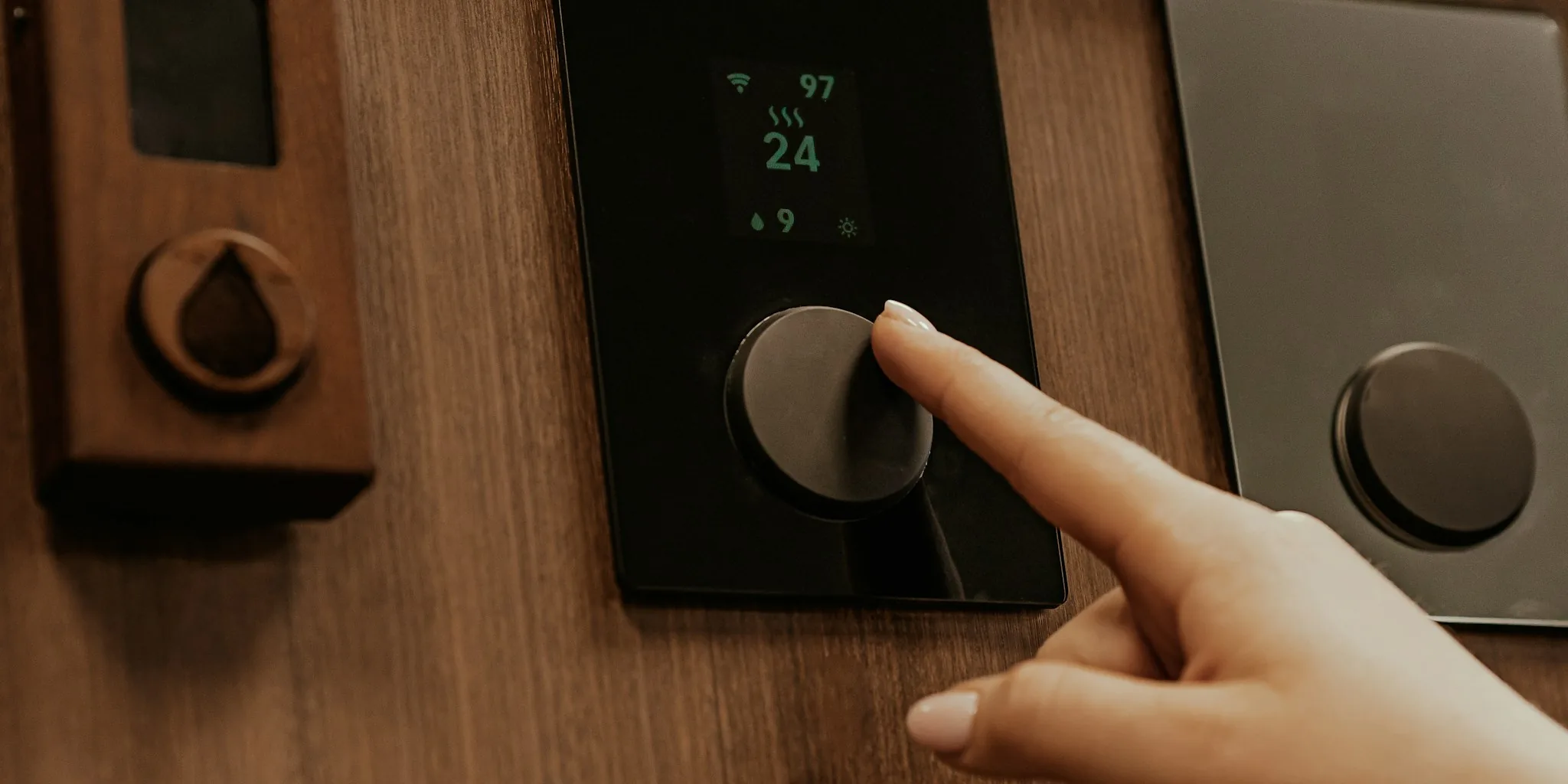
Understanding Your Smart Home Hub Options
A smart home hub is the central command center for your connected devices, but it comes in many shapes and sizes depending on your ecosystem and brand preferences. When evaluating what will work best for your needs, you’ll discover that purpose-built hubs aren’t your only option. In fact, repurposing older technology already in your possession can be a surprisingly effective strategy that combines functionality with cost savings.
Tip 1: Consider Repurposing Old Laptops as Your Hub Foundation

Before investing in dedicated hardware, look at what you already own. An older laptop, particularly one from the late 2010s, often contains more processing power than you’d expect. Most business-grade laptops from that era include at least 8GB of RAM, a quad-core processor, and a solid-state drive that significantly outperforms the specifications found in many purpose-built smart home devices. This surplus computing capacity gives you room to expand your setup as your needs evolve without immediate hardware limitations.
Tip 2: Factor in the Hidden Cost of Wireless Radios
One critical consideration when selecting a smart home hub involves wireless connectivity. Many devices lack built-in Zigbee, Thread, or Z-Wave radios, which means you’ll need to purchase separate USB dongles to add these capabilities. Old laptops share this limitation with most purpose-built hubs, so comparing total equipment costs across options helps you make a truly informed decision. Neither choice necessarily saves you money on radios, so evaluate other factors first.
Tip 3: Understand the Battery Advantage and Its Trade-Offs
One compelling reason to use an older laptop involves its built-in battery, which acts as an uninterruptible power supply. When electrical power dips or cuts out, the battery softens the impact and prevents sudden shutdowns that can corrupt your system’s database. However, keep battery health in mind: aged cells that stay permanently charged can degrade faster and potentially swell. Research whether your specific laptop model allows you to set charge thresholds, as support varies significantly by manufacturer. ThinkPad and Dell models typically offer more control, while other brands may limit you to simple on-off toggles.
Tip 4: Evaluate Power Consumption and Noise Levels
Purpose-built smart home hubs are engineered to be silent, efficient, and barely noticeable in your living space. Older laptops work differently: they consume more power, operate noisier fans, and require more ongoing maintenance. If energy bills and acoustic comfort matter in your decision, dedicated hubs have a genuine advantage. However, if you’re already paying for device ownership and are simply finding a second use for equipment you possess, the incremental power cost may be acceptable against the zero upfront investment.
Tip 5: Review the Physical Access and Troubleshooting Benefits
Every server eventually faces a moment when it stops responding and won’t restart remotely. With a laptop, you have immediate physical access: a screen, keyboard, and the ability to diagnose and fix problems by simply opening the lid. Dedicated hubs require external keyboards and monitors for troubleshooting, adding complexity. When you need to address a crashed system at 2 a.m., the ability to interact with your device directly becomes genuinely valuable. This advantage shouldn’t be underestimated when planning your smart home reliability strategy.
Tip 6: Prepare for Suspension and Startup Configuration Issues
Laptops automatically enter sleep mode when you close the lid, which requires configuration changes to prevent. While solutions exist, some users report that these settings don’t stick consistently across all machines and operating systems. Additionally, running certain operating systems on older laptops may require enabling UEFI boot mode and disabling Secure Boot, features that some older machines don’t support easily. Before committing to a laptop hub, verify that your specific model can be configured appropriately for always-on operation.
Tip 7: Start with What You Own, Then Upgrade Strategically

The strongest argument for using an older laptop is that it costs you nothing upfront. This makes it the perfect entry point into smart home hubs and home automation. As your system grows and your database expands, as you add cameras and voice processing features, or as you compile custom firmware locally, you’ll gain real experience with your needs. Once you understand exactly what functionality matters most to your household, you can make an informed decision about whether to upgrade to dedicated hardware or continue optimizing your laptop setup. Starting with technology you already own eliminates financial risk while you learn.
Making Your Final Decision
Whether you choose a repurposed laptop or invest in purpose-built dedicated hardware depends on your priorities. Laptops offer superior processing power, integrated peripherals, battery backup, and zero startup cost. Purpose-built hubs deliver efficiency, silent operation, and engineering designed specifically for always-on reliability. Your ideal choice depends on whether you value expansion capacity and physical access, or whether you prioritize power efficiency and maintenance-free operation. Whatever you decide, understanding these seven factors ensures you select the right foundation for your connected home.
About the author
Jeffrey covers smart displays and home hubs for REMOVU, weighing control, features, and value as the center of a connected home. He helps readers build routines that actually simplify daily life.