7 Tips for Getting True Lossless Audio on Your Android Phone
Your Android phone might be ruining lossless audio without you knowing. Here's how to get better sound.
 By Nevaeh Ross
Updated August 21, 2026
By Nevaeh Ross
Updated August 21, 2026
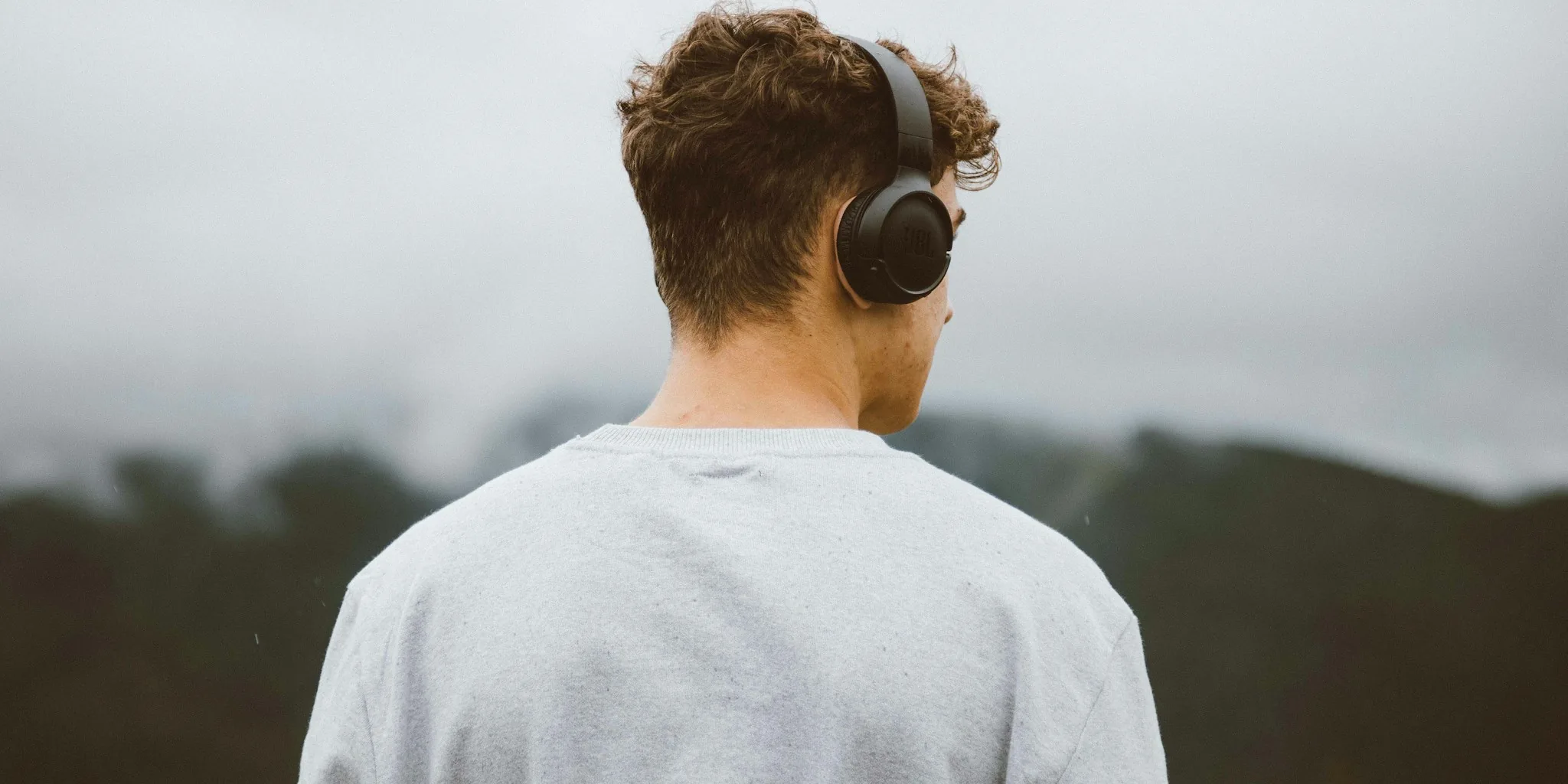
You purchased lossless audio files and invested in quality headphones, expecting studio-grade sound on your Android phone. Then reality hits: your device is quietly converting that hi-res music to a lower quality format before it ever reaches your ears. Understanding how Android handles audio and what you can actually do about it will help you make smarter choices about your setup.
Understanding Android’s Audio Processing
Android uses a system called AudioFlinger to manage all audio on your device simultaneously. Your notifications, podcasts, music, and accessibility features all compete for the same output pathway. To prevent chaos, Android forces everything through a single mixer that converts audio to a standardized sample rate, typically 48kHz or 44.1kHz, regardless of your file’s original quality. A 192kHz lossless file gets downsampled to match this fixed rate, stripping away the higher resolution data you paid for.
This design makes sense from a manufacturing standpoint. Android runs on hundreds of different devices with varying hardware capabilities, and a universal approach ensures consistency. However, this consistency comes at the cost of audio quality degradation.
Tip 1: Recognize That Bluetooth Adds Another Layer of Compression
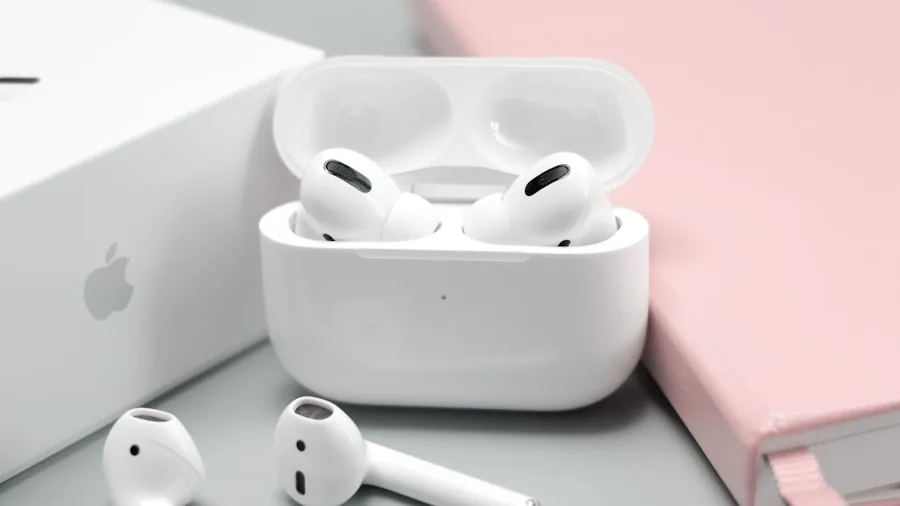
Even if your phone somehow preserves your lossless file, Bluetooth introduces its own ceiling. The standard AAC codec maxes out at 44.1kHz, while LDAC reaches 96kHz at best. A 192kHz file cannot travel over Bluetooth at its native resolution because no wireless codec can carry it. If Bluetooth audio is your primary listening method, the device’s resampling becomes almost irrelevant since wireless transmission will compress the signal further.
Tip 2: Switch to Wired Audio for Better Quality
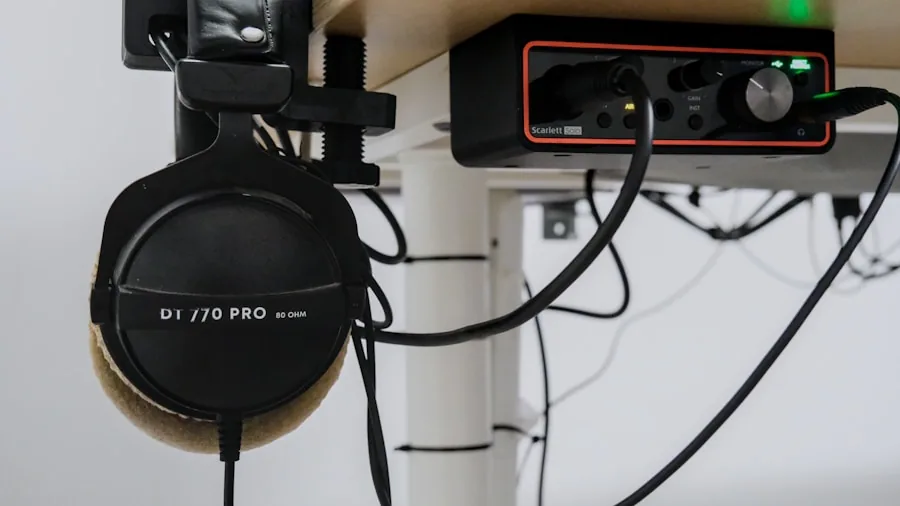
Wired connections bypass Bluetooth’s lossy compression entirely. However, plugging headphones into your phone’s 3.5mm jack still routes audio through the device’s internal DAC, which still processes files through AudioFlinger. Wired over-ear headphones or a powered USB-C DAC offer the best wired experience, though even this solution isn’t foolproof depending on your phone’s configuration.
Tip 3: Enable Bit-Perfect Mode on Android 14 and Later
Android 14 introduced bit-perfect mode, a mixer setting that sends audio untouched through the framework and HAL to your output device. This is the closest you’ll get to true lossless playback. However, it only works with USB output, not Bluetooth or your phone’s built-in DAC. Additionally, your music player app must actively request bit-perfect mode, which most default players do not. Third-party apps like USB Audio Player Pro, Poweramp, and Neutron support this feature, so switching your player is essential if you want to access it.
Tip 4: Choose a Phone with Favorable Audio Architecture
Different manufacturers configure their devices’ audio policies differently. Some phones unlock native sample rates for higher bitrate files, creating a DIRECT output thread that bypasses the standard mixer. Others lock everything to a fixed rate regardless of file resolution. Phone choice matters, though finding detailed audio configuration information before purchase is challenging. Researching a manufacturer’s audio approach or reading user reviews about lossless playback on specific models can reveal which devices handle high-resolution audio better.
Tip 5: Understand What You’re Actually Hearing
Most people cannot perceive the difference between 48kHz 16-bit audio and 192kHz 24-bit audio in normal listening conditions. Standard streaming services deliver 44.1kHz or 48kHz content anyway, far below hi-res thresholds. The Bluetooth codec in your earbuds adds audible compression that overshadows any sample rate differences. Unless you’re in a perfectly controlled environment with professional equipment, Android’s resampling likely won’t create noticeable quality loss.
Tip 6: Invest in Higher-Resolution Streaming When It Matters
If lossless audio quality is genuinely important to your listening experience, invest in devices designed for high-fidelity playback rather than smartphones. Dedicated audio players, quality external DACs, and studio monitors offer the infrastructure needed to hear meaningful differences. For smartphone listening during commutes or casual use, the marginal quality benefit of lossless files diminishes significantly.
Tip 7: Stop Obsessing and Start Enjoying Music
The fundamental takeaway is this: Android’s audio processing is working as designed, and in most real-world scenarios, it won’t harm your listening experience noticeably. Rather than chasing perfect lossless playback on a device fundamentally designed for convenience over audio purism, simply choose quality headphones you enjoy, select music you love, and listen without worrying about technical specifications beyond your reach. The pleasure of music comes from the content and your equipment’s comfort, not microscopic sample rate differences your ear cannot detect.
About the author
Nevaeh is REMOVU's over-ear headphone writer, judging sound, comfort, and value across wireless and wired models. She helps readers find a spacious, long-wear pair for home or travel.