Gboard Rolling Out Emoji Size Control on Android What Shoppers Should Know
Android users can now customize emoji size and density in Gboard's new setting rolling out now.
 By Eleanor Garcia
Updated August 20, 2026
By Eleanor Garcia
Updated August 20, 2026
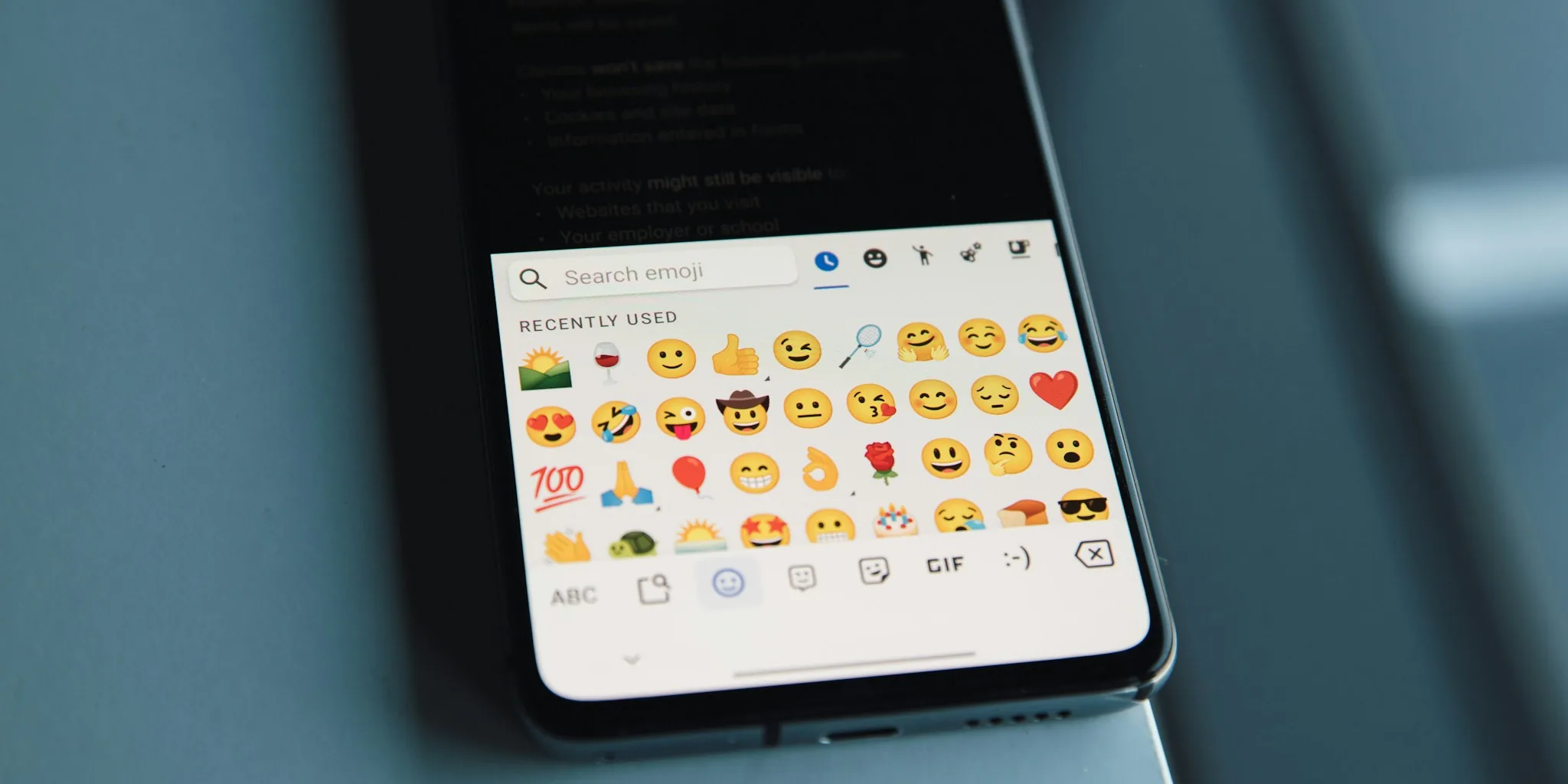
Google is expanding customization options for its popular keyboard app, Gboard, by rolling out a new emoji size setting to Android users. This feature gives phone owners the ability to adjust how large emojis appear and how many display in a single row on their keyboard. For consumers who rely on emojis in everyday messaging, this development represents a meaningful step toward personalized typing experiences.
What the New Emoji Size Feature Does
The emoji size setting appears within Gboard’s preferences menu under the Appearance section, positioned directly below the existing font size slider. Users can now control both the scale of emoji characters and the quantity shown in each horizontal row. The feature offers a range of size options, with default settings varying slightly depending on the device model. On newer devices, the increment options provide flexibility between smaller and larger displays, allowing consumers to find their preferred balance between emoji prominence and on-screen density.
The new controls include a visual preview above the slider, so users can see changes in real time before confirming their selection. This approach eliminates guesswork and lets people make informed decisions about their keyboard appearance. The setting does not affect the specialized Emoji Kitchen row that appears at the top of the emoji picker, which maintains its own dedicated functionality.
How This Benefits Android Users
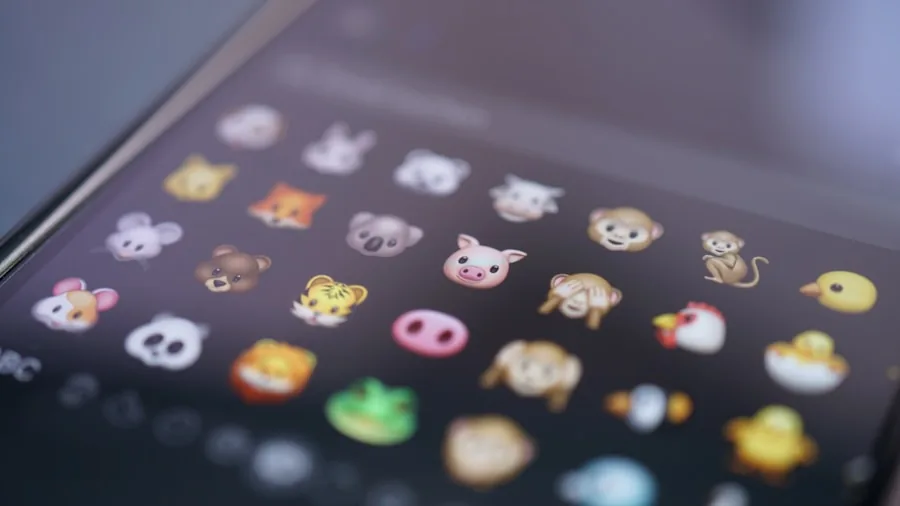
Customizable emoji sizes address a common frustration among smartphone users: one-size-fits-all interface design. Different consumers have different needs. Some prefer larger emojis for easier visibility and quicker selection during rapid texting. Others want more compact displays to see additional emoji options without scrolling as frequently. This new setting acknowledges that preference diversity exists among the Android user base.
The timing of this rollout coincides with Google’s introduction of redesigned 3D emoji across its ecosystem. These updated emoji designs feature enhanced detail and visual appeal, making size customization particularly relevant. Users can now adjust display sizes specifically to appreciate the finer details in Google’s latest emoji artwork. Whether someone prefers subtle or prominent emoji representation in their messaging, they now have control over their keyboard environment.
Technical Details and Rollout Information
The emoji size setting began rolling out to Gboard beta users through version 18.0.3 and subsequent updates. Beta participation allows Google to gather user feedback and refine the feature before a broader public release. Consumers interested in accessing new features earlier can join the Gboard beta program through Google Play, though they should understand that beta versions may contain occasional bugs or incomplete functionality.
The feature integration within the Appearance preferences menu keeps emoji customization organized alongside related settings. This placement makes logical sense, as users already familiar with adjusting font sizes will naturally look for emoji controls in the same section. The interface design reflects practical thinking about user navigation and discoverability.
What This Means for Messaging Going Forward
This emoji size feature demonstrates Google’s commitment to making input methods more flexible and user-centric. As technology companies continue innovating around personal devices, keyboard customization remains a relatively underexplored area. Gboard’s decision to expand appearance options suggests the company is listening to user preferences and acting on feedback about interface personalization.
The rollout also signals that Google views emoji as a significant communication medium worthy of dedicated customization tools. Unlike simple text characters, emojis carry emotional context and cultural meaning. Giving users control over their prominence in conversations reflects this recognition. Consumers who switch between formal and casual messaging contexts may particularly appreciate having this adjustment available.
For those seeking to optimize their Android phone experience more broadly, exploring keyboard settings offers immediate value. Taking time to configure communication tools according to personal preferences enhances daily productivity and satisfaction. The emoji size setting represents one small but meaningful piece of the larger customization puzzle available to Android users.
When to Expect the Update
The emoji size feature is gradually rolling out to Gboard users on Android devices. Not everyone receives updates simultaneously, as Google typically stages deployments to ensure stability across its user base. Users can check their current Gboard version through the app settings and monitor for the new controls to appear in their Appearance preferences section.
Those running older versions of Gboard may need to update manually through Google Play to access the feature. Enabling automatic updates ensures users receive the latest functionality without needing to remember manual installation steps. Modern mobile devices benefit significantly from keeping core applications current, as updates typically include performance improvements alongside new features.
Android consumers who value customization and personalized experiences will likely welcome this addition to Gboard’s growing feature set. The emoji size setting represents practical functionality that addresses real user needs, making it a worthwhile update to watch for on your device.
About the author
Eleanor covers smartphones for REMOVU, balancing cameras, battery life, and software support against price. She helps readers find the best value as the field shifts with every release.