Is It Worth Buying a Budget 4-Color 3D Printer? 7 Tips to Decide
Find out what you gain and lose when you buy a budget 3D printer instead of a mid-range model.
 By Gordon Matthews
Updated November 23, 2026
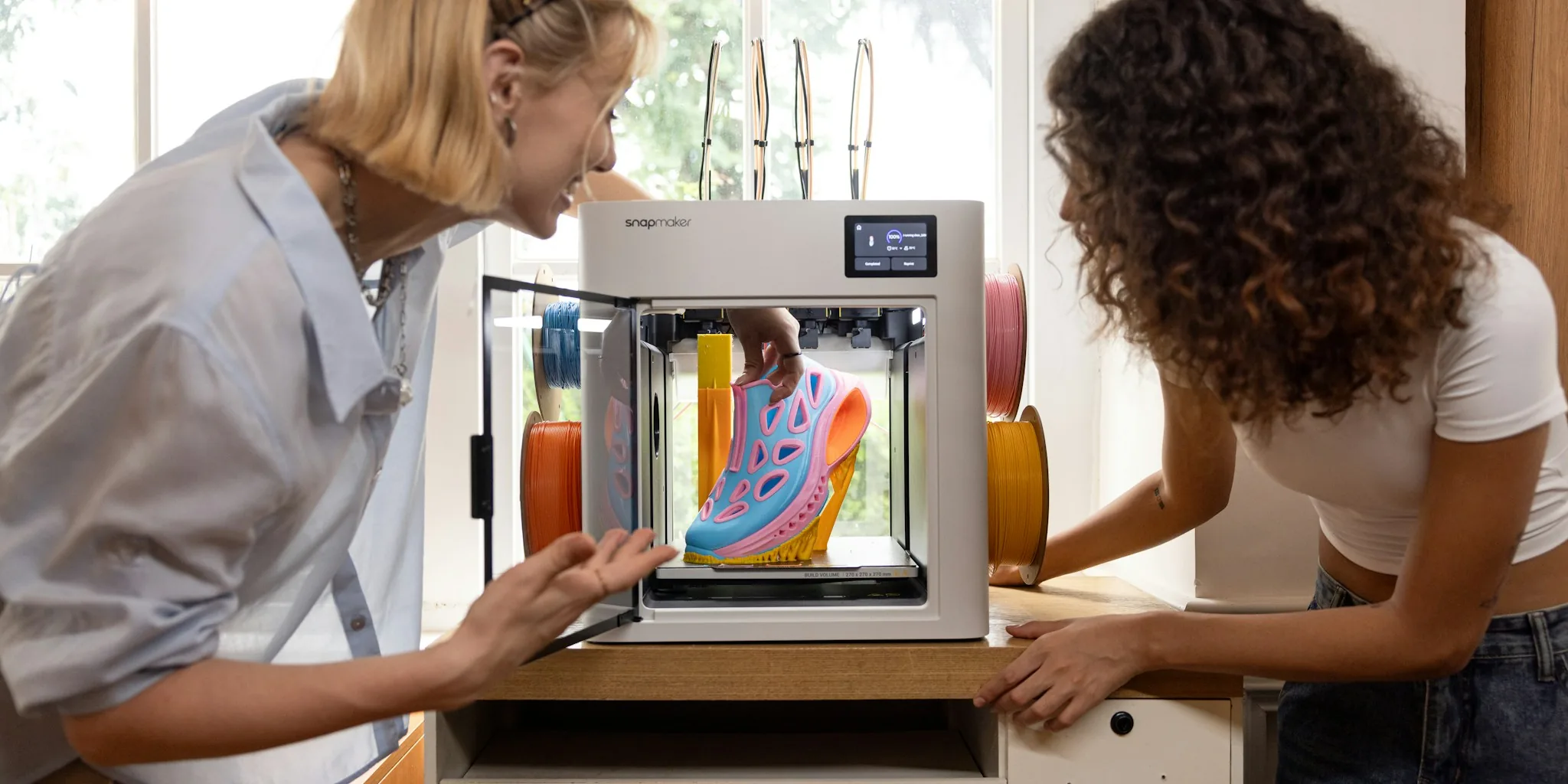
The 3D printing market has exploded with affordable options in recent years, making it easier than ever for beginners to enter the hobby. One of the most compelling choices is a four-color printer that costs under $400, which raises an important question: when you buy on a tight budget, what exactly are you giving up? Understanding the trade-offs helps you make a smarter purchasing decision.
1. Know What Four-Color Printing Actually Delivers
Multi-color 3D printing sounds like magic, but the reality is more practical. A four-color system lets you load different colored filaments simultaneously and automates the switching process during a print. If you use spools with identification tags, the printer recognizes which color is loaded into each slot and handles the transitions automatically. The color changes are well-defined and produce clean results. You can print intricate designs like decorative skeleton holders or textured vases with multiple hues in a single session, which saves significant time compared to printing each color separately and gluing them together.
2. Plan for Significant Filament Waste with Multi-Color Projects
This is the biggest hidden cost of multi-color printing that many beginners overlook. Every time the printer switches between colors, it retracts the current filament, cuts off the end, and ejects the waste before loading the new color. When printing models with many different colored sections, this waste accumulates quickly and fills your scrap basket. Single-color prints with standard materials create minimal waste by comparison. If environmental concerns matter to you, or if you’re watching your material costs closely, multicolor projects may frustrate you. One workaround is to print each color separately on single-color jobs and assemble them afterward, but this strategy doesn’t work for all designs.
3. Evaluate Whether You Really Need an Enclosure
Budget printers typically omit the glass door, panels, and hood that more expensive models include. An open design has genuine trade-offs. Without an enclosure, maintaining consistent temperature around your prints becomes harder, and fumes from the filament escape directly into your room. If you’re printing standard plastic materials, proper ventilation is still important, though not critical. However, if you plan to experiment with advanced materials in the future, an enclosure becomes much more valuable. The open design does offer one practical benefit: you can watch your print develop without opening a door, which is satisfying and useful for monitoring progress.
4. Consider Built-In Features You’ll Be Missing
Budget models skip conveniences like built-in cameras and internal lighting. A camera lets you check on your printer remotely from your phone, which is nice but not essential for learning the basics. Internal lights help you see intricate details while the printer is working. Neither feature is a dealbreaker for beginners, though experienced users often miss them. That said, if you’re serious about 3D printing and plan to expand your collection within a year or two, budget printers may feel limiting faster than you expect. researching value-focused equipment across categories shows that sometimes spending slightly more upfront saves frustration later.
5. Assess Setup and Software Complexity
An affordable printer still needs to be reasonably approachable for newcomers. Look for models that handle bed leveling and calibration automatically when you first power them on, eliminating manual adjustments that frustrate beginners. The printer should come with slicing software based on established open-source tools and mobile apps that let you monitor your prints remotely without complicated workflows. Straightforward, intuitive control panels and clearly labeled filament inlets make a huge difference. If the assembly process itself is frustrating, that’s a red flag even if the final machine works well.
6. Research Reliability Over Your First Month of Use
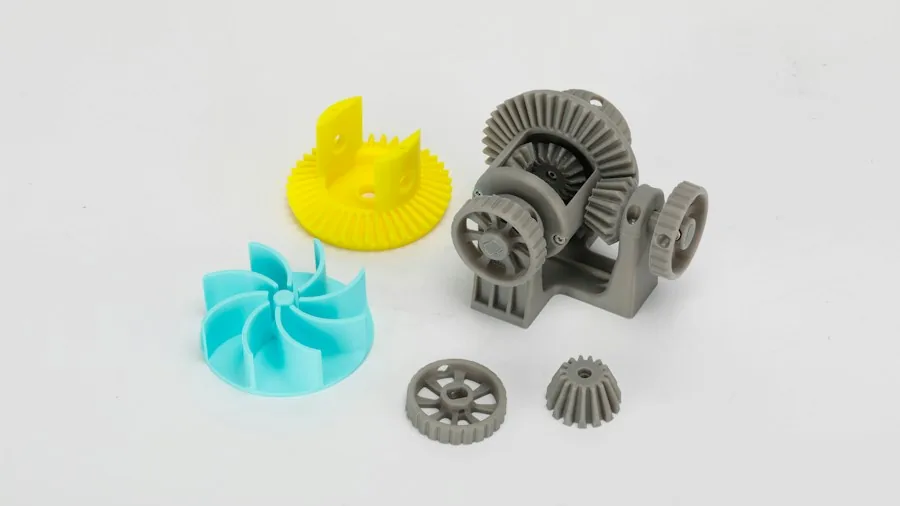
Budget printers have room for occasional glitches, and that’s normal. What matters is the failure rate. If a printer produces successful prints roughly 95 percent of the time during your first 30 jobs, that’s solid reliability for the price range. When a print fails, you should be able to restart it immediately and get good results the second time. Consistent success across diverse designs, from simple models to intricate pieces, signals a machine worth buying. Poor reliability that requires repeated troubleshooting suggests you need to invest a bit more.
3. Compare Against Slightly Pricier Alternatives
The most useful evaluation is a side-by-side comparison of budget models against machines that cost $70 to $100 more. That modest increase often buys you an enclosure, camera, better filtration, or expanded filament compatibility. For many users, those features justify the extra investment because they extend how long you’ll be happy with the printer before wanting to upgrade. comparing options across different price tiers reveals where value truly shifts. If the next tier up solves a problem you know matters to you, it’s often smarter to buy there than to upgrade later.
Ultimately, a budget four-color printer is worth buying if you’re genuinely new to 3D printing, have space for an open machine in a ventilated room, and don’t mind generating waste with multicolor projects. If you’re serious about the hobby and plan to print regularly for years, however, the small additional cost of a mid-range machine typically pays dividends in features, longevity, and user satisfaction.
About the author
Gordon is REMOVU's printer and scanner writer, comparing print quality, running costs, and value for home and office. He helps readers weigh ink against laser over the long haul.