Windows 11 KB5132057 Update Brings Major Xbox Mode Improvements for Gamers
KB5132057 adds Quick settings to Xbox Mode and redesigns Windows Search for faster performance and better task completion.
 By Serenity Richards
Updated November 20, 2026
Microsoft has rolled out its final major software update of 2026 with Windows 11 KB5132057, and gamers who play on PC have good reason to pay attention. While the update introduces a redesigned Windows Search experience and improvements to Windows Hello facial recognition, the enhancements to Xbox Mode stand out as particularly relevant for console players and PC gamers alike.
What Changed in This Update
KB5132057 is classified as a non-security feature update, meaning it focuses on new functionality rather than fixing vulnerabilities. The update is available immediately as an optional release, though Microsoft will make it standard on Patch Tuesday in December. After this rollout, the company plans to pause its regular update cadence through the holiday season before resuming its normal schedule in January 2027.
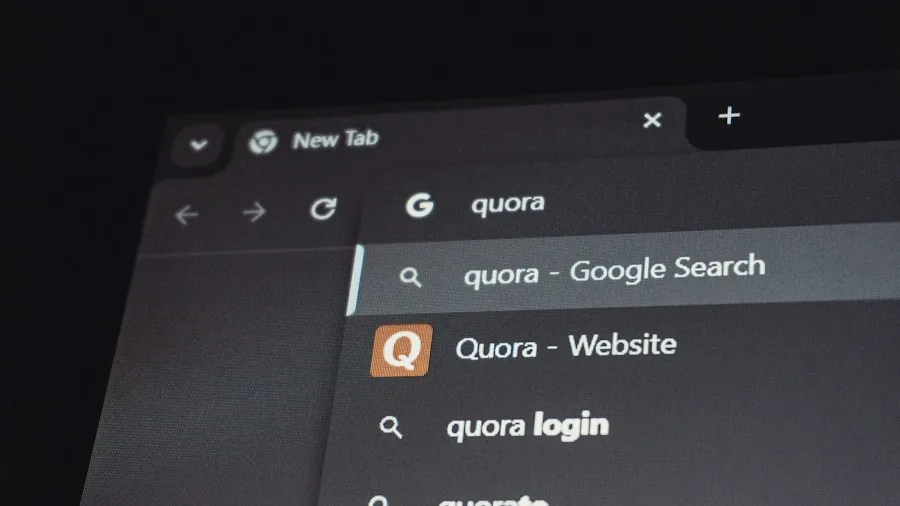
The headlining feature is a completely revamped Windows Search experience that addresses years of user complaints. The new search offers a cleaner, single-column layout that makes scanning results easier. It handles typos and similar word variations better than before, so you can find files even when your search terms aren’t exact matches. Beyond finding documents and apps, search can now execute tasks directly, like switching between light and dark mode or adjusting screen brightness without opening Settings.
Xbox Mode Gets Quick Settings Access
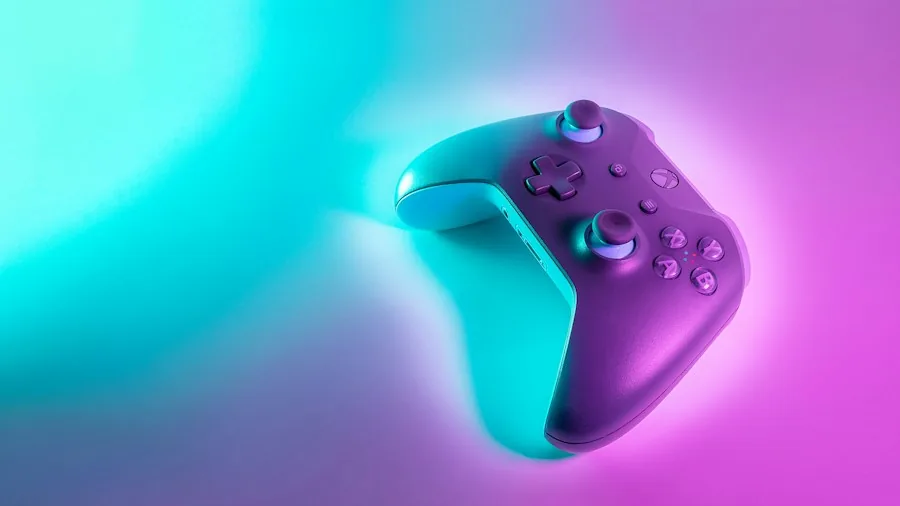
For Xbox enthusiasts, the most significant change is the addition of Quick settings to the Gaming Task View navigation bar in Xbox Mode. This means you no longer need to exit Xbox mode to access essential settings like audio levels, display options, or network connectivity. You can manage these configurations directly from the gaming interface, making for a smoother experience when switching between games and system adjustments.
This improvement applies particularly well to users of game consoles who also use Windows PCs, as it creates a more consistent interface across devices. The integration suggests Microsoft is continuing to blur the lines between its Xbox ecosystem and Windows gaming, something that benefits anyone looking for a unified gaming experience across multiple platforms.
Other Notable Improvements
Beyond search and Xbox Mode, the update addresses several other areas. Windows Hello now supports automatic screen brightening in dark rooms to aid facial recognition sign-in. The Run dialog has received a modern redesign and improved usability options. File Explorer search is now indexer-based, making it substantially faster than before.
Accessibility features received meaningful updates as well. Narrator now supports math reading in eight additional languages including Greek, Hungarian, and Russian. Live captions give users more granular control over what gets transcribed, letting you caption microphone audio, system audio, or both independently. A new Pointer indicator helps people with low vision locate their mouse cursor more easily. Magnifier includes a refreshed help menu and keyboard shortcut customization.
For those using external storage for Xbox consoles, the update’s improvements to overall system responsiveness could mean slightly faster file operations when managing game libraries across connected drives. Screen capture performance has been optimized to reduce mouse cursor lag during recording, which matters for content creators and streamers.
What This Means for Shoppers
If you currently own a Windows 11 PC and use Xbox Mode for gaming, this update merits your attention. The Quick settings addition removes friction from your gaming workflow, letting you stay immersed longer without navigation interruptions. For anyone considering new gaming peripherals and accessories, the improved system responsiveness and reduced cursor lag could enhance your overall experience with controllers, steering wheels, and other devices.
The update is free for all Windows 11 users, so there’s no financial barrier to upgrading. However, Microsoft notes that the new features will roll out gradually rather than appearing immediately on all devices. Some users may need to wait a few weeks before accessing specific improvements, particularly the new Search experience and Xbox Mode changes.
If you haven’t already, you can grab this update manually by opening Windows Settings, navigating to Update and Security, and looking for Windows Update options. Alternatively, wait for the December Patch Tuesday rollout if you prefer to let it install automatically. Either way, the improvements to gaming features, accessibility, and core functionality make this a worthwhile update for anyone serious about their Windows 11 experience.
About the author
Serenity covers home game consoles for REMOVU, weighing performance, exclusive libraries, and the ecosystem each platform locks you into. She helps players pick the console that fits how and what they play.