Google Brings Digital Wallet Keys to Smart Locks: What Shoppers Need to Know
Google brings digital home keys to its Wallet using the Aliro standard. Here's what you need to know.
 By Teresa Price
Updated November 12, 2026
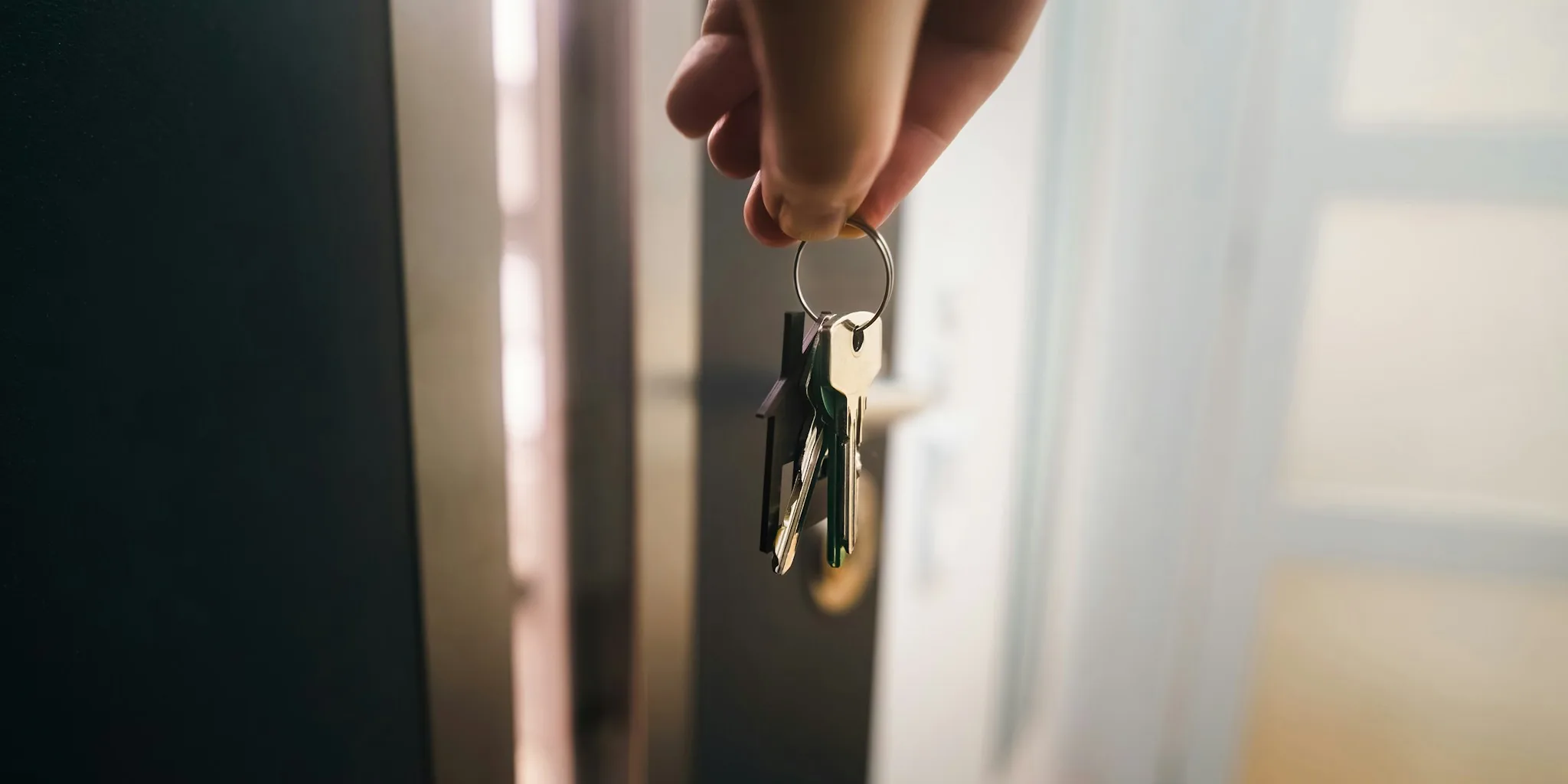
Google just made a major move in the smart home space. The company announced that digital keys for physical home locks are coming to Google Wallet, built on a new industry standard called Aliro. This development narrows the gap between Android and Apple users when it comes to managing their homes with their phones.
What This Means for Smart Lock Shoppers
For years, Apple users enjoyed the convenience of unlocking their doors through Apple Wallet via their iPhones. Now Android users get similar functionality through Google Wallet, which levels the playing field across both platforms. The rollout is beginning with Public Preview users in Google Home, with broader availability expected to follow.
The Aliro standard, officially released in early 2026, provides encryption for security, improves battery life, and establishes a framework that multiple manufacturers can adopt. This means shoppers will have more compatible lock options to choose from rather than being locked into a single ecosystem. Several smart locks already support these features, including the Schlage Sense Pro, Aqara u400, and Nuki Keypad 2 NFC lock, with additional models coming to market.
The Unlock on Approach Feature
One of the most impressive capabilities of compatible locks is the unlock on approach feature. Advanced smart locks use ultrawideband technology, an enhanced version of Bluetooth, to sense when a homeowner is approaching the door. The lock evaluates the person’s speed and trajectory based on signals it receives, and can automatically unlock the door as they arrive. This convenience is particularly useful when your hands are full, you’re carrying groceries, or you’re engaged in conversation.
The technology is sophisticated enough to distinguish between someone actively approaching the door and someone simply walking past it, preventing unwanted unlocking. After entry, autolock features typically secure the door again within a minute. This seamless experience removes the friction of fumbling for your phone or manually entering codes every time you come home.
What You’ll Need to Get Started
Setting up Google Wallet digital keys requires several components working together. First, you need an NFC-enabled Android phone running Android 9 or later, such as the Google Pixel 10 Pro or Pixel Fold. Second, you need a compatible smart lock with either NFC or ultrawideband technology. Third, you need a Matter-enabled Google Hub equipped with a Thread Border Router, typically a separate device like a Nest Hub Max, Nest Wifi Pro system, or Google TV streamer.
Once you have all the necessary hardware, ensure your phone, lock, Google Wallet app, and Google Home app are updated. During lock setup, you’ll be prompted to create home keys, a process that takes just a few seconds. Managing these keys is simple: you can add them, delete them, or share them with household members just as easily as you would concert tickets or credit cards in your digital wallet.
Key Features and Flexibility
Google’s home keys offer several practical advantages beyond the unlock on approach feature. Users can unlock doors using NFC by tapping their phone to the lock, without needing to open the Wallet app first. The digital key can work across multiple locks if your home has several smart locks. Keys sync across your compatible devices, so your tablet or smartwatch can unlock your door as well.
Other household members can add their own home keys to their Google Wallet accounts. However, Google’s approach to guests differs from Apple’s system. While Apple offers temporary passes for visitors, Google requires guests and visitors to use keypad access codes instead of digital keys. This approach prioritizes security by limiting the number of active digital keys for your home.
Backup Options and Security Considerations
Despite the convenience of digital keys, losing your phone or experiencing a software issue shouldn’t leave you locked out. Most compatible smart locks offer keypad access codes as a backup entry method. However, some advanced models like the Schlage Sense Pro deliberately omit physical key slots to reduce lockpicking risks, which means you need to rely on alternative access methods.
The Aliro standard includes encryption protocols designed to protect your digital keys from unauthorized access. Battery life improvements mean you won’t need to charge your smart lock as frequently as older models. The combination of these security features and the established Aliro framework provides peace of mind that your home remains protected.
For those interested in exploring options, smart locks under 200 dollars offer solid entry-level functionality, while premium models provide more advanced features. Smart locks with keypad combinations give you multiple entry methods for added flexibility.
The Broader Market Impact
Google’s announcement signals that digital wallet keys are becoming mainstream across platforms. The Aliro standard allows manufacturers to develop products that work with multiple wallet systems, rather than choosing between Apple or Google ecosystems exclusively. This competition and compatibility benefit shoppers by increasing choice and driving innovation in smart lock technology.
As more manufacturers adopt Aliro and both Apple and Google expand their wallet key offerings, expect to see more affordable options, improved features, and wider availability. The next few months and years will likely bring rapid expansion in compatible locks, making this technology accessible to more homeowners.
About the author
Teresa covers smart locks for REMOVU, prioritizing security, reliability, and value alongside keyless convenience. She helps readers upgrade their door without compromising safety.