7 Tips for Understanding Ray Tracing and Getting the Most Out of AI-Enhanced Graphics
Understand ray tracing, AI enhancement, and hardware needs to make smarter gaming choices.
 By Ava Herrera
Updated November 5, 2026
Understanding Ray Tracing in Modern Gaming
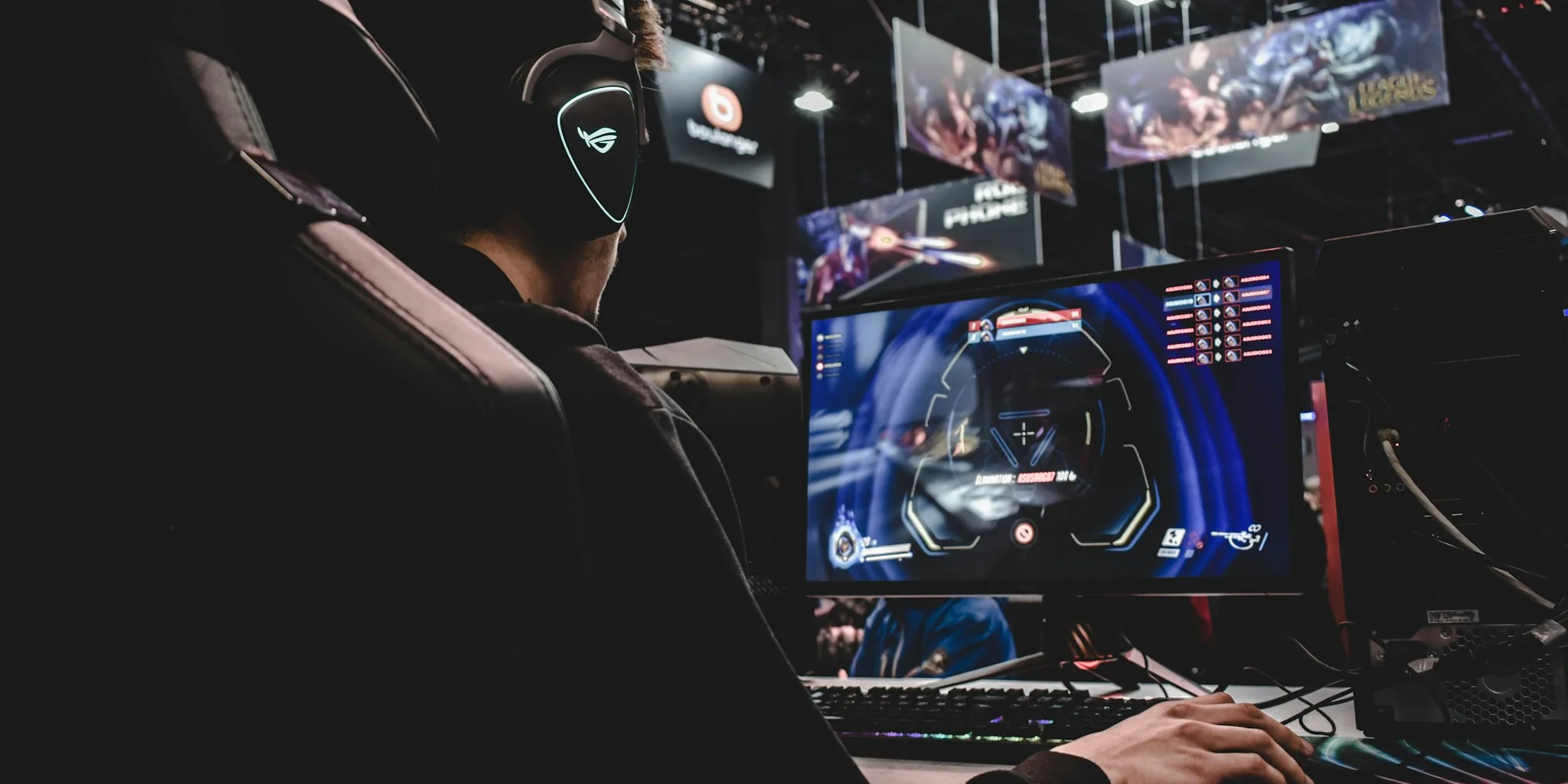
Ray tracing technology has revolutionized how video games render light and shadow. Rather than relying on flat, pre-calculated lighting, ray tracing simulates the physical behavior of light rays bouncing through a scene. This means shadows fall more naturally, reflections look authentic, and materials respond to light the way they do in the real world. Understanding this foundation helps you appreciate why newer gaming hardware demands higher performance specs and why developers invest so much effort into enabling these features.
Learn What AI-Enhanced Graphics Actually Do
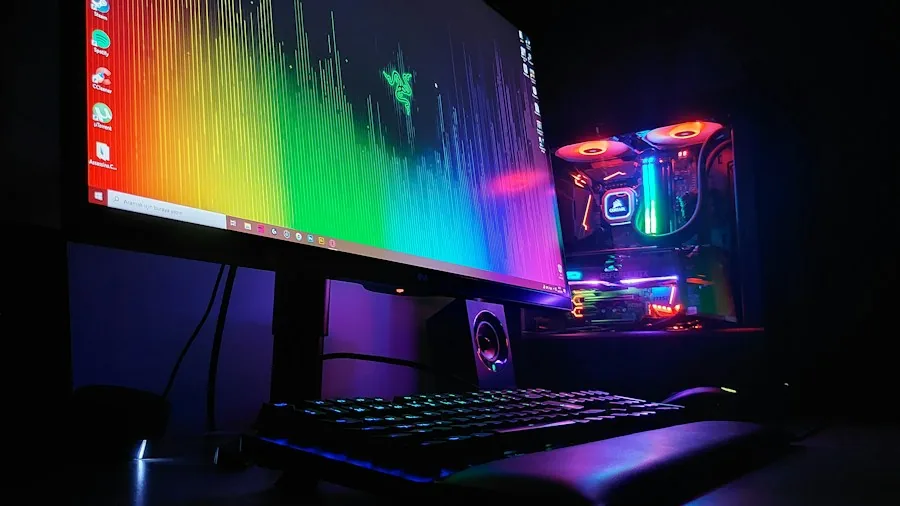
Modern AI-powered rendering goes beyond traditional ray tracing by using neural networks to inject additional detail into scenes. These systems can enhance lighting nuance, add material realism, and improve environmental textures beyond what standard rendering achieves. However, this doesn’t automatically mean the game looks better. As developers have discovered, making environments look photorealistic can sometimes create a disconnect when character animations or physics behavior haven’t been upgraded to match. The key is restraint: developers who fine-tune these tools to complement their original artistic vision deliver the most compelling results.
Evaluate Hardware Requirements Carefully
AI-enhanced graphics features like advanced ray tracing demand significant GPU horsepower. If you’re considering a graphics card upgrade to experience these technologies, research which specific features you want to support. You don’t necessarily need the most expensive option available. Graphics cards under $300 can deliver solid performance for many modern titles, though cutting-edge AI rendering features may require stepping up to higher tiers. Check the game’s official requirements and read professional reviews comparing performance at your target resolution and quality settings.
Understand How Developers Control the Enhancement Process
Modern tools give developers granular control over how AI enhancement works. They can adjust lighting and structural detail independently, select different processing models for different scenes, and use masking to prevent AI from altering specific characters or objects. This developer control is crucial because it preserves a game’s original aesthetic. When developers rush the integration or fail to dial in these settings properly, the results can look jarring. Look for information about how much effort a studio invested in optimizing these features for their specific title.
Check Performance Metrics Across Different Resolution Settings
When reviewing games with advanced graphics features, pay attention to frame rate performance across multiple resolutions, not just the headline numbers. A game might hit 300 frames per second at 4K on the most expensive hardware, but you should understand what realistic performance looks like on mid-range systems at 1080p or 1440p. This matters because frame rate consistency affects your actual play experience more than peak numbers do. Read detailed performance breakdowns before purchasing new hardware specifically for these features.
Keep Up with Driver and Game Updates
GPU manufacturers release regular driver updates that significantly impact how AI-enhanced graphics perform. Since these features are relatively new, performance improvements happen frequently. A game that seemed demanding six months ago may run considerably better today thanks to driver optimizations. Always keep your graphics drivers current and install game updates promptly, as studios often refine their implementations after launch. For content creators, staying current with both drivers and game versions becomes especially important since your audience will notice performance inconsistencies.
Choose Games Based on Thoughtful Implementation
Not every game benefits equally from AI-enhanced rendering. Some titles have architectural designs or animation quality that makes photorealistic enhancement feel out of place. Other games, particularly sports simulations and visually grounded titles, integrate these technologies more naturally. Look for developer interviews or detailed comparisons discussing how much work went into the enhancement process. Studios that collaborated closely with graphics technology partners typically delivered more convincing results than those who applied generic enhancement across the board. When considering gaming platforms for your setup, remember that console versions of games may implement these features differently than PC versions.
Recognize the Limits of Graphics Quality
Ray tracing and AI enhancement improve visual fidelity, but superior graphics don’t automatically equal superior gameplay. A game with photorealistic lighting still requires engaging mechanics, compelling stories, and smooth animations to feel genuinely polished. Don’t let cutting-edge graphics be your sole reason for upgrading hardware or purchasing a particular title. Instead, view enhanced graphics as one component of the overall package. The best modern games balance technical excellence with thoughtful game design that makes the visual improvements feel purposeful rather than like a gimmick layered onto existing content.
About the author
Ava is REMOVU's laptop writer, balancing speed, battery life, and build quality against price across the whole range. She helps readers find the sweet spot as each new chip shifts what a dollar buys.