How to Choose a Smart Home Display with Exceptional Battery Life
E-paper technology and update frequency are the real keys to multi-year battery life in smart displays.
 By Ava Herrera
Updated November 4, 2026
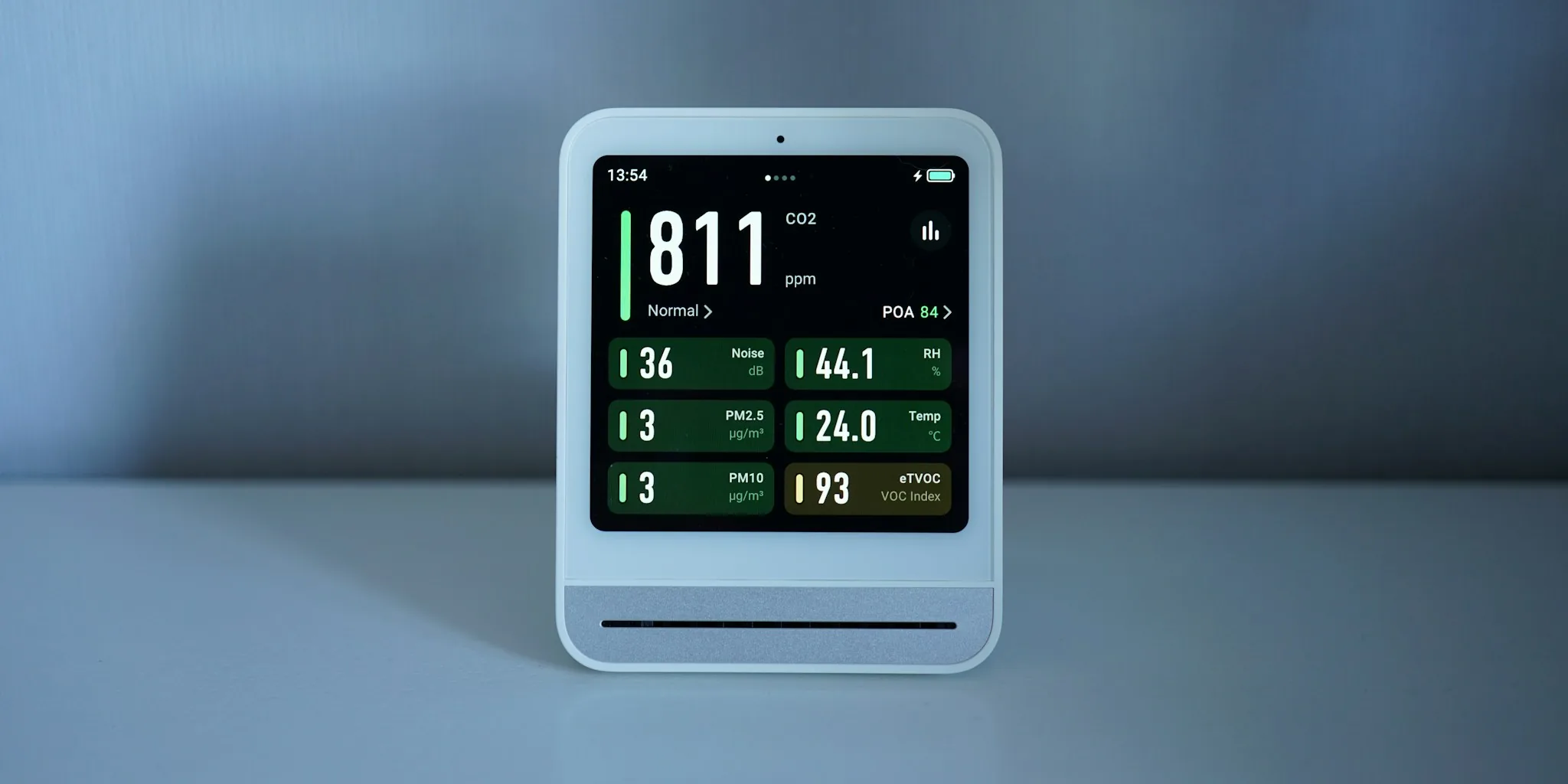
Smart home displays have become essential tools for managing connected devices, checking weather, reviewing schedules, and monitoring sensor data throughout your home. However, many traditional options require frequent charging or constant power connections, which limits their placement flexibility. If you want a display that can run for months or even years between charges, understanding the technology and specifications behind battery longevity is crucial to making the right purchase decision.
Prioritize E-Paper Display Technology Over LCD Screens
The single most important factor in achieving exceptional battery life is the display technology itself. E-paper displays consume dramatically less power than standard LCD or LED screens because they only draw energy when the image changes, not continuously while displaying static content. This fundamental difference explains why certain smart displays can operate for two years on a 2,000 mAh battery, while conventional smartphone screens with double the capacity barely survive a full day of use.
E-paper displays excel at showing information that changes infrequently, such as weather updates, calendar entries, temperature readings, and sensor data. If your primary use case involves frequently changing content that requires rapid refreshes, this technology may not be ideal. However, for most smart home applications where data updates happen at intervals of 15 minutes or longer, e-paper provides unmatched efficiency.
Understand Battery Capacity in Context of Update Frequency
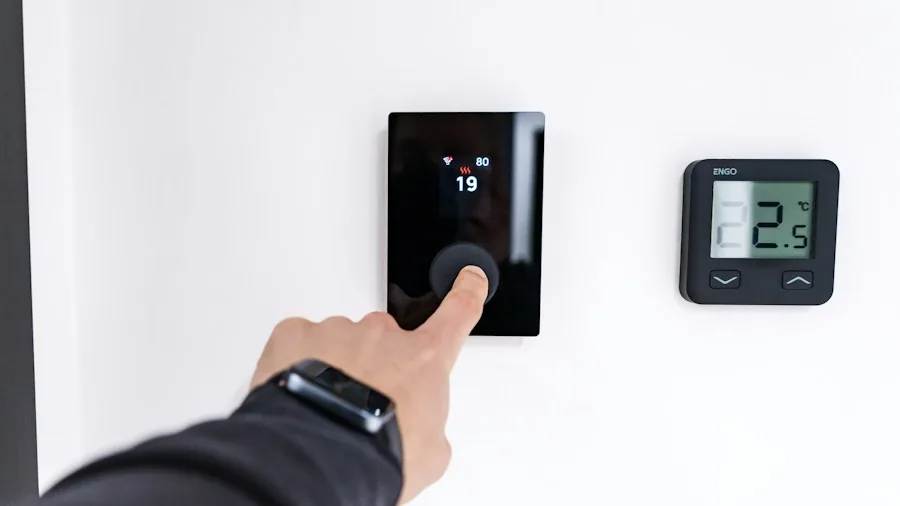
Battery specifications alone tell an incomplete story. A 2,000 mAh battery paired with e-paper technology and infrequent updates will far outperform a larger battery in a standard LCD display. The key metric to evaluate is how often the display refreshes information.
Manufacturers typically base their battery life estimates on specific update schedules. For instance, a monochrome e-paper display might achieve a two-year lifespan assuming one update every 15 minutes, while a color variant of the same product might deliver only one year of battery life with updates every two hours. This difference doesn’t reflect inferior quality but rather the increased power demand of color display technology.
Before comparing battery life claims between models, verify the update frequency assumption behind each estimate. A display refreshing four times per hour will deplete its battery far more quickly than one updating once hourly, even if both use the same underlying technology.
Match Display Size and Color Support to Your Needs
Smaller displays with monochrome capability offer the longest battery life, while larger color displays consume significantly more power. A 4.26-inch monochrome option will typically outlast a 7.3-inch color model by a substantial margin, sometimes doubling or tripling the time between charges.
Consider what information you actually need to display. If you’re monitoring room temperature, electricity consumption, or basic sensor readings, a compact monochrome display with grayscale support provides all the visual distinction you need. If your primary use involves family calendars, schedules, or other color-coded information, the color option justifies the battery trade-off, though you’ll need to accept more frequent charging cycles.
Evaluate Connectivity and Integration Options
Modern smart home displays should support connectivity standards that minimize power consumption, such as Bluetooth Low Energy, which uses a fraction of the energy that Wi-Fi demands. Some advanced models integrate directly with popular smart home platforms, receiving updates wirelessly without requiring constant internet connections.
Look for displays that arrive fully assembled with built-in firmware and native support for your smart home ecosystem. This approach eliminates assembly complexity and ensures the device is optimized from the factory for efficient operation. Pre-installed software often includes power management features specifically tuned for the hardware, which can meaningfully extend real-world battery life beyond the manufacturer’s baseline estimate.
Consider Partial Refresh Capabilities
Not every screen update requires a full refresh of the entire display. Advanced e-paper displays support partial refresh modes that only update changed portions of the screen, preserving battery for areas where content remains static. This feature becomes increasingly valuable over time, as repeated full refreshes gradually wear down the display panel.
When evaluating models, check whether the device supports grayscale rendering or multiple color levels, as these features often correlate with sophisticated refresh strategies. Products engineered for long battery life typically incorporate these optimizations throughout their design.
Calculate Real-World Battery Life Based on Your Usage Pattern

Manufacturer estimates provide a useful baseline, but your actual battery life will vary based on how frequently information actually changes in your setup. If you’re displaying data that updates every 15 minutes according to the specification, but your actual use case involves updates every 30 minutes, you’ll achieve even longer battery life than advertised.
Conversely, if your application requires more frequent updates than the specification assumes, battery life will be shorter. Before committing to a purchase, map out your intended use case and compare it against the update frequency that the manufacturer’s battery estimate assumes. This alignment ensures you choose a display that will meet your expectations without disappointing you mid-season.
Verify Assembly Status and Included Accessories
Some displays require significant assembly, enclosure customization, and stand construction, which adds complexity and potential points of failure. Premium options arrive fully assembled with integrated enclosures, functional stands, and batteries pre-installed, allowing you to configure the device with your smart home system immediately after unboxing.
This ready-to-use approach eliminates assembly hassles and ensures the manufacturer’s battery life estimates reflect the final product configuration. Professional installation may not be necessary for simple smart displays, but choosing pre-assembled models reduces complications and lets you focus on integration rather than construction.
About the author
Ava is REMOVU's laptop writer, balancing speed, battery life, and build quality against price across the whole range. She helps readers find the sweet spot as each new chip shifts what a dollar buys.