Apple Watch Series 12 and Ultra 4 Get New Listening Features: What Shoppers Need to Know
Series 12 and Ultra 4 get conversation capture and meeting summaries. Here's how to control the listening.
 By Kristen Jennings
Updated November 4, 2026
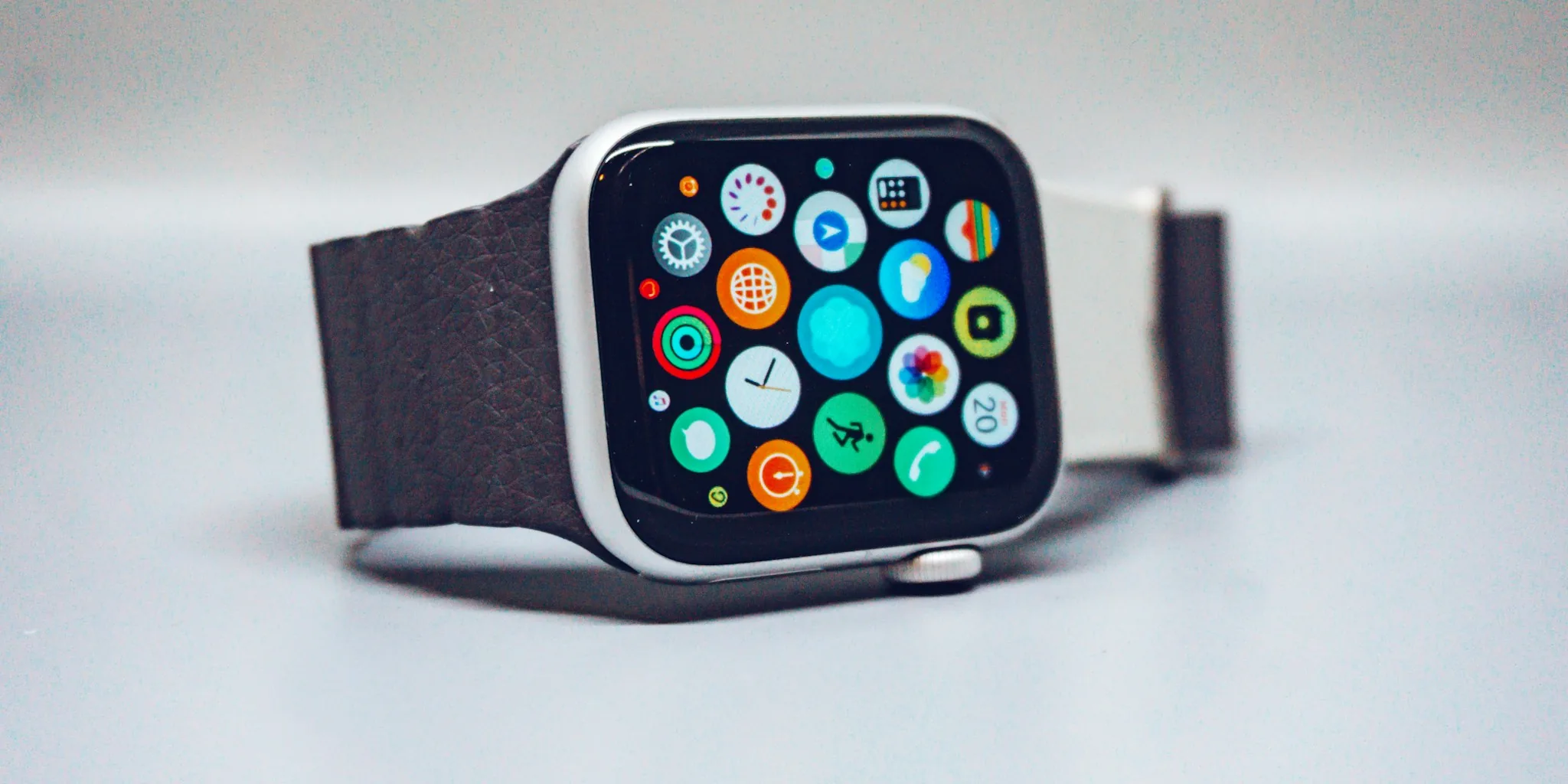
Apple’s latest smartwatch lineup is introducing a suite of audio-focused capabilities that mark a significant shift in how wearables interact with your daily life. The Series 12 and Ultra 4 are rolling out beta access to four new audio features that let your wrist device recognize songs, identify ambient sounds, replay recent conversations, and summarize meetings automatically.
Faster Music and Sound Recognition for Daily Convenience
Two of the new features build on existing capabilities. The updated Shazam integration now works faster and requires no app launch: songs appear directly in your watch’s Smart Stack as they play around you. This means identifying music happens seamlessly in the background without any manual steps.
Sound Recognition, already available on many smartwatches under $200, gets enhanced on these new models. It alerts users to household sounds like crying babies, barking dogs, or doorbells. People who are deaf or hard of hearing can enable this feature through their iPhone’s Accessibility settings and customize exactly which sounds trigger notifications.
Live Rewind: Capturing the Last 15 Seconds of Conversation
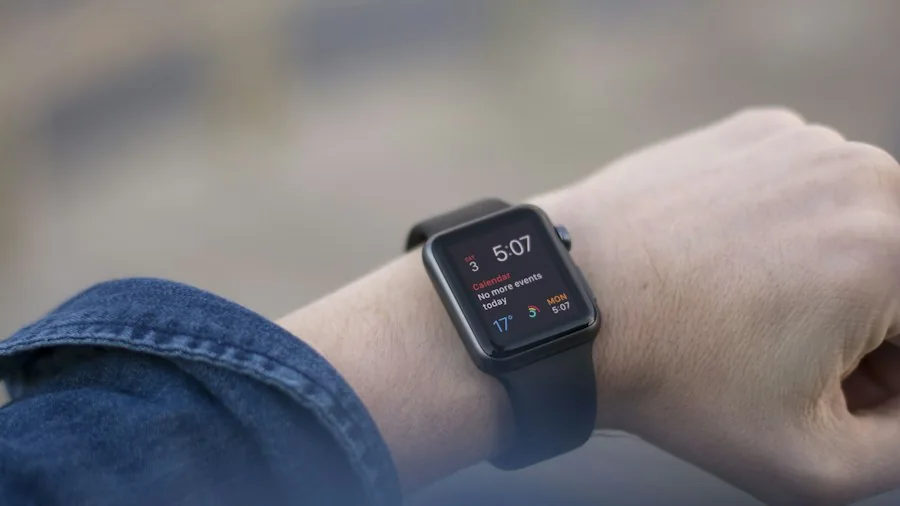
The most novel feature is Live Rewind, which works like a voice memo snapshot. Double-clicking the Digital Crown captures a text transcript of what was said in the previous 15 seconds, useful when you need to remember details without asking someone to repeat themselves. The example Apple provided shows someone at a restaurant reviewing the server’s specials menu after the server had already moved on.
The transcribed text disappears automatically unless you actively save it to the Siri app or share it to your iPhone. Audio is continuously overwritten and deleted, so the feature only works when you manually trigger it. This design means the watch isn’t constantly recording or storing your conversations.
Siri Recap: Automatic Meeting and Conversation Summaries
Siri Recap represents the most significant privacy consideration. When enabled, it listens in the background during conversations and generates summaries with key points. The feature works during everything from parent-teacher conferences and work meetings to casual brainstorming sessions with colleagues.
You control how Siri Recap operates. Leave it on continuously and let the system decide what counts as important, set it to activate only during scheduled meetings, or manually toggle it through the Control Center. The watch sends you morning reminders that recap mode is active and notifications throughout the day when important sessions begin and end, so you’re always aware of its status.
The system doesn’t function with conference calls or FaceTime calls when AirPods or headphones are in use, since it only processes audio coming through the speaker.
Privacy Architecture and Data Handling
Apple’s approach to privacy appears robust. Raw audio never leaves your watch; instead, it processes inside a hardware-isolated section of the new S11 chip called the Secure Exclave. Siri Recap condenses full transcripts into summaries, deletes the complete audio record, and sends only the condensed text to Apple’s Private Cloud Compute servers. This means full transcripts never reach the cloud.
Additionally, the system omits sensitive data like financial information, authentication credentials, personal identifiers, and government secrets before any cloud transmission occurs. The condensed recap returns to your iPhone and is immediately deleted from servers.
Battery Life and Performance

Despite continuous listening capability, Apple claims these audio features won’t drain your battery. The Series 12 delivers roughly 36 hours per charge in real-world use, while the Ultra 4 reaches between 60 and 72 hours. The new S11 processor includes a dual-architecture design where one component handles background tasks without engaging the main power-consuming processor.
Availability and Rollout
These features are launching in beta with iOS 27.3, initially available in English. Apple plans to add support for additional languages later. Both Live Rewind and Siri Recap are completely optional and require explicit opt-in during setup. If you enable either feature, you can disable it anytime through settings.
The Series 12 and Ultra 4 represent a departure for wearables, introducing always-on listening as an opt-in capability. Whether you choose to enable these features depends on your comfort level with your watch hearing your conversations, even with Apple’s privacy safeguards in place. For shoppers considering these models, understanding exactly how and when these audio features activate is essential before deciding whether to turn them on.
About the author
Kristen writes about smartwatches for REMOVU, comparing features, battery life, and ecosystem fit. She helps readers tie together health tracking, notifications, and apps on the right watch.