Wi-Fi Router Antenna Upgrades: What Shoppers Need to Know Before Upgrading
Adding more antennas to your router won't improve speeds. Learn why before buying upgrades.
 By Armando Washington
Updated November 4, 2026

Understanding Wi-Fi Router Antenna Basics
Many shoppers wonder if adding or replacing antennas on their Wi-Fi router could boost speed and coverage. The idea seems logical at first: more antennas mean stronger signals, right? Unfortunately, the reality is more complicated than simply screwing on additional external antennas. To make informed purchasing decisions, it’s worth understanding how router antennas actually work and what limitations exist.
The Radio and Antenna Connection
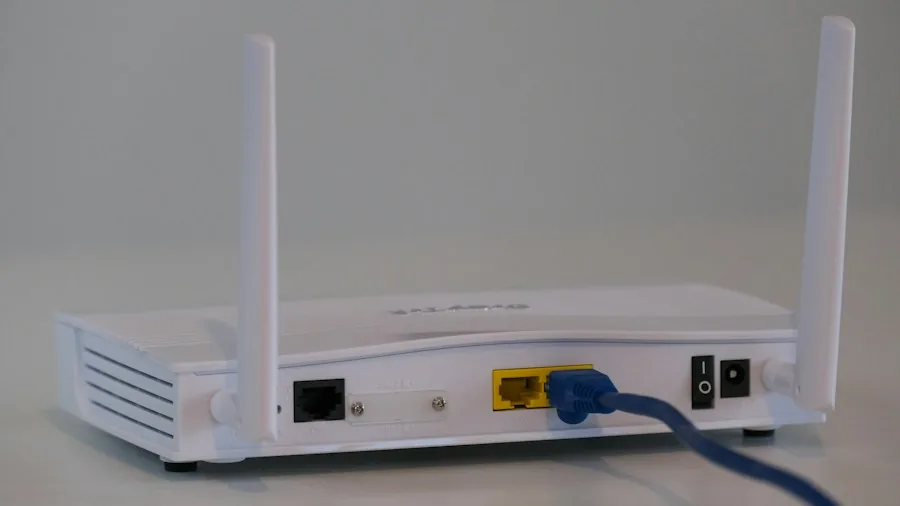
Every antenna on a router connects to an internal radio component. The radio is what actually sends out your internet signal and receives responses from your devices. Routers typically run multiple data streams simultaneously, but the number of radios available is fixed and determined by the router’s core chip during manufacturing. For example, a router with a chip supporting four Wi-Fi 7 streams has exactly four radios built in. This is why manufacturers label such routers as 4×4, meaning four transmitters and four receivers. Each radio pairs with one antenna. If you tried to add a fifth antenna, it would have no corresponding radio to connect to, making it completely non-functional.
When Multiple Antennas Don’t Mean Faster Speed
Some routers do ship with more antennas than radios, but this serves a different purpose called diversity. Because Wi-Fi signals reflect and bounce around indoor spaces, having extra antennas allows the router to select whichever antenna is currently capturing the cleanest signal. Even if you could somehow add more antennas beyond what your radio supports, you wouldn’t experience faster speeds. A cleaner signal reception isn’t the same as transmitting more data. Additionally, your own devices would need matching antenna capability to take advantage of maximum speed potential. If your smartphone only supports two antenna streams, it cannot receive data faster than two streams, regardless of how many antennas your router has.
FCC Regulations Prevent Aftermarket Antenna Additions
In the United States, the FCC imposes strict rules on router design. Specifically, routers must be engineered so that only manufacturer-approved antennas can attach to them. This regulatory requirement exists for a reason: to ensure that modified routers don’t interfere with other wireless devices or exceed permitted signal strength limits. These rules effectively prevent consumers from adding third-party antennas to their routers, even if they wanted to.
Replacing Antennas: What’s Actually Possible
While you cannot legally add more antennas, replacing existing ones is a different story. Most detachable router antennas use a standard connector called RP-SMA, which is universal across brands. Any antenna sold with this connector will physically fit your router, whether it’s from the original manufacturer or a third party. However, swapping antennas changes only where the signal travels, not how much data moves. This distinction matters for shoppers considering upgrades.
Most original antennas broadcast signals in a doughnut-shaped pattern around the router. High-gain replacement antennas compress this pattern, pushing signals farther horizontally across your floor. The trade-off is significant: while horizontal range improves, vertical coverage to upper and lower floors suffers noticeably. You can partially offset this by tilting antennas at angles, but you cannot eliminate the directional trade-off entirely.
Real-World Performance Comparisons
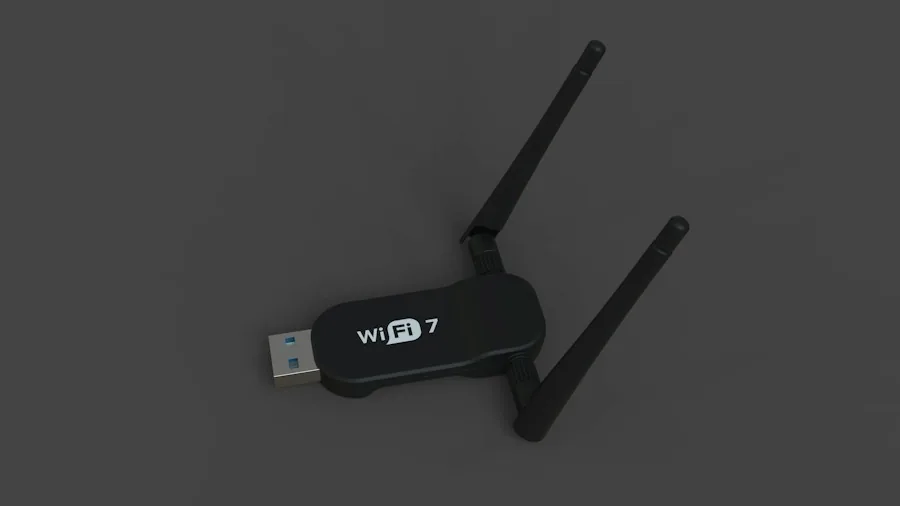
Independent evaluations have shown mixed results when comparing stock antennas to aftermarket high-gain alternatives. In one documented side by side comparison, a Linksys router’s original antenna was swapped for the manufacturer’s own high-gain model. In a nearby room with weak signal on the same floor, 5 GHz download speeds jumped dramatically from 7.7 Mbps to 28 Mbps. However, the same upgrade produced worse performance in upstairs locations during three of four measurement scenarios. The high-gain antennas, which cost around $100, ultimately delivered inconsistent value. Experts concluded that investing in a mesh Wi-Fi system or range extender would provide more reliable coverage improvements than expensive antenna replacements.
What Shoppers Should Consider Instead
If you’re currently shopping for a new Wi-Fi router or thinking about upgrading coverage, understand that antenna count alone doesn’t determine performance or range. Chip design, radio stream count, and overall router quality matter far more than antenna quantity. Before spending money on replacement antennas or attempting upgrades, evaluate whether your current router’s position, obstacles, or room layout might be limiting performance. Sometimes repositioning your existing router or upgrading to a newer model with better specifications delivers better results than accessory swaps. For budget-conscious shoppers, affordable routers with solid specifications often outperform older expensive models equipped with multiple antennas.
Understanding these technical realities helps you make smarter purchasing decisions and avoid wasting money on upgrades that won’t deliver the performance improvements you expect.
About the author
Armando covers Wi-Fi routers for REMOVU, balancing speed, range, and features for homes of every size. He helps readers match a router to their space and their devices.