7 Tips to Maximize Charging Speed in Your Car
Stop wasting time with slow USB ports. Learn why your car charges so slowly and what actually works.
 By Ava Herrera
Updated October 24, 2026
By Ava Herrera
Updated October 24, 2026
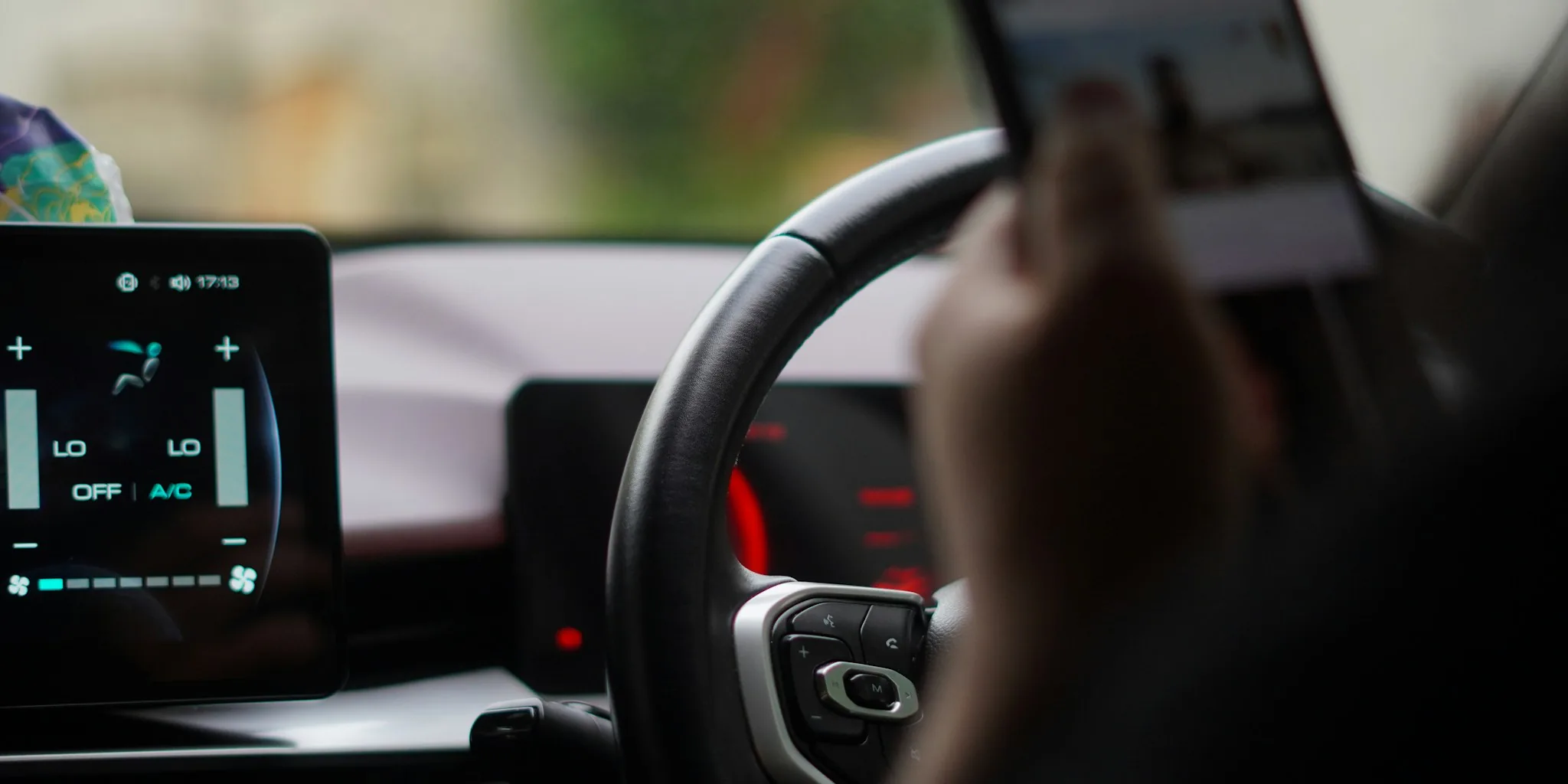
Charging your phone in the car should be convenient, but many drivers discover that the built-in USB ports deliver frustratingly slow results. If your phone’s battery percentage barely moves during your commute, you’re not alone. The good news is that understanding why this happens and knowing what to change can transform your in-car charging experience.
Why Your Car’s USB Ports Are Slow
Most vehicles today come equipped with multiple USB ports, which seem like a practical charging solution. However, unless you’re driving a recent luxury model, these are typically USB-A ports built on the outdated USB 2.0 standard. This older technology maxes out at 2.5W of power delivery, while modern smartphones require at least 20W to charge at reasonable speeds. Many flagship devices demand 45W, 65W, or higher for rapid charging capabilities.
The power limitation isn’t the only issue. Your car’s USB ports lack modern charging protocols like USB Power Delivery (USB PD) or Programmable Power Supply (PPS). Without these communication standards, your phone defaults to the slowest, safest charging mode available. Even if the port could theoretically supply more power, your device won’t request it. This mismatch between port capability and phone requirements explains why your battery might actually decrease during an hour-long drive instead of increasing.
Switch to a 12V Dedicated Car Charger
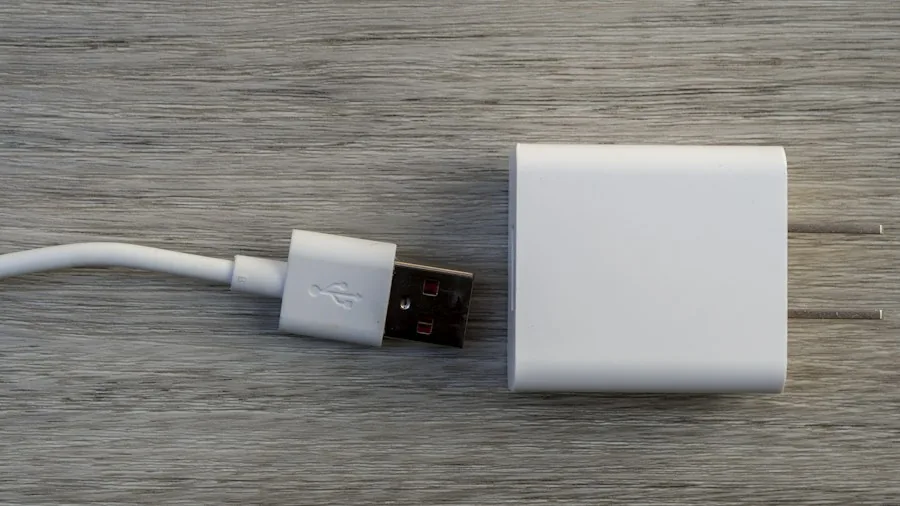
The simplest solution involves bypassing your car’s USB ports entirely. Dedicated car chargers that plug into your vehicle’s 12V socket (the traditional cigarette lighter port) can deliver 30W, 45W, 60W, or higher. Many of these accessories support USB PD, PPS, and Quick Charge protocols, matching the charging speeds you get from your wall charger at home. Best of all, quality 12V car chargers are inexpensive, typically priced between $10 and $30 on major retailers.
A 12V charger often includes a USB-C port, solving another common problem: newer phones ship with USB-C cables but older car ports only offer USB-A connections. By upgrading to a charger with USB-C output, you can use your phone’s original charging cable and take full advantage of your device’s fast charging capabilities.
Choose the Right Cable
Your charger’s output rating means nothing if you’re using a cheap, damaged, or outdated cable. Spare cables, particularly older USB-A to micro-USB options, cannot handle the power delivery that modern fast chargers require. When purchasing a 12V car charger, invest in a quality cable rated for your phone’s maximum charging wattage. This ensures you actually achieve the advertised charging speeds rather than settling for reduced power due to cable limitations.
Consider Wireless Charging Alternatives
If you prefer wireless charging, built-in car charging pads present similar challenges to USB ports. Most vehicle-installed wireless chargers don’t use Qi2, the latest standard found on flagship phones. Additionally, these pads typically lack magnetic alignment, causing your phone to shift during driving. Misalignment generates unnecessary heat and interrupts charging efficiency. Premium wireless car mounts with Qi2 support cost around $50 but deliver consistent, efficient charging without cable hassles.
Use Your Car’s USB Ports for Other Devices
Switching to a dedicated charger doesn’t mean your vehicle’s USB ports become useless. These connections work perfectly for devices with minimal power requirements. Your true wireless earbuds, smartwatch, or fitness tracker can charge without draining your phone’s battery. Car gadgets like air purifiers, dashcams, and humidity controllers also run efficiently on these ports. You can even connect a flash drive with your music library for uninterrupted playback that won’t affect your phone’s battery life.
Enable Wireless CarPlay or Android Auto
The main hesitation when abandoning your car’s USB port is losing the wired connection for Android Auto or Apple CarPlay. Modern vehicles increasingly support wireless versions of these platforms, eliminating the need for any cable connection to your dashboard. Wireless CarPlay and Android Auto function identically to their wired counterparts, giving you navigation, messaging, and music streaming without occupying your USB port or slowing your phone’s charging.
Assess Your Vehicle’s Charging Needs
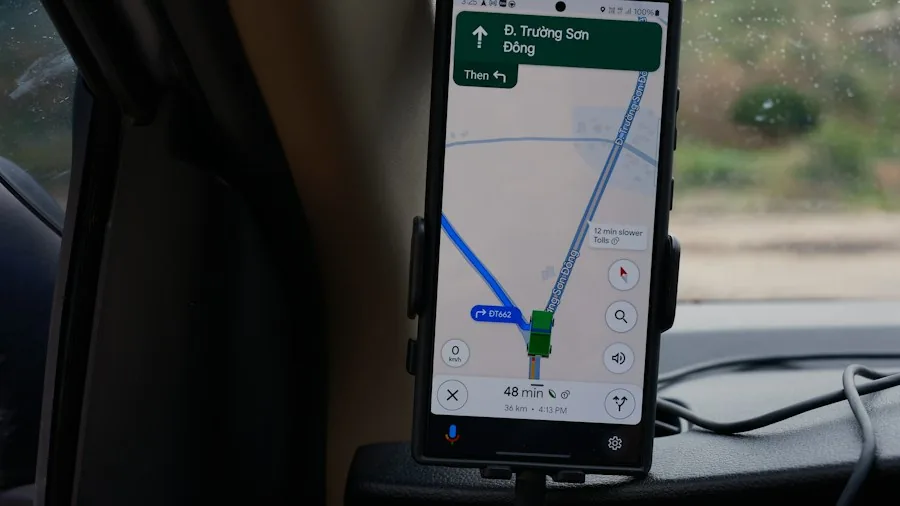
Before purchasing a car charger, consider your typical usage patterns. If you take short drives and rarely need rapid charging, even your car’s native USB ports might suffice for basic maintenance charging. However, if you rely on your phone for navigation during long commutes or frequently use demanding apps, a dedicated charger with adequate wattage becomes essential. Assessing your actual power requirements helps you select the right solution rather than overpaying for unnecessary specifications.
Verify Charger Specifications Before Buying
Not all car chargers are created equal. When shopping, verify that your chosen model supports fast charging protocols compatible with your specific phone. Check the wattage output, port types, and user reviews confirming real-world charging performance. Reading feedback from owners with similar phones reveals whether a particular charger delivers the promised speeds or falls short in practice.
Your car’s built-in charging infrastructure may be slow, but that doesn’t mean you’re stuck with poor charging performance. By understanding the limitations of stock USB ports and investing in the right accessories, you can transform your vehicle into an efficient charging station that actually keeps your phone powered throughout your journey.
About the author
Ava is REMOVU's laptop writer, balancing speed, battery life, and build quality against price across the whole range. She helps readers find the sweet spot as each new chip shifts what a dollar buys.