Google Nest Halloween Doorbell Chimes Now Available Through November 1
Google rolls out nine spooky chime options for Nest doorbells before Halloween, with a November 1 deadline for the seasonal feature.
 By Ava Herrera
Updated October 16, 2026
By Ava Herrera
Updated October 16, 2026
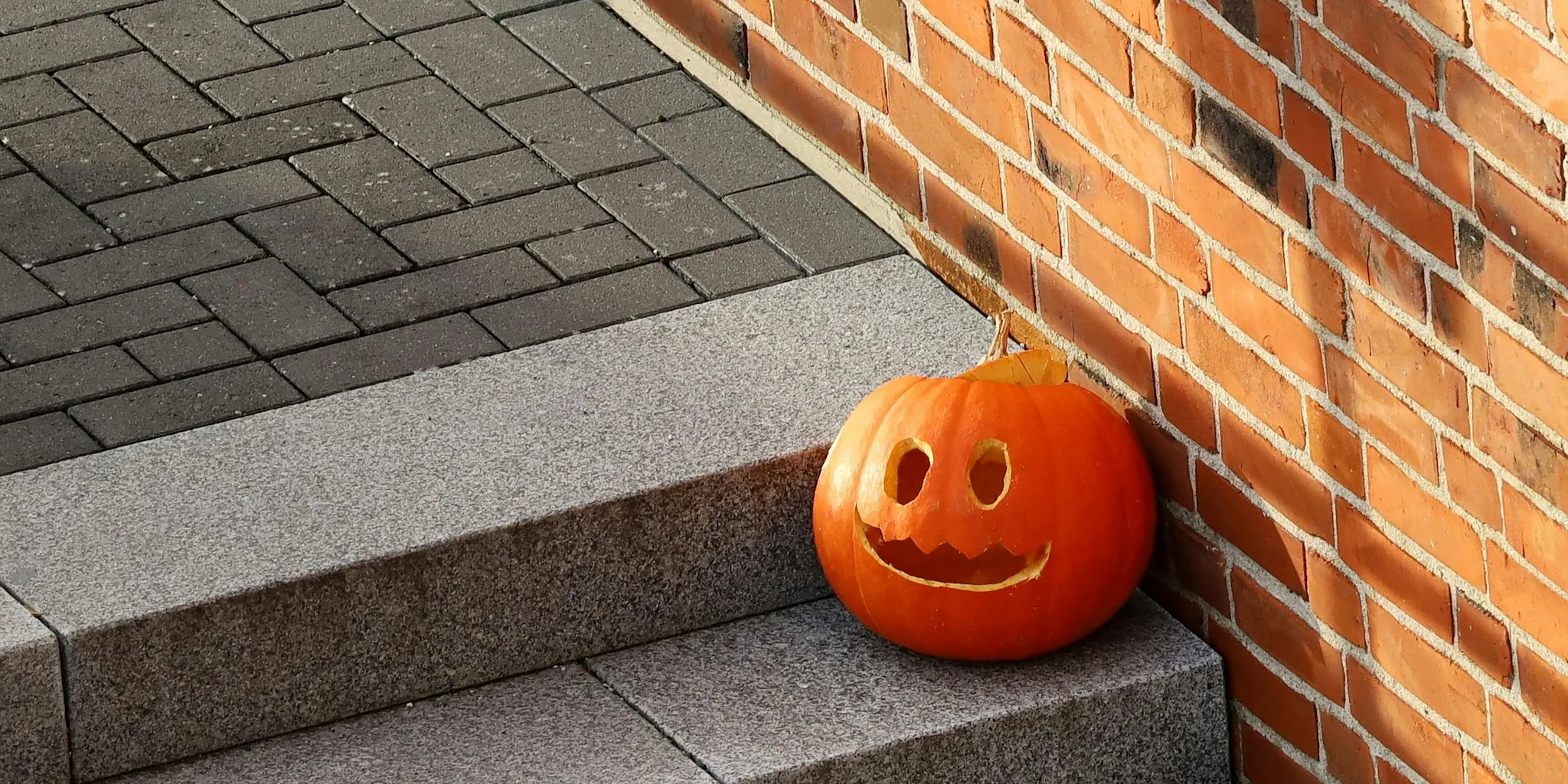
Google has rolled out its seasonal Halloween doorbell chimes for Nest devices, giving homeowners a festive way to greet trick-or-treaters this year. The limited-time offering launched in mid-October and runs through November 1, making it a timely addition for anyone preparing their home for the holiday season.
What’s New with This Year’s Halloween Chimes
The 2026 Halloween collection includes nine distinct chime tones that users can rotate between at any moment. Each tone brings a different spooky character to your doorbell experience, from classic haunting sounds to playful seasonal variations. Google has simplified the setup process significantly, allowing homeowners to preview all available chimes directly within the Home app before making a selection.
Previously, users had to physically ring their own doorbell to hear what each chime sounded like. The new preview feature eliminates that inconvenience, letting you audition every option from the comfort of your device. To access the Halloween chimes, open the Home app and navigate to the seasonal themes section, where you should see a prompt on the main page directing you to the collection.
Why Timing Matters This Year
With Halloween falling on a Saturday in 2026, homeowners should activate their chimes promptly. The seasonal offering expires on November 1, which means you’ll have a limited window to enjoy them during the actual trick-or-treating window. Setting them up as soon as possible ensures you won’t miss the opportunity to use them when visitors arrive at your door.
If you decide to skip handing out candy this year or simply want to disable the chimes temporarily, you can do so directly from your device settings without any complicated steps. This flexibility makes it easy to turn the feature on or off based on your plans for the evening.
What This Means for Nest Users
Google’s seasonal chimes have become a straightforward way to add personality to your smart home setup without requiring additional purchases or complex installations. Since these themes integrate directly into existing Nest devices, homeowners with video doorbells or smart displays already have access to the full collection. You don’t need special equipment or subscriptions to use the Halloween sounds.
The inclusion of multiple chime options reflects a broader trend in smart home technology toward customization and user choice. Rather than forcing everyone into a single holiday experience, Google allows each household to select the vibe that matches their preferences. This approach keeps the feature feeling fresh year after year and prevents holiday automation from becoming repetitive.
Smart Home Automation Beyond Doorbell Sounds
While doorbell chimes might seem like a small feature, they represent the growing emphasis on ambient customization in connected homes. Many smart home enthusiasts combine these seasonal sounds with other automations, such as scheduled lighting changes or coordinated speaker announcements. If you’re looking to upgrade your broader smart home ecosystem, exploring the best WiFi 6 routers for every home and budget can ensure your devices communicate seamlessly during peak usage times like Halloween parties.
For those managing multiple smart devices across different rooms, reliable connectivity becomes essential. Whether you’re triggering simultaneous chimes, controlling lights, or running other automations, a solid network backbone prevents lag and ensures everything responds on cue when visitors arrive.
Preparing Your Home Beyond Chimes

Decorating for Halloween involves more than just audio. Many homeowners pair their doorbell setup with smart lighting scenes that activate automatically when someone approaches. Some even combine chimes with video doorbell notifications, creating a comprehensive security and ambiance experience.
If you’re upgrading your smart home infrastructure this fall, the best portable SSDs for every workflow and budget can help you manage recordings and footage from your doorbell camera. For those installing new networking equipment, network switches for gaming worth buying for every setup offer enterprise-grade reliability suitable for demanding smart home environments as well.
Getting Started Today
The process for enabling Halloween chimes takes only a few minutes. Open your Home app, check for the seasonal themes prompt, preview your options, and select your preferred sound. Once activated, your doorbell will automatically use the chosen Halloween chime until you manually change it back or November 1 arrives.
Since the window closes on November 1, waiting until late October means risking a shorter window to enjoy the feature. Taking action now ensures you can fully experience the seasonal offering and adjust your choice if desired after hearing how it sounds in your space.
About the author
Ava is REMOVU's laptop writer, balancing speed, battery life, and build quality against price across the whole range. She helps readers find the sweet spot as each new chip shifts what a dollar buys.