7 Tips to Choose the Right Laptop Material for Your Next Purchase
From carbon fiber to ceramic-coated aluminum: a practical guide to evaluating laptop chassis construction.
 By Ava Herrera
Updated October 14, 2026
By Ava Herrera
Updated October 14, 2026
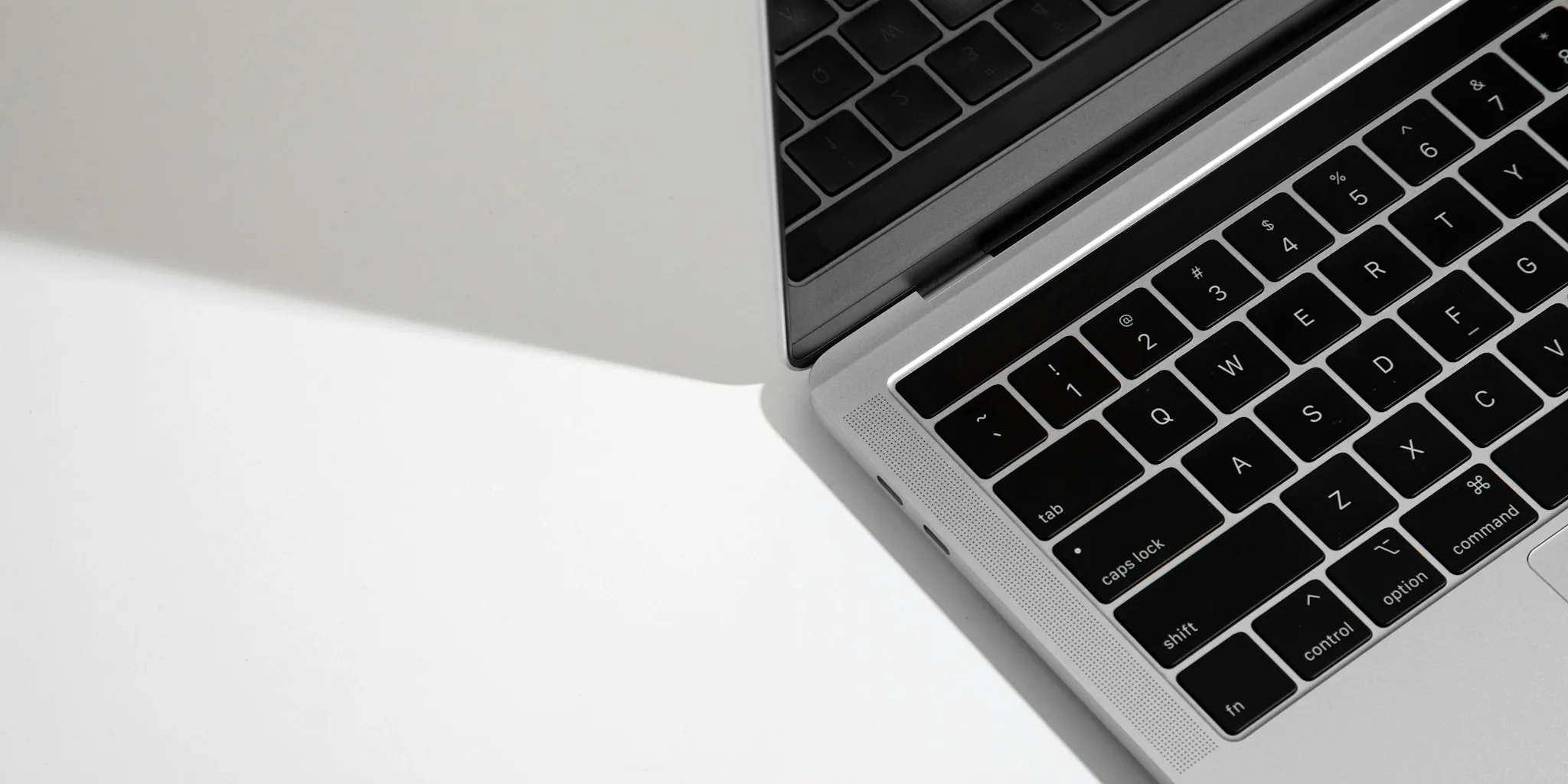
When you’re shopping for a new laptop, specs like processor speed and RAM often dominate the conversation. But here’s what many buyers overlook: the material of the laptop chassis makes a tremendous difference in how your device feels, how durable it is, and how much you’ll enjoy using it day to day. With so many materials now available beyond the old plastic-versus-metal divide, understanding your options is essential to making a smart purchase.
1. Recognize That Metal Laptops Aren’t All Created Equal
The biggest mistake shoppers make is treating all metal laptops as identical. In reality, metal laptop construction varies significantly. Aluminum is the most common choice because it’s affordable to manufacture and widely available. However, magnesium alloys offer a lighter weight at a higher price point, though they scratch more easily and lack aluminum’s robustness. Some premium laptops use magnesium-aluminum blends that balance lightness with durability, but expect to pay more for this advantage.
The manufacturing method matters too. Most aluminum chassis are created through CNC milling, which precisely cuts shapes from metal sheets. Some manufacturers, however, use forge-stamping, a process where metal is heated, folded, and compressed to create additional strength. This technique produces a more solid, confident feel that appeals to buyers worried about thin-and-light laptops being fragile.
2. Consider Carbon Fiber for Strength and Lightweight Performance

If budget allows, carbon fiber deserves serious consideration. This material is stronger and lighter than both metal and plastic, which is why aerospace engineers and sports car manufacturers rely on it. Carbon fiber laptops, like premium builds that prioritize performance components, offer superior durability without added weight. The main drawback is cost: carbon fiber carries a significantly higher price tag than aluminum or magnesium options. However, if you value portability combined with maximum durability, the investment can be worthwhile.
3. Explore Ceramic-Coated Hybrid Materials
Newer technologies like ceramic-coated aluminum represent an interesting middle ground. This hybrid material bonds a ceramic layer to aluminum using specialized plasma-based processes. The result feels nothing like traditional metal because your fingers touch the ceramic surface rather than bare aluminum. These materials deliver impressive lightness while offering greater scratch resistance and durability compared to conventional anodized aluminum finishes. If you want something lightweight but still premium-feeling, this emerging category is worth evaluating.
4. Evaluate Plastic Laptops With Fresh Eyes
Dismiss plastic laptop chassis at your peril. Modern plastic construction has improved dramatically, featuring comfortable rubbery textures that resist creaking and flexing. Plastic remains the lightest and most affordable option, making it practical for budget-conscious buyers or those who prioritize portability above all else. Performance and functionality won’t suffer; you’re simply trading premium tactile sensation for practicality and value.
5. Think About Sustainability and Recycled Content
Increasingly, manufacturers compete on the percentage of recycled materials used in their chassis construction. Many laptops now incorporate recycled magnesium, aluminum, and even carbon fiber in their frames. Some use ocean-bound plastic that would otherwise pollute waterways. While recycled materials don’t change how a laptop feels in your hands, they matter if environmental impact influences your purchasing decisions. Check the manufacturer’s specifications to see exactly what percentage of recycled content is included.
6. Match Materials to Your Usage Patterns
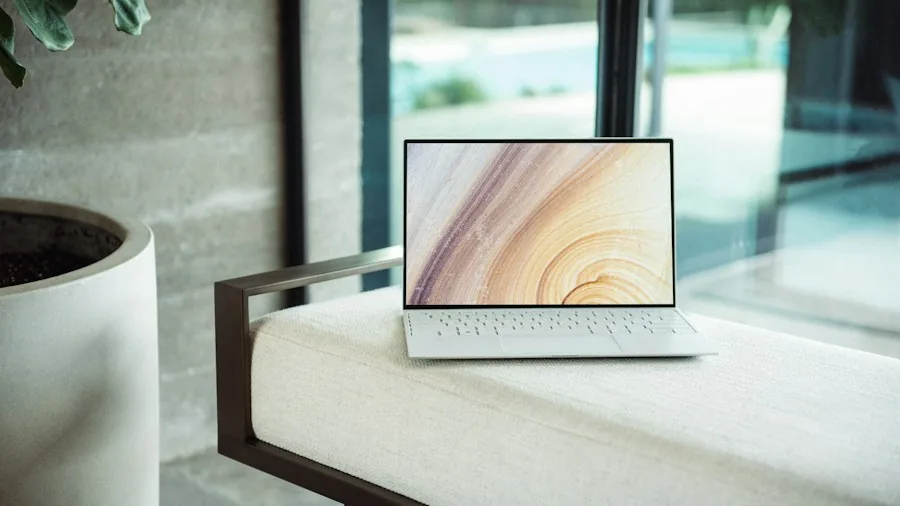
Consider how you’ll actually use your laptop. If you travel constantly, lightweight materials like carbon fiber, magnesium, or ceramic-coated aluminum reduce fatigue and strain. If durability ranks higher on your priority list, forge-stamped metal or carbon fiber offer enhanced structural integrity. Those splitting the difference between weight and toughness might prefer magnesium-aluminum alloys or modern plastic construction. A comparison of material characteristics across different categories can clarify which option aligns with your lifestyle.
7. Feel the Difference Before Buying
Different materials deliver distinctly different tactile experiences. A matte-finished magnesium chassis feels completely different from a smooth, shiny aluminum surface, even though both qualify as metal. Ceramic coatings create their own unique sensation under your fingers. Whenever possible, visit a retail location where you can hold multiple laptops with different materials. Run your hands across the surfaces, check how the materials feel against your palms, and notice how each option resonates with your personal preferences. This sensory evaluation often matters more than spec sheet details.
Processor technology and RAM specifications have largely plateaued across laptop brands, making chassis materials one of the final frontiers where manufacturers truly differentiate themselves. Your laptop’s material impacts weight, durability, tactile satisfaction, and overall user experience. By understanding the landscape of available materials, comparing their strengths and weaknesses, and considering your actual needs, you’ll make a more informed choice that you’ll appreciate every time you open your device. Quality components work best when they’re housed in materials you genuinely enjoy using.
About the author
Ava is REMOVU's laptop writer, balancing speed, battery life, and build quality against price across the whole range. She helps readers find the sweet spot as each new chip shifts what a dollar buys.