Google Home Update Rolling Out with Major Find My Phone and Smart Home Improvements
Find My Phone gets better, smart lights respond correctly, and device setup just got easier.
 By Eleanor Garcia
Updated October 1, 2026
By Eleanor Garcia
Updated October 1, 2026
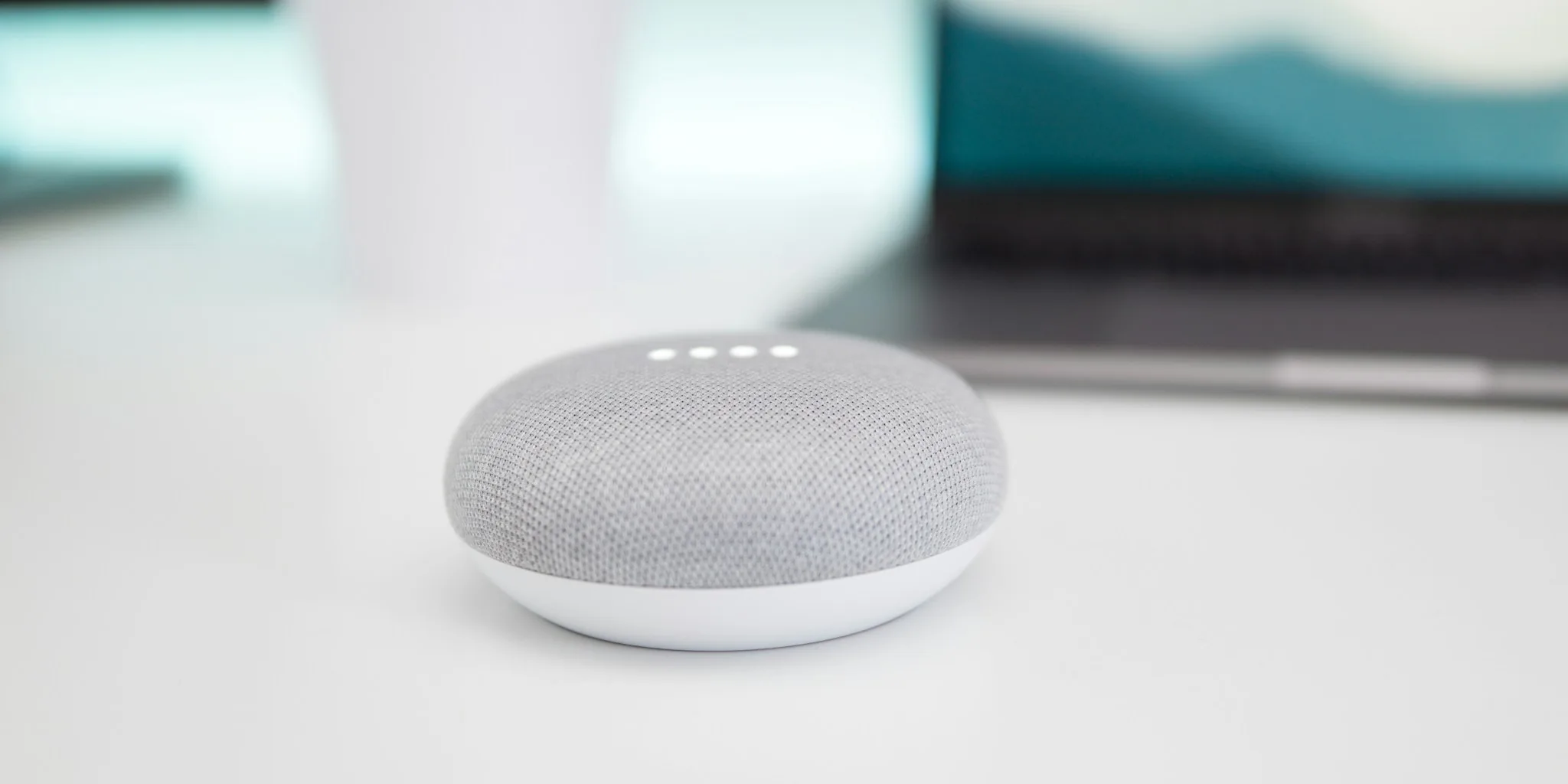
Google has begun rolling out a significant update to its Home ecosystem that brings meaningful enhancements to voice commands, device control, and overall system reliability. The changes affect both the Gemini voice assistant features and the Google Home app interface, delivering fixes and improvements that shoppers have been waiting for.
Better Find My Phone Voice Commands
One of the most anticipated improvements in this update focuses on the “Find My Phone” voice command, a feature many users rely on daily. Google reports that quality and reliability enhancements are coming to this popular capability, making it easier and more dependable to locate a misplaced device through voice control. While Google hasn’t detailed the specific technical changes, the upgrade addresses a feature that has been central to the Google Home experience for years. Users can expect the command to work more consistently across different scenarios and environments.
Beyond phone location assistance, Gemini voice improvements in this release include better filtering of background noise and competing voices, further reductions in response latency, and enhanced support for multilingual households where family members speak different languages. Custom voice commands within Routines and automations also benefit from improved reliability in this update.
Smart Home Control Gets More Accurate

The Google Home app itself receives several practical fixes that address frustrating issues many smart home users have encountered. One significant change corrects how smart lights respond to brightness adjustments. Previously, dragging a brightness slider all the way down to zero would leave lights on at minimal illumination instead of powering them off completely. The updated version now sends a definitive power-off command when brightness reaches zero, eliminating wasted energy and unexpected ambient glow in your home.
For those using Matter-based smart home devices, the update resolves a long-standing problem where offline switches failed to display their actual status or respond to taps in the All Devices section. Tiles now properly display in a greyed-out state when devices are disconnected, giving you accurate visibility into your smart home network at a glance.
Camera and doorbell tile displays have also been improved. These devices now show as filled icons with accented colors when active, making it instantly clear which cameras and doorbells are online and which ones are idle. This visual distinction helps you maintain better awareness of your home security setup without needing to drill into individual device details.
Easier Setup and Device Management
Getting new devices connected to your home network has been streamlined with end-to-end reliability improvements during Nest device setup on both iOS and Android platforms. The update includes under-the-hood fixes addressing Bluetooth connection stability and Wi-Fi pairing issues that previously caused dropouts and stalls during initial configuration.
A particularly useful new feature allows the Google Home app to securely cache network credentials on your mobile device and reuse them when adding the next device to your home. This reduces the need to re-enter Wi-Fi passwords and other setup information repeatedly, making the process faster and less prone to typos or authentication errors.
Window covering detection has also been corrected, ensuring that awnings and curtains now map accurately instead of being incorrectly categorized as blinds. Additionally, long-pressing tiles in the Favorites tab now reliably opens device controllers and routine editors without unexpected failures.
What This Means for Shoppers
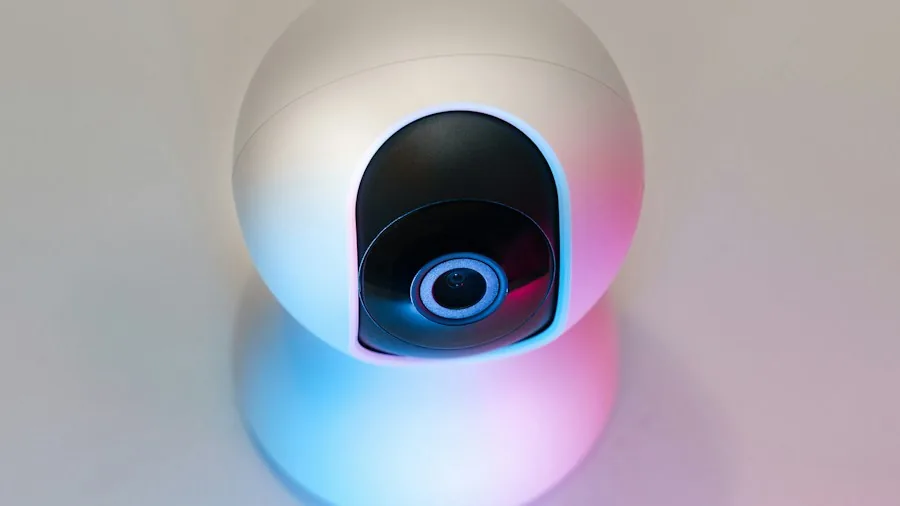
These updates address real friction points in the smart home experience that many users have reported. If you own security cameras without subscription requirements integrated with Google Home, the improved camera tile display makes monitoring easier. Similarly, if you’re considering expanding your smart home setup with new lighting, locks, or other connected devices, the improved setup experience makes adding them far more straightforward than before.
The reliability improvements to voice commands mean that requesting your Google Home device to find your phone should work more consistently, whether you’re in a quiet bedroom or a busy kitchen with background noise. For households where multiple languages are spoken, the enhanced multilingual support ensures that family members can issue voice commands in their preferred language with better recognition and response.
The fix for brightness slider behavior is especially relevant for anyone managing larger lighting groups or room-wide dimming scenes. Previously, you might have needed to physically turn off lights after dimming them all the way down, but the update now handles complete power-off correctly.
Rollout Timeline and Availability
The Google Home app update is currently rolling out on Android as version 4.31.27.1. Gemini voice improvements are being deployed gradually to users in the early access program. If you haven’t received the update yet, you can manually check for updates in your device’s app store or wait for the automatic installation over the coming days.
For users relying on backup power solutions that integrate with smart home ecosystems, or those connecting various smart devices via reliable home network equipment, these improvements contribute to a more stable and responsive overall smart home experience.
This update represents Google’s continued effort to refine the smart home experience based on real-world usage patterns and user feedback. The combination of voice command improvements and interface fixes suggests the company is focused on making basic, everyday interactions more reliable and intuitive.
About the author
Eleanor covers smartphones for REMOVU, balancing cameras, battery life, and software support against price. She helps readers find the best value as the field shifts with every release.