7 Ways to Use Google Drive Beyond Basic Cloud Storage
Discover how to transform Google Drive into a creative workspace, data tracking system, and collaboration hub.
 By Ava Herrera
Updated October 21, 2026
By Ava Herrera
Updated October 21, 2026

Google Drive has earned a reputation as a reliable cloud storage solution, but most users only scratch the surface of what it can truly accomplish. Beyond simply storing files and photos, Google Drive functions as a versatile digital workspace that can transform how you organize, create, and collaborate. Whether you’re working solo on personal projects or managing group efforts, this platform offers powerful capabilities that rival expensive specialized software. Here are seven practical ways to leverage Google Drive to streamline your digital life.
Track Changes and Recover Lost Work with Revision History
One of Google Drive’s most valuable features is the revision history function within Google Docs. Every time you save, the platform creates a snapshot of your document, allowing you to revisit any previous version without manual backups. This means you can experiment freely with your writing, design concepts, or project outlines, knowing you can always revert to an earlier draft if needed. You can even name specific versions for easy reference and compare changes side by side to see exactly what you modified. For anyone who creates content regularly, this capability eliminates the anxiety of accidental deletions or unwanted edits, and helps you identify which iterations of your work were actually stronger than the final version.
Brainstorm Visually Using the Drawing Canvas

When inspiration strikes or you’re collaborating with others, Google Docs includes a drawing feature that functions as a digital whiteboard. Open a blank drawing and sketch out your ideas, whether you’re outlining a story, planning an event, or mapping a workflow. You can add arrows, text boxes, bullet points, and color-coded elements to bring your concepts to life. The best part: invite collaborators to work on the same drawing in real time and watch ideas develop together. While an iPad and stylus offer a premium experience, you can create effectively using just a mouse and keyboard as well.
Organize Shared Household Documents
Households, families, and roommate groups all need centralized access to common documents. Create a shared folder on Google Drive and grant access to household bills, budgets, rental agreements, emergency contacts, cleaning schedules, and grocery lists. When family members travel, they can store itineraries, passport copies, and insurance information in this shared hub, making critical documents instantly accessible to anyone in an emergency. A well-organized shared folder replaces the need for a physical household binder and can be accessed from any device within seconds.
Automate Data Collection with Forms and Sheets
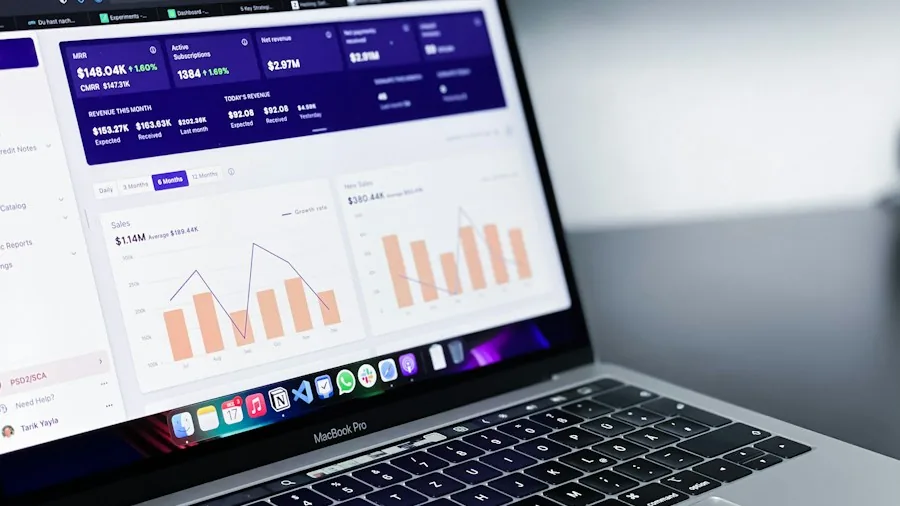
Google Forms paired with Google Sheets creates a lightweight automation system that many users overlook. Create a simple form to log daily fitness data, expenses, event RSVPs, or survey responses. Form submissions automatically populate a connected spreadsheet, building a dataset over time that you can transform into an analytics dashboard. Track patterns, set goals based on real data, and gain insights into your habits and spending. This combination works equally well for planning trips with friends, managing event details, or monitoring personal metrics without purchasing expensive tracking software.
Build a Creative Collaboration Space
Professional collaboration doesn’t require enterprise software when you have Google Drive. Create a shared project folder where artists, writers, designers, musicians, or event planners contribute files and resources. Musicians can share drum loops, vocal recordings, and instrumental tracks for collaborative production. Writers can maintain co-authored documents with real-time editing. Construction or event planning teams can centralize blueprints, timelines, and communication. The Best 4K Webcams for Streaming in Every Budget highlights how remote teams often need reliable tools for their workflows. Google Drive becomes your virtual studio, where contributors from different locations and time zones can work simultaneously on the same project files.
Manage Audio and Podcast Files
If you produce podcasts or manage large audio libraries, Google Drive eliminates the need for specialized hosting platforms. Store raw audio recordings, edited files, transcripts, and production notes in a single organized folder. Collaborators can access files easily, preview audio directly, and reference background materials. Once your project is complete, generate public sharing links to distribute finished episodes via email and social media. Smart Rings for Sleep Tracking Worth Buying Right Now shows how many creators track their recording sessions and workflows, and Google Drive integrates seamlessly into those personal productivity systems. This approach works for lecture recordings, music sketches, voice memos, and any audio-based content creation.
Transform Storage Into Your Personal Data Hub
Google Drive began as a simple cloud storage solution, but it has evolved into a sophisticated productivity platform that handles personal, professional, and creative work. The platform functions like a Swiss Army knife for digital organization, combining storage, document creation, collaboration, automation, and analytics in one accessible location. What makes Google Drive particularly powerful is that it accomplishes all of this without requiring special software installation or expensive subscriptions. The Best Power Banks for Every Traveler demonstrates how modern professionals work from multiple locations, and Google Drive’s accessibility across devices ensures your workspace travels with you. By recognizing these practical applications beyond basic file storage, you can transform Google Drive into an indispensable tool that meaningfully improves how you organize your entire digital life.
About the author
Ava is REMOVU's laptop writer, balancing speed, battery life, and build quality against price across the whole range. She helps readers find the sweet spot as each new chip shifts what a dollar buys.