7 Ways to Secure Your Connected Devices and Protect Your Smart Home
From strong passwords to network isolation, discover practical ways to protect your smart home devices and privacy.
 By Ava Herrera
Updated October 8, 2026
By Ava Herrera
Updated October 8, 2026

Your smart home devices promise convenience, but that ease of use comes with a price: potential data exposure. From baby monitors to washing machines, connected appliances collect and transmit sensitive information across your home network. If you don’t take steps to lock down your setup, hackers could gain access to your devices and the personal data they hold. The good news is that securing your smart home doesn’t require advanced technical knowledge. These practical strategies will help you protect your connected ecosystem.
1. Replace Default Passwords with Strong, Unique Credentials
The easiest entry point for hackers is a device running its factory default password. Using generic credentials like “admin” and “password” on your router or smart appliances is essentially handing over a key to your digital life. The damage multiplies if you reuse the same weak password across multiple devices and accounts, because one security breach compromises everything.
Start by changing every default password on your router and smart devices to something substantially stronger. Avoid using personal information like birthdays, pet names, or common dictionary words. Instead, rely on a password manager to generate random strings of uppercase letters, lowercase letters, numbers, and symbols. A proper password manager stores these securely so you don’t have to remember them. The effort you invest in this step will pay dividends across your entire digital life.
2. Activate Two-Factor or Multifactor Authentication
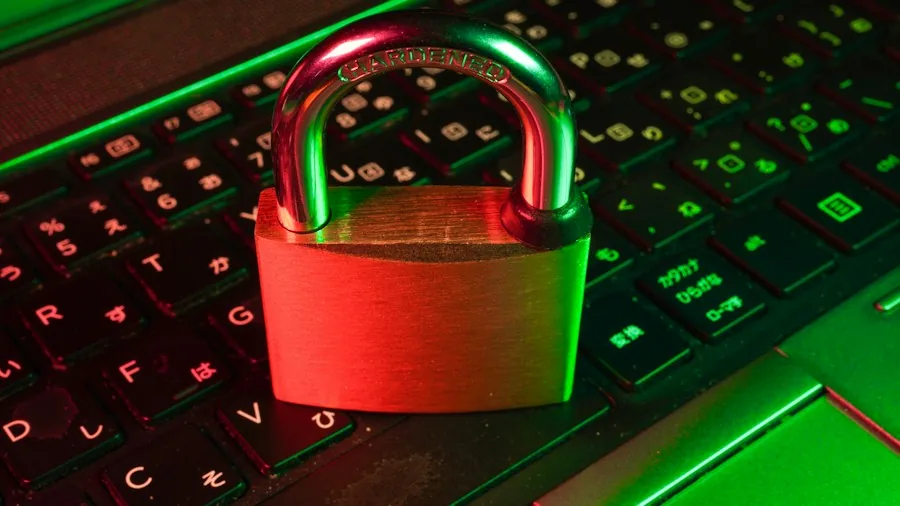
Strong passwords alone aren’t sufficient protection anymore. Security breaches happen constantly, and even the most complex password can end up exposed. That’s where two-factor authentication (2FA) or multifactor authentication (MFA) comes in. These features add a second verification layer, typically through your phone, that a hacker must pass through even if they somehow obtain your password.
Most modern smart home devices, routers, and companion apps support 2FA or MFA setup. Enabling this feature takes just a few minutes and immediately becomes a formidable barrier against unauthorized access. Even if a hacker compromises your credentials, they still can’t access your devices without the second factor, which changes regularly and exists only on your personal device.
3. Keep Firmware Updated Automatically
Manufacturers regularly release firmware updates that patch newly discovered security vulnerabilities. Outdated firmware is like leaving your front door unlocked. The solution is straightforward: enable automatic firmware updates on your router and all connected smart home devices, including phones and laptops on your network.
Automatic updates ensure you receive security patches the moment they become available, without relying on your memory or manual checking. However, be aware that some manufacturers eventually stop supporting older products. If your device is no longer receiving updates, consider that a signal it may be time to retire it, no matter how well it still functions. An unsupported device becomes increasingly vulnerable as new attack methods emerge.
4. Deploy a Router-Level VPN
A Virtual Private Network (VPN) encrypts all data transmitted between your devices and the internet, effectively masking your smart home’s activity from prying eyes. When you set up a VPN at the router level, you protect not just your smart devices but every connected device on your network simultaneously.
The catch is that VPNs require a subscription (most aren’t free) and your router must support VPN integration. If you meet both requirements, access your router settings and look for a section labeled VPN Client mode to configure it. Once activated, a router-level VPN provides robust protection without requiring individual setup on each device.
5. Isolate Smart Devices on a Separate Network
One of the most effective security measures is creating physical separation between your smart home devices and your primary computing devices. If a hacker compromises your washing machine, they won’t automatically gain access to your laptop or personal files. Many routers include a guest network feature, which you can dedicate exclusively to smart devices.
Set up a guest network and assign all your smart home devices to it, leaving your phones, computers, and tablets on your primary network. Some devices may behave temperamentally when split across networks, requiring you to manually switch between them for configuration, but the security benefit often outweighs this minor inconvenience.
6. Use a Local Smart Home Hub for Maximum Privacy
For those willing to trade some convenience for substantial privacy gains, consider running your smart home locally. This approach uses a device like a Raspberry Pi or an older laptop running open-source home automation software. Your smart devices communicate directly with this local hub instead of transmitting data to cloud servers.
This setup requires more technical involvement than the previous methods, but it gives you complete control over your smart home data. No external company stores your usage patterns or device activity. You can explore Home Assistant, an open-source platform designed specifically for this purpose, to learn more about local automation options.
7. Review Device Permissions and Connected App Settings
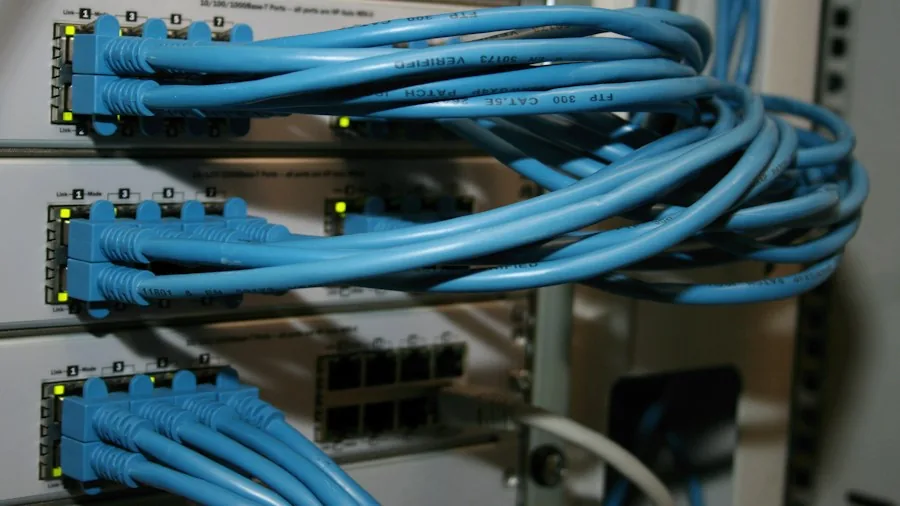
Every smart device app you install may request access to your location, contacts, photos, or other sensitive information. Regularly audit which permissions you’ve granted to each smart home app. Disable any permissions that don’t directly relate to the device’s core function. For example, a smart thermostat doesn’t need access to your photo library.
Additionally, check which apps have access to your smart home accounts. Remove any integrations or connected services you no longer use. The more touchpoints outside your network, the greater your exposure risk. This periodic review ensures you’re not unnecessarily sharing data with third parties. Even security-conscious devices like streaming cameras can become liability if their permissions aren’t properly managed.
Taking Control of Your Smart Home Security
No single step will completely eliminate your risk, but combining multiple strategies creates substantial protection. Start with the fundamentals: change your passwords, enable 2FA or MFA, and activate automatic updates. These three actions alone dramatically improve your security posture. As you grow more comfortable, implement the additional measures like network isolation or a VPN to further harden your setup. Your smart home should enhance your life without compromising your privacy, and these practical actions make that balance achievable.
About the author
Ava is REMOVU's laptop writer, balancing speed, battery life, and build quality against price across the whole range. She helps readers find the sweet spot as each new chip shifts what a dollar buys.