7 Ways to Reuse an Old Monitor Instead of Recycling It
Don't recycle that old monitor yet. Here are creative ways to give it new life.
 By Tara Russell
Updated November 27, 2026
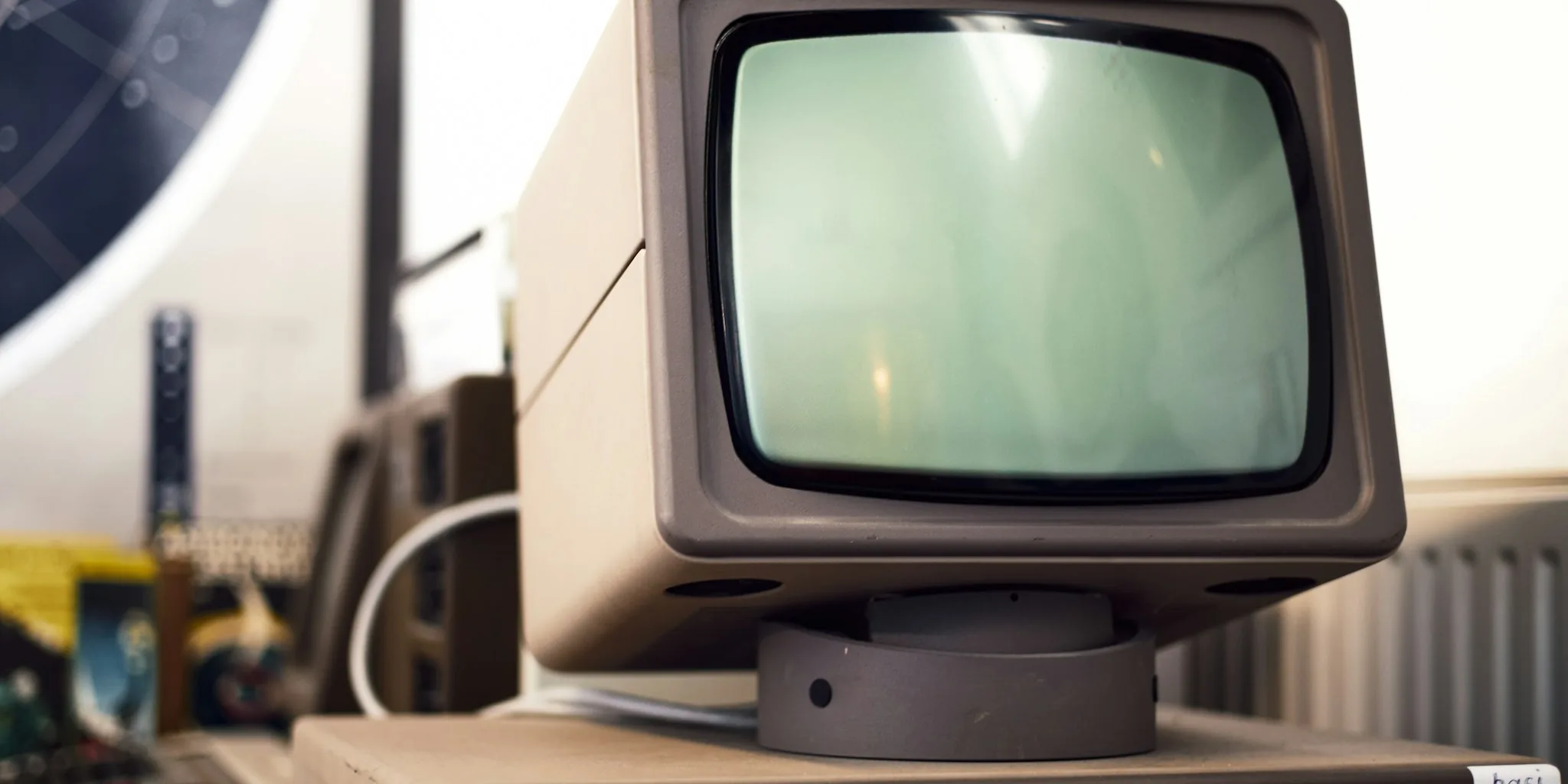
When your monitor gets too old to use as your primary display, the automatic instinct is to haul it off to an e-waste facility. But before you do that, consider this: an outdated monitor can still deliver plenty of practical value in creative applications. Whether you’re a tech enthusiast or just looking to get more mileage from your hardware, there are numerous ways to repurpose an aging display that might surprise you.
Build a Retro Gaming Station
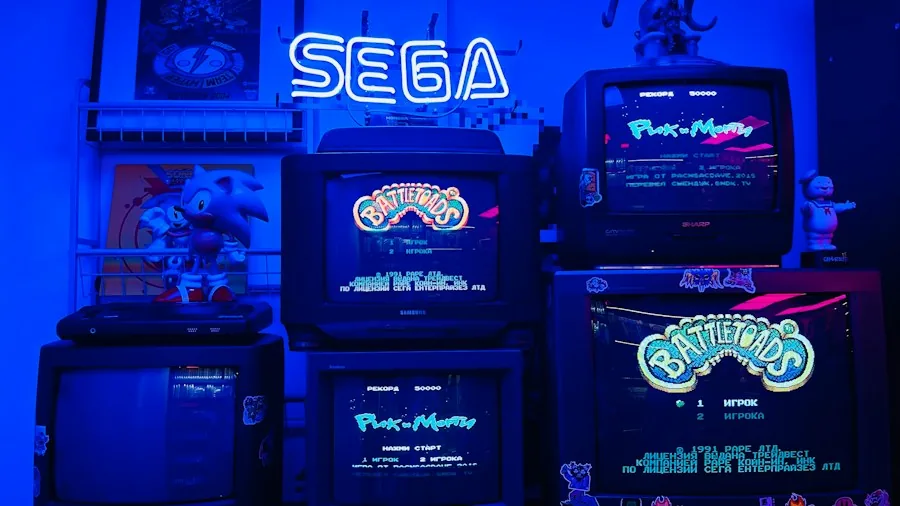
Transform your old monitor into a compact retro arcade machine by pairing it with affordable hardware like a Raspberry Pi or a budget-friendly mini PC. You’ll only need emulation software such as Batocera, a USB game controller, and perhaps an arcade stick to recreate classic gaming experiences. The image quality and size of an older monitor work perfectly for nostalgic titles, and you can even construct a wooden cabinet frame around it for an authentic arcade aesthetic. Even a 15-inch or 17-inch display will give you a satisfying retro gaming setup without breaking the bank, and your friends will appreciate the novelty factor.
Set Up a Home Security Monitoring Center
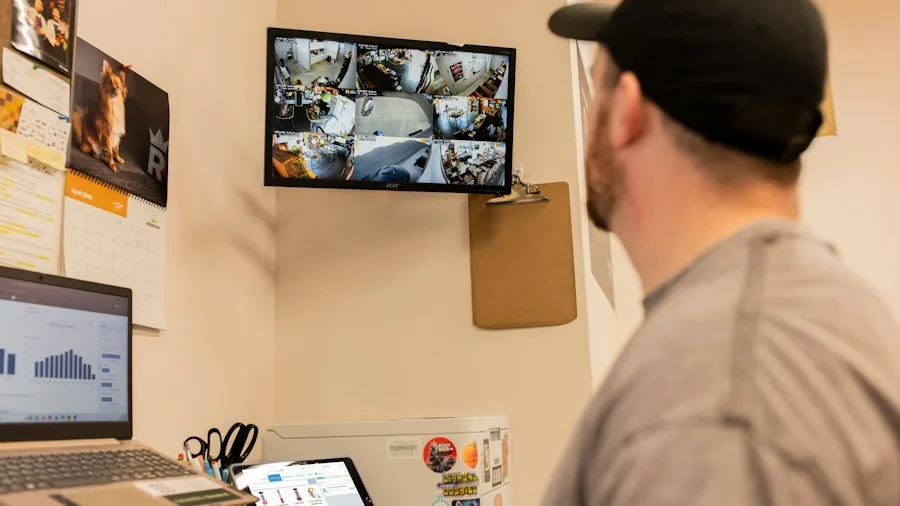
Convert your spare monitor into a dedicated surveillance hub by connecting it to a network video recorder or a mini PC running monitoring software like Frigate. Display live feeds from multiple home security cameras simultaneously, giving you a constant view of your front door, driveway, or yard without repeatedly checking your phone. A basic 1080p resolution is entirely adequate for this purpose, and wired connections will provide more reliable performance than Wi-Fi alone. Having a persistent display means you never miss important activity around your property, all while keeping your main workspace uncluttered.
Create a Home Server Dashboard
If you operate a network-attached storage system or home server, an old monitor becomes an invaluable companion. Connect it to a mini PC or Raspberry Pi, then run dashboard software like Grafana, Uptime Kuma, or Home Assistant to display real-time performance metrics. Monitor CPU temperatures, network bandwidth consumption, storage capacity, and server uptime without opening multiple browser tabs on your primary computer. Set up the display in kiosk mode so it continuously refreshes your system information, providing an at-a-glance view of your entire network infrastructure.
Enhance Tabletop Gaming Sessions
Tabletop gaming enthusiasts can leverage an old monitor to streamline dungeon mapping and battle sequences. Mount the display flat inside a sturdy wooden frame on your gaming table, connect it to a laptop or spare computer, and use software like Foundry Virtual Tabletop to display dynamic maps and battle grids. Protect the screen surface with acrylic or tempered glass to prevent scratches during gameplay, and ensure proper ventilation through the frame design. This approach eliminates the need to print new maps for every session and creates an immersive experience that keeps players engaged.
Build a DIY Streaming Media Center
You don’t need to purchase an expensive smart TV when you can construct your own media center using a Raspberry Pi and your old monitor. Install software like LibreELEC, which runs the Kodi media platform, to access movies, music, and content stored across your home network. Add a wireless keyboard and remote control to complete the setup, and you’ll have a dedicated entertainment system that rivals commercial options. This approach is particularly cost-effective and gives you complete control over what content and features you want available.
Establish a Permanent PC Repair Workstation
For anyone who regularly builds, upgrades, or repairs computers, keeping a spare monitor at your workbench eliminates constant cable swapping. When you need to troubleshoot hardware, update BIOS settings, or diagnose motherboard issues on a secondary system, your old monitor provides immediate visual feedback without disconnecting your primary display. Pairing it with an affordable HDMI switch or KVM switch lets you connect multiple systems simultaneously, making your troubleshooting workflow considerably more efficient. This practical setup appeals particularly to tech enthusiasts and hobbyists who frequently work on multiple machines.
Create a Smart Display Without Premium Pricing
Another versatile option involves converting your monitor into a smart home command center. Connect it to a Raspberry Pi running home automation software and display live weather updates, calendar information, doorbell camera feeds, and system notifications. The older display works just as effectively as a new smart monitor while costing a fraction of the price. You maintain complete control over software updates and customization options, making this an intelligent alternative to purchasing brand-name solutions.
Give Your Display a Second Life
Rather than immediately sending your old monitor to the recycling center, invest a few dollars in affordable hardware and creative software solutions to unlock its potential. Each repurposing option outlined here addresses genuine household needs or hobbies while extending your monitor’s lifespan. By approaching monitor retirement with creativity instead of convenience, you’ll discover that older displays often have more utility than you initially assumed.
About the author
Tara writes about monitors for REMOVU, balancing resolution, panel quality, and size for work and creative use. She helps readers match a display to the way they actually work.