7 Ways to Repurpose a Broken Old Laptop Instead of Throwing It Away
Your broken laptop might not be trash. Here are practical ways to repurpose it at home.
 By Ava Herrera
Updated September 26, 2026
By Ava Herrera
Updated September 26, 2026
Don’t Let That Old Laptop Gather Dust
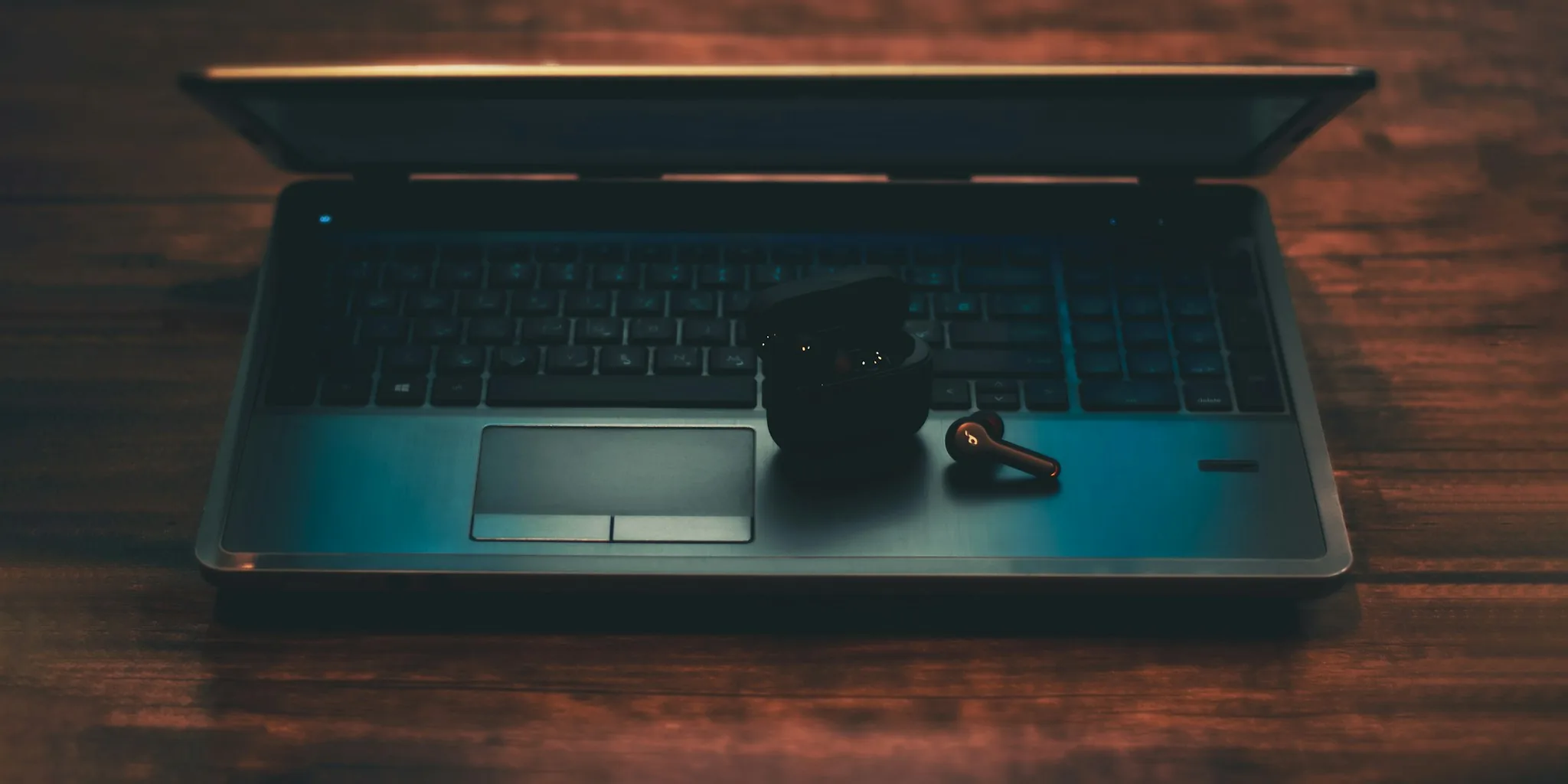
Most people have at least one old laptop hidden away in a drawer or closet, collecting dust while taking up valuable space. Whether it stopped working years ago, the battery died, or the screen cracked, these machines often feel destined for the trash. But before you dispose of it, consider this: even a severely damaged laptop can have a second life with the right approach. As long as the core hardware still functions, you have plenty of practical options that can breathe new purpose into your aging device.
1. Convert It Into a Desktop Replacement
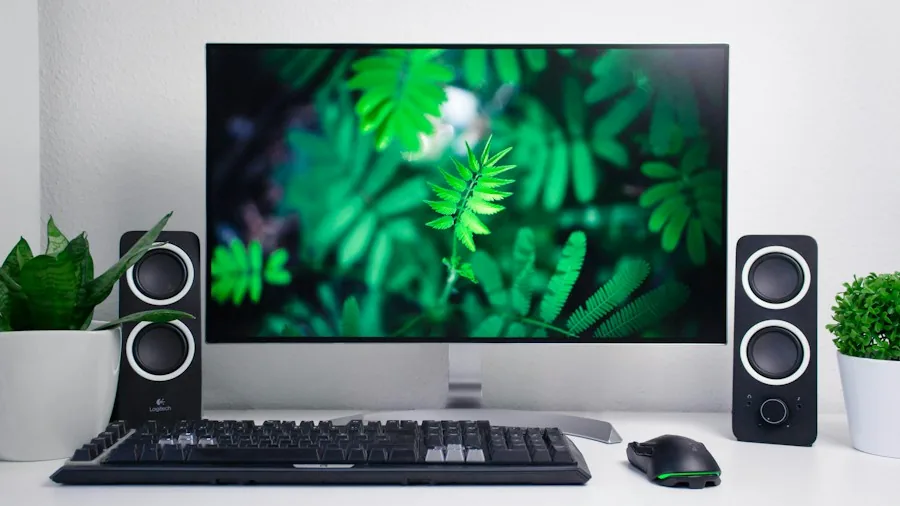
A broken screen or dead battery doesn’t mean your laptop is truly finished. If the internal components still work, you can keep it plugged into a power outlet and connect it to an external monitor, keyboard, and mouse. This transforms your laptop into a functional desktop setup that sits in one place. Many people find this approach more comfortable than laptop computing anyway, since you get better ergonomics and easier access to peripherals. Even if your laptop was never particularly powerful, it can still handle basic computing tasks like email, spreadsheets, and web browsing when positioned this way.
2. Install ChromeOS Flex or a Lightweight Linux Distribution
Sometimes the operating system itself is the culprit behind sluggish performance. Aging Windows installations can make even decent hardware feel painfully slow. Swapping to ChromeOS Flex offers a streamlined alternative that works well for streaming, browsing, and productivity tasks. If you want more customization, lightweight Linux distributions provide flexibility without demanding much from older hardware. The beauty of this approach is that you can create a bootable USB drive first, so you can switch operating systems whenever you’re ready. You won’t suddenly have a speed demon, but your laptop will become substantially more responsive and usable for everyday activities.
3. Build a Home Media Server
If your laptop still powers on, even if it’s sluggish, consider turning it into a dedicated media server using Plex or Jellyfin. These platforms let you organize and stream your entire media library across your home network. Once everything is set up, you barely need the screen or keyboard, so broken monitors or missing keys don’t matter. You can rely on the laptop’s internal storage if it has sufficient capacity, or connect an external hard drive for additional space. Position the device somewhere inconspicuous, keep it plugged in, and let it run quietly in the background while you access your movies, shows, and music from other devices throughout your home.
4. Set Up Basic Network Storage
While you may not be able to build a full-scale network-attached storage system from an old laptop, you can still create functional network storage. Share folders from your laptop across your local network, or attach an external drive to it and share that instead. This gives you a centralized location for backups and file storage without requiring much processing power from the laptop. Connect it via Ethernet cable rather than Wi-Fi, since older wireless protocols tend to be unreliable. Your laptop becomes essentially invisible, sitting quietly and serving files whenever you need to access them from other computers in your home.
5. Create a Digital Dashboard or Display
If your laptop’s screen still works but everything else feels outdated, repurpose it as a wall-mounted information display. Keep the laptop plugged in and positioned somewhere visible, then leave a full-screen browser window open showing a calendar, weather dashboard, home automation interface, or security camera feeds. You can also transform it into a digital photo frame by loading a folder of images and letting it cycle through them automatically. Digital photo frames sold in retail stores can be quite expensive, so your old laptop makes an excellent substitute that costs you nothing extra.
6. Use It as a Specialized Port Hub
Older laptops, particularly those from a decade ago, often feature ports that newer models have eliminated in pursuit of thinness. Full-size HDMI ports, Ethernet jacks, USB-A connections, SD card readers, and headphone sockets were standard equipment back then. Modern laptops have stripped away these conveniences, forcing users to purchase numerous adapters. Keep your old laptop around as a convenient legacy device that provides all these ports in one place. You can connect multiple peripherals and devices directly without needing an adapter collection. This proves surprisingly practical for anyone who regularly works with older equipment or non-standard cables.
7. Donate or Recycle Responsibly
If none of these options appeal to you, don’t simply throw the laptop away. Many schools, nonprofits, and community organizations accept donated electronics. Some refurbished computer programs can wipe data and reinstall operating systems, giving your old laptop to someone who genuinely needs it. If the device is truly beyond repair, research local e-waste recycling programs that safely extract valuable materials and prevent hazardous components from ending up in landfills. Responsible disposal matters for both environmental and security reasons, since your old drive may contain sensitive personal information.
Your Old Laptop Still Has Value
An old or broken laptop doesn’t have to become electronic waste. With minimal effort, you can convert it into something genuinely useful that serves a specific purpose around your home. Whether it becomes a media server, a network storage device, a dashboard display, or simply a desktop PC, your aging machine can continue providing value for years to come. Take time to assess what still works on your device and choose the repurposing option that best fits your needs.
About the author
Ava is REMOVU's laptop writer, balancing speed, battery life, and build quality against price across the whole range. She helps readers find the sweet spot as each new chip shifts what a dollar buys.