7 Tips for Choosing the Right Mechanical Keyboard Switch for Your Needs
From classic mechanical to Hall Effect innovation, learn which switch technology suits your gaming, typing, and budget needs.
 By Josephine Mason
Updated August 16, 2026
By Josephine Mason
Updated August 16, 2026
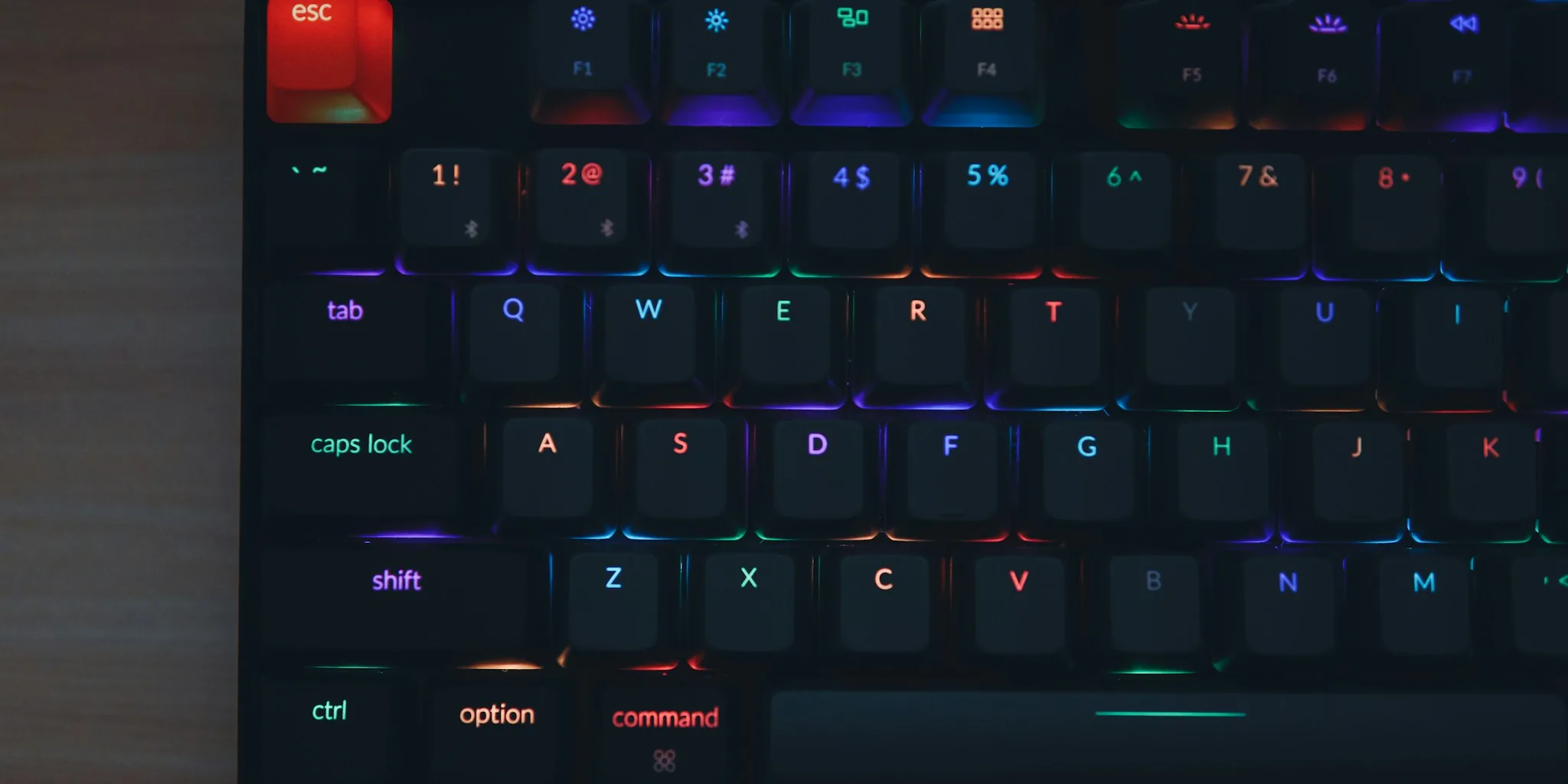
The mechanical keyboard landscape has evolved dramatically in recent years. What was once an enthusiast’s niche has become a mainstream consideration for gamers, professionals, and everyday typists alike. With mechanical keyboards now featuring multiple switch technologies, brand options, and customization levels, finding the right one requires understanding the differences. Whether you care about typing feel, sound, speed, durability, or hot-swap capabilities, knowing your switch options is essential to making an informed purchase.
Tip 1: Start with the Three Traditional Mechanical Switch Types
Traditional mechanical switches divide into three categories based on how they feel when pressed. Linear switches deliver a smooth keystroke from top to bottom with no bump at the actuation point, making them ideal for gaming and quiet typing. Tactile switches provide a small, noticeable bump when you hit the activation point, giving feedback without excessive noise, and appeal to both gamers and typists. Clicky switches add an audible click on top of the tactile bump, offering a heavier feel and retro typing experience, though the noise can become tiresome over extended use.
Tip 2: Understand How Optical Switches Differ from Mechanical Options
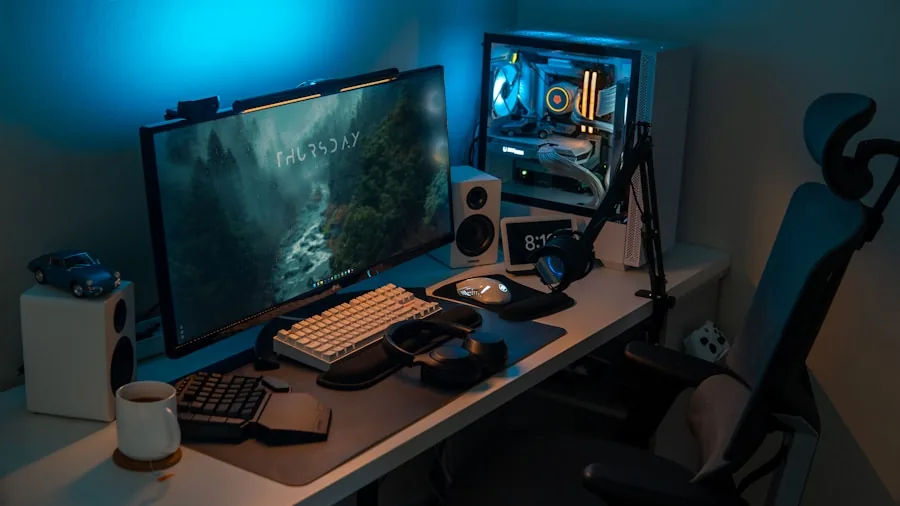
Optical switches resemble mechanical switches but use an infrared light beam instead of metal contacts to register keystrokes. When you press a key, the beam interrupts, triggering the input. This design eliminates metal contact wear, improving durability and often providing marginally faster response times. Optical switches typically support hot-swapping, but they are incompatible with mechanical switch keyboards due to different underlying circuit technology. Brands leading this category offer features like adjustable actuation and rapid trigger modes for advanced customization.
Tip 3: Consider Hall Effect Switches for Maximum Customization
Hall Effect represents the latest advancement in gaming keyboard technology. These switches use a magnet in the stem paired with a sensor that measures travel distance based on magnetic strength, eliminating the need for physical or optical contact points. This approach allows for extremely fine-tuned actuation distances, sometimes as low as 0.1 millimeter. Because there are fewer mechanical parts to wear out, Hall Effect switches offer superior durability. They have gained rapid adoption across the industry, with numerous manufacturers now offering mechanical keyboards featuring this technology.
Tip 4: Explore Topre Switches for Superior Typing Comfort
Topre switches take a different approach using capacitive technology with a rubber dome seated on a spring. A sensor detects dome compression to register keystrokes, creating a softer feel that does not bottom out as hard as traditional mechanical switches. These switches excel for professionals who spend entire workdays typing, as they reduce fatigue during extended sessions. While keyboards with Topre switches command premium prices, many users find the investment worthwhile for the comfort advantage they provide.
Tip 5: Match Your Switch Choice to Your Primary Use Case
Your intended use should guide your switch selection. Competitive gamers benefit most from Hall Effect switches due to their precision and customization potential, though optical switches deliver excellent performance at lower price points. Casual gamers can stick with traditional mechanical switches and still enjoy satisfying gameplay without excessive spending. Professional typists should prioritize tactile mechanical switches for comfort and durability, or invest in Topre switches if budget allows. Budget-conscious buyers can explore mechanical keyboards under $100 featuring solid mechanical switches that still deliver responsive typing.
Tip 6: Know the Limitations of Budget and Low-Profile Options

Budget keyboards typically use membrane or scissor switches rather than mechanical switches. While these options remain quiet and inexpensive, they lack the longevity and tactile satisfaction of mechanical alternatives. Low-profile variants of mechanical, optical, and Hall Effect switches compress keycap height, appearing frequently in gaming laptops and premium standalone keyboards. These options still deliver their respective technology benefits despite reduced profile, making them suitable if compact form factors matter to you.
Tip 7: Research Brand Competition and Innovation Trends
Cherry MX remains the default standard in mechanical switches, but manufacturers like Gateron, Kailh, and Glorious have leveraged expiring patents to create competitive alternatives. These competitors generally follow the same three mechanical categories, making it easier to evaluate what works best for your preferences. Innovation continues across all switch technologies, with manufacturers regularly releasing improved versions that enhance smoothness, durability, and performance. Checking recent product announcements and specifications ensures you understand what each brand brings to the market.
About the author
Josephine covers mechanical keyboards for REMOVU, comparing switch feel, layout, and build quality for typing and gaming. She helps readers navigate a deeply personal choice with clear, practical advice.