7 Tips for Choosing the Right Home Projector Distance for Your Space
Learn where to position your home projector for the best picture quality and brightness in your space.
 By Enrique Sullivan
Updated October 20, 2026
By Enrique Sullivan
Updated October 20, 2026
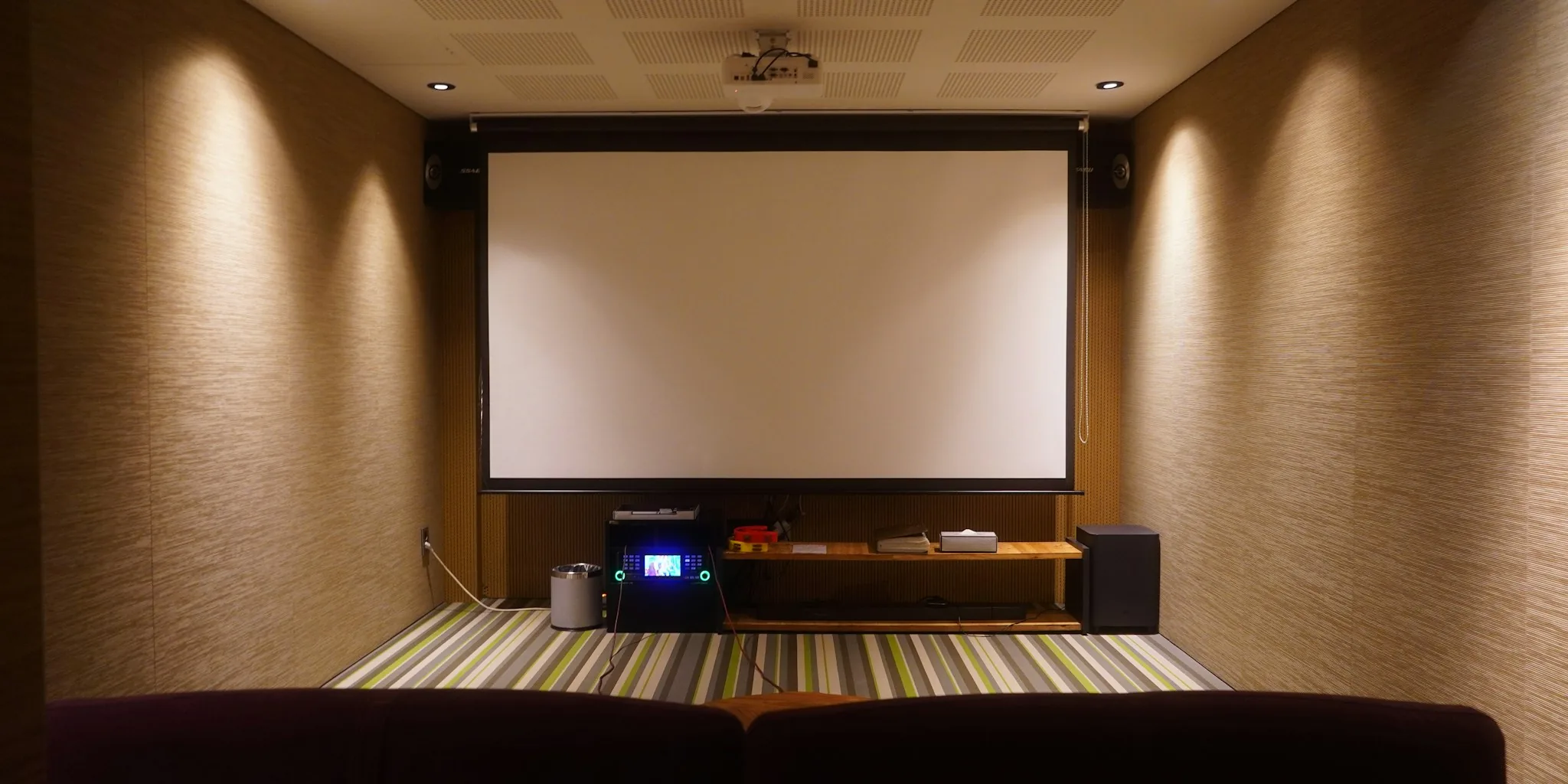
Setting up a home projector might seem straightforward, but placement is actually one of the most important decisions you’ll make for picture quality. The distance between your projector’s lens and the screen dramatically affects brightness, clarity, and overall viewing comfort. Getting it wrong can result in a washed-out image, fuzzy details, or an awkward viewing angle. Understanding throw distance and how to calculate it will help you select the right projector and position it correctly from day one.
Understand the Three Main Projector Types
All home projectors fall into three categories based on their throw distance: how far they sit from the screen. Long throw projectors work best in larger rooms and typically need to sit 10 to 20 feet or more away from the screen, making them ideal for spaces with screens 100 inches or larger. Short throw models are designed for mid-sized rooms and perform optimally when placed 3 to 8 feet from the projection surface. Ultra-short throw projectors, on the other hand, can operate just inches away, making them perfect for small apartments or compact media rooms where wall space is limited.
Know Your Projector’s Throw Ratio
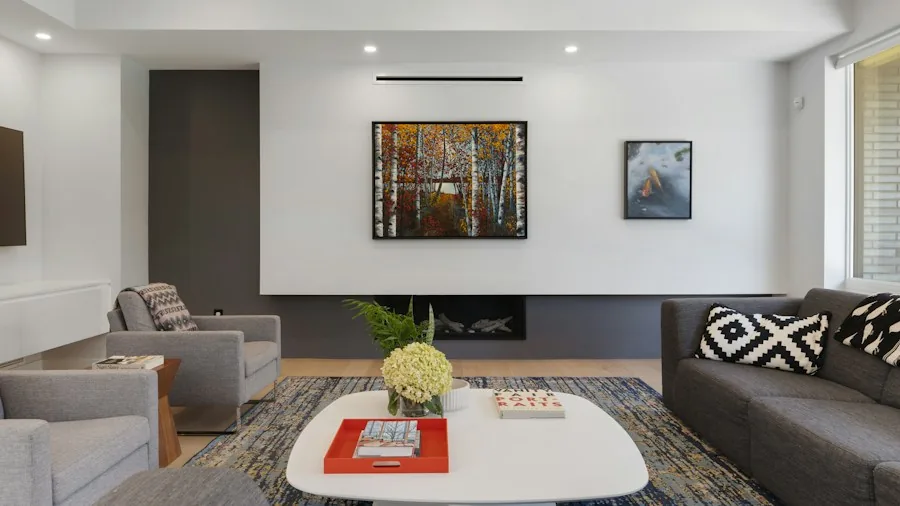
The throw ratio is a simple number that defines how far your projector must sit relative to the image width. For example, a throw ratio of 2.0 means the projector needs to be 2 feet away for every foot of screen width. Check your projector’s specifications sheet for this number. Some projectors have a range instead of a single value because they have optical zoom features, giving you flexibility in placement. Once you have the throw ratio, multiply it by your desired screen width in feet to find the ideal distance. A projector with a 1.35 to 2.84 throw ratio and a 6-foot-wide screen would need to sit between 8.1 and 17 feet away.
Calculate the Right Distance Using the 4/6/8 Rule
The 4/6/8 rule is a practical guide for matching screen size to viewing distance. Simply put, you should sit about 4 to 8 feet away from the screen depending on your seating arrangement and room layout. This rule ensures the image doesn’t feel too small or force viewers to turn their heads uncomfortably. Online distance calculators from major projector manufacturers can also help you work through the math quickly. Input your room dimensions and desired screen size, and these tools will recommend the proper projector placement.
Watch for Washed-Out or Dimmed Images
If your image looks faded or the colors appear dull, your projector is likely too far from the screen. The same amount of light spreads across a larger area as distance increases, reducing brightness and contrast. Deep blacks lose their punch, and bright colors appear pale. Moving the projector closer to the wall will immediately restore vibrancy. Keep in mind that extremely bright rooms can also cause this issue, so dim the space as much as possible and consider blackout curtains.
Check for Fuzzy or Soft Focus
A 4K projector placed beyond its recommended range may produce a fuzzy image instead of crisp, detailed content. Every projector has focus limits, and exceeding them sacrifices picture quality. If you want a larger screen, choose a high-brightness projector rated for bigger images rather than pushing an unsuitable model beyond its capabilities. Check the manufacturer’s recommended size range. For instance, some ultra-wide projectors can technically display 200-inch images but deliver optimal quality only at 60 to 120 inches. Staying within those guidelines ensures you get the sharpness and detail you paid for.
Account for Brightness When Sizing Your Screen
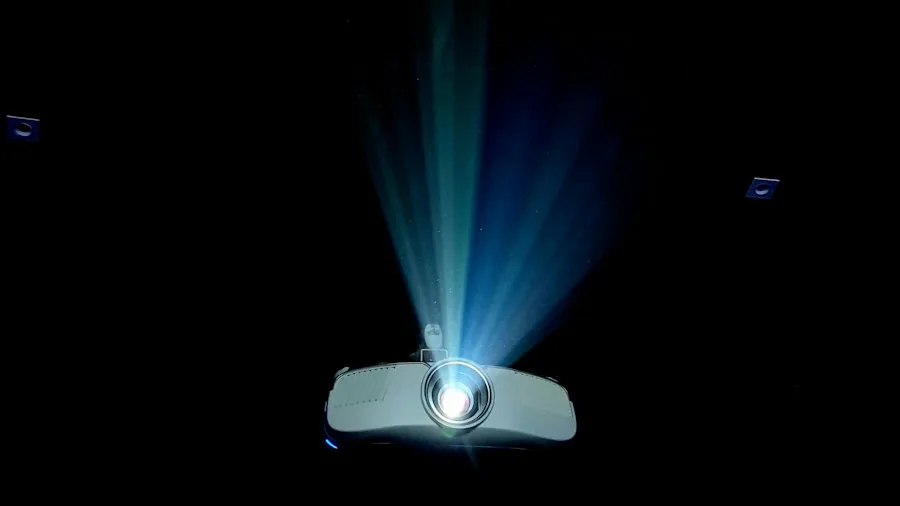
A larger screen requires a brighter projector to maintain image quality. Brightness is measured in ANSI lumens, and brighter units can project larger images without sacrificing color accuracy or contrast. If your space is well-lit or you plan a screen larger than 120 inches, prioritize a projector with significant brightness output. This becomes especially important if you’re planning to watch movies during daytime hours or in rooms without full light control.
Measure Your Room Before Buying
Before purchasing any projector, measure your room carefully. Determine where the projector will sit, how far that is from your intended screen location, and confirm that distance matches available projector options. Account for ceiling height, electrical outlet locations, and any obstacles like furniture or structural elements. Some rooms are better suited to short throw or ultra-short throw models, while others work perfectly with long throw projectors. Taking these measurements first ensures you buy a projector that actually fits your space, rather than discovering placement issues after your purchase. Pairing your projector with the right media center equipment will further enhance your setup and overall viewing experience.
About the author
Enrique writes about projectors for REMOVU, weighing brightness, resolution, and throw distance for home and portable use. He helps readers get a true big-screen experience that no TV matches.