7 Smart Ways to Repurpose Your Old Phone and Keep It Useful
Don't let your upgraded phone gather dust. Discover creative ways to repurpose it as a camera, remote, or PC upgrade.
 By Phyllis Holmes
Updated October 2, 2026
By Phyllis Holmes
Updated October 2, 2026
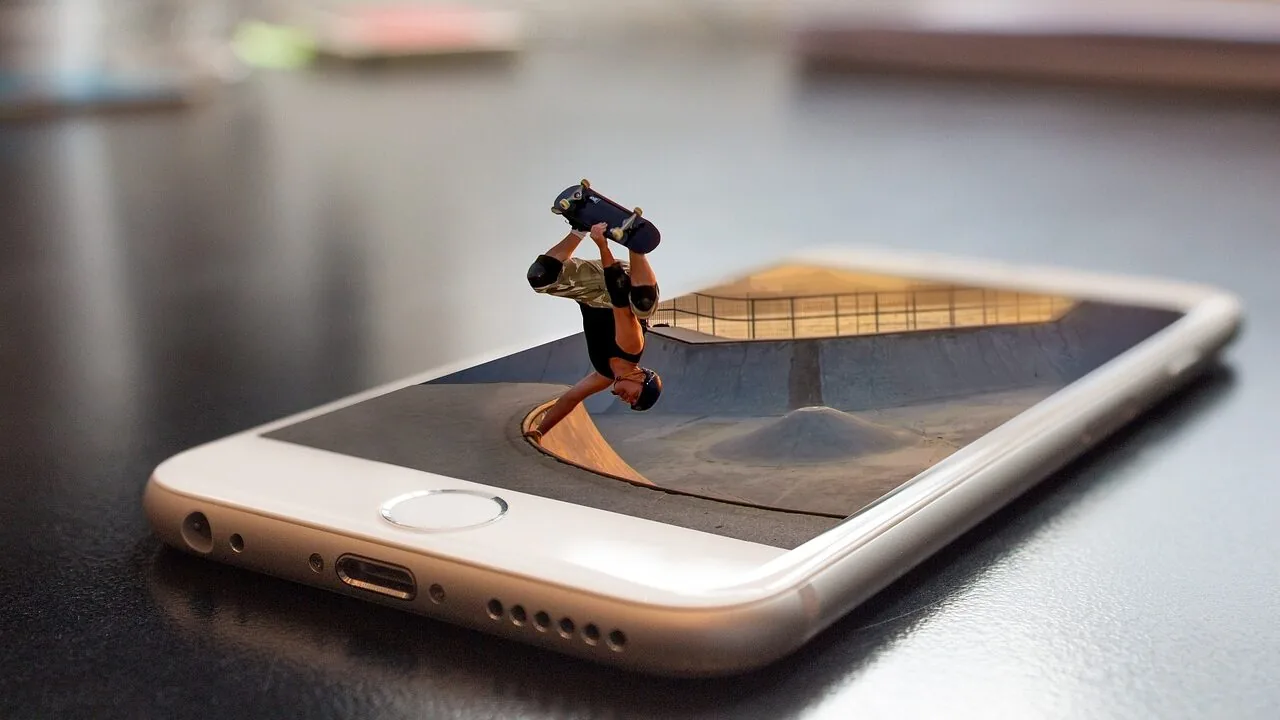
When you upgrade to a new smartphone, that older device doesn’t have to become e-waste or collect dust in a drawer. Modern phones contain valuable components like screens, cameras, microphones, and storage that can serve countless practical purposes. Whether your old phone is slightly outdated or has a worn battery, there are multiple ways to extend its life and get real value from it.
Use It as a Dual-Device Setup
Carrying two phones might seem excessive, but it’s an effective way to separate personal and professional life. You can keep your photos, messages, and work apps isolated from your personal communications, which reduces distractions and maintains privacy. This approach is particularly valuable for freelancers and remote workers who want clear boundaries between their roles.
Another practical option is converting your old phone into an Android Auto display for vehicles that lack built-in infotainment systems. Apps like Open Headunit (available free on GitHub or paid on the Play Store) connect your older device to your primary phone via cable or wireless connection, adding navigation and audio control without any hardware cost. Mounting it on your dashboard or handlebars creates a seamless driving or riding experience.
Transform It Into a Specialized Camera
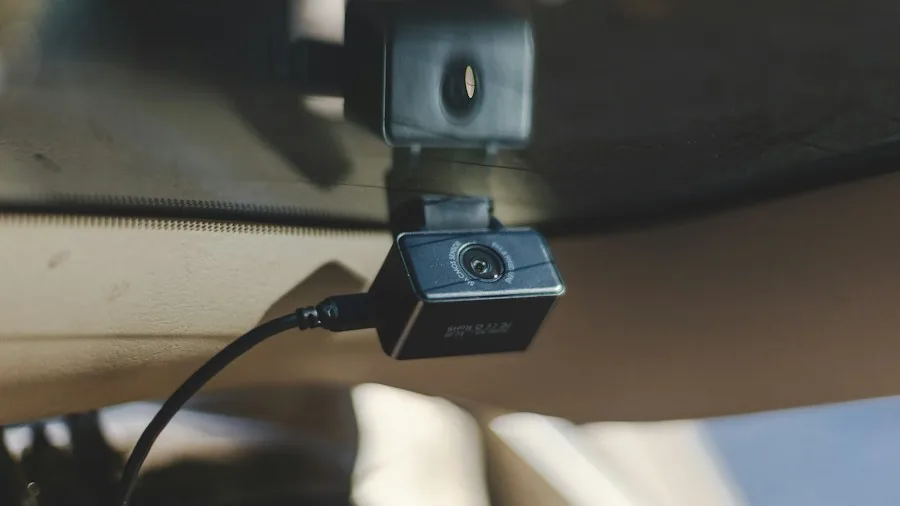
Your phone’s camera remains functional even if the device is slow. A dash cam setup using apps like Droid Dashcam records video automatically while displaying useful data such as GPS coordinates and vehicle speed. Simply mount it on your dashboard and connect it to power, then let it run continuously. The footage provides documented evidence in case of accidents or disputes.
Security monitoring is another excellent use case. Apps like AlfredCamera turn your phone into a full surveillance camera for your front door, driveway, garage, or backyard. As long as you maintain power to the device, it streams directly to your main phone. The same setup works for a baby monitor or pet camera if you need to watch a room while away.
Build a Distraction-Free Media Player
Download your favorite music playlists for offline playback, and you’ve created a dedicated device for the gym or running. Unlike your daily phone, this won’t interrupt your workout with notifications or messages. You can even customize the interface to resemble an iPod Classic with a click-wheel skin for nostalgic appeal.
If you prefer reading, an old phone becomes an excellent e-reader. Install a minimal launcher and grab apps like Moon+ Reader or Readera, then adjust your display settings for comfortable viewing. This setup works on phones and tablets alike, offering a distraction-free reading experience away from your primary device.
Create a Universal Control Hub
Most major television brands have dedicated apps, but managing multiple TVs throughout your home becomes tedious. A universal remote app like Universal TV Remote consolidates all your TV controls onto one device, eliminating the need for several physical remotes.
Enhance Your PC Setup
Your older phone can address several computer-related needs without extra purchases. If you attend frequent video meetings, replace your laptop’s built-in webcam with your phone’s superior camera. Android 14 and later include native webcam mode: simply plug in via USB and select webcam instead of charging-only mode. For wireless alternatives, apps like DroidCam and Camo work across all Android versions. DroidCam also functions as a microphone, upgrading your audio quality significantly compared to standard laptop microphones.
The best webcams available today cost considerable money, so repurposing your phone is a budget-friendly solution that maintains quality.
Extend your workspace by using apps like Spacedesk, which mirror or extend your desktop onto your phone screen, creating an additional portable monitor. For streamers and content creators, apps like Touch Portal transform your screen into a customizable grid of shortcuts and macros, functioning like a Stream Deck without the expense.
Finally, your phone serves as mobile storage. With 128GB or 256GB of capacity, it becomes a portable backup drive. Apps like LocalSend and Quick Share enable wireless file transfers, making it more convenient than traditional USB drives. Quality power banks keep devices charged during extended use, ensuring your phone maintains power while serving as storage or other functions.
Sell or Donate It
If creative reuse doesn’t appeal to you, selling remains viable. Current market prices for older phones remain strong, so you could recover decent value through platforms like SellCell, Swappa, eBay, or Facebook Marketplace. Trading it in for a new device often yields even better value when combining trade-in credit with manufacturer promotions.
Donation is equally worthwhile if the device is functional. Pass it to family members or friends who need it, or donate to registered charities and recycling programs. This ensures your phone receives a second life rather than becoming landfill waste.
The key takeaway is simple: modern smartphones contain too much value to discard. Whether you choose to multitask with a dual-device setup, repurpose it as a security camera or media player, or integrate it into your computer ecosystem, possibilities abound. Your old phone’s usefulness depends entirely on how creatively you apply it to your lifestyle.
About the author
Phyllis writes about security cameras for REMOVU, comparing video quality, smart alerts, and fair storage costs. She helps readers pick indoor and outdoor cameras they can rely on.