7 Hidden Hotspot Features You Probably Don’t Know About on Your Android Phone
Transform your phone into a travel router, network troubleshooter, and more with these hidden hotspot capabilities.
 By Eleanor Garcia
Updated October 24, 2026
By Eleanor Garcia
Updated October 24, 2026

Your Android phone’s hotspot is far more versatile than most people realize. While many users rely on it simply to share mobile data with a laptop or tablet, the feature actually unlocks several powerful capabilities that can solve real-world connectivity challenges. Understanding these hidden uses can turn your phone into a multi-purpose networking device that works in situations where traditional equipment would be impractical or unavailable.
Transform Your Phone Into a Compact Travel Router
One of the most practical applications is using your phone as a full-featured travel router. This approach works especially well if you have an older device available, freeing up your main phone for regular use while you manage connectivity for all your devices during trips. Simply enable the hotspot feature and connect your devices wirelessly just as you would with any dedicated travel router.
The beauty of this approach lies in its flexibility. You can connect to hotel Wi-Fi or public networks and then share that signal across multiple devices simultaneously. If the available network becomes sluggish, you can seamlessly switch to mobile data without interrupting service, something that portable routers cannot do without additional equipment. For road trips, your phone can create a Wi-Fi network that covers your entire vehicle, allowing passengers’ devices, dashcams, and even your car’s built-in connectivity systems to stay online.
Keep your phone plugged into a power source or connected to a portable charger since running a hotspot continuously drains the battery quickly and generates considerable heat. The advantage of this battery-powered approach is that you maintain internet connectivity on mobile data even during power outages, unlike traditional travel routers that require either wall power or a separate power bank to function.
Use Your Phone as a Modem for Your Main Router
When your primary internet connection fails, your phone can act as a backup modem by connecting directly to your home router via USB tethering or an Ethernet adapter. This approach distributes mobile internet throughout your entire household to all connected devices, both wired and wireless, without relying on the phone’s built-in hotspot limits.
Most Android phones restrict hotspot connections to around ten devices simultaneously, but connecting through your router bypasses this constraint entirely. Some routers support WISP mode, allowing the connection over Wi-Fi without any cables at all. This setup provides more stability and reach than using your phone alone as a hotspot, making it ideal for households where multiple devices need consistent connectivity.
Create a Wi-Fi Signal Booster for Dead Zones
Dead zones in your home can be addressed by converting your phone into a Wi-Fi repeater. While dedicated repeaters generally perform better, your phone offers a convenient solution when you need immediate coverage. Connect your phone to your existing network, enable the hotspot, and create a separate network name that differs from your main Wi-Fi SSID to prevent devices from constantly switching between networks.
The 2.4GHz band typically offers better range and wall penetration than 5GHz, making it the ideal choice if your phone supports band selection. You can also establish an always-on hotspot in areas without internet, such as garages, storage spaces, or vacation properties, to keep security cameras and smart home devices connected to the network. Just remember to keep the phone plugged in and monitor its temperature during extended use.
Build an Offline Local Network for File Sharing
Creating a LAN without internet access through your phone’s hotspot serves niche but genuinely useful purposes. When camping or in locations without connectivity, your devices can still communicate with each other for file transfers using apps like LocalSend, media streaming, or even gaming. This capability becomes valuable when internet access is completely unavailable and you still need to exchange information between devices.
Be aware that some phones isolate connected devices from each other, and certain models require an active mobile data connection or SIM card to enable the hotspot at all. Before relying on this feature in critical situations, verify that your specific phone allows device-to-device communication when the hotspot is enabled without mobile data.
Troubleshoot Home Internet Problems Systematically
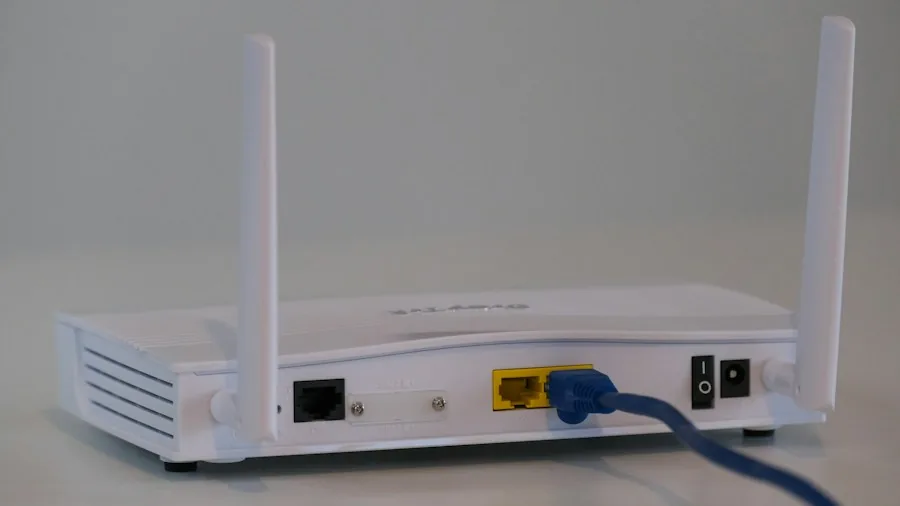
Your phone becomes a diagnostic tool when connectivity issues arise at home. If a device experiences slow loading or connection failures, connect it to your phone’s hotspot using USB tethering for the most accurate assessment, which eliminates Ethernet cables from the troubleshooting process.
If the problem persists when connected to your phone, the device itself is likely faulty. If the problem disappears, your router, cable, or internet service provider bears responsibility. When all devices lose connectivity, enable mobile data on your phone and connect it to your router via USB tethering or an Ethernet adapter. If performance improves, contact your ISP. If problems continue, your router needs attention. Run a quick speed check on your phone’s mobile connection first to ensure it’s stable enough for accurate diagnostics.
Take Advantage of Multiple Network Scenarios
The versatility of your phone’s hotspot feature means you should consider it whenever connectivity challenges arise. Whether you need backup internet for your home, portable networking for travel, signal extension throughout your space, or diagnostic capabilities for troubleshooting, your phone delivers solutions that would otherwise require separate hardware or specialized equipment.
The main limitation to remember is that many unlimited data plans restrict or throttle hotspot usage, so monitor your plan’s terms. Using an older phone as a dedicated hotspot works best since the feature does tie up the device, making it unavailable for other purposes during extended use.
About the author
Eleanor covers smartphones for REMOVU, balancing cameras, battery life, and software support against price. She helps readers find the best value as the field shifts with every release.