5 Tips to Maximize Your Phone’s Wireless Charging Speed
Get faster wireless charging with the right charger, power adapter, and setup optimization strategies.
 By Eleanor Garcia
Updated August 14, 2026
By Eleanor Garcia
Updated August 14, 2026
Understanding the shift in wireless charging standards
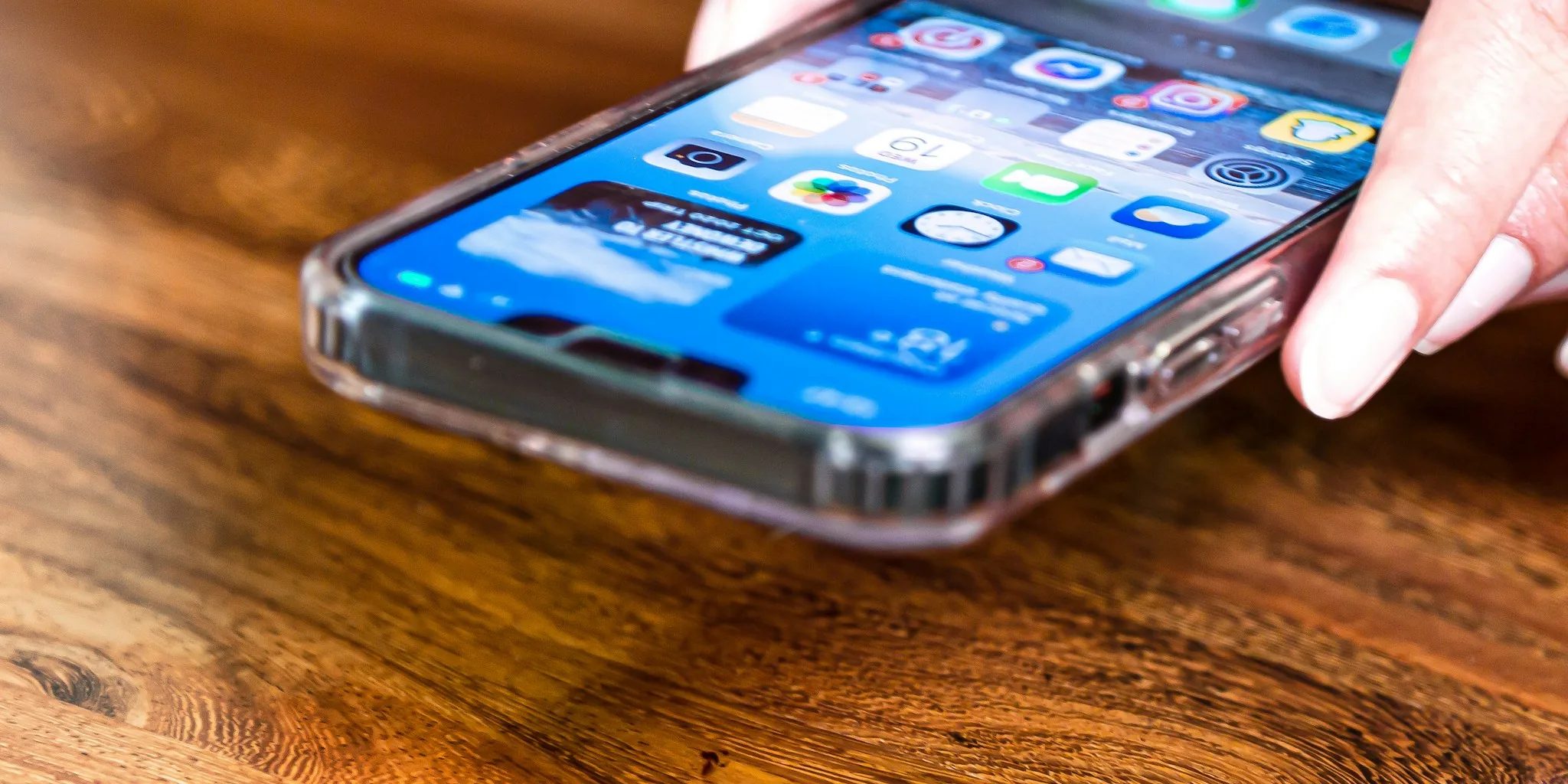
Wireless charging has come a long way from its early, sluggish days. Today’s smartphones are capable of pulling significantly more power through the air than they could just a few years ago. The latest generation of devices now support Qi 2.2, a standard that enables magnetic wireless charging at speeds up to 25 watts. This represents a meaningful jump from the 15-watt maximum that defined the previous generation, making a noticeable difference when you need to top up your battery throughout the day.
Understanding what drives faster wireless charging is the first step toward making the most of your phone’s capabilities. Charging speed depends on three main factors: your phone’s hardware support, your wireless charger quality, and your power adapter capacity. When all three components work together properly, you unlock the full potential of modern charging technology.
Tip 1: Invest in a charger that supports the latest standard
Not all wireless chargers are created equal. If your phone supports Qi 2.2 charging with 25-watt capability, you need a charger specifically designed to deliver that speed. Older wireless chargers tops out at 15 watts, meaning you’ll be leaving performance on the table even if your phone can handle more. When shopping for a new wireless charger, look for compatibility with Qi 2.2 and confirmation that it supports 25-watt speeds.
The good news: if you already own a compatible charger from your phone’s manufacturer, there’s a solid chance it already supports these faster speeds. Many existing chargers have been forward-compatible with the latest standard, so you may not need to purchase anything new at all.
Tip 2: Pair your charger with a powerful enough power adapter
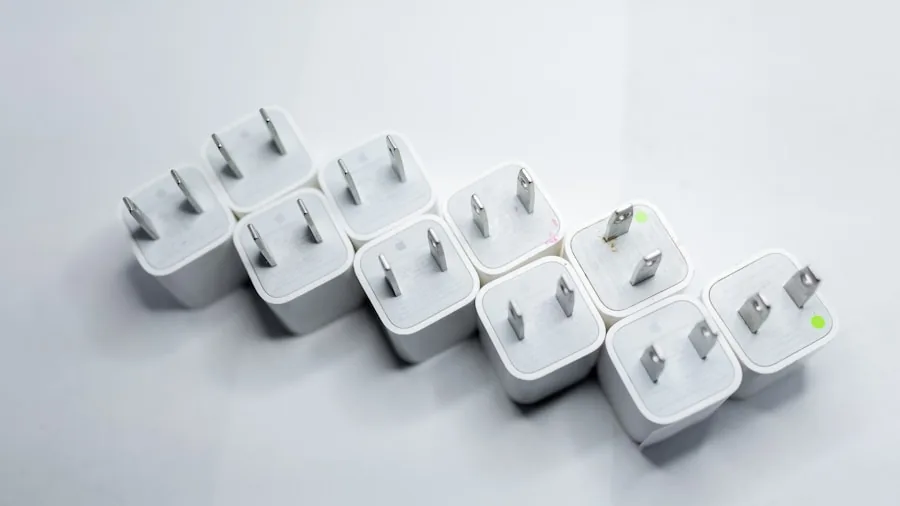
Here’s where many people accidentally slow down their charging without realizing it. Your wireless charger is only as fast as the power adapter it’s connected to. To achieve 25-watt wireless charging speeds, you need a USB-C power brick rated for at least 35 watts. Pairing a 25-watt-capable charger with a weak 15-watt adapter will severely limit your charging speed and defeat the entire purpose of upgrading.
Check the wattage label on your existing power adapters before assuming they’ll work. Many standard chargers that came with older phones are rated for 18 watts or less. If you need to purchase new adapters, opt for 35-watt USB-C models to ensure you’re getting the fastest possible wireless charging experience.
Tip 3: Compare wireless charging speeds across brands
The smartphone market offers varying levels of wireless charging performance depending on the brand you choose. Recent flagship models from major manufacturers each bring different charging capabilities to the table. The latest premium phones from Google and Apple both support 25-watt magnetic wireless charging, while some competitors lag behind. Samsung’s newest standard-tier models, for example, max out at 15 to 20 watts wirelessly, with only the ultra-premium model reaching 25 watts.
If charging speed is a priority in your purchasing decision, knowing where each brand stands helps you make an informed choice. The gap between 15 watts and 25 watts might seem small numerically, but it translates to meaningfully faster charging times throughout your daily routine.
Tip 4: Consider complementary charging solutions
Wireless charging speed matters most when you’re at home or at your desk, but you’ll also benefit from having backup charging options when you’re mobile. Portable power banks give you emergency charging capacity away from outlets, while compact chargers designed for travel offer convenience without bulk. These products work alongside your home wireless setup to keep your battery healthy throughout your day.
For outdoor enthusiasts, solar charging options provide sustainable backup power without relying on traditional electrical infrastructure. Combining a fast wireless charger at home with strategic backup options creates a comprehensive charging ecosystem tailored to your lifestyle.
Tip 5: Monitor charging conditions for optimal performance
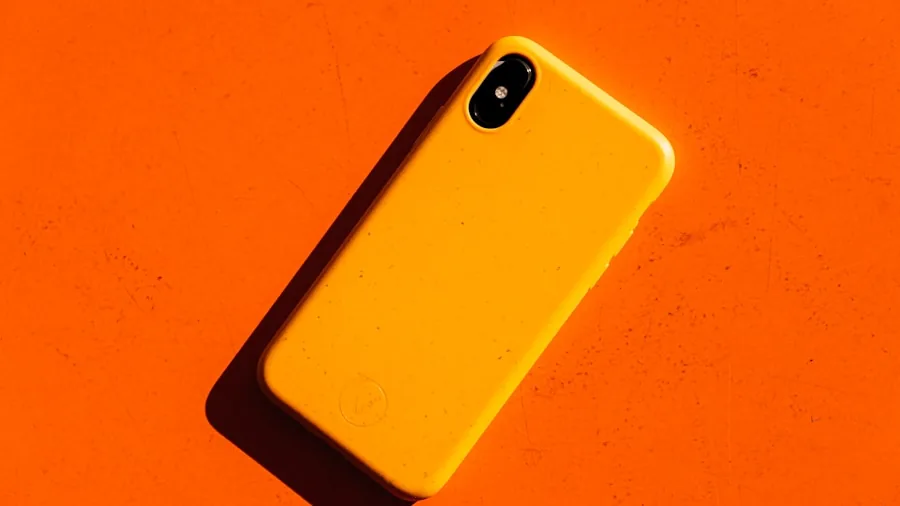
Environmental factors influence how quickly your phone actually charges wirelessly. Charging speed can vary slightly depending on battery temperature, the thickness of your phone case, and any metal objects near the charger. Metal accessories or thick protective cases can reduce charging efficiency and slow speeds slightly. For maximum performance during important charging sessions, remove unnecessary cases or ensure minimal obstructions between the charger and your phone.
Battery temperature also plays a subtle role. Phones are designed to throttle charging speeds when internal temperature gets too high, a safety feature that protects long-term battery health. Allowing your phone to cool slightly during charging sessions maintains peak charging speed and extends overall battery lifespan.
Planning your wireless charging upgrade
As wireless charging technology continues to improve, understanding these practical principles helps you maximize your investment. Whether you’re considering a new phone or simply looking to optimize your current setup, prioritizing 25-watt compatibility and pairing it with appropriate power adapters will deliver the fastest wireless charging experience available today. The combination of modern hardware, compatible accessories, and smart usage habits transforms wireless charging from a convenient novelty into a genuinely fast way to keep your phone powered throughout your day.
About the author
Eleanor covers smartphones for REMOVU, balancing cameras, battery life, and software support against price. She helps readers find the best value as the field shifts with every release.