USB-C Explained: Why the C Matters and What Shoppers Need to Know
Discover the true meaning behind USB-C and debunk popular myths about what this connector can actually do.
 By Ava Herrera
Updated November 3, 2026
Understanding USB-C: Separating Fact from Fiction
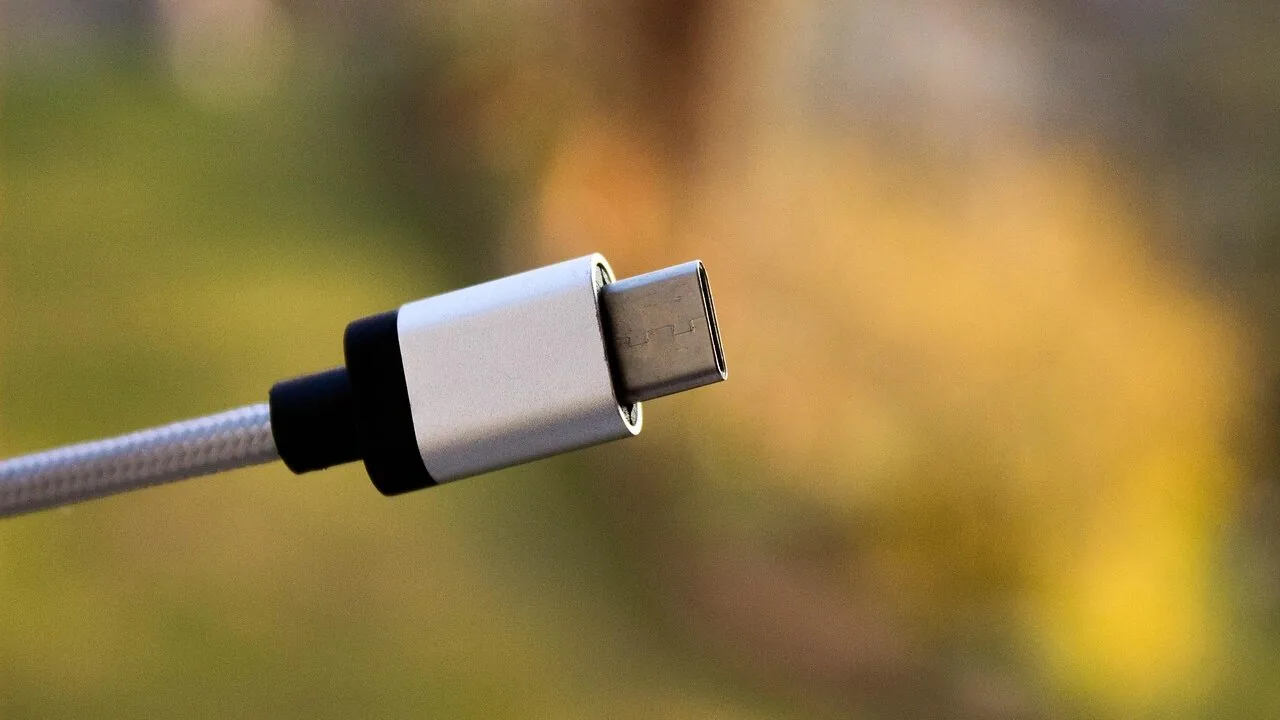
The USB-C connector has become nearly universal in the tech world, but widespread confusion still surrounds what the letter C actually represents. Internet forums overflow with theories, yet the real answer is straightforward: the C simply indicates the connector type that followed Type-A and Type-B. It does not stand for connectivity, charging, or the rounded shape of the plug, despite what many online resources claim.
Beyond the name itself, numerous misconceptions persist about USB-C capabilities. Many shoppers assume that a USB-C port automatically delivers fast charging speeds, handles high-bandwidth data transfer, or functions identically to Thunderbolt technology. In reality, the connector is merely the physical shape. What actually flows through that port depends entirely on the specific device and cable, which means two USB-C ports can offer vastly different performance levels.
The Evolution of USB Connectors: From Type-A to Type-C
USB technology debuted in January 1996 with only two connector types. Type-A, the flat rectangular shape, connected to the host device such as a computer or power adapter. Type-B, a bulkier square design, attached to peripheral devices like printers or scanners. This two-connector system was intentional, designed so cables could only insert correctly one way, preventing accidental damage from reversed connections.
As mobile devices proliferated, manufacturers introduced increasingly smaller variants. USB 2.0 in 2000 brought mini connectors, followed by micro versions as phones and cameras demanded thinner designs. Color coding emerged as a loose standard to indicate different capabilities: black for USB 2.0, blue for USB 3.0, and red or yellow for ports that supplied power during sleep mode. However, manufacturers frequently ignored these conventions, leaving shoppers frustrated by inconsistent labeling.
USB Type-C was finalized in August 2014, addressing nearly every complaint users had voiced about previous versions. The connector is thin enough to fit the slimmest modern devices, and it works regardless of insertion direction, eliminating the guessing game of older cables. Most importantly, Type-C abandoned the host-versus-device distinction that defined earlier designs. The connector shape remained constant, and devices themselves negotiated data and power delivery through intelligent protocols rather than relying on different physical designs.
Why USB-C Represents a Real Shift for Consumers
The move to a single connector type has tangible benefits for shoppers. You no longer need multiple cables for different devices or spend time figuring out which direction to insert a plug. USB-C docks now simplify desk setups by consolidating charging and data transfer through one standardized connector. This consistency extends across phones, tablets, laptops, and accessories in ways previous USB generations never achieved.
The technical capabilities built into USB-C have improved dramatically since its introduction. USB4 Version 2.0 now supports speeds up to 80 gigabits per second through the identical Type-C connector, demonstrating how the standard accommodates advancing technology without requiring physical shape changes. Cables simply evolve to handle greater bandwidth and power delivery while maintaining compatibility with older devices.
Practical Implications When Shopping
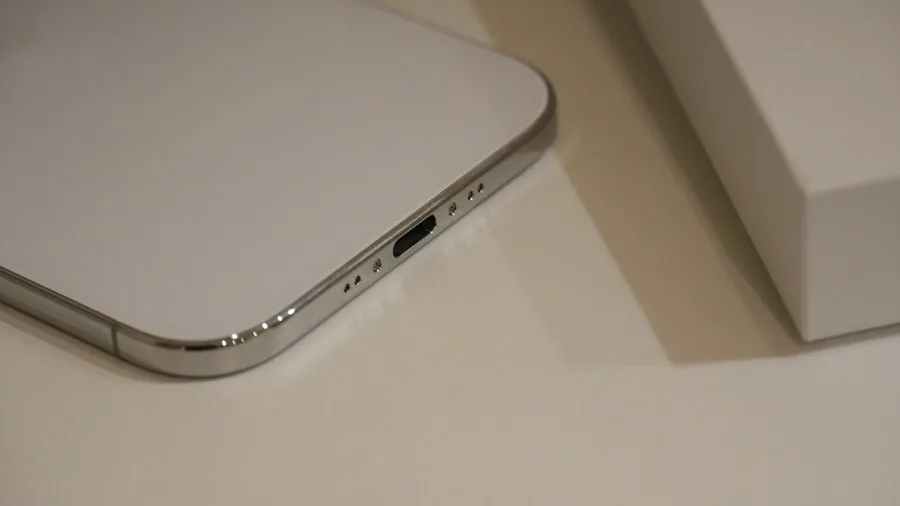
For consumers making purchasing decisions, understanding USB-C means recognizing that the connector alone does not guarantee performance. A USB-C port on a smartphone may handle basic charging only, while the same connector on a laptop might support high-speed data transfer and video output simultaneously. When shopping for cables or accessories, consult device specifications rather than assuming capabilities based on the presence of a USB-C port.
Power delivery also varies significantly. Some USB-C cables support fast charging for laptops, while others deliver only modest wattage suitable for phones and tablets. The cable quality, internal construction, and power rating determine actual performance, not merely the external connector shape. Smart shoppers verify that any USB-C accessory or cable they purchase specifically supports the features they need, whether that involves rapid charging, external monitor connectivity, or high-speed file transfers.
Looking Forward: Current Limitations and Future Possibilities
Despite its widespread adoption and significant improvements over previous standards, USB-C is not perfect. The internal plastic tab that holds the electrical pins is relatively delicate and prone to bending or breaking if handled roughly. A damaged port can render an otherwise functional device unusable. The connector also requires a certain amount of pressure and precision when inserting cables, which some users find finicky during daily use.
Technology companies have not announced plans for a USB Type-D connector at this time. However, many industry observers suggest that a magnetic ball-shaped connector design could address current limitations by eliminating insertion difficulty and reducing wear on delicate internal components. Until such advances materialize, USB-C remains the most sensible standardized option available today, unifying the sprawling ecosystem of consumer electronics in ways that benefit both manufacturers and shoppers alike.
About the author
Ava is REMOVU's laptop writer, balancing speed, battery life, and build quality against price across the whole range. She helps readers find the sweet spot as each new chip shifts what a dollar buys.