Ultra-High Polling Rate Gaming Mice Arriving Now: What Buyers Should Know
New ultra-high polling rate mice are everywhere. Here's what they actually mean for your gameplay and whether the upgrade is worth it.
 By Clyde Spencer
Updated October 7, 2026
By Clyde Spencer
Updated October 7, 2026
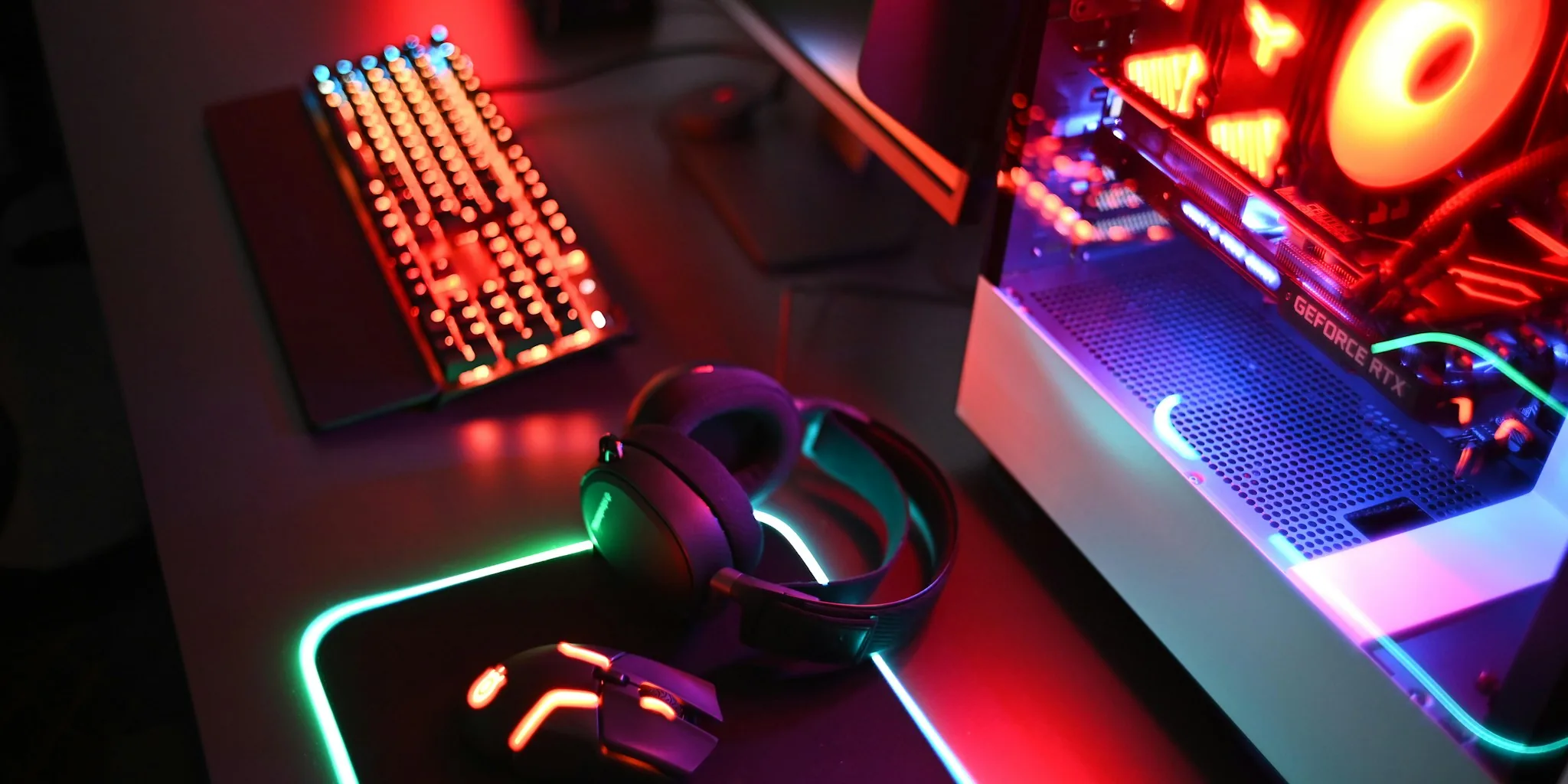
Gaming mouse manufacturers have been racing to boost polling rates to unprecedented levels. Where 1,000 Hz was the industry standard for years, virtually every flagship esports-oriented gaming mouse now features an 8,000 Hz polling rate. But this shift raises an important question for shoppers: do you actually need this technology, and what does it mean for your gaming performance and wallet?
Understanding Polling Rate and Real-World Impact
Polling rate measures how frequently your mouse communicates with your computer, reporting movement and clicks to the CPU. A standard 1,000 Hz gaming mouse sends signals once every millisecond, creating 1ms of latency. The new 8,000 Hz mice communicate 8,000 times per second, reducing latency to just 0.125 milliseconds. By comparison, non-gaming mice typically operate at 125 Hz, translating to 8ms of latency.
The jump from 125 Hz to 1,000 Hz is genuinely noticeable in gameplay. However, the difference between 1,000 Hz and 8,000 Hz exists in fractions of a millisecond. Most casual gamers cannot perceive latency differences below one millisecond. Professional esports competitors might detect an edge with ultra-high polling rates, but average players should understand that this feature delivers diminishing returns for the price premium and potential system demands.
System Requirements and Performance Trade-offs
Higher polling rates demand more from your PC. Your CPU must process significantly more frequent communication from the mouse, which can affect overall system performance if your processor cannot handle the load. This becomes especially problematic if you lack a modern gaming CPU or a high-refresh-rate display. Your monitor should support at least 240 Hz refresh rates to complement 8,000 Hz polling; without it, you will not perceive any smoothness benefits.
Additionally, quality gaming mice with 8,000 Hz polling rates designed for wireless use experience dramatic battery drain. The Corsair Sabre V2 Pro Wireless delivers 120 hours at 1,000 Hz but only 21 hours at 8,000 Hz. The Razer Basilisk V3 Pro drops from 150 hours to 28 hours. The Turtle Beach Burst II Pro performs somewhat better at 40 hours but still represents a significant decrease. This battery trade-off may be unacceptable for players who prefer the freedom of wireless peripherals.
Workarounds and Charging Solutions
Some manufacturers have developed solutions to extend battery life on wireless mice with ultra-high polling rates. Razer offers charging dock accessories and special wireless dongles that enable 8,000 Hz operation, while Logitech has created compatible wireless charging mouse pads. However, these solutions require additional purchases beyond the mouse itself, and most built-in receivers on wireless mice do not support 8,000 Hz polling without these accessories.
If you prefer a wired connection, you avoid battery concerns entirely. Wired gaming mice with 8,000 Hz polling are increasingly affordable, with options ranging from budget-friendly models to premium esports equipment.
Where You Will Find Ultra-High Polling Rates
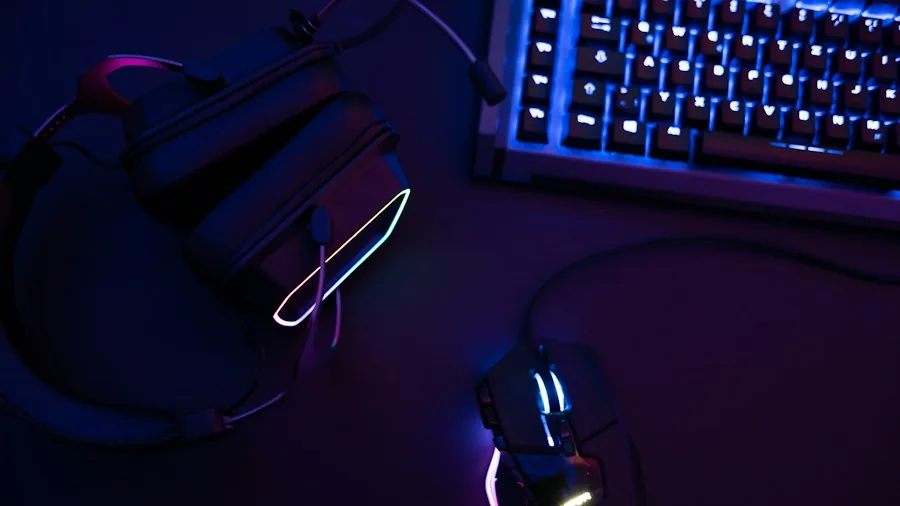
Esports-focused mice naturally lead this trend. Lightweight, precise models designed for competitive shooters and strategy games increasingly ship with 8,000 Hz polling as standard. Budget-conscious gamers have options too: several manufacturers, including Redragon, offer 8,000 Hz gaming mice at price points under $60. Meanwhile, ultra-high polling rates are spreading beyond esports gear into general gaming mice and even unconventional designs like mice with built-in streaming controls.
Razer has made 8,000 Hz capability available across much of its lineup, with older models receiving compatibility through separate dock accessories. Newer mid-range mice from the company often include the feature natively. Even devices designed for casual gaming now frequently advertise ultra-high polling rate options.
Making Your Decision
Before investing in an 8,000 Hz gaming mouse, evaluate your actual needs. Competitive esports players will benefit most from the reduced latency. Casual gamers, content creators, and general users should consider whether the performance difference justifies the cost and potential system strain. The technology is increasingly becoming standard rather than premium, which means you may find it included on moderately-priced models even if you do not specifically seek it out.
What matters most is finding a mouse that fits your hand comfortably, offers the weight and size suited to your gaming style, and falls within your budget. Ultra-high polling rates are now an expectation in flagship products, but they should not be your sole purchasing criterion. Evaluate overall build quality, ergonomics, sensor precision, and software features alongside polling rate specifications before making your final choice.
About the author
Clyde covers wireless mice for REMOVU, weighing comfort, precision, and battery life for work and productivity. He helps readers find a mouse that fits their hand and their desk.