Thunderbolt 5 Dock Revolution: What the Wokyis G7 Means for Mac Owners
New G7 dock combines retro design with pro-level Thunderbolt 5 connectivity and storage expansion.
 By Ava Herrera
Updated September 13, 2026
By Ava Herrera
Updated September 13, 2026

A new generation of docking solutions has arrived for Mac users, and it brings far more than just connectivity. The Wokyis G7, designed specifically for Mac Studio computers, introduces a combination of retro aesthetic and modern professional features that could reshape how creatives and power users organize their desk setups.
What Changed in the Docking Market
Docking stations have traditionally been functional but forgettable pieces of technology. The new Wokyis lineup, which includes both the G5 for Mac mini and the G7 for Mac Studio, challenges this convention by combining nostalgic 1980s design language with serious professional-grade connectivity. The G7 model arrives with a 7-inch flip-up display, Thunderbolt 5 support on its premium tier, and enough storage capacity to eliminate the need for expensive internal upgrades.
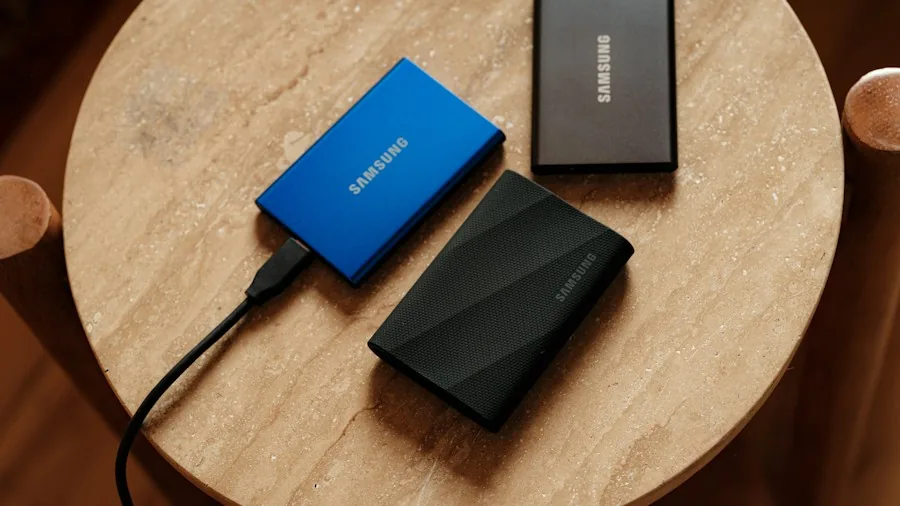
Thunderbolt 5 represents a significant leap forward in data transfer speeds. On the 80 Gbps configuration of the G7, this connectivity standard enables external storage to operate at speeds approaching what you would get from your computer’s internal drive. This matters because Mac users have historically paid substantial premiums to Apple for internal storage expansion. A quality external NVMe SSD connected via Thunderbolt 5 now offers a practical alternative.
Key Specifications That Matter for Buyers
The G7 includes several professional-grade features worth understanding. Nine programmable physical buttons let users control volume, media playback, screenshots, and display settings without reaching for the keyboard or trackpad. The built-in 7-inch IPS display operates at 1280×800 resolution and connects as a standard external monitor in macOS, allowing you to drag any window or application onto it for secondary screen functionality.
Storage expansion stands out as perhaps the most practical benefit. The dock accepts M.2 NVMe SSDs up to 8TB, with Thunderbolt 5 delivering performance that approaches internal storage speeds. You also get a CFexpress Type B card reader rated at 1,000 MB/s, dual USB-C ports capable of 10 Gbps, dual USB-A ports at the same speed, SD and Micro SD 4.0 readers, and DisplayPort output supporting 8K resolution at 60Hz. When looking at the best Thunderbolt docks for desk setups, this density of features positions the G7 in a specialized category.
Understanding the Display Feature
The flip-up display initially seems like a novelty, but it proves surprisingly functional. Professionals using video editing software can employ it as a dedicated color monitoring panel. Content creators stream video podcasts or monitor system statistics on it while handling administrative work. The display supports any macOS window or application, meaning workflows can expand naturally across both screens. Wokyis has indicated future development of utilities optimized specifically for this display, potentially expanding its use cases further.
Storage Expansion as a Game Changer
One of the most compelling reasons buyers should pay attention involves external storage strategy. Rather than paying Apple’s premium pricing for larger internal storage configurations, users can now purchase external SSDs for backup purposes and maintain them in the dock’s enclosure. Even with current SSD pricing, external expansion remains more cost-effective than internal upgrades. The Thunderbolt 5 connection on the 80 Gbps model ensures these drives perform at near-native speeds, eliminating the traditional performance trade-off associated with external storage.
Design Philosophy and Practical Impact
The G7 embraces retro gaming aesthetics with a beige finish, directional pad, and red action buttons that reference classic computer design. Beyond the nostalgic appeal, this visual personality transforms sterile silver Mac Studio computers into conversation pieces. More importantly, the design philosophy reflects a genuine attempt to combine form with extensive function rather than sacrificing one for the other.
Notably, the dock is not exclusive to Mac computers. While it physically mounts on Mac Studio or Mac mini models, it functions as a standard USB-C hub with any computer featuring USB-C connectivity, expanding its potential user base.
Availability and Pricing Information
Both the G5 and G7 opened for pre-orders through Kickstarter, with global shipments beginning in October 2026. Early-bird pricing offers substantial discounts compared to eventual retail pricing. The G7 80 Gbps model, which includes Thunderbolt 5 support, carries early pricing of $219, with retail eventually reaching $369. Lower-tier configurations start at $109 for the 10 Gbps version.
What This Means for Your Purchase Decision
For Mac owners evaluating dock purchases, the G7 presents a compelling package. It combines necessary professional connectivity, practical secondary display functionality, and substantial storage expansion capacity in a single unit. The retro design aspect appeals to users seeking personality in their computing environment, but the real value lies in consolidating multiple accessories onto one device. Rather than scattered hubs, card readers, and storage solutions cluttering a desk, users gain a comprehensive docking solution that addresses connectivity, display expansion, and storage needs simultaneously.
About the author
Ava is REMOVU's laptop writer, balancing speed, battery life, and build quality against price across the whole range. She helps readers find the sweet spot as each new chip shifts what a dollar buys.