Opera One Brings Data Saver to iPhone What Shoppers Need to Know
New feature lets iPhone users compress web content and save data. Here is what you need to know.
 By Eleanor Garcia
Updated November 13, 2026
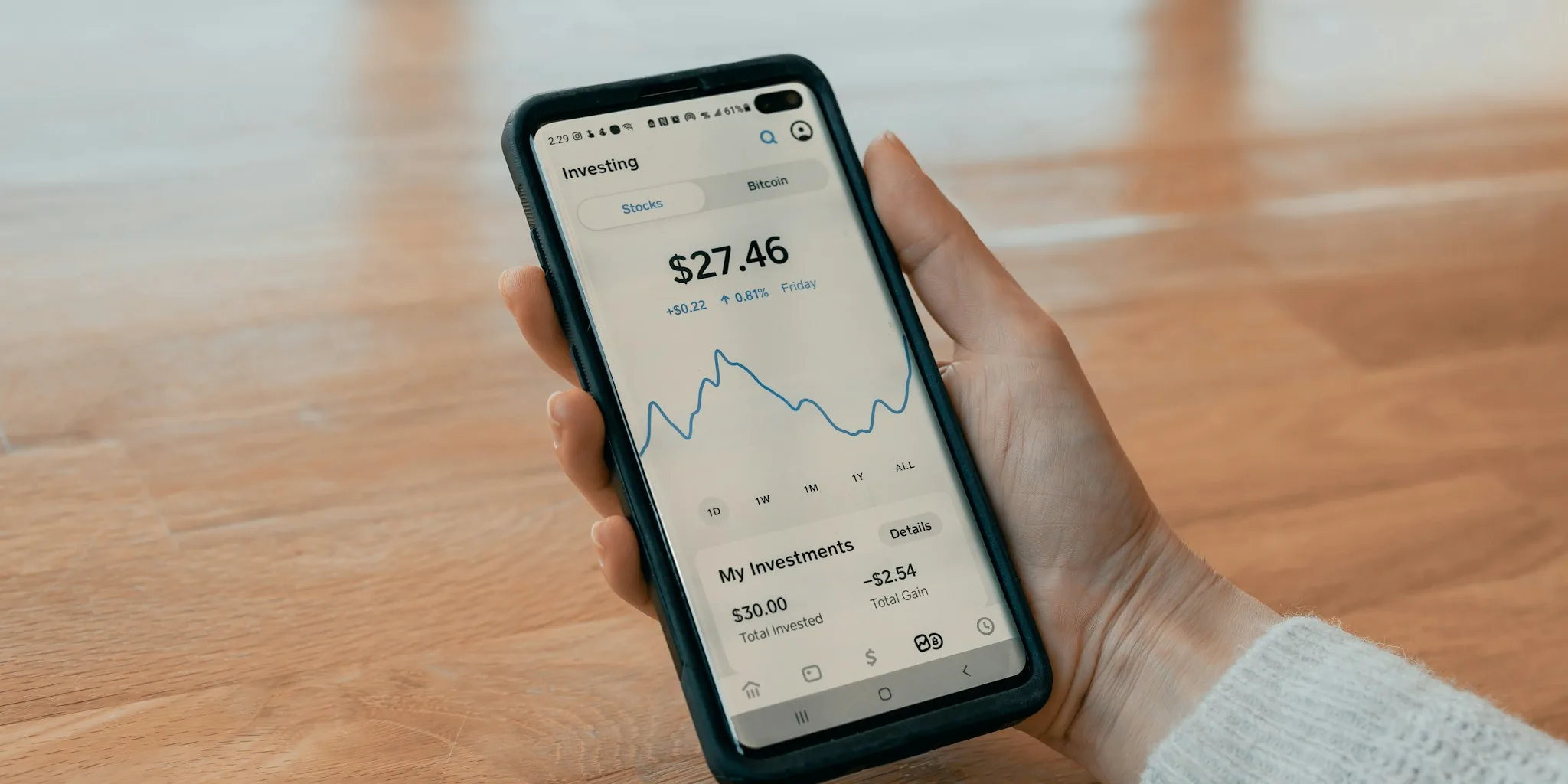
Data anxiety is becoming as real as battery anxiety for smartphone users. While carrier plans continue to get more expensive, websites are growing heavier and consuming more of your monthly allowance without you realizing it. Opera One, a popular mobile browser, has just introduced a feature that could change how iPhone users think about their data consumption.
What is Data Saver and How Does It Work?
Opera’s new Data Saver feature for Opera One on iOS promises to reduce your browsing data usage by as much as 80 percent. The technology works by compressing images and other page content on Opera’s servers before sending the streamlined version to your iPhone. This means you download a much lighter version of each webpage, preserving your monthly data quota.
The feature is optional and completely within your control. You can turn it on or off whenever you choose, and the browser displays how much data you have saved over time. This gives you transparency into the impact of the feature on your usage patterns.
Why Data Saver Matters Now More Than Ever
Modern websites have become substantially heavier than they were a decade ago. According to recent web standards data, the average mobile website homepage has ballooned from 845 kilobytes in 2015 to approximately 2.6 megabytes today. That is more than three times the original size. As developers add more elaborate code, larger photographs, and interactive elements, each page you visit quietly eats away at your data plan.
Even users with generous data allowances can benefit from Data Saver. Websites continue to grow in file size faster than typical plan increases. The cumulative effect means that over the course of a month, you are downloading significantly more content than you might expect. Using data compression becomes a practical way to extend your plan further or avoid overage charges.
Who Benefits Most from This Feature?
Travelers using international roaming data face the most obvious advantage. Roaming rates remain notoriously expensive, and every megabyte counts when you are abroad. Similarly, anyone stretching a prepaid plan or reaching the end of a monthly bundle will find Data Saver especially valuable.
The feature also improves performance when your signal is weak. Smaller files download faster and more reliably, even in areas with spotty coverage. This dual benefit of reduced data usage and improved performance on slower connections makes the tool practical beyond just cutting costs.
Shoppers in the smartphones market should consider Opera One’s approach to data management as one factor when evaluating which browser to use on their new devices. Unlike browsers that offer limited customization, Opera provides control over how your data gets used.
How to Enable Data Saver on Your iPhone
Setting up Data Saver is straightforward. Download the latest version of Opera One from the App Store, then look for the Data Saver toggle in the main menu or within Settings. The toggle sits alongside Opera’s existing free VPN service, ad blocker, and AI tools. No subscription or special account is required.
Since Opera does not force the feature on by default, you maintain complete authority over when to use it. This design respects users who prefer uncompressed content while making the tool available to those who want more data control.
The Bigger Picture for iPhone Users
The introduction of Data Saver reflects a broader reality in mobile computing. Carriers are charging more for data while websites are consuming more of it. This disconnect has prompted third party developers to offer solutions that give users more leverage over their usage.
For iPhone owners who rely on smartwatches and other connected devices, reducing primary device data consumption becomes even more important. When your iPhone is syncing with multiple accessories and services, every byte saved on general browsing extends your plan’s utility.
Opera’s update also demonstrates that browser choice matters. Different browsers offer different advantages, and those evaluating options should consider what tools each one provides for data management, security, and performance.
What This Means for Your Monthly Bill
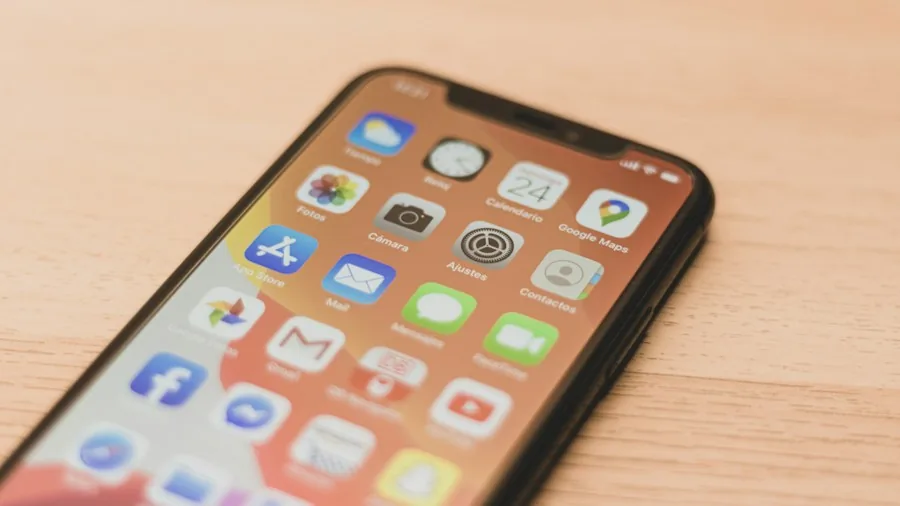
If you use your iPhone primarily for web browsing and social media, Data Saver could meaningfully impact your monthly usage. Reducing data consumption by even 50 percent would translate to substantial savings across a year, especially if you are currently paying overage fees or frequently running low before your billing cycle resets.
For users who pair their iPhones with wireless earbuds and other accessories that consume bandwidth through streaming services, maintaining lower overall data usage on the primary device helps ensure you have capacity for those connected experiences.
The availability of Data Saver as a free feature also matters. You do not need to upgrade your plan or pay for a special app. If it helps you stay within your current allowance or move to a lower tier, the savings add up quickly.
Looking Forward
As websites continue growing heavier and data plans remain expensive, browser features that give you control over consumption will become increasingly valuable. Data Saver represents one practical solution, though users should evaluate whether the trade off between compressed content and data savings aligns with their browsing priorities.
About the author
Eleanor covers smartphones for REMOVU, balancing cameras, battery life, and software support against price. She helps readers find the best value as the field shifts with every release.